 Physics Shark


























City Chase: Escape Police
Looking for a racing game you can play at school? City Chase: Escape Police loads straight in your browser on Physics Shark: free, unblocked and nothing to install.
Show moreShow less
Play City Chase: Escape Police unblocked
Looking for a racing game you can play at school? City Chase: Escape Police loads straight in your browser on Physics Shark: free, unblocked and nothing to install. Play it on a school Chromebook, a laptop, a phone or a tablet.
What is City Chase: Escape Police?
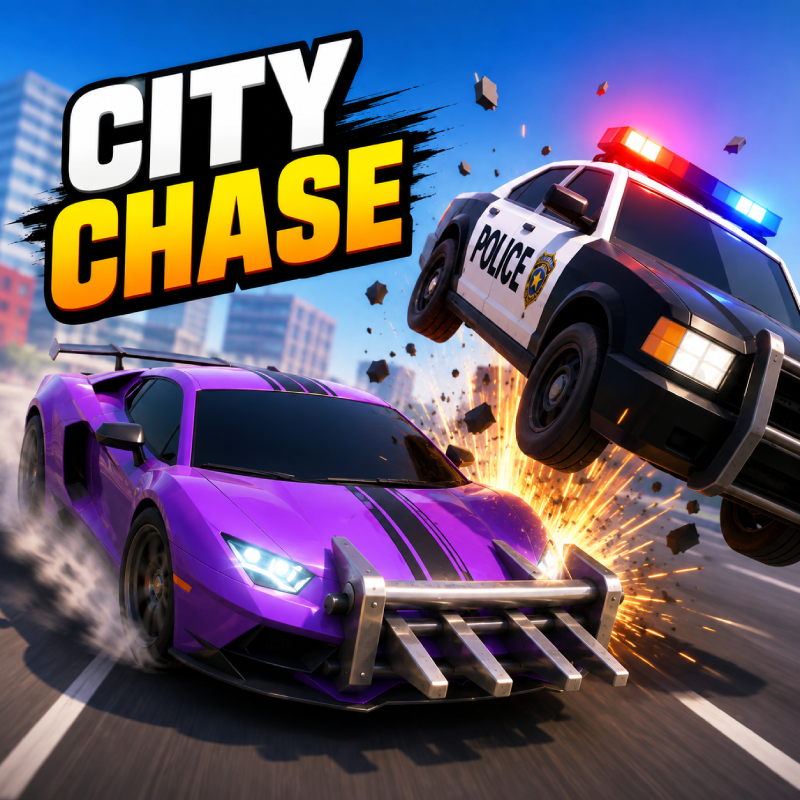
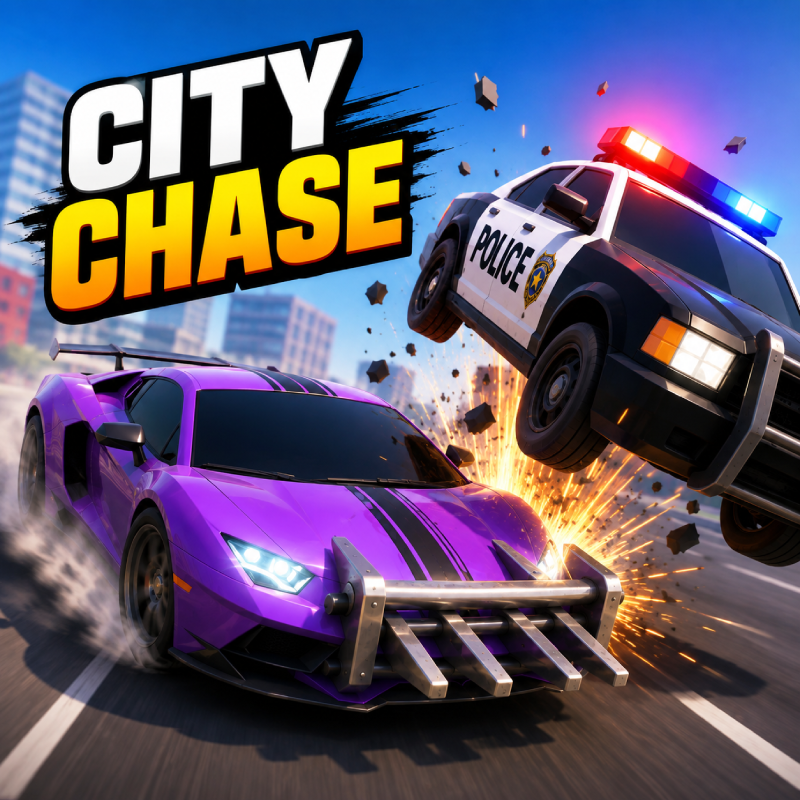
Race through the city and survive the police chase for as long as you can! Dodge cops, collect coins, grab HP boosts, and pick up the Ram Bar to smash police cars and send them flying. Unlock new cars with unique traits, survive rising Wanted Levels, and keep beating your best time before the cops finally bust you.
How to play City Chase: Escape Police
Dodge the police cars and survive as long as you can to achieve the highest score. Collect coins to fill the garage with cars.
Mobile Controls:
Hold Left Side of Screen: Steer left.
Hold Right Side of Screen: Steer right.
Hold Both Sides: Reverse.
Release: Straighten up — the car keeps accelerating on its own.
Button Mode: Switch to on-screen arrows with GO and REVERSE pedals at any time; your choice is saved.
Camera Button: Tap to drop the view in behind the car.
Reset Button: Tap to free your car if it gets stuck.
Desktop Controls:
← (Left Arrow) or A: Steer left.
→ (Right Arrow) or D: Steer right.
↓ (Down Arrow) or S: Reverse.
↑ (Up Arrow), W or Spacebar: Accelerate (in button mode — by default the car accelerates on its own).
Mouse: Hold the left button on the left or right side of the screen to steer that way.
R: Reset your car if it gets stuck, without ending the run.
Esc or the on-screen pause button: Pause.
City Chase: Escape Police controls
- Mouse: Hold the left button on the left or right side of the screen to steer that way
- R: Reset your car if it gets stuck, without ending the run
City Chase: Escape Police FAQ
Is City Chase: Escape Police free to play?
Yes. City Chase: Escape Police is free on Physics Shark, with nothing to download and no account to make.
Can I play City Chase: Escape Police unblocked at school?
City Chase: Escape Police runs in a normal browser tab with no install, so it plays on school Chromebooks and laptops, with nothing to install and no account.
Does City Chase: Escape Police work on phones and tablets?
Yes. It works with touch controls on phones and tablets, and with a keyboard and mouse on computers.
- LikedNo votes yet
- Rank#1788 of 2870
- PlaysBe the first!
- UpdatedNovember 2026
Gameplay

About this game
- Controls
- MouseHold the left button on the left or right side of the screen to steer that way
- RReset your car if it gets stuck, without ending the run
- Supported devices
- Desktop, phone and tablet
- Games like City Chase: Escape Police
- Rumble RushSummer Rider 3DKart BrosMoto X3M OriginalSuperbike HeroSuper Car Soccer Arena














