 Physics Shark










Crazy Bob
Looking for an arcade game you can play at school? Crazy Bob loads straight in your browser on Physics Shark: free, unblocked and nothing to install. Play it on a school Chromebook, a laptop, a phone or a tablet.
Show moreShow less
Play Crazy Bob unblocked
Looking for an arcade game you can play at school? Crazy Bob loads straight in your browser on Physics Shark: free, unblocked and nothing to install. Play it on a school Chromebook, a laptop, a phone or a tablet.
What is Crazy Bob?
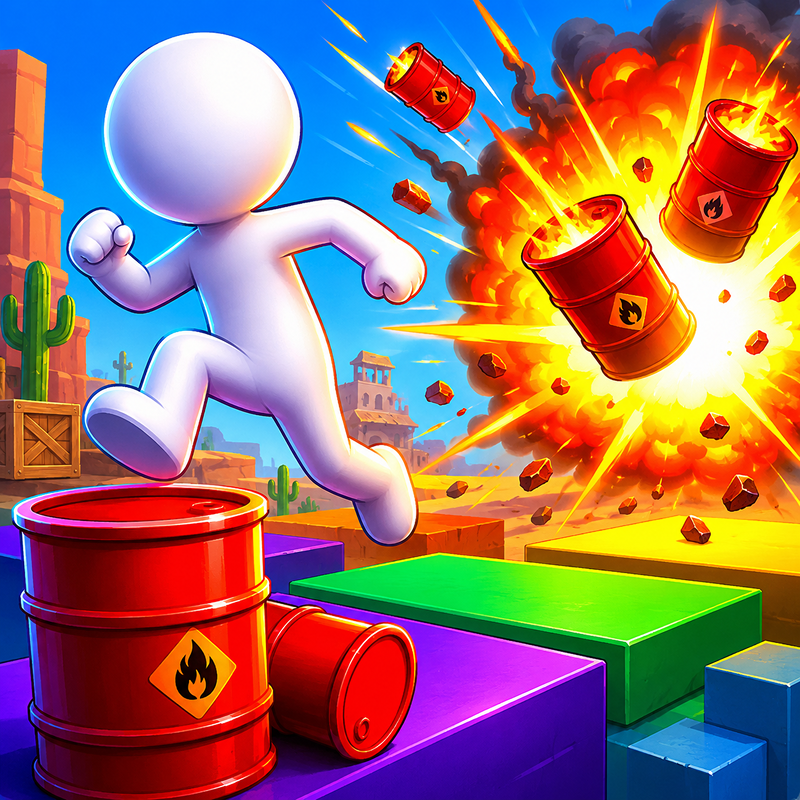
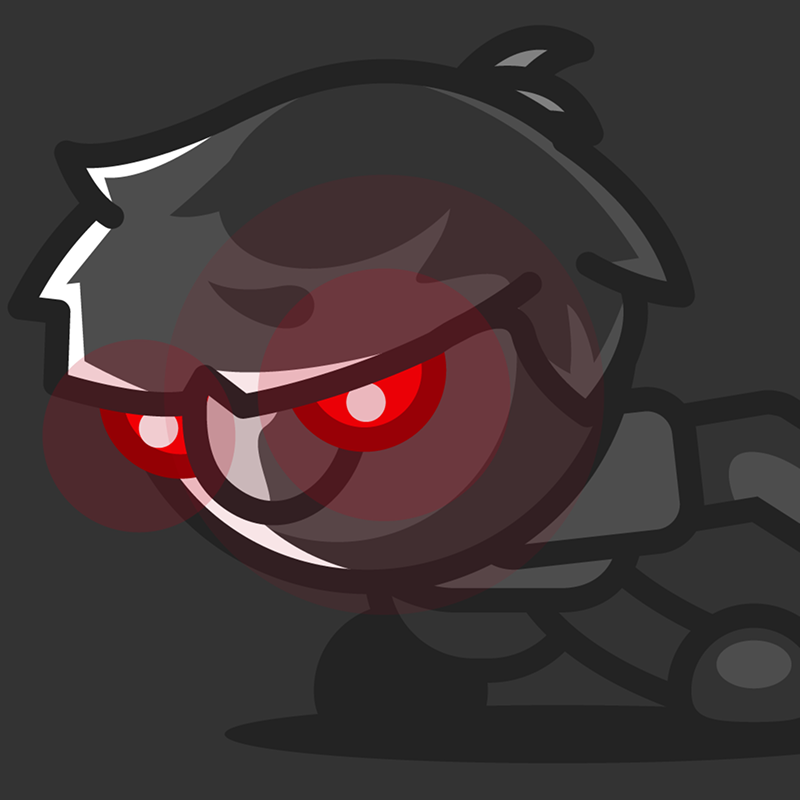
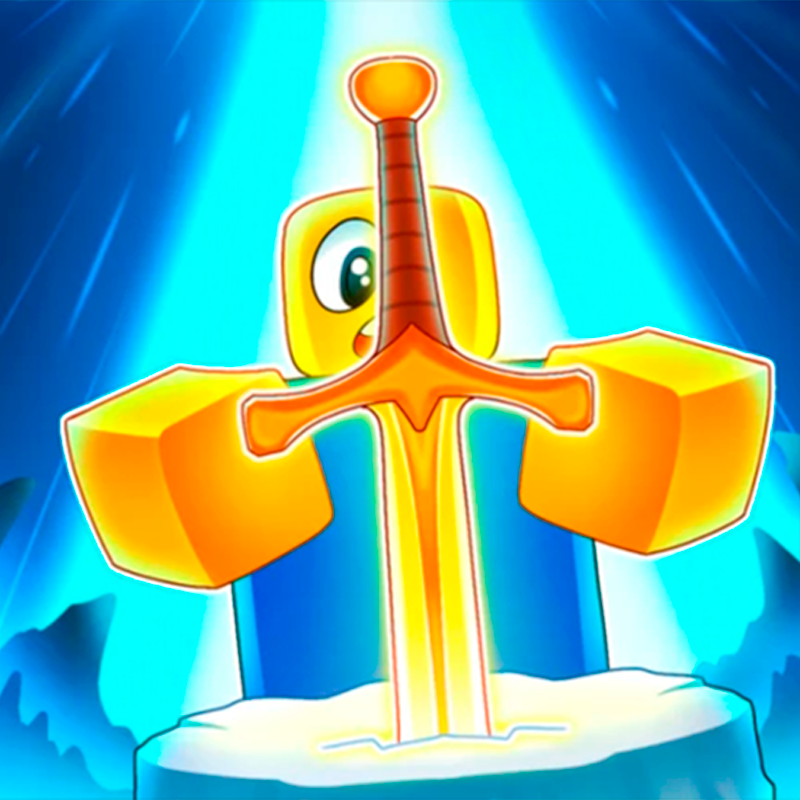
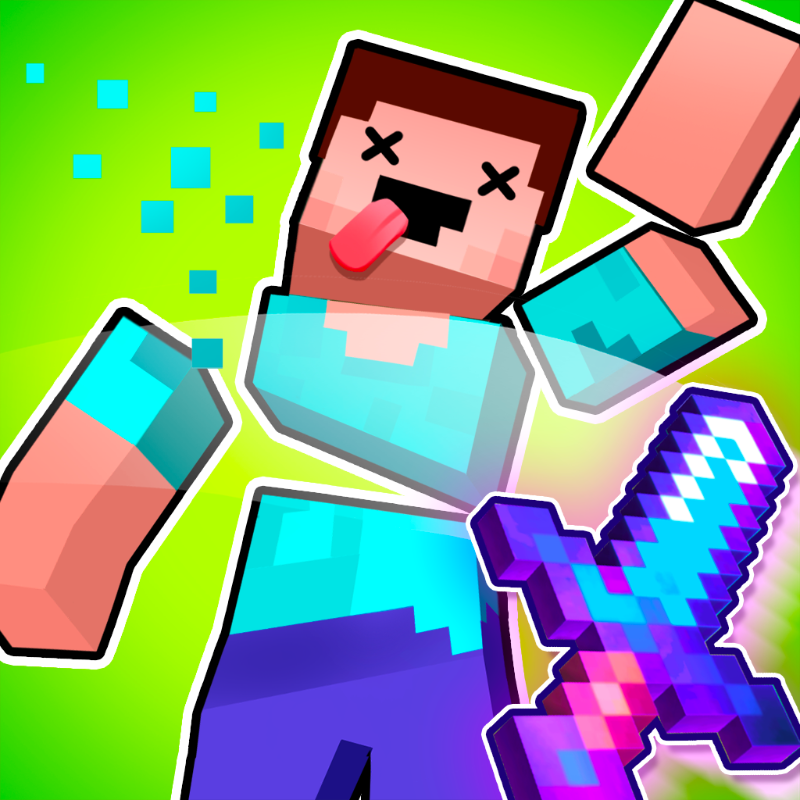
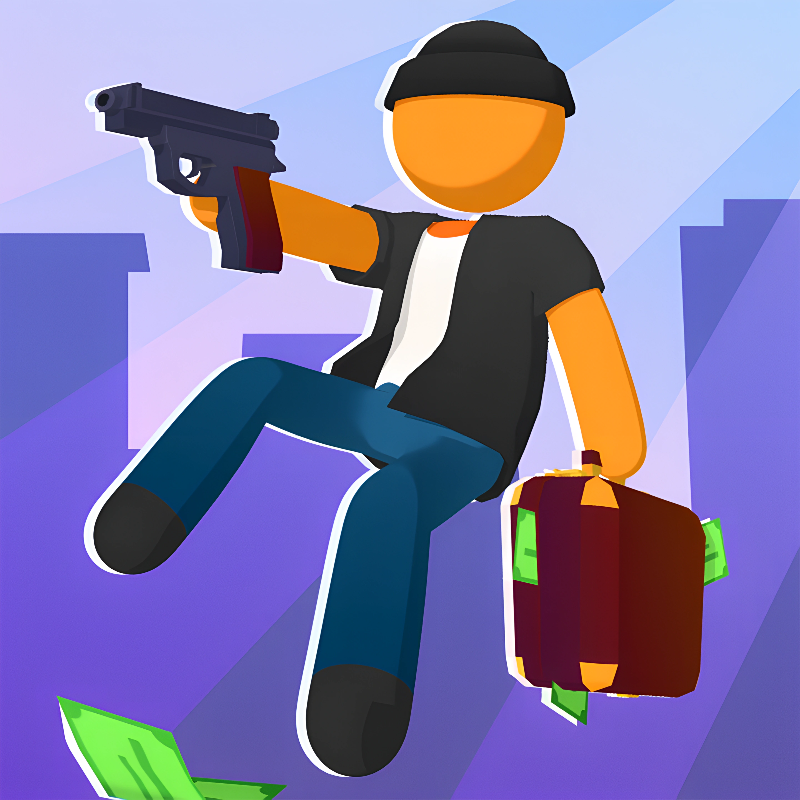
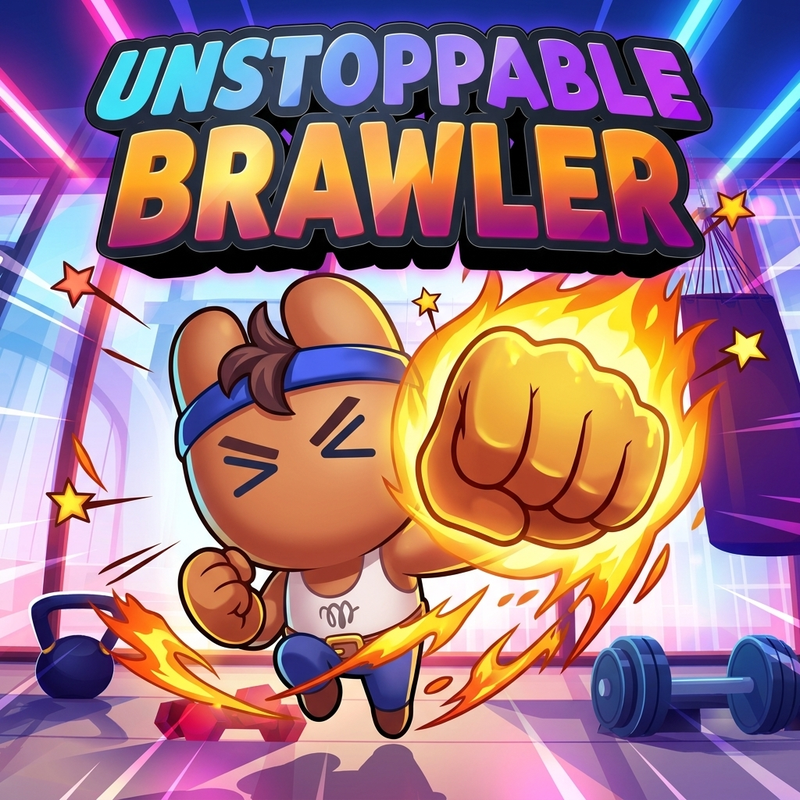
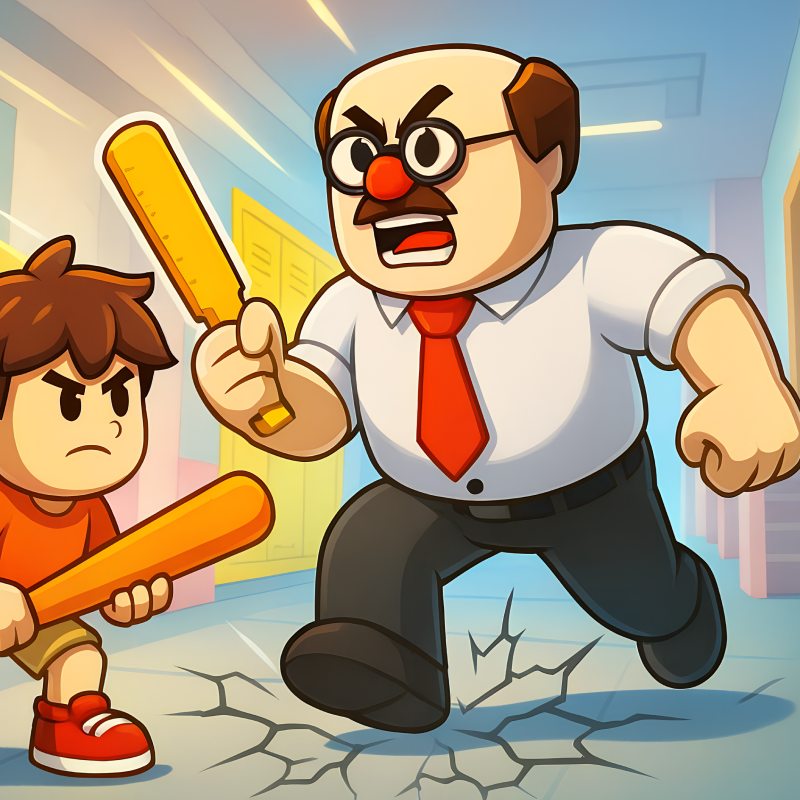
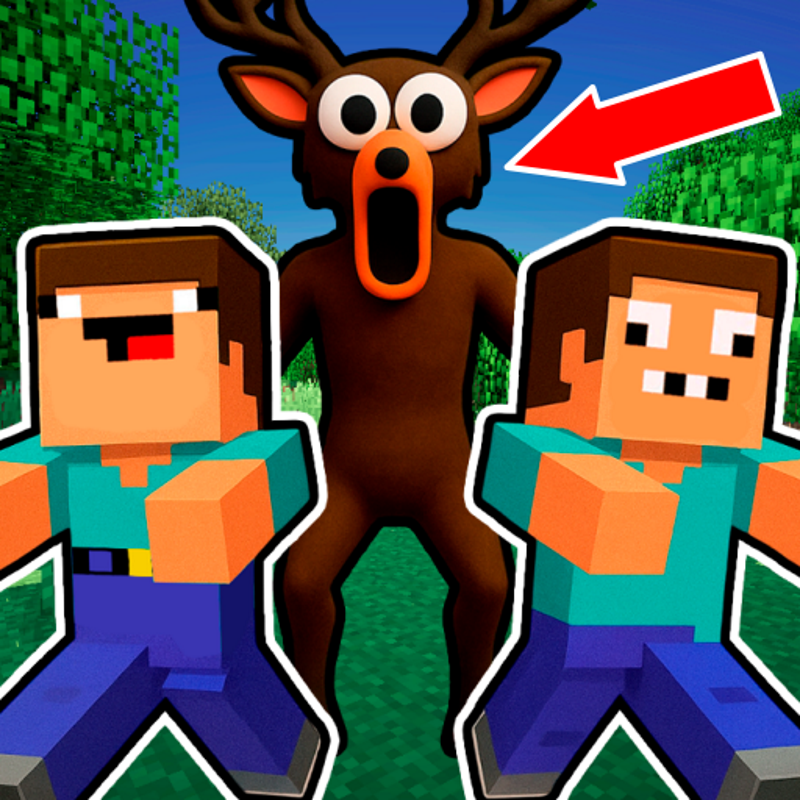
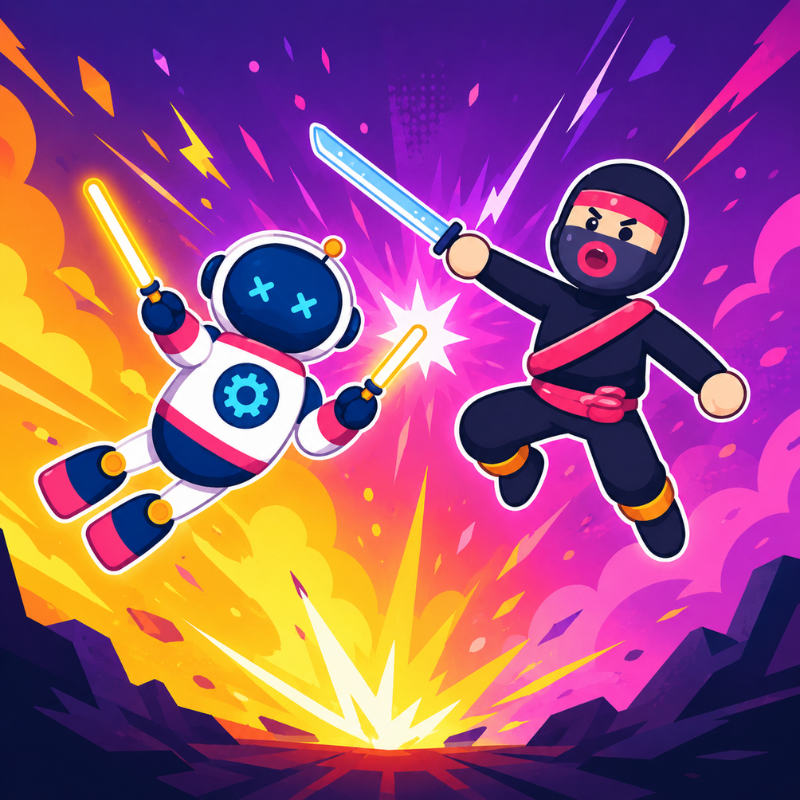
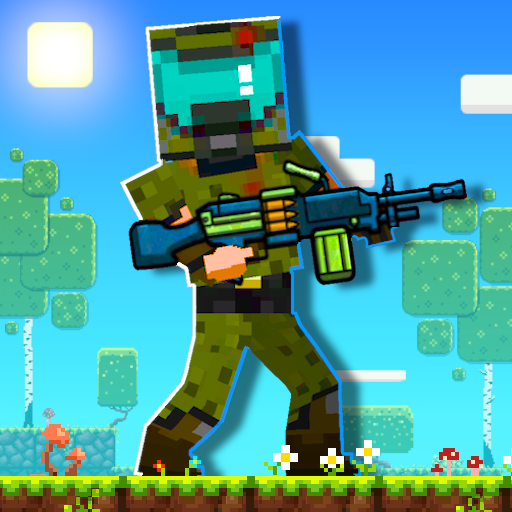
Ready for a crazy adventure across floating islands?
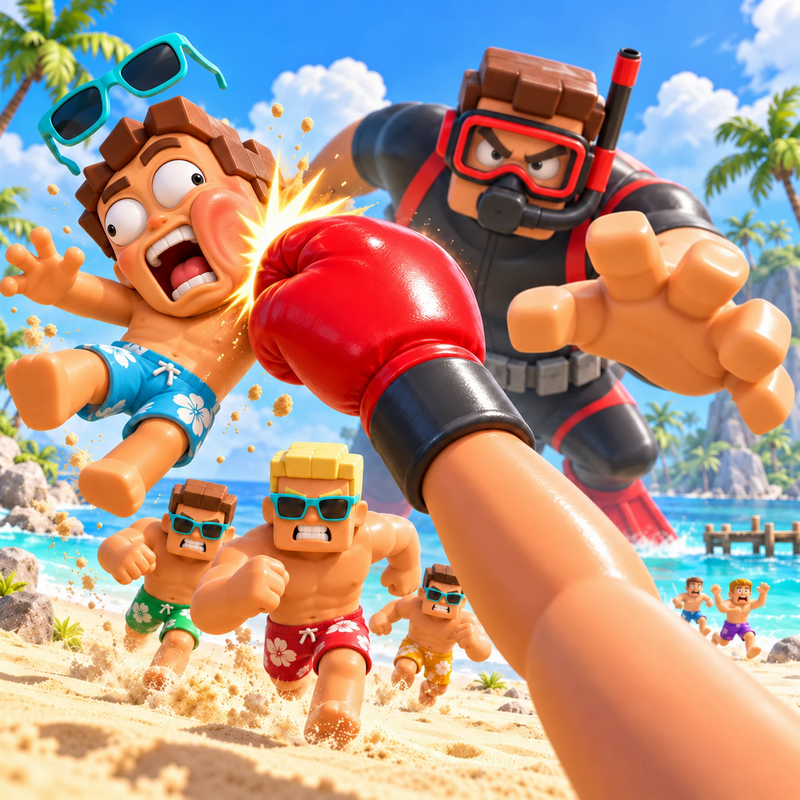
Take control of Crazy Bob, battle dangerous enemies, cause explosive chaos, and fight for survival in a world full of challenges.
Explore floating islands, overcome traps and obstacles, complete quests, and unlock new portals to unexplored lands.
How to play Crazy Bob
HOW TO PLAY
🟥 Red button or RMB — Punch.
🟪 Purple button or R — Spin Attack.
⬆️ Spacebar — Jump.
🎮 W, A, S, D — Move.
Not sure where to start? Check out the tutorial in the main menu!
Crazy Bob controls
- Red button or RMB: Punch
- Purple button or R: Spin Attack
- Spacebar: Jump
- W, A, S, D: Move
Crazy Bob FAQ
Is Crazy Bob free to play?
Yes. Crazy Bob is free on Physics Shark, with nothing to download and no account to make.
Can I play Crazy Bob unblocked at school?
Crazy Bob runs in a normal browser tab with no install, so it plays on school Chromebooks and laptops, with nothing to install and no account.
Does Crazy Bob work on phones and tablets?
Yes. It works with touch controls on phones and tablets, and with a keyboard and mouse on computers.
- LikedNo votes yet
- Rank#1354 of 2870
- PlaysBe the first!
- UpdatedNovember 2026
Gameplay

About this game
- Controls
- Red button or RMBPunch
- Purple button or RSpin Attack
- SpacebarJump
- W, A, S, DMove
- Supported devices
- Desktop, phone and tablet














