 Physics Shark







































Dream Home
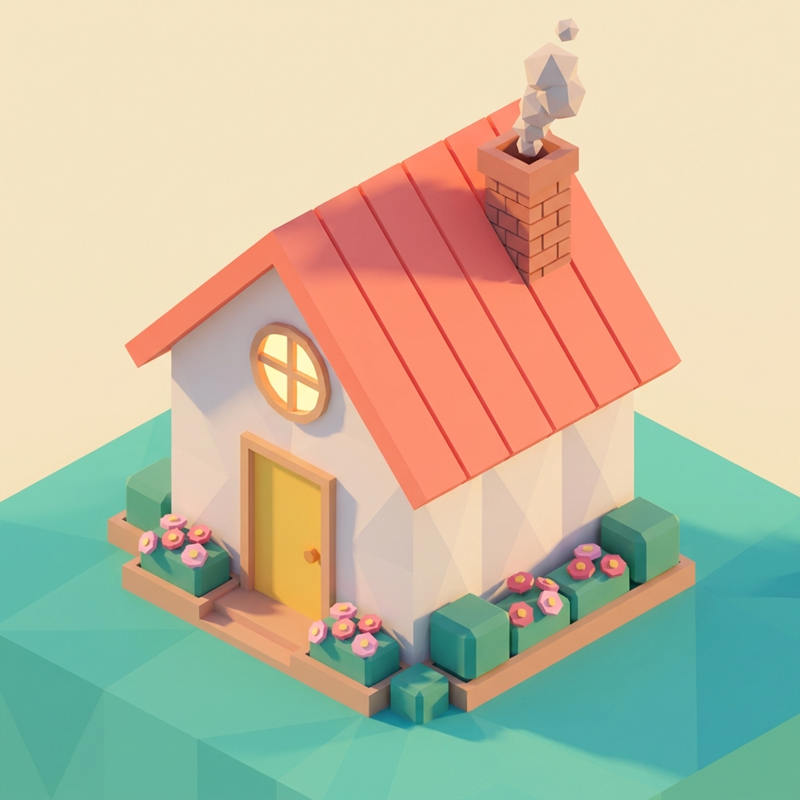
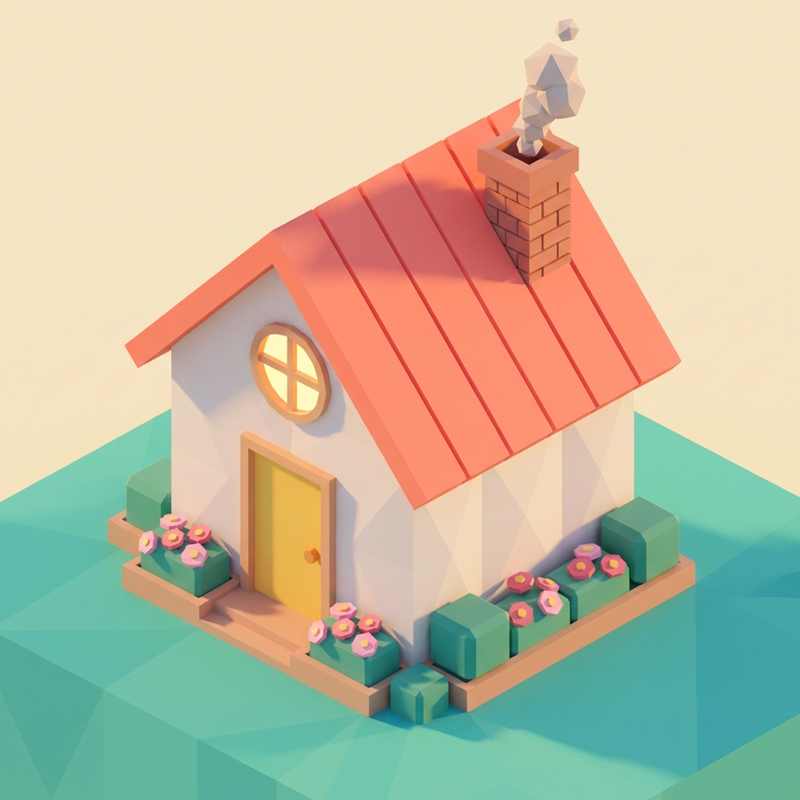
Dream Home is a 3D decorating game you can play unblocked right here on Physics Shark.
Show moreShow less
Play Dream Home unblocked
Dream Home is a 3D decorating game you can play unblocked right here on Physics Shark. It runs in your browser with no download, no install and no account, so you can play it on a school Chromebook, a laptop, a phone or a tablet.
What is Dream Home?
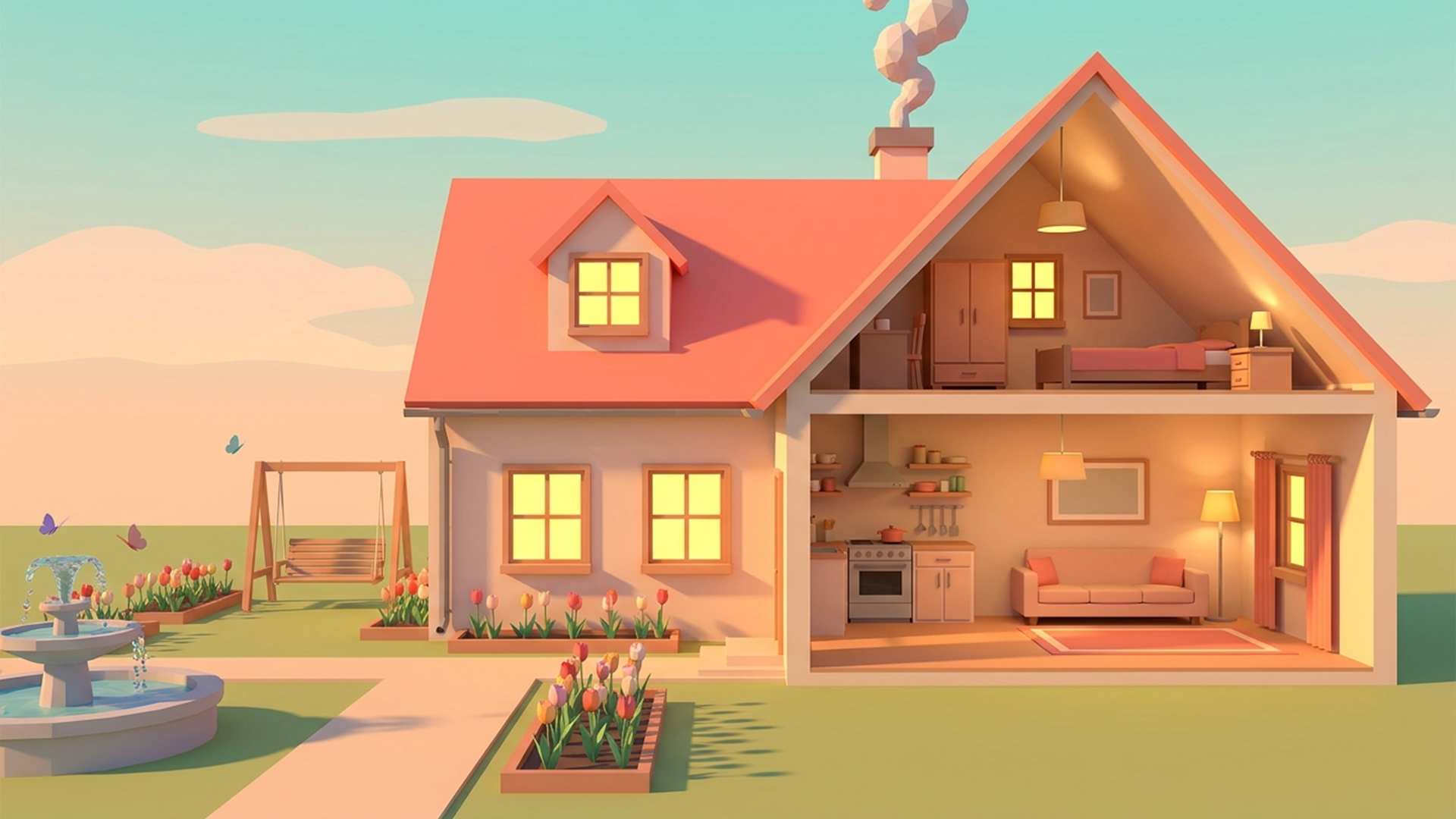
A cozy 3D builder where you design and furnish your very own house from scratch. Raise walls and floors, paint them any color, hang wallpaper, lay flooring, arrange furniture, and decorate the yard: from flower beds and a campfire to a pool and a fountain.
Finished a room? Step inside! First-person walk mode lets you stroll through your house, climb the stairs, and see the result with your own eyes, by day and by night.
Want more than a sandbox? Fill client orders: build to the brief, get graded on your work, earn experience, and level up. A special challenge order is available every day. As you level up, new plots unlock — so you can work on several houses at once.
How to play Dream Home
Controls on computer: mouse — building and camera (right button — rotate, wheel — zoom), WASD/arrows — move camera, R — rotate item, Delete — sell, Esc — exit walk mode.
Controls on phone: tap — build and select, two fingers — rotate and zoom camera, joystick — walking in walk mode.
Dream Home controls
- Controls on phone: tap — build and select, two fingers — rotate and zoom camera, joystick — walking in walk mode
Dream Home FAQ
Is Dream Home free to play?
Yes. Dream Home is free on Physics Shark, with nothing to download and no account to make.
Can I play Dream Home unblocked at school?
Dream Home runs in a normal browser tab with no install, so it plays on school Chromebooks and laptops, with nothing to install and no account.
Does Dream Home work on phones and tablets?
Yes. It works with touch controls on phones and tablets, and with a keyboard and mouse on computers.
- LikedNo votes yet
- Rank#541 of 2870
- PlaysBe the first!
- UpdatedNovember 2026
Gameplay
About this game
- Controls
- Controls on phonetap — build and select, two fingers — rotate and zoom camera, joystick — walking in walk mode
- Supported devices
- Desktop, phone and tablet
- Genre
- Casualdecoration3dcozysimulationgirlsbuilding














