 Physics Shark







Eat Blobs Simulator
Eat Blobs Simulator is a 2-player .io game you can play unblocked right here on Physics Shark.
Show moreShow less
Play Eat Blobs Simulator unblocked
Eat Blobs Simulator is a 2-player .io game you can play unblocked right here on Physics Shark. It runs in your browser with no download, no install and no account, so you can play it on a school Chromebook, a laptop, a phone or a tablet.
What is Eat Blobs Simulator?
Enter the Colorful Blob Arena
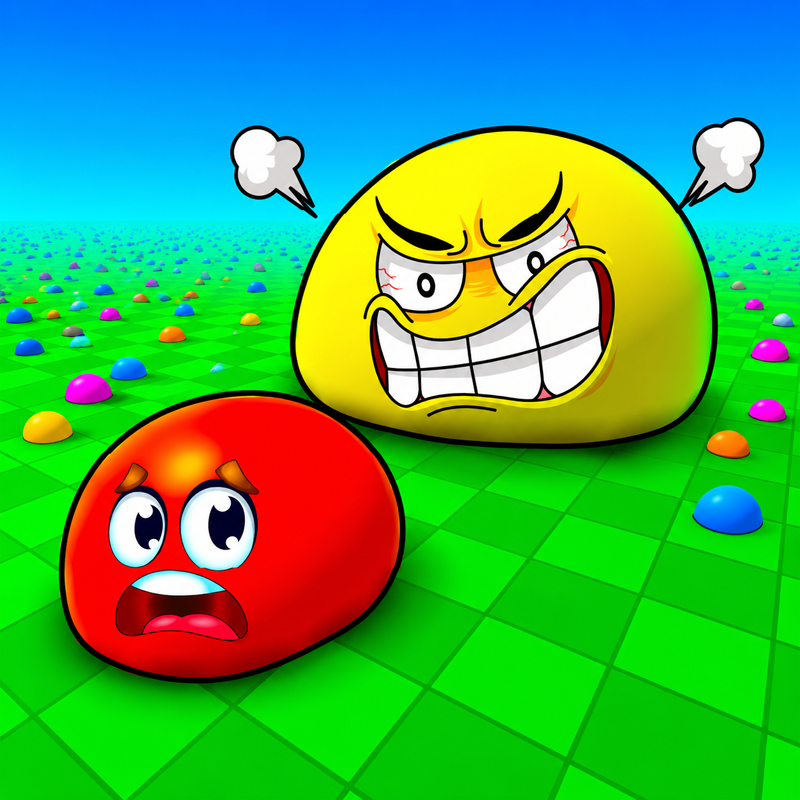
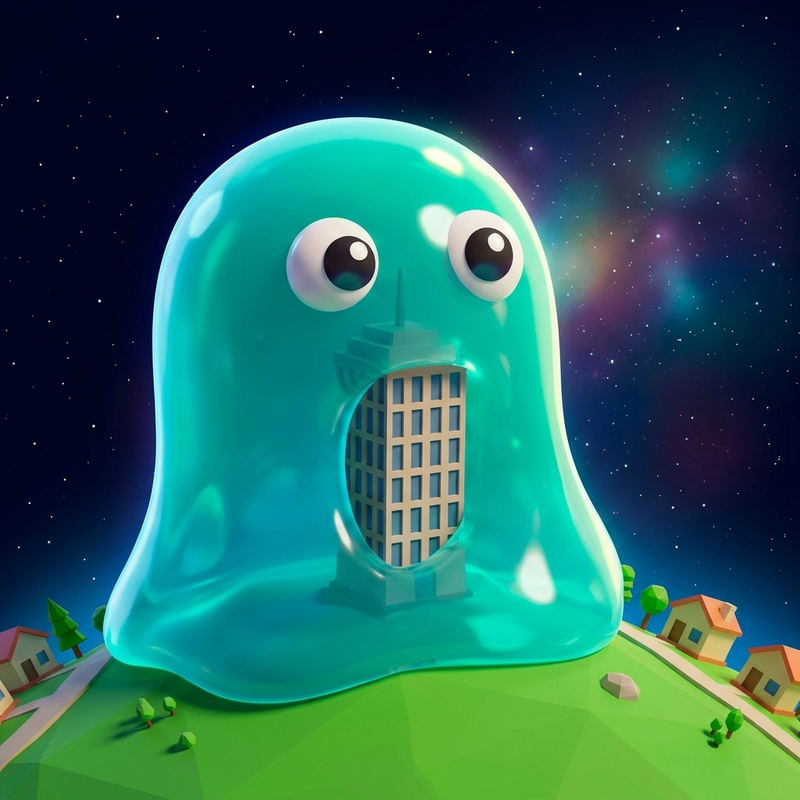
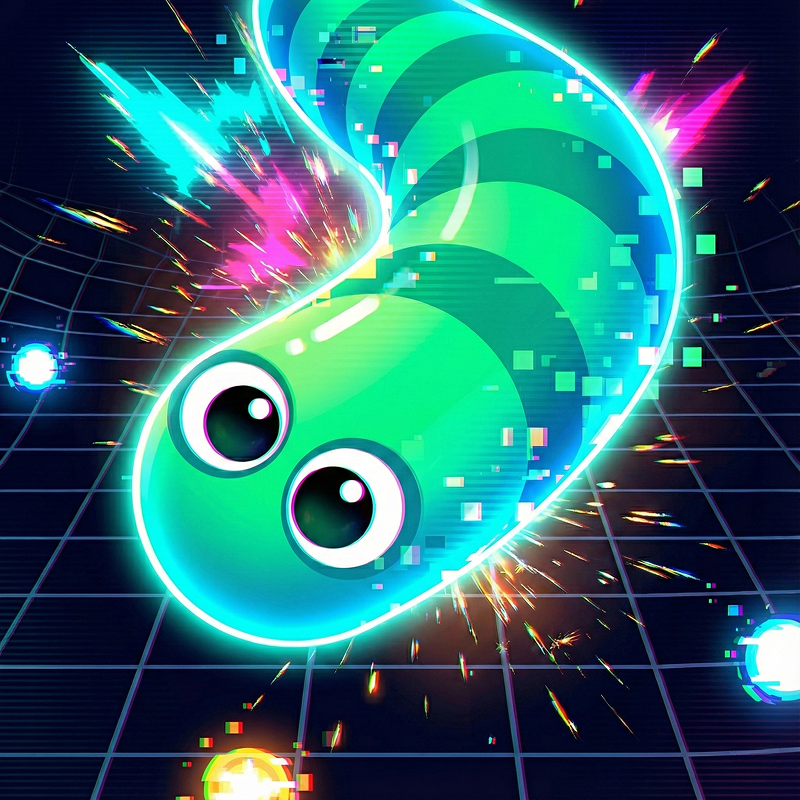
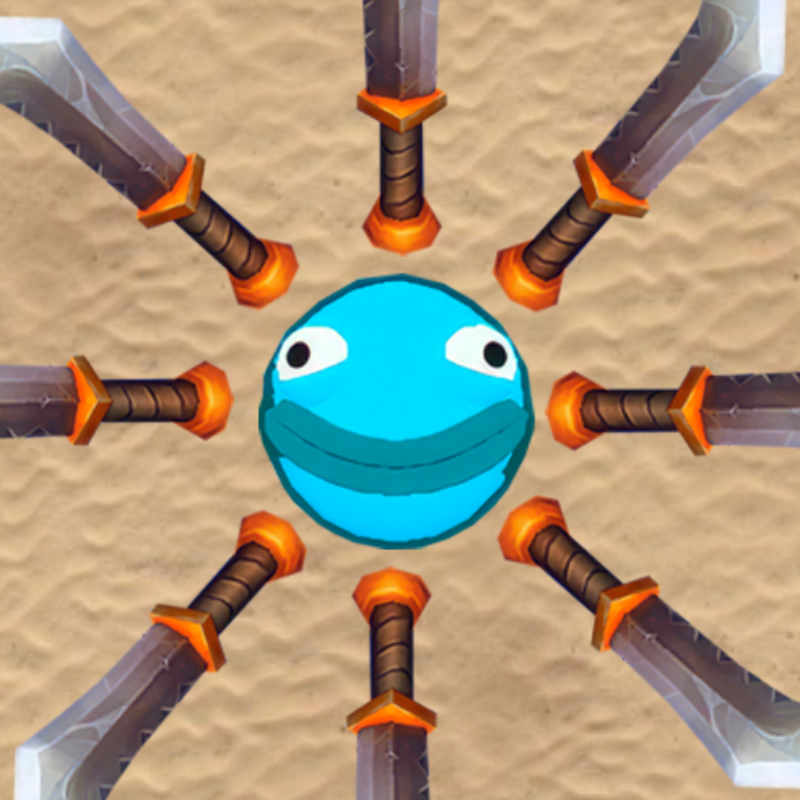
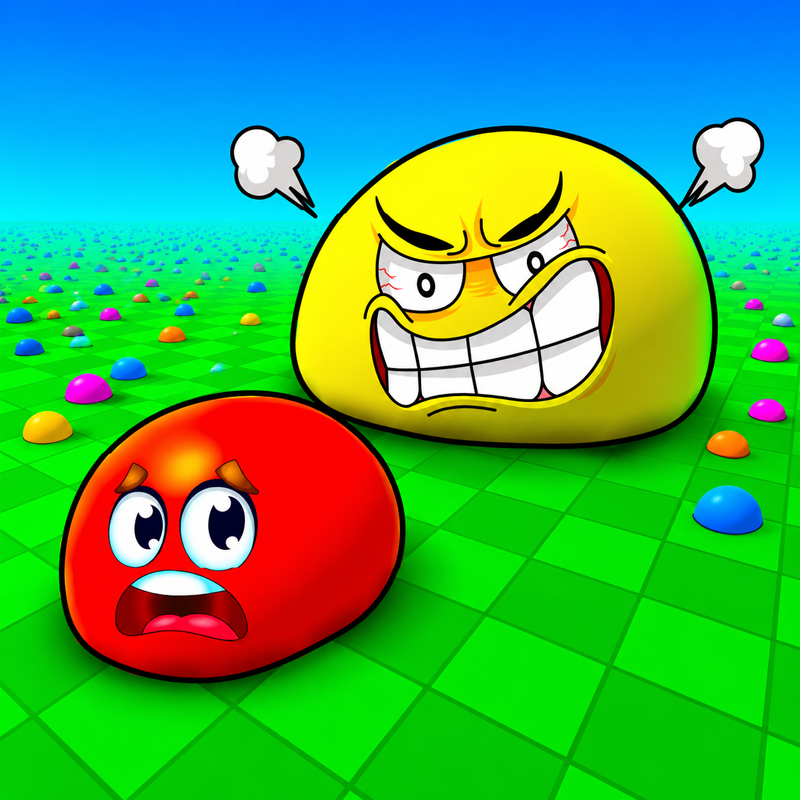
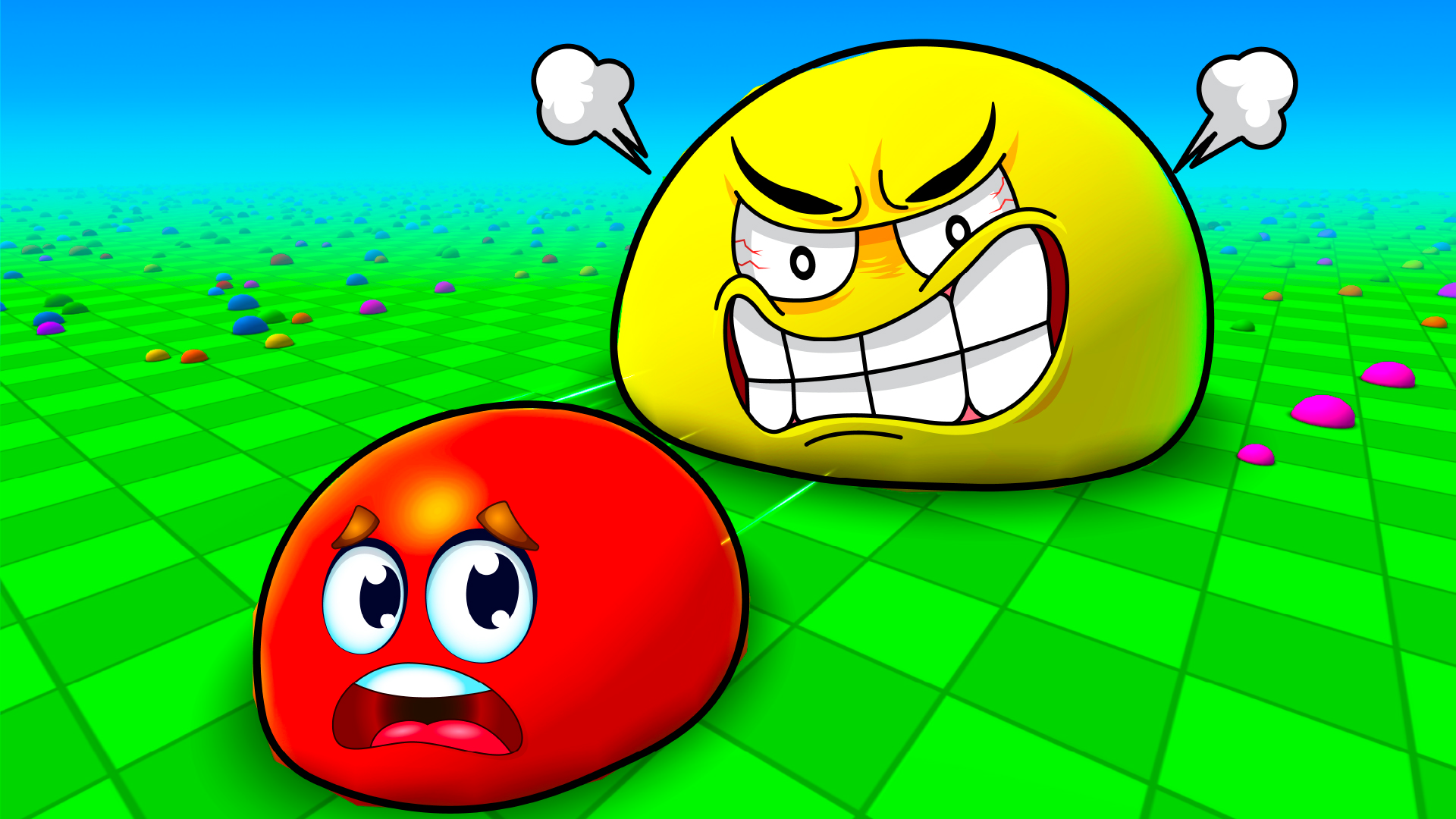
Eat Blobs Simulator is a competitive growing game where tiny slimes can become enormous arena champions. Choose your favorite blob, enter a nickname, and begin collecting the colorful slime pieces spread across the map. Every piece you eat increases your size and brings you closer to the top of the arena.
Growing also changes which opponents you can challenge. Smaller blobs become valuable targets, but larger players can end your run if you get too close. Watch the sizes around you, choose safe routes, and wait until you are strong enough before beginning the hunt.
Eat, Grow, and Take Control
The main objective is to become the biggest blob in the arena. Start by collecting the small pieces around the map, then chase opponents who are smaller than you. Eating another slime can provide a major growth boost and quickly improve your position.
Do not focus only on nearby targets. A larger opponent may be approaching from behind, and chasing one small blob too far can lead you into danger. Camera control and map awareness are important, especially once the arena becomes crowded.
Unlock New Blob Skins
Earn coins and rewards while playing, then use them to unlock different blob appearances. New skins let you enter future matches with a fresh look while continuing to improve your performance.
Your rewards depend on the size you reach, the coins you collect, and how well you perform during each round. Even a short run can help you build toward another skin or give you a better start in the next match.
Play Solo or With a Friend
Eat Blobs Simulator supports single-player and local two-player gameplay. Solo mode gives you full camera and zoom control as you explore the arena and compete against other blobs.
In two-player mode, you can share the same device with a friend. Collect slime pieces, grow faster than the other player, and decide whether to explore separate parts of the arena or compete for the same targets. The simple controls make it easy to begin, but becoming the largest blob still requires smart movement.
How to Play
Move around the arena and eat the small slime pieces to grow. Once you are larger than another blob, chase and consume it for a bigger reward. Stay away from opponents that are larger than you, because they can eat your character.
Keep collecting until you become one of the strongest blobs in the arena.
Helpful Tips
Collect nearby slime pieces before challenging other players.
Compare sizes carefully before beginning a chase.
Keep moving so larger blobs cannot trap you.
Use open areas when you need to escape.
Avoid following a target without checking what is behind you.
In two-player mode, do not let the other player take every safe group of slimes.
Main Features
Colorful eating-and-growing arena gameplay
Single-player and local two-player modes
Smaller blobs to hunt and larger opponents to avoid
Coins, performance rewards, and unlockable skins
Simple keyboard and mouse controls
Mobile and tablet joystick support
Quick matches with increasing competition
Easy-to-learn rules with strategic movement
Eat Blobs Simulator turns a simple growing idea into a lively arena battle. Collect, grow, unlock new looks, and prove that your slime can become the king of the blob arena.
How to play Eat Blobs Simulator
Player 1: W, A, S, D
Player 2: Arrow Keys
In single-player mode:
Rotate the Camera: Hold the Left Mouse Button and move the mouse
Zoom In or Out: Mouse Wheel
On mobile phones and tablets, move with the on-screen joystick.
Eat Blobs Simulator controls
- W, A, S, D: Player 1
- Arrow Keys: Player 2
- Rotate the Camera: Hold the Left Mouse Button and move the mouse
- Mouse Wheel: Zoom In or Out
Eat Blobs Simulator FAQ
Is Eat Blobs Simulator free to play?
Yes. Eat Blobs Simulator is free on Physics Shark, with nothing to download and no account to make.
Can I play Eat Blobs Simulator unblocked at school?
Eat Blobs Simulator runs in a normal browser tab with no install, so it plays on school Chromebooks and laptops, with nothing to install and no account.
Does Eat Blobs Simulator work on phones and tablets?
Yes. It works with touch controls on phones and tablets, and with a keyboard and mouse on computers.
- LikedNo votes yet
- Rank#763 of 2870
- PlaysBe the first!
- UpdatedNovember 2026
Gameplay
About this game
- Controls
- W, A, S, DPlayer 1
- Arrow KeysPlayer 2
- Rotate the CameraHold the Left Mouse Button and move the mouse
- Mouse WheelZoom In or Out
- Supported devices
- Desktop, phone and tablet
- Genre
- Multiplayeriotwo playerslimeevolutionslither io
- Games like Eat Blobs Simulator
- Skribbl.ioMeeland.ioTornado-67Little Big Fightersshrinkzone.ioAnt Swarm.io














