 Physics Shark







Flippee Ball
Looking for a 2-player basketball game you can play at school? Flippee Ball loads straight in your browser on Physics Shark: free, unblocked and nothing to install.
Show moreShow less
Play Flippee Ball unblocked
Looking for a 2-player basketball game you can play at school? Flippee Ball loads straight in your browser on Physics Shark: free, unblocked and nothing to install. Play it on a school Chromebook, a laptop, a phone or a tablet.
What is Flippee Ball?
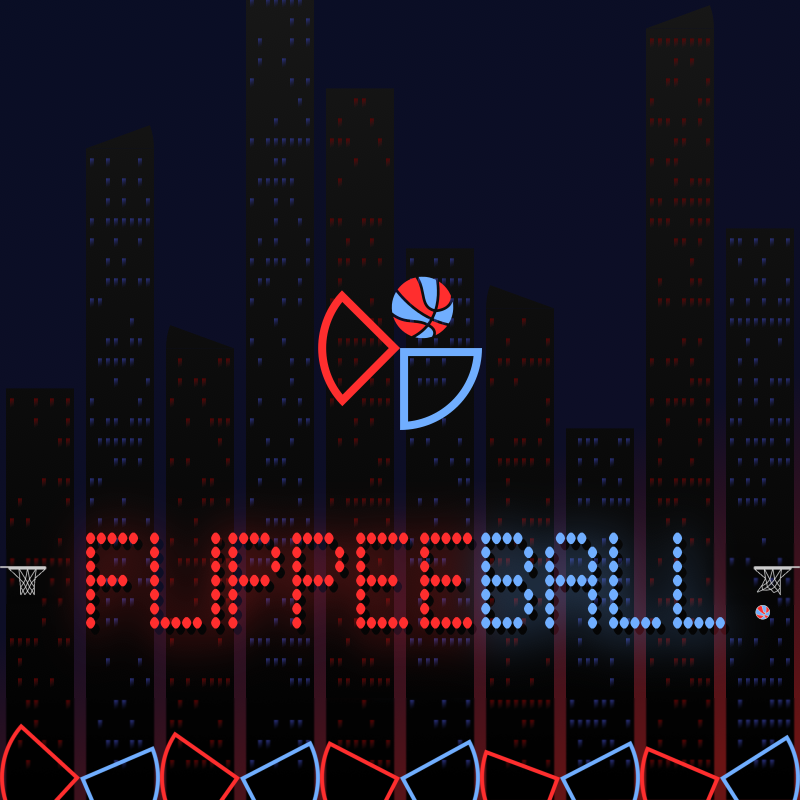
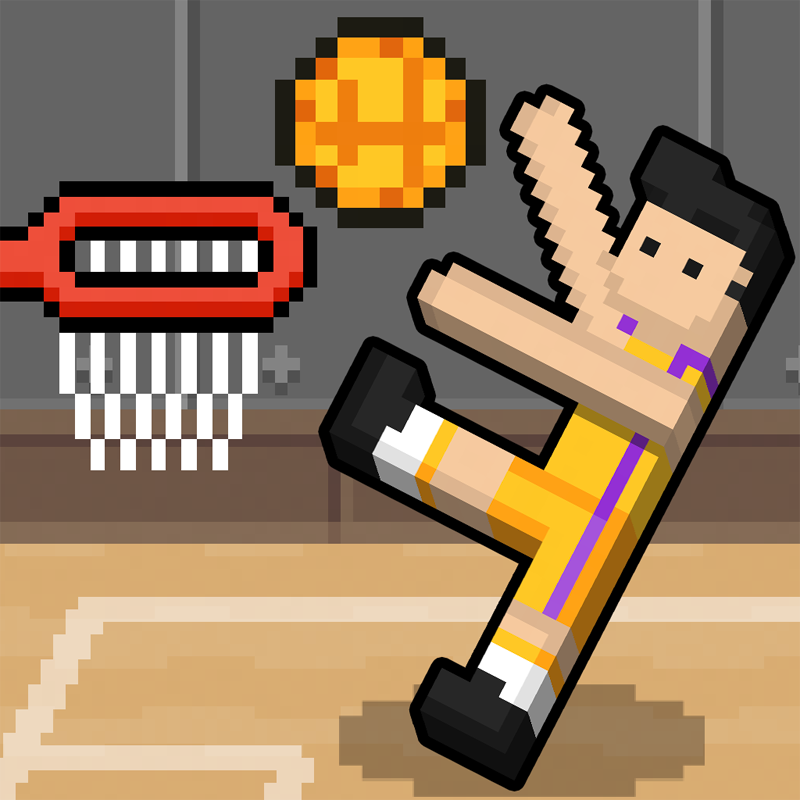
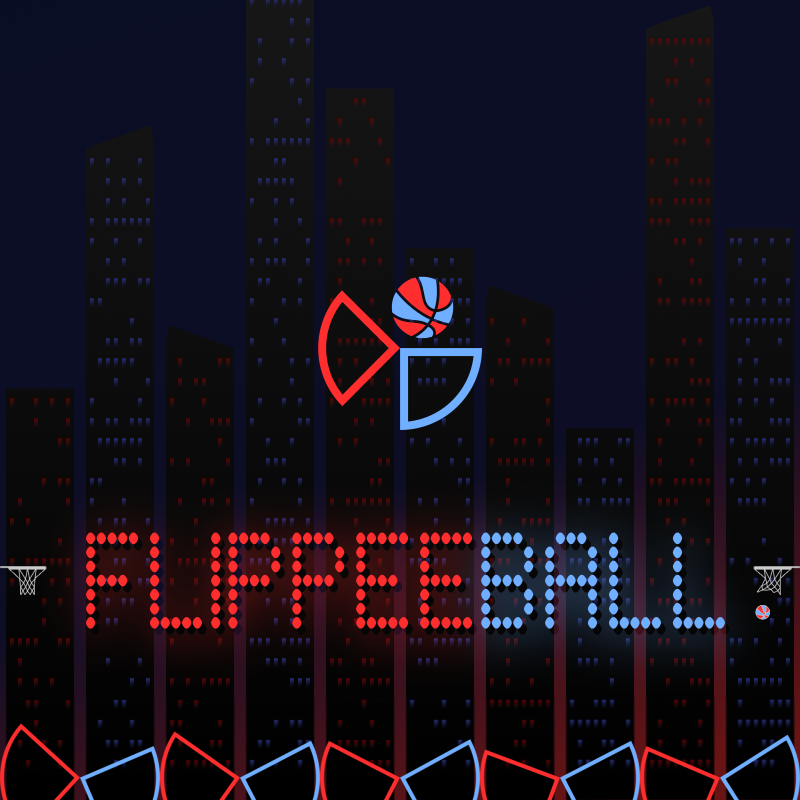
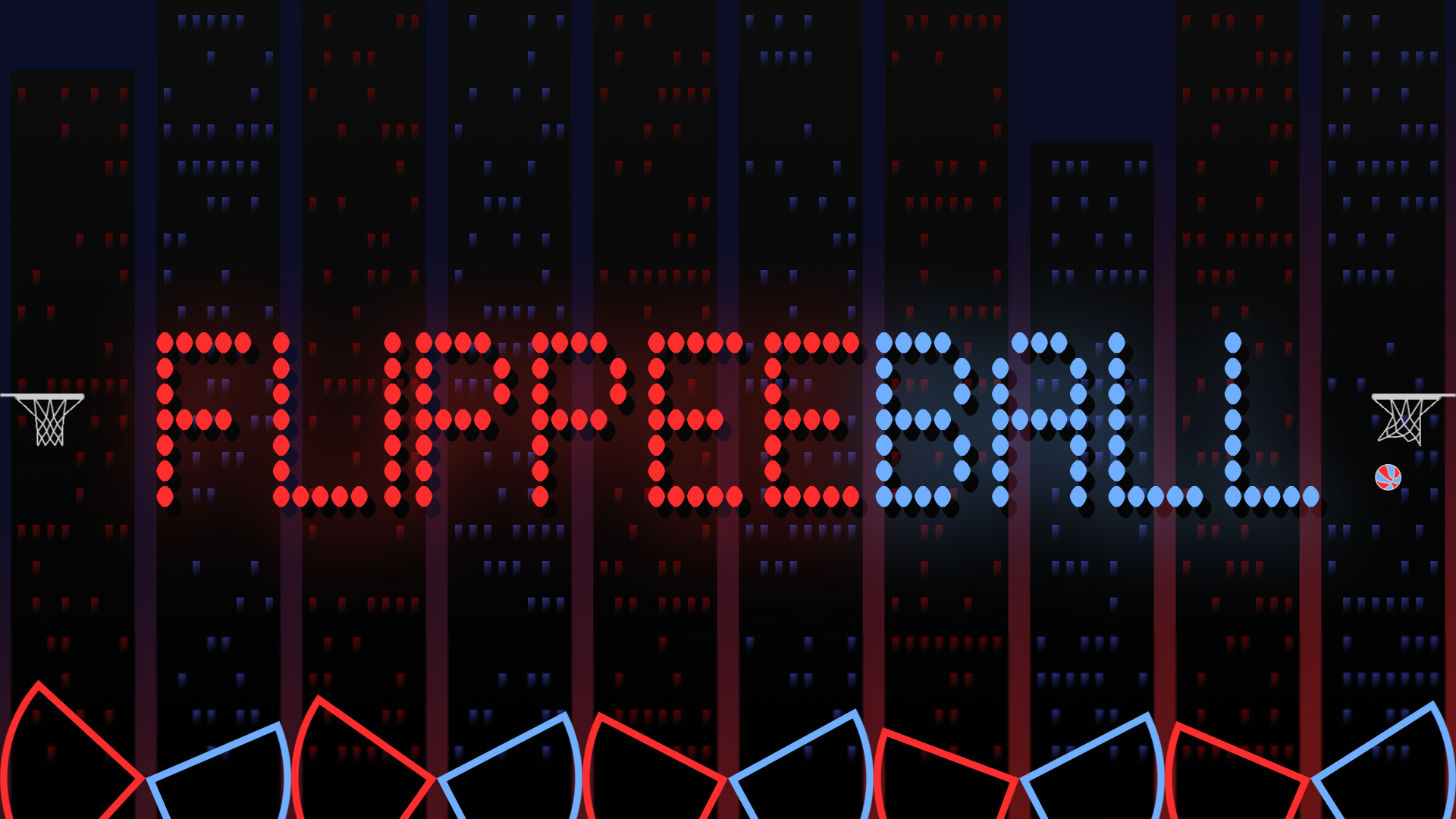
A HYBRID ARCADE GAME OF PINBALL & BASKETBALL
- Flip the flippers and try to hit the ball into the basket.
- Play against the CPU or another player on the same device.
- Perfect your technique in the Academy - 100 increasingly challenging "assists" for you to try to score from.
How to play Flippee Ball
You control one set of flippers - either red or blue. Flipping uses just one button and flips all five of your flippers. See if you have what it takes to beat the computer. The default settings are "AMATEUR" speed against the computer on "EASY" difficulty with "AIM ASSIST" enabled (this gives you a little help with shot accuracy). Once you feel comfortable, try the other difficulties, "PROFFESSIONAL" speed, then switch "AIM ASSIST" off!
If that's not enough, try the "FLIPPEE ACADEMY" - 100 levels (50 each at "AMATEUR" & "PROFESSIONAL" speeds) where the ball is launched and you must try to score - but each level only allows for a certain number of touches - and you must score before the ball hits your opponent's flippers.
Navigate menus using:
- Mouse
- Touch
- Keyboard (arrow keys and space to action)
- Controller - direction pad and any of the main four buttons
Use the game mode button to the left of the scoreboard to select between 7 game modes:
- Longest Streak - see how many games in a row you can win against the computer:
- Easy
- Medium
- Hard
- Progressive (difficulty increases with every game)
- Career - difficulty increases with every game, but losing doesn't reset progress
- Player v Player - play against another human on the same device
- Academy - 100 "assists" for you to try to score from
To flip:
Single player:
- Mouse - click the screen
- Touch - tap the screen
- Keyboard - LEFT CTRL
- Controller - any of the four main buttons
Player vs Player:
- Mouse - click the top left or top right of the screen to control either the left or right flippers
- Touch - tap the top left or top right of the screen
- Keyboard - LEFT CTRL (left flipper) & RIGHT ARROW (right flippers)
- Controller - any of the four main buttons (supports 2 controllers for player v player)
To pause:
- Mouse - click the scoreboard
- Touch - tap the scoreboard
- Keyboard - Press "P"
- Controller - "Start" button
To win:
SCORE MORE THAN YOUR OPPONENT!
Change the game speed from "AMATEUR" to "PROFESSIONAL" and disable "AIM ASSIST" (if you're up for a challeng!) in the SETTINGS menu.
A quick start guide is shown when the game is first run and full instructions can be found in the built-in help guide.
Flippee Ball controls
- Controller: direction pad and any of the main four buttons
- Mouse: click the screen
- Touch: tap the screen
- Keyboard: LEFT CTRL
- Controller: any of the four main buttons
- Mouse: click the top left or top right of the screen to control either the left or right flippers
- Touch: tap the top left or top right of the screen
- Keyboard: LEFT CTRL (left flipper) & RIGHT ARROW (right flippers)
Flippee Ball FAQ
Is Flippee Ball free to play?
Yes. Flippee Ball is free on Physics Shark, with nothing to download and no account to make.
Can I play Flippee Ball unblocked at school?
Flippee Ball runs in a normal browser tab with no install, so it plays on school Chromebooks and laptops, with nothing to install and no account.
Does Flippee Ball work on phones and tablets?
Yes. It works with touch controls on phones and tablets, and with a keyboard and mouse on computers.
- LikedNo votes yet
- Rank#885 of 2870
- PlaysBe the first!
- UpdatedNovember 2026
Gameplay
About this game
- Controls
- Controllerdirection pad and any of the main four buttons
- Mouseclick the screen
- Touchtap the screen
- KeyboardLEFT CTRL
- Controllerany of the four main buttons
- Mouseclick the top left or top right of the screen to control either the left or right flippers
- Touchtap the top left or top right of the screen
- KeyboardLEFT CTRL (left flipper) & RIGHT ARROW (right flippers)
- Controllerany of the four main buttons (supports 2 controllers for player v player)
- Mouseclick the scoreboard
- Touchtap the scoreboard
- KeyboardPress "P"
- Supported devices
- Desktop, phone and tablet
- Games like Flippee Ball
- Golf BattleGolf OrbitFigure skating: On ice!Power ball soccerDarts Pro3D Football Mania














