 Physics Shark
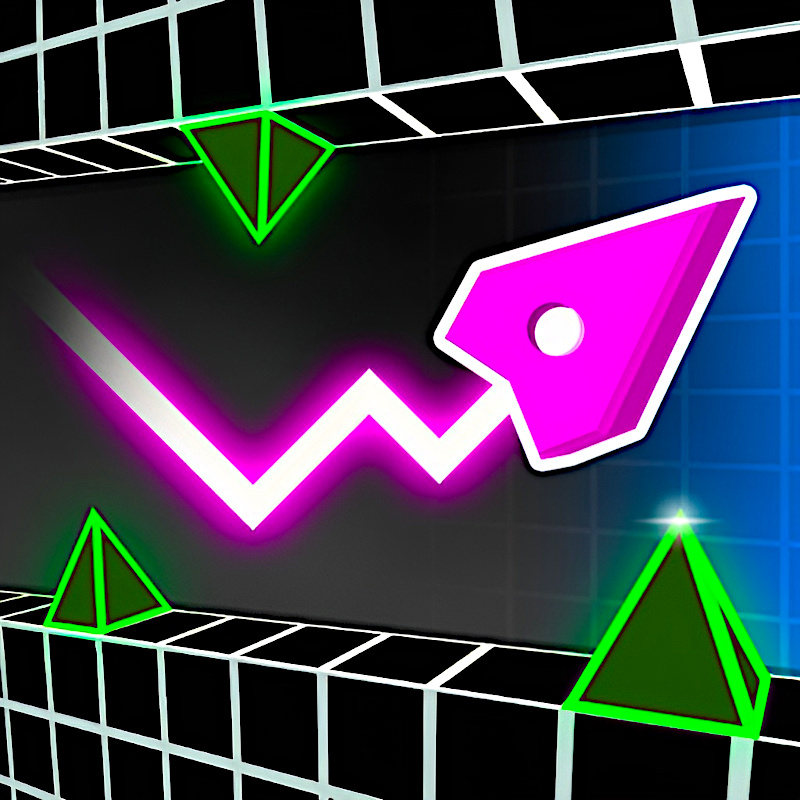






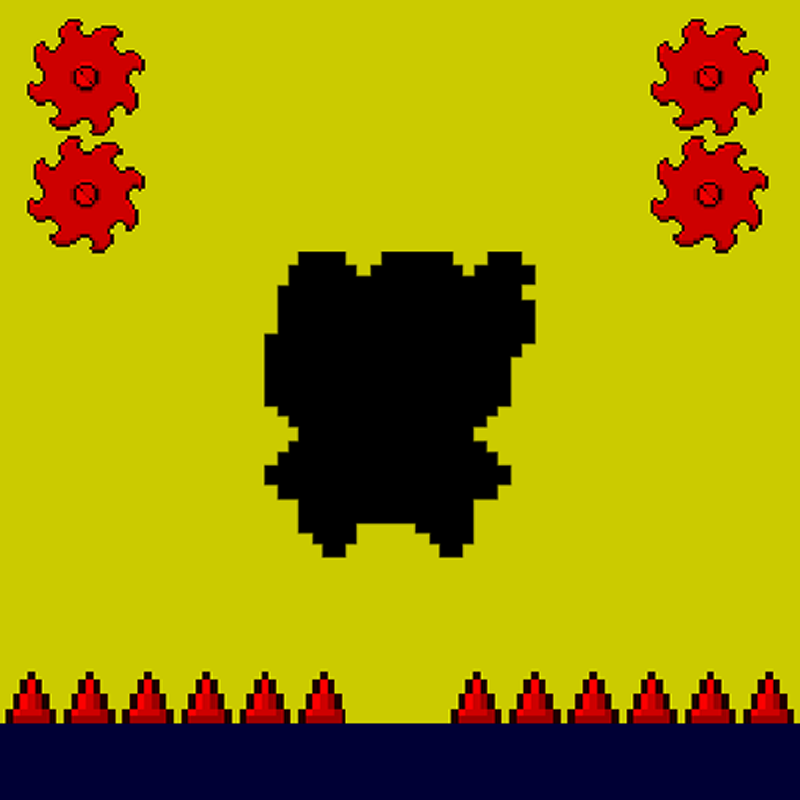






Geometry Vibes 3D
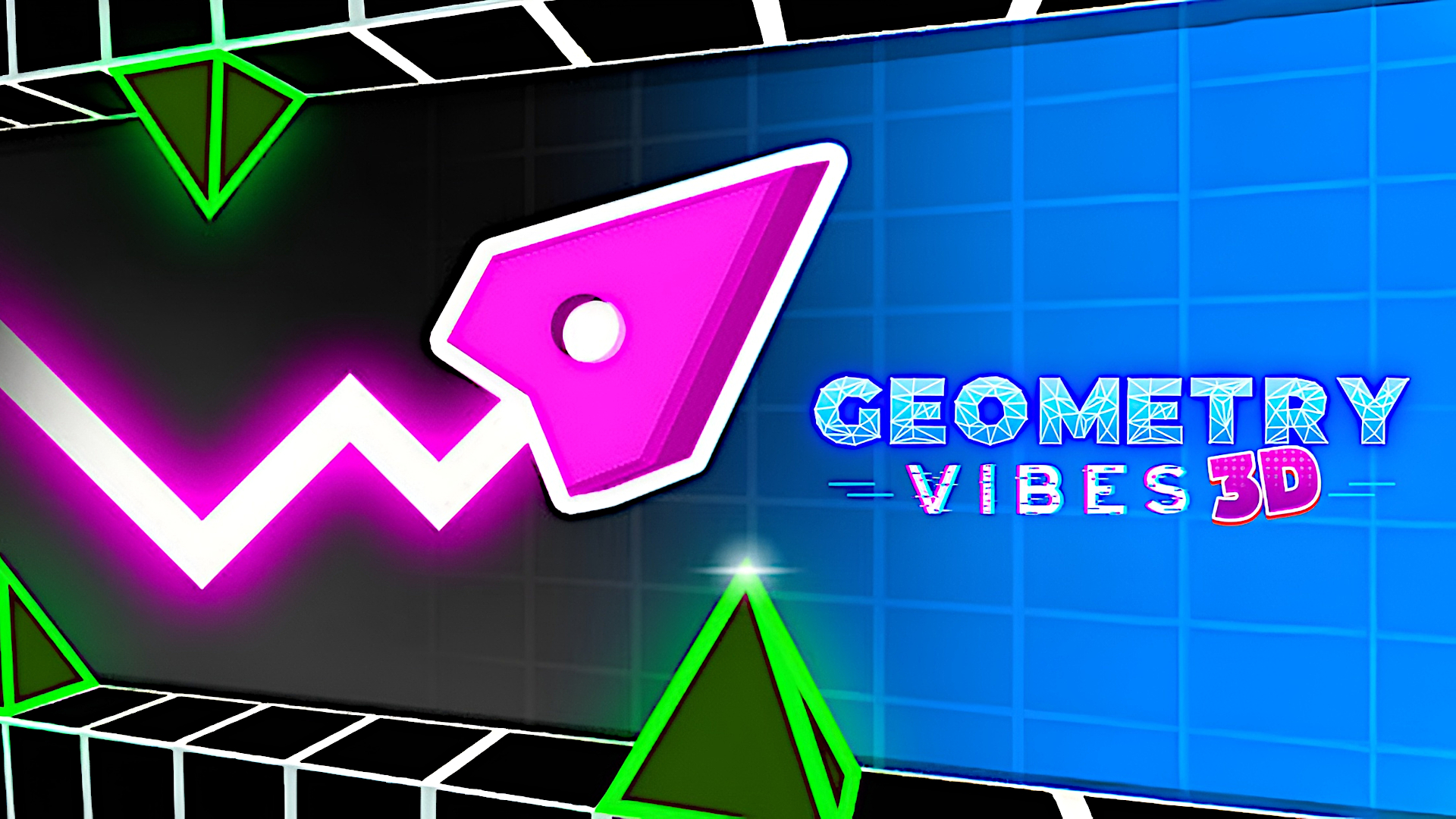
Geometry Vibes 3D is a 3D arcade game you can play unblocked right here on Physics Shark.
Show moreShow less
Play Geometry Vibes 3D unblocked
Geometry Vibes 3D is a 3D arcade game you can play unblocked right here on Physics Shark. It runs in your browser with no download, no install and no account, so you can play it on a school Chromebook, a laptop, a phone or a tablet.
What is Geometry Vibes 3D?
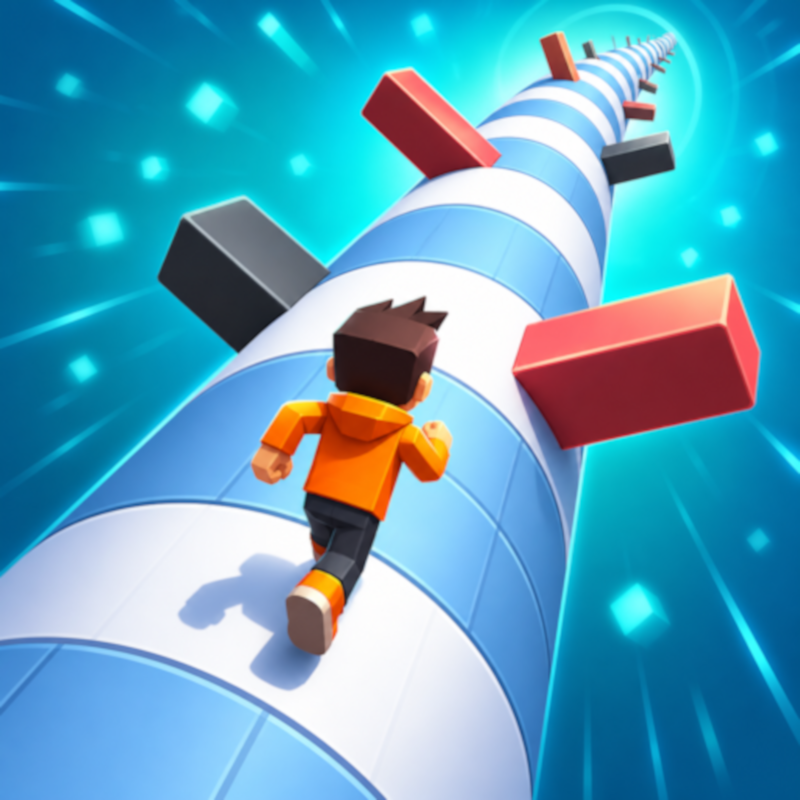
Geometry Vibes 3D takes everything you loved about the original Geometry Vibes and brings it into a vibrant, dynamic 3D world. With fully reimagined levels and stunning new visuals, this version elevates your reflexes and rhythm-based skills to new dimensions.
Geometry Vibes 3D introduces exciting additions to elevate your experience:
Collectible Stars: Each level in Classic Mode has 3 stars to collect, with a total of 90 stars across all levels and difficulties (30 per difficulty). Stars serve as a badge of skill and currency to unlock exclusive items!
Market: Spend your hard-earned stars to unlock a special arrow skin or choose from dazzling 3D skins and trails to customize your vibe.
Leaderboard for Endless Mode: Compete globally and see how you stack up against players worldwide.
Difficulty Modes: Classic Mode now offers Rookie, Pro, and Expert settings, catering to beginners and veterans alike.
How is Geometry Vibes 3D different from the original Geometry Vibes?
Geometry Vibes 3D reimagines the original with fully 3D levels, new features like collectible stars, difficulty modes (Rookie, Pro, Expert), a global Leaderboard, and a Market for skins and trails. The multiplayer is streamlined to 2-Player Mode for a cleaner experience.
Can I play Geometry Vibes 3D on my phone?
Absolutely! The game is optimized for mobile devices with smooth touch controls, ensuring a seamless experience on both iOS and Android.
How do I unlock the special arrow skin?
Collect stars in Classic Mode to unlock the exclusive arrow skin in the Market. You can earn up to 90 stars by completing all levels in Rookie, Pro, and Expert difficulties.
Is there an online multiplayer mode?
Geometry Vibes 3D features local 2-Player Mode for face-to-face competition. While there’s no online multiplayer, you can compete globally via the Endless Mode Leaderboard.
Why is there only 2-Player Mode instead of 4-Player Mode like the original?
To maintain clear visuals and avoid clutter in the 3D environment, we focused on a polished 2-Player local multiplayer experience.
How to play Geometry Vibes 3D
Player 1: W, Left Mouse Click, or Spacebar.
Player 2 (in 2 Player Mode): Up Arrow Key.
Mobile Devices: Tap anywhere on the screen to jump – touch controls are fully supported.
Geometry Vibes 3D controls
- Player 1: W, Left Mouse Click, or Spacebar
Geometry Vibes 3D FAQ
Is Geometry Vibes 3D free to play?
Yes. Geometry Vibes 3D is free on Physics Shark, with nothing to download and no account to make.
Can I play Geometry Vibes 3D unblocked at school?
Geometry Vibes 3D runs in a normal browser tab with no install, so it plays on school Chromebooks and laptops, with nothing to install and no account.
Does Geometry Vibes 3D work on phones and tablets?
Yes. It works with touch controls on phones and tablets, and with a keyboard and mouse on computers.
- LikedNo votes yet
- Rank#2024 of 2870
- PlaysBe the first!
- UpdatedNovember 2026
Gameplay
About this game
- Controls
- Player 1W, Left Mouse Click, or Spacebar
- Supported devices
- Desktop, phone and tablet
- Genre
- Arcade3dtwo playercustomization
- Games like Geometry Vibes 3D
- Paper IO 2Stickman Kart HeroMexico Rex 2Ole BunnyGeometry Arrow 2Hungry Cats














