 Physics Shark





















Mine Tycoon
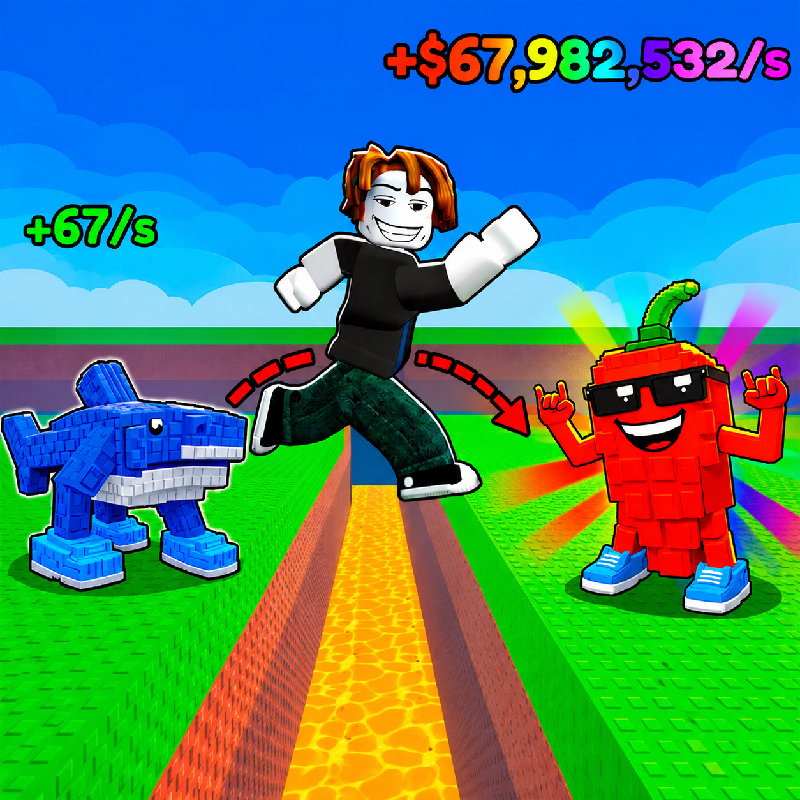
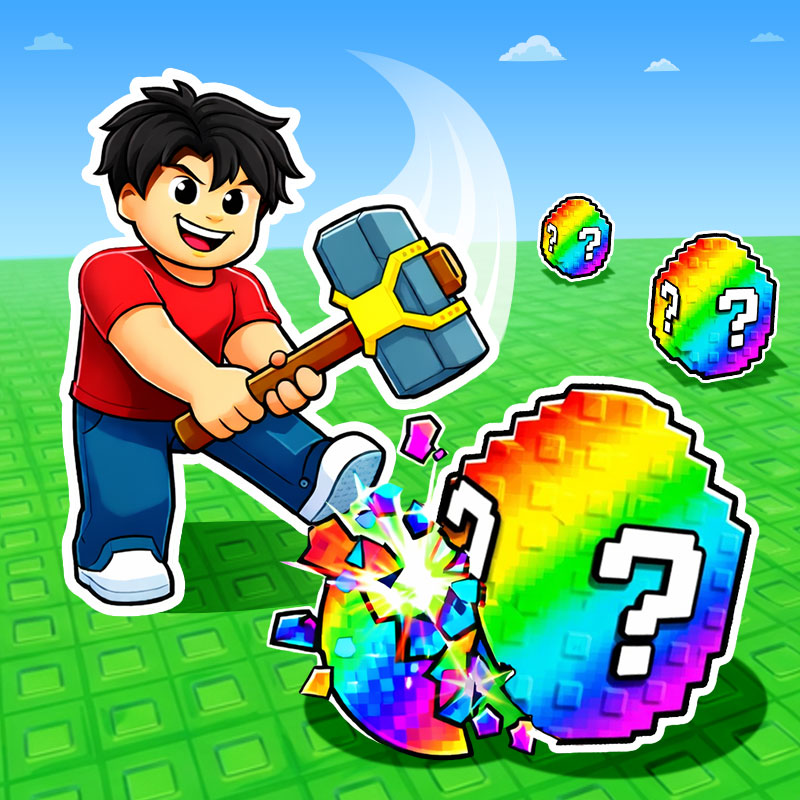
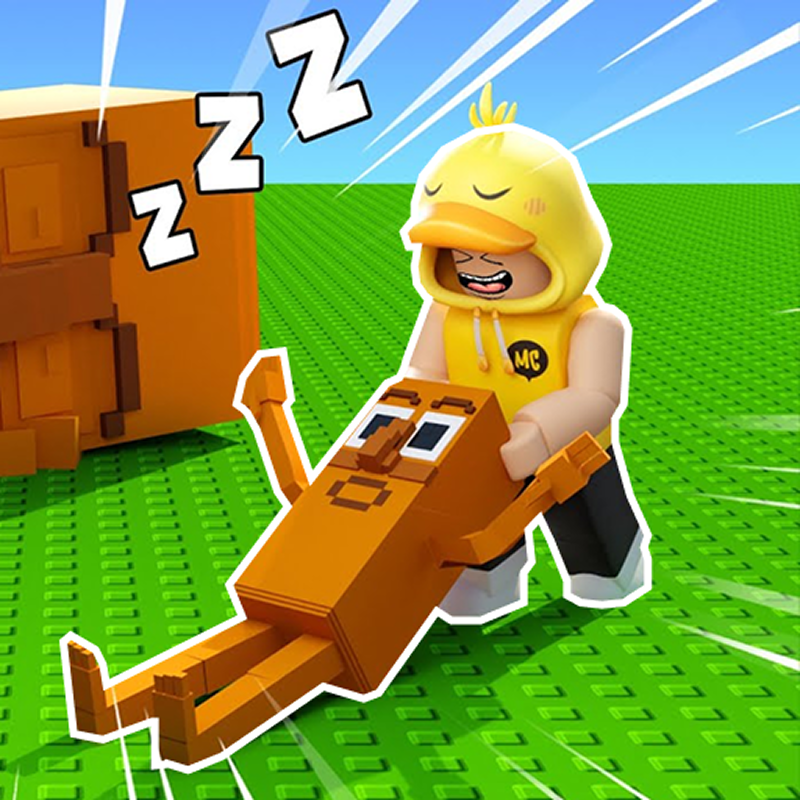
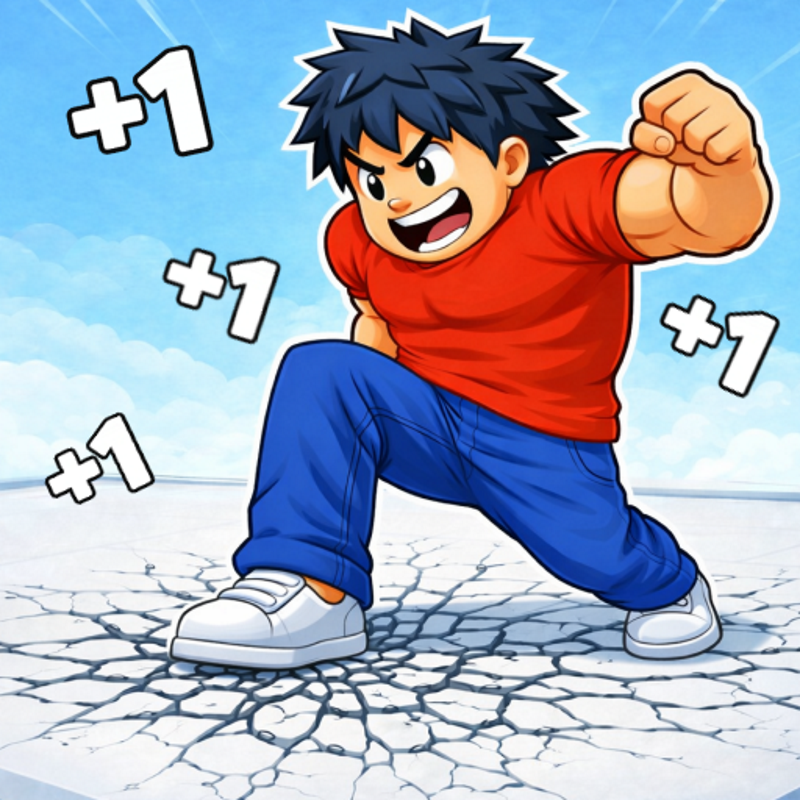
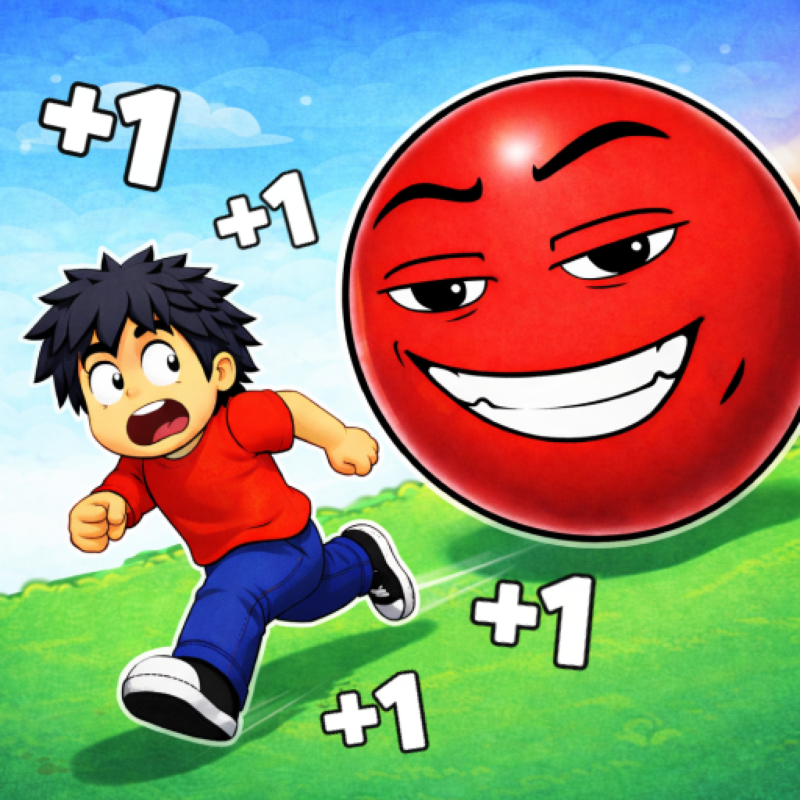
Mine Tycoon is a Roblox-style tycoon game you can play unblocked right here on Physics Shark.
Show moreShow less
Play Mine Tycoon unblocked
Mine Tycoon is a Roblox-style tycoon game you can play unblocked right here on Physics Shark. It runs in your browser with no download, no install and no account, so you can play it on a school Chromebook, a laptop, a phone or a tablet.
If you like Roblox obbies, Mine Tycoon will feel familiar: build up your base, collect income and keep unlocking bigger upgrades. The difference is that it runs right here in the browser, with no Roblox account, no app and no download, which makes it an easy Roblox-style game to play at school.
What is Mine Tycoon?
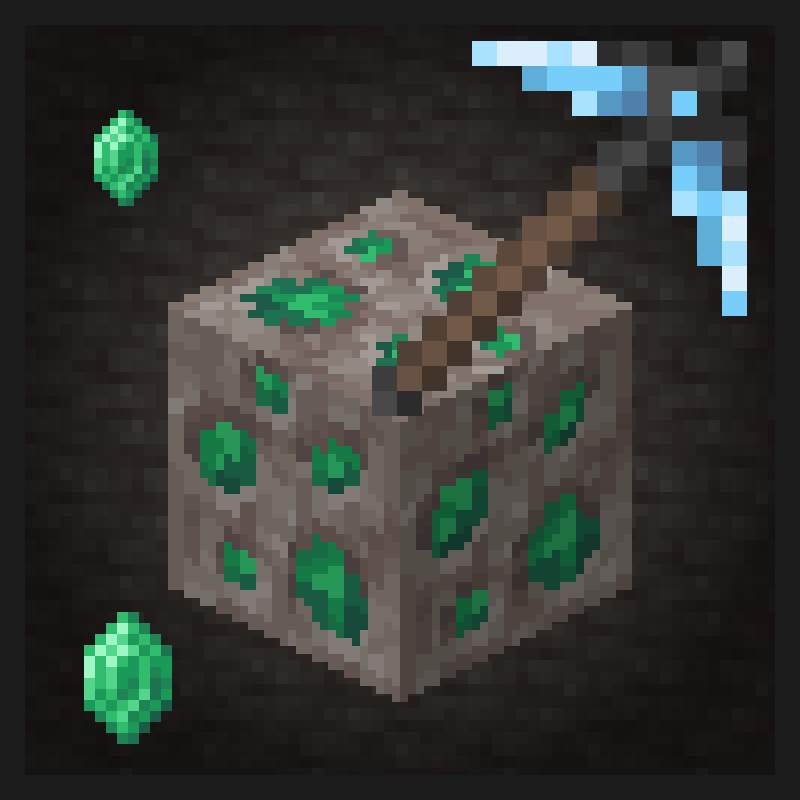
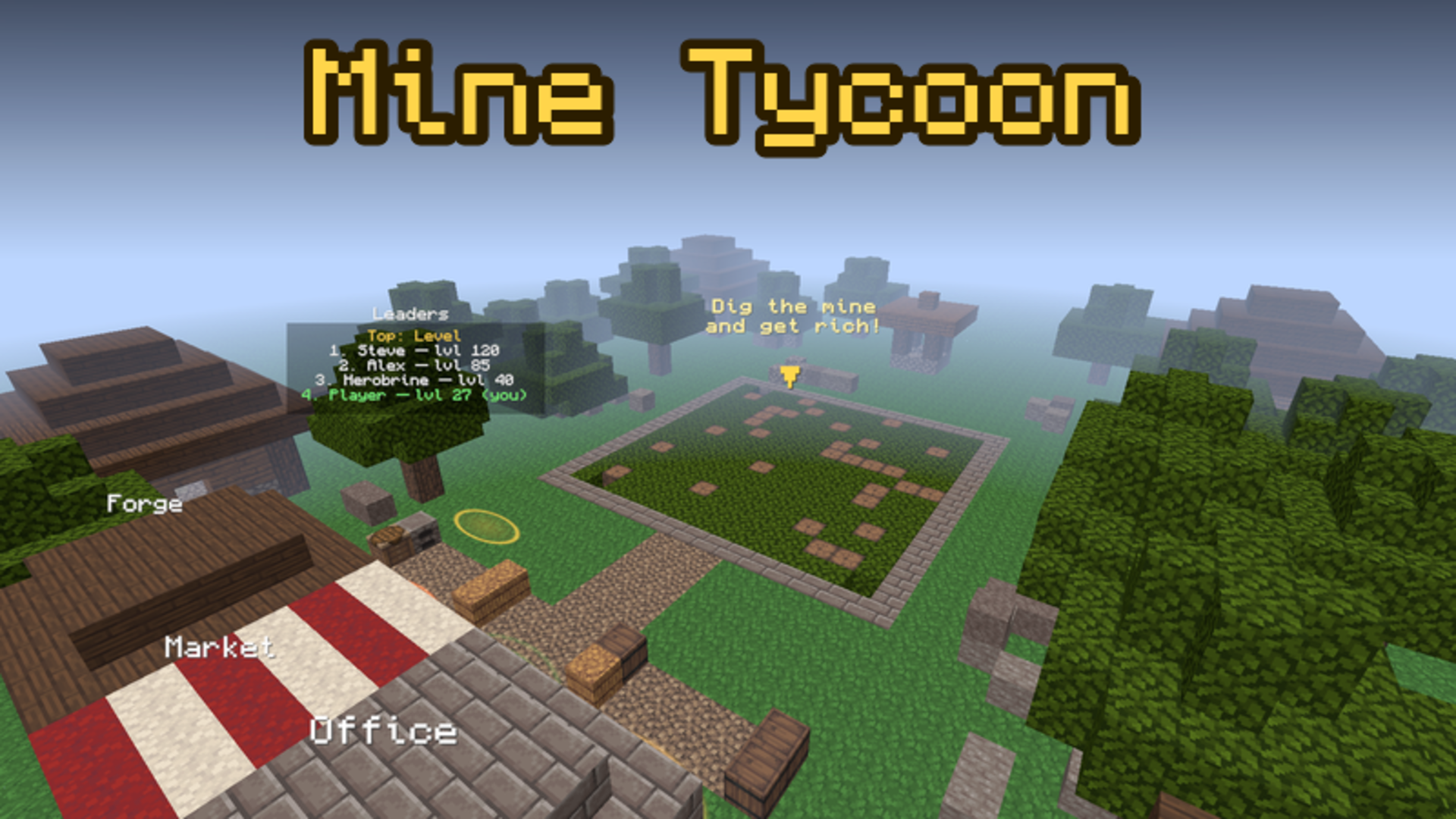
A blocky world, a pickaxe in your hand and a mine that grows with you! Dig dirt, stone and ore — every block really breaks, and the right tool digs faster. Sell your loot to villagers at the market, complete their orders and buy new pickaxes, shovels and axes at the forge.
Expand your mine from a small pit to a huge quarry 96 blocks deep: iron, gold, diamonds, emeralds, geodes and hidden stashes wait below. Open lucky blocks, blow up TNT, build combos and hire iron golems — they keep digging even while you are away. Rebirth for stars and permanent bonuses, and descend into new fiery and dark worlds.
- three worlds with their own mines and blocks
- pickaxes, shovels, axes, shears and enchantments
- lucky blocks, TNT, boosts and combos
- daily quests, login rewards and playtime gifts
- block book, leaderboards and tool skins
- offline income: golems work while you rest
- play on PC and mobile, your progress is saved
How to play Mine Tycoon
Your goal is to dig the mine, sell the loot and get richer.
PC controls:
- WASD — move, Space — jump, mouse — look around
- hold the left mouse button on a block — dig
- E — inventory, T — blow up TNT, H — climb out of the mine
- Ctrl — free the cursor to press buttons
Mobile controls:
- left stick — move, arrow button — jump
- swipe the screen — look around, hold your finger on a block — dig
How to progress:
1) Go down into the mine in the middle of the village and dig blocks — they go into your bag.
2) Bring the loot to the market: villagers buy it for emeralds and give profitable orders.
3) Buy better tools at the forge, a new mine and upgrades at the office.
4) Dig out the whole mine to get a reward and a fresh mine with new ores.
5) Hire golems and collect their income when you come back.
6) Rebirth for stars and unlock new worlds.
Tip: keep digging without pauses — combos give you more loot!
Mine Tycoon controls
- WASD: move, Space — jump, mouse — look around
- E: inventory, T — blow up TNT, H — climb out of the mine
- Ctrl: free the cursor to press buttons
Mine Tycoon FAQ
Is Mine Tycoon free to play?
Yes. Mine Tycoon is free on Physics Shark, with nothing to download and no account to make. The game has optional in-game purchases, but you never need them to play.
Can I play Mine Tycoon unblocked at school?
Mine Tycoon runs in a normal browser tab with no install, so it plays on school Chromebooks and laptops, with nothing to install and no account.
Does Mine Tycoon work on phones and tablets?
Yes. It works with touch controls on phones and tablets, and with a keyboard and mouse on computers.
Is Mine Tycoon a Roblox game?
No. Mine Tycoon is a Roblox-style browser game by an independent developer. It plays a lot like a Roblox obby, but you don't need Roblox or a Roblox account to play it.
Mine Tycoon is not made by, endorsed by or affiliated with Roblox Corporation. Roblox is a trademark of Roblox Corporation.
- LikedNo votes yet
- Rank#2365 of 2870
- PlaysBe the first!
- UpdatedNovember 2026
Gameplay
About this game
- Controls
- WASDmove, Space — jump, mouse — look around
- Einventory, T — blow up TNT, H — climb out of the mine
- Ctrlfree the cursor to press buttons
- Supported devices
- Desktop, phone and tablet














