 Physics Shark


















Obby Easy Grow!
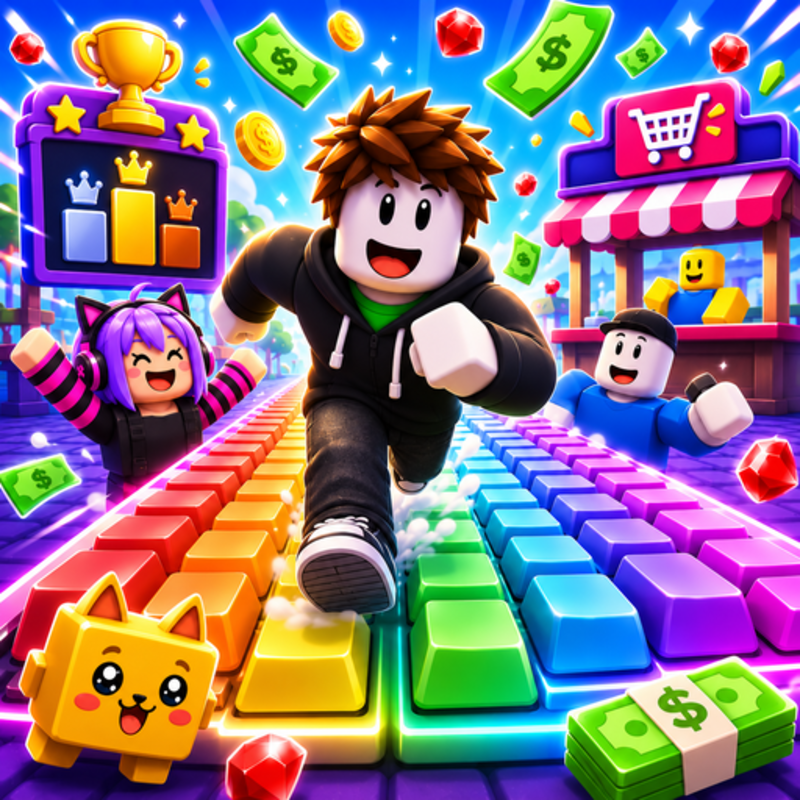
Obby Easy Grow! is a Roblox-style obby you can play unblocked right here on Physics Shark.
Show moreShow less
Play Obby Easy Grow! unblocked
Obby Easy Grow! is a Roblox-style obby you can play unblocked right here on Physics Shark. It runs in your browser with no download, no install and no account, so you can play it on a school Chromebook, a laptop, a phone or a tablet.
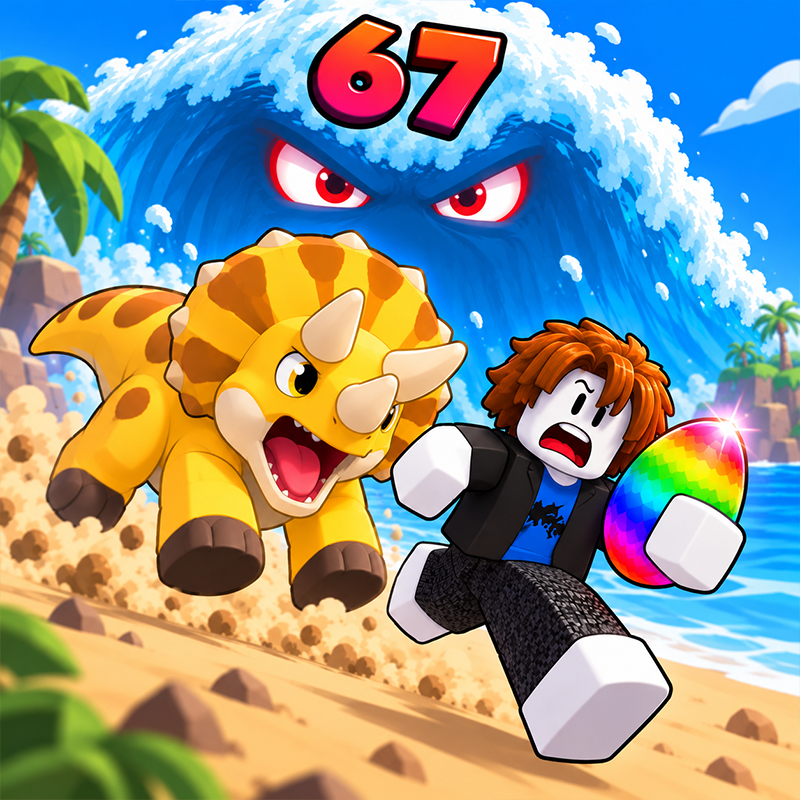
Obby Easy Grow! plays like the Roblox games everyone talks about: jump across tricky platforms, dodge traps and reach the next checkpoint. You don't need Roblox, an account or an install, just this page, so it works on school computers where apps are locked down.
What is Obby Easy Grow!?
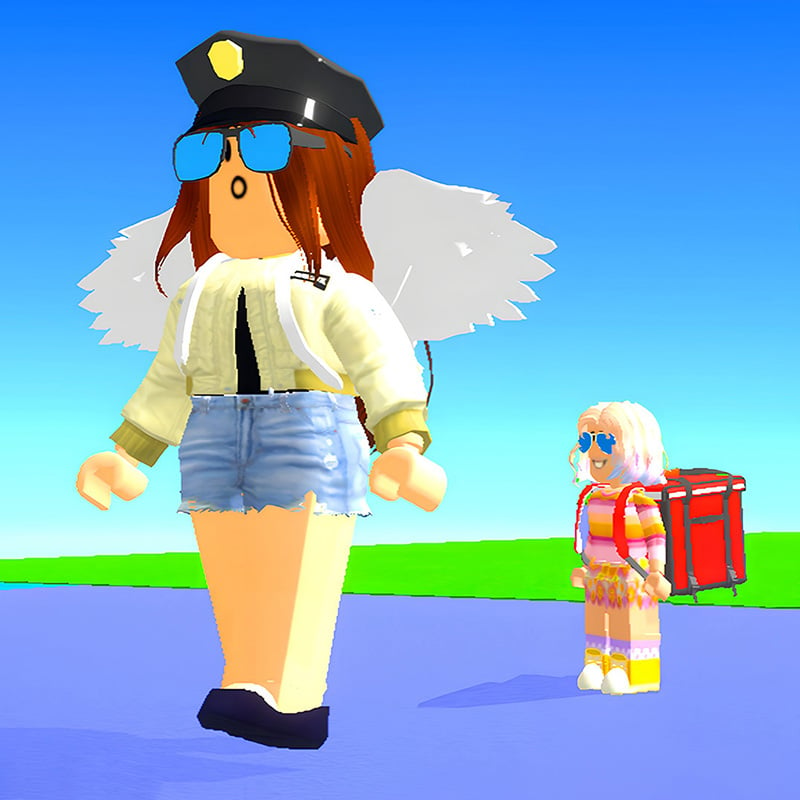
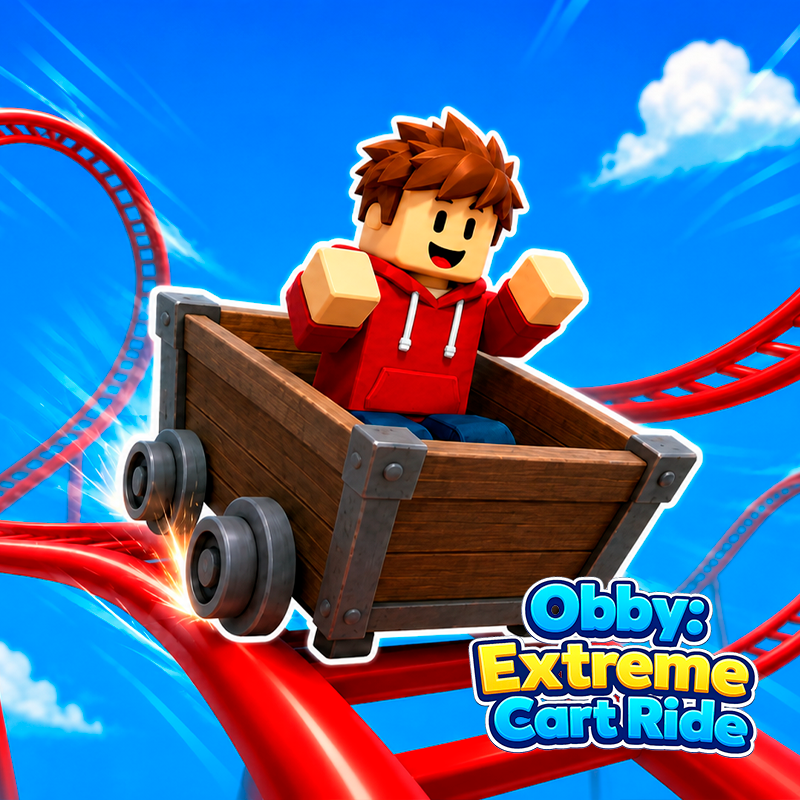
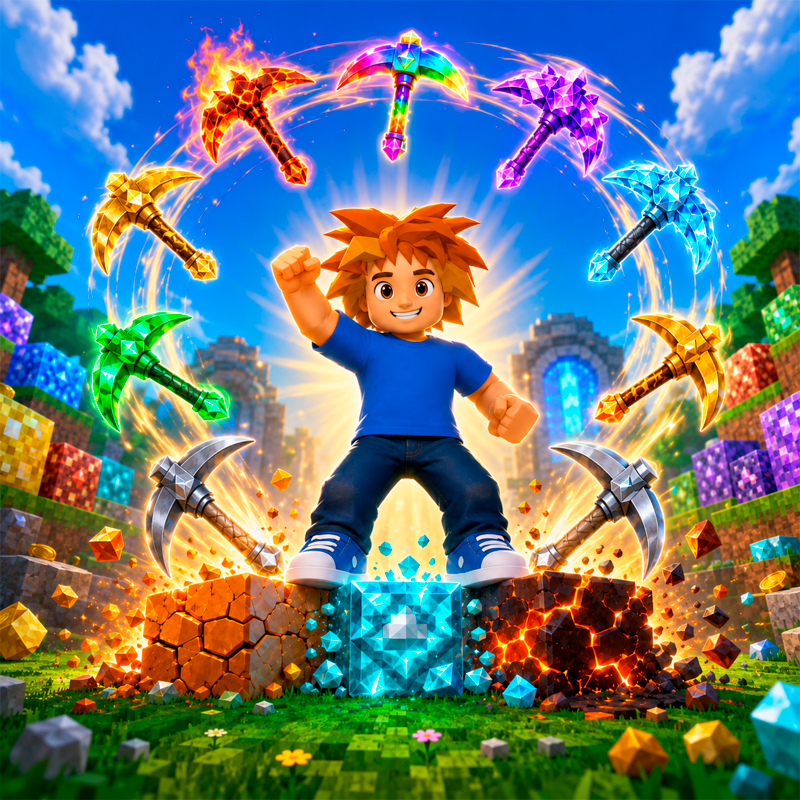
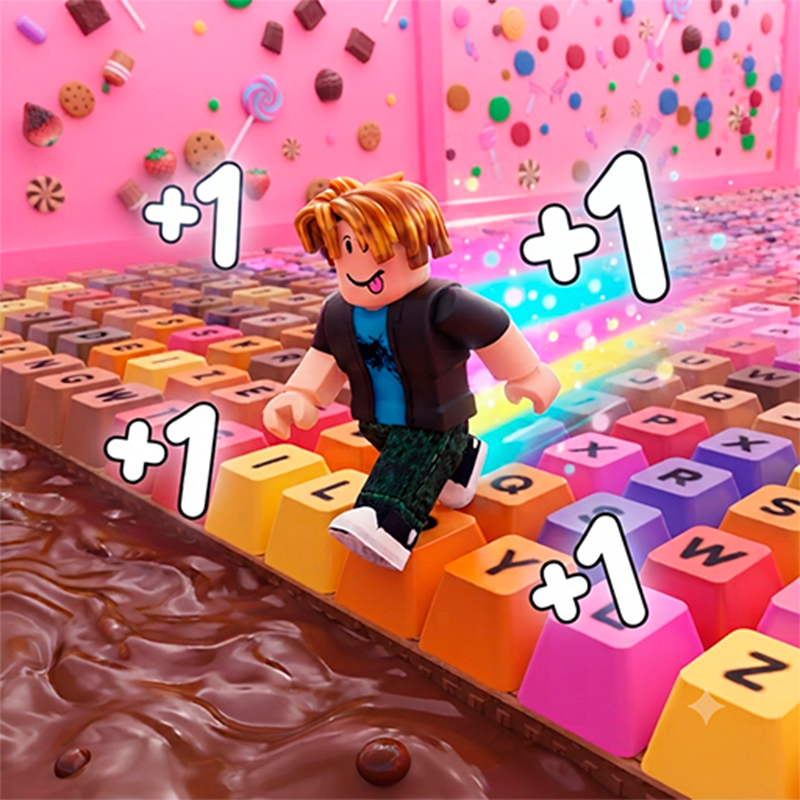
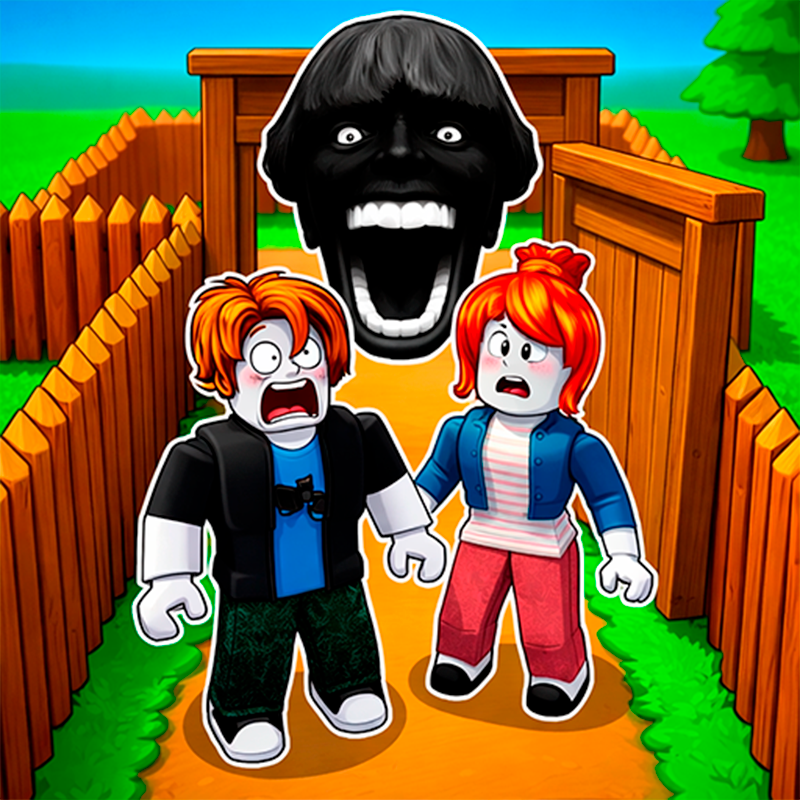
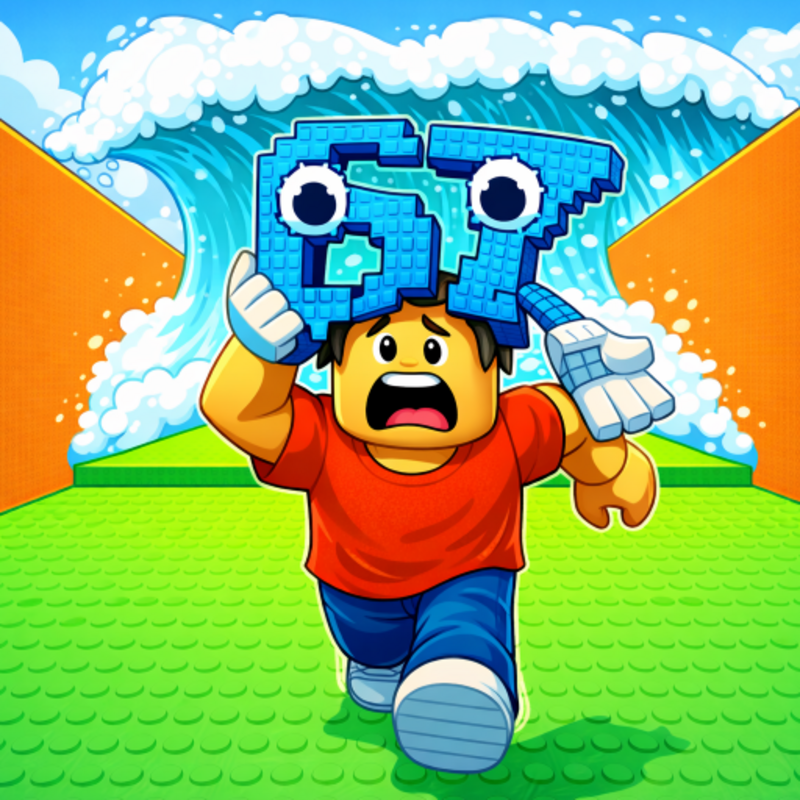
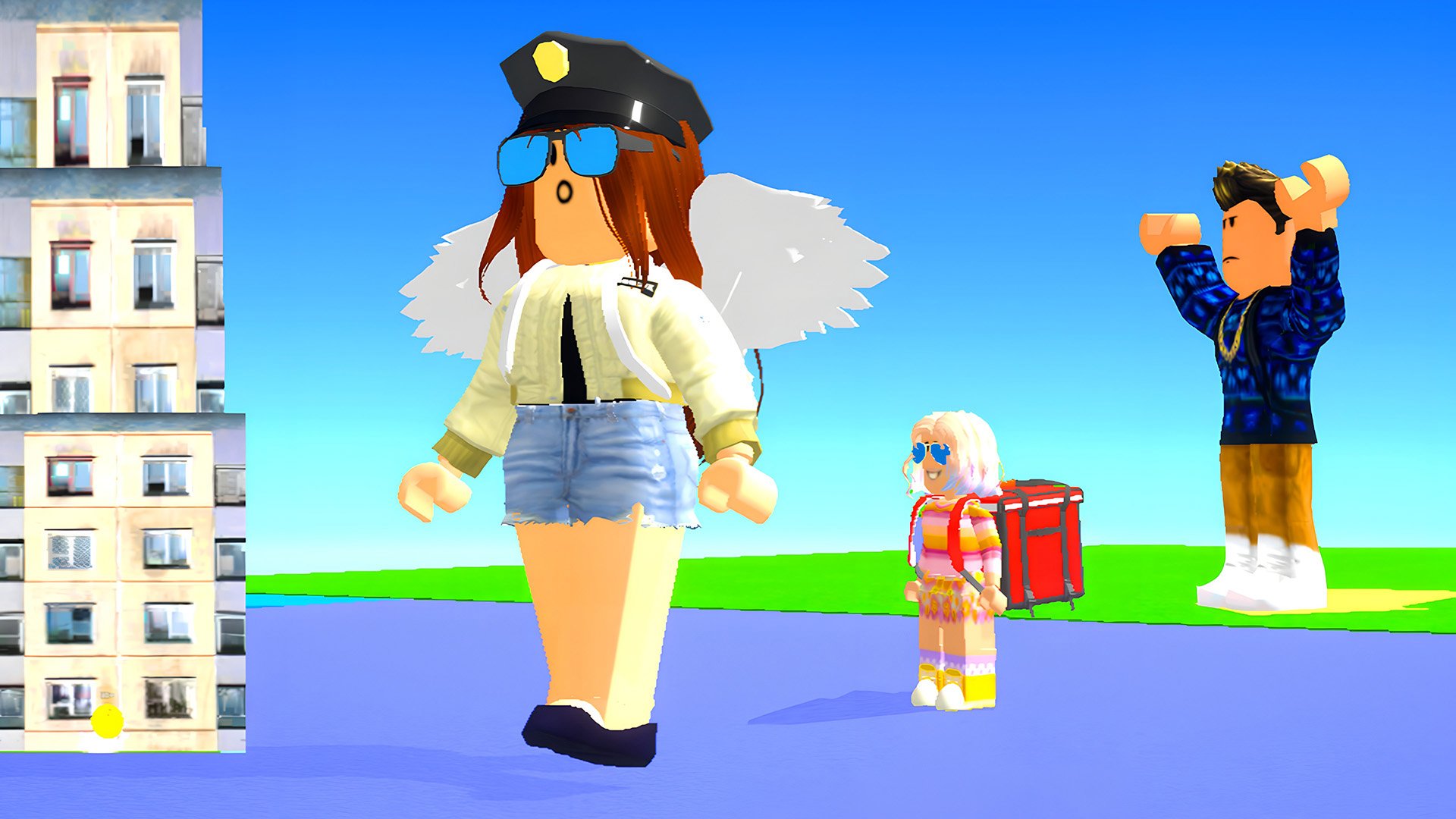
A game in Roblox style with the Obby mode! Complete exciting and varied obstacle courses for a while, using checkpoints to save your progress and not start all over again if you accidentally fall.
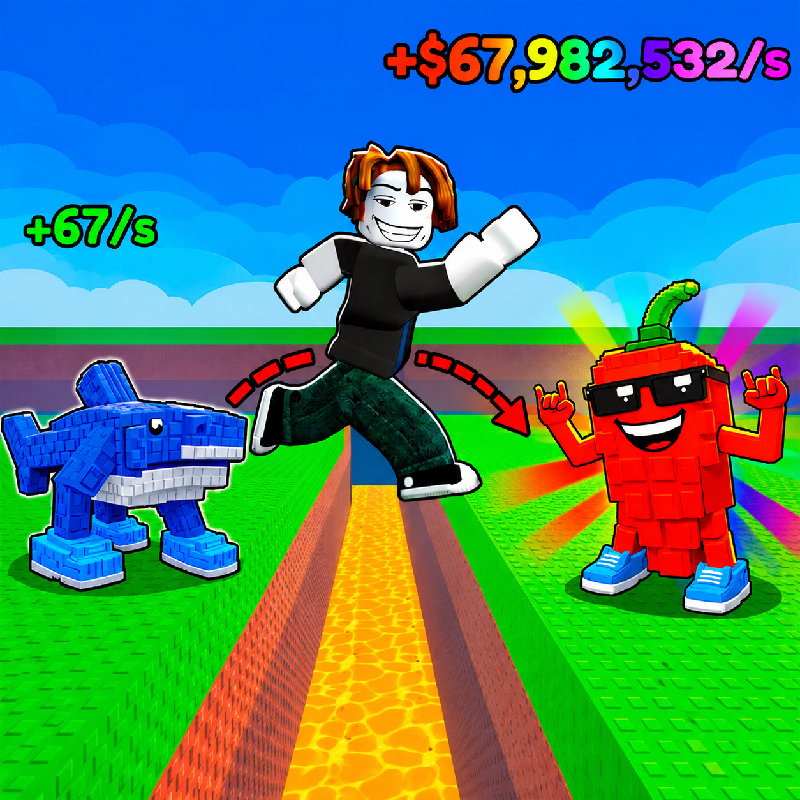
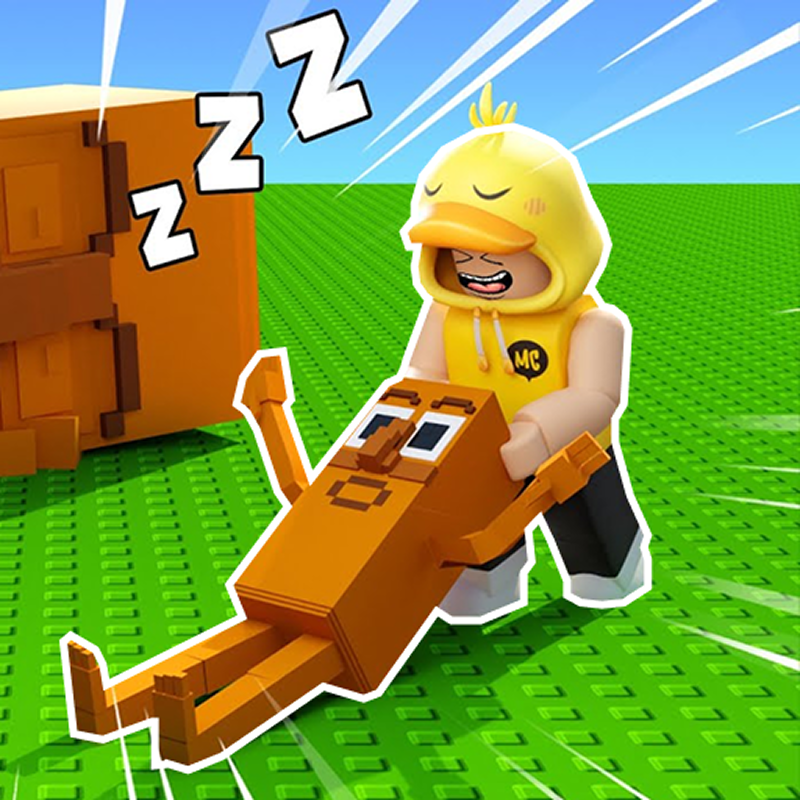
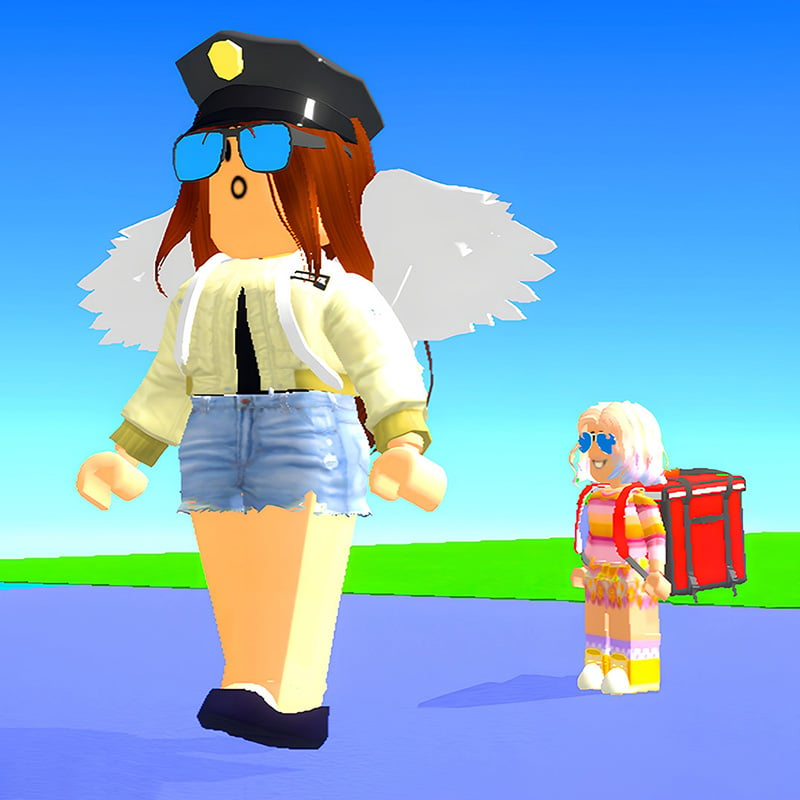
Incredible challenges and unique mechanics await you here! The main feature of the game is the ability to change the size of the character to overcome obstacles and find a way to the finish.
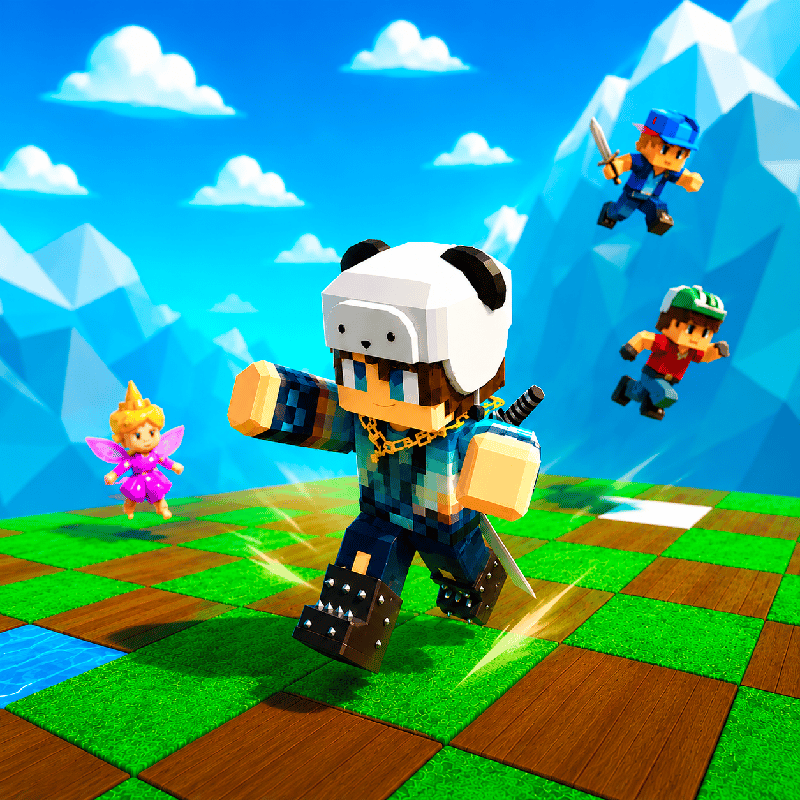
The game has a large selection of characters and deep customization: choose the appearance, clothes and accessories to create a unique hero. Each level is a new challenge, where it is important not only to complete the track, but also to do it faster than everyone else. Watch the timer and improve your results to become the best in this game.
Nice graphics with bright colors and detailed levels make the game visually attractive, and smooth animation adds pleasure from the passage. Compete with friends and players from all over the world to take first place in the leaderboard!
How to play Obby Easy Grow!
The goal of the game: complete the game for a while.
You can change the size of the character by moving the slider on the screen, as well as using the mouse wheel
Hold RMB to rotate the camera (with the cursor visible).
Controls:
Shift - show cursor
WASD - move.
Space - jump.
TAB - pause.
F - push the enemy
Mouse wheel forward/backward - change size
On the phone:
Use the game interface
Obby Easy Grow! controls
- Shift: show cursor
- WASD: move
- Space: jump
- TAB: pause
- F: push the enemy
- Mouse wheel forward/backward: change size
Obby Easy Grow! FAQ
Is Obby Easy Grow! free to play?
Yes. Obby Easy Grow! is free on Physics Shark, with nothing to download and no account to make.
Can I play Obby Easy Grow! unblocked at school?
Obby Easy Grow! runs in a normal browser tab with no install, so it plays on school Chromebooks and laptops, with nothing to install and no account.
Does Obby Easy Grow! work on phones and tablets?
Yes. It works with touch controls on phones and tablets, and with a keyboard and mouse on computers.
Is Obby Easy Grow! a Roblox game?
No. Obby Easy Grow! is a Roblox-style browser game by an independent developer. It plays a lot like a Roblox obby, but you don't need Roblox or a Roblox account to play it.
Obby Easy Grow! is not made by, endorsed by or affiliated with Roblox Corporation. Roblox is a trademark of Roblox Corporation.
- LikedNo votes yet
- Rank#1110 of 2870
- PlaysBe the first!
- UpdatedNovember 2026
Gameplay
About this game
- Controls
- Shiftshow cursor
- WASDmove
- Spacejump
- TABpause
- Fpush the enemy
- Mouse wheel forward/backwardchange size
- Supported devices
- Desktop, phone and tablet














