 Physics Shark





RC Racing
Looking for a 3D car racing game you can play at school? RC Racing loads straight in your browser on Physics Shark: free, unblocked and nothing to install.
Show moreShow less
Play RC Racing unblocked
Looking for a 3D car racing game you can play at school? RC Racing loads straight in your browser on Physics Shark: free, unblocked and nothing to install. Play it on a Chromebook or any computer with a keyboard and mouse.
What is RC Racing?
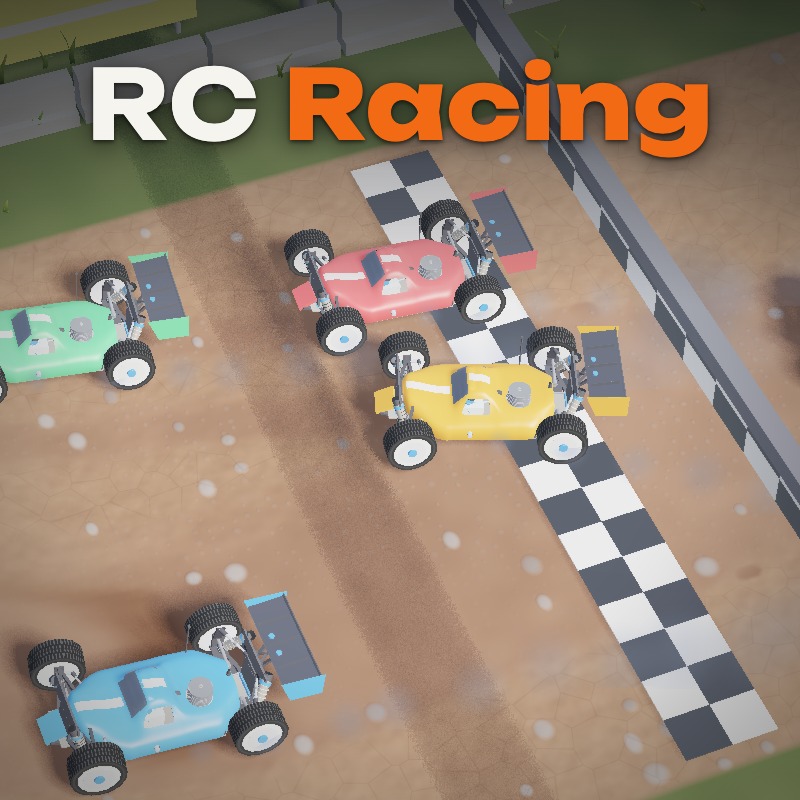
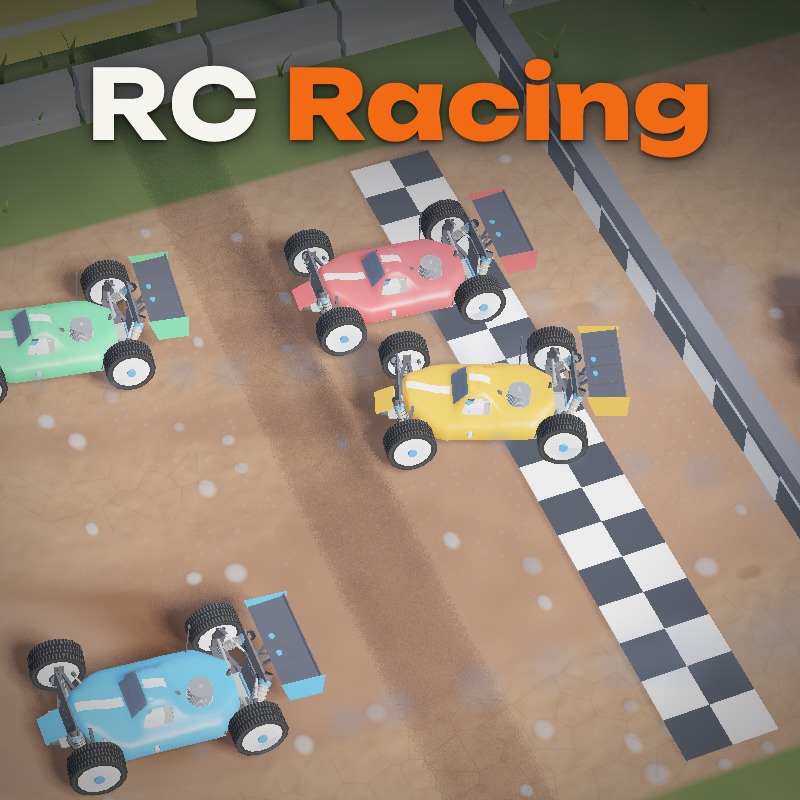
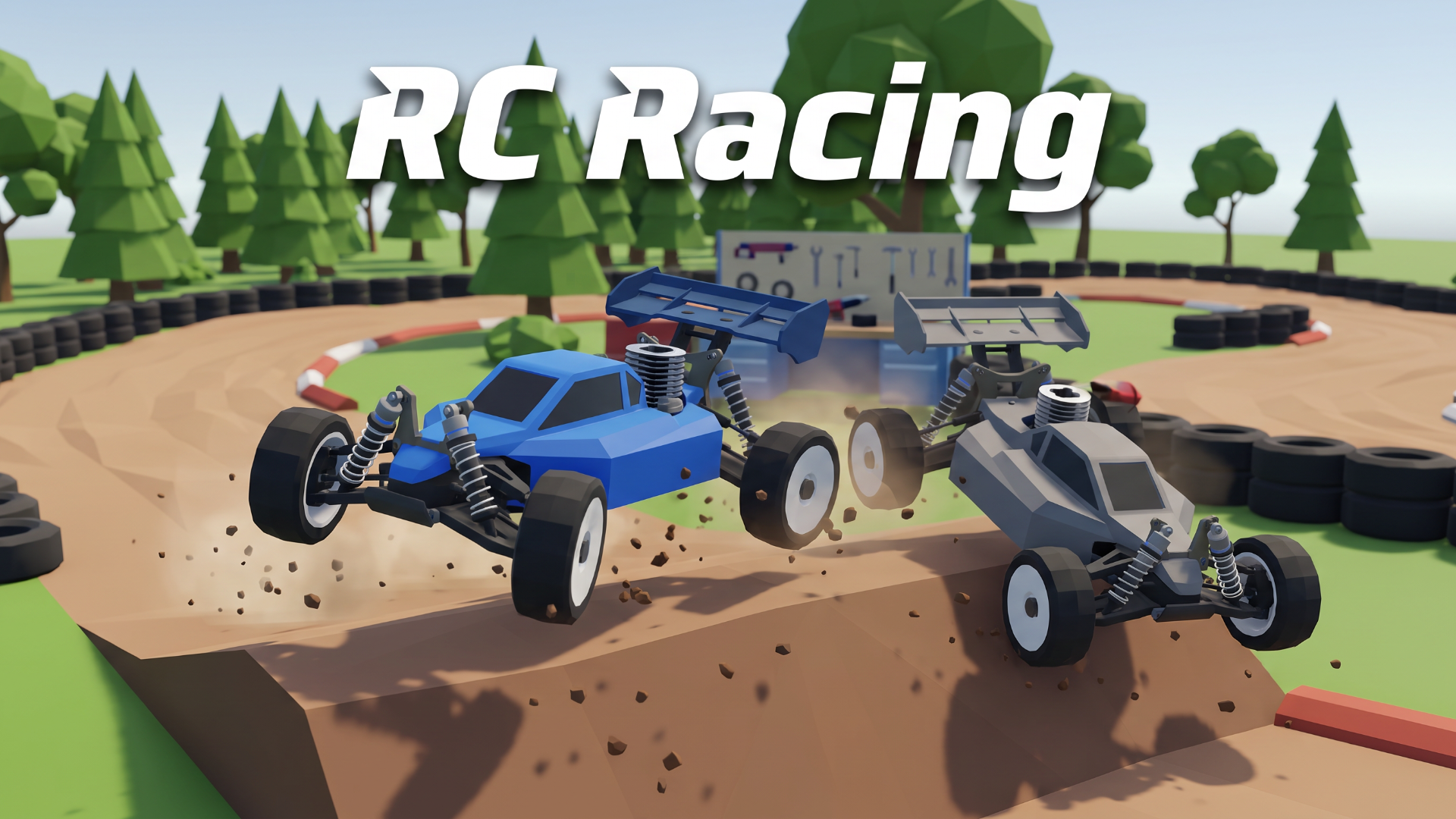
Race 1:8 nitro buggies from the drivers' tower, just like at a real RC track. Five rivals trained with reinforcement learning, a career from the local club to the World championship, and a workshop where you strip and rebuild your car screw by screw.
Inside:
- RC physics: suspension, wing, tyres and a nitro engine with needles, head temperature and glow plug.
- 5 tracks: Club Dirt, Clay Stadium, Oval, Sand Quarry and Winter Park, in dry weather, rain and changing weather.
- Career: tournaments, qualifying and long finals with refuelling and pit stops.
- Workshop and shop: repair broken parts, tune the setup, fit new engines, pipes, tyres and liveries; mud tyres for wet days.
- Quick race, time trial against ghosts, elimination; daily tasks, rewards and leaderboards.
Keyboard, gamepad or a USB RC transmitter. Progress is saved.
How to play RC Racing
Finish ahead of five rivals. Races and tournaments pay prize money: spend it in the shop and the workshop on parts, tyres and setup. Broken parts slow you down until you repair them.
W / ↑ — throttle
S / ↓ — brake and reverse
A / D or ← / → — steering. By default it works like a real transmitter: when the car drives toward you, left and right are reversed. Switch to Simple in Settings if you prefer.
Esc — pause and back, Enter — main action, R — restart
F — full screen, M — sound, mouse wheel — camera zoom
Gamepads and USB RC transmitters are supported (set up in Settings).
RC Racing controls
- W / ↑: throttle
- S / ↓: brake and reverse
- Esc: pause and back, Enter — main action, R — restart
- F: full screen, M — sound, mouse wheel — camera zoom
RC Racing FAQ
Is RC Racing free to play?
Yes. RC Racing is free on Physics Shark, with nothing to download and no account to make.
Can I play RC Racing unblocked at school?
RC Racing runs in a normal browser tab with no install, so it plays on school Chromebooks and laptops, with nothing to install and no account.
Does RC Racing work on phones and tablets?
It's made for computers: play it with a keyboard and mouse, for example on a Chromebook.
- LikedNo votes yet
- Rank#2122 of 2870
- PlaysBe the first!
- UpdatedNovember 2026
Gameplay
About this game
- Controls
- W / ↑throttle
- S / ↓brake and reverse
- Escpause and back, Enter — main action, R — restart
- Ffull screen, M — sound, mouse wheel — camera zoom
- Supported devices
- Desktop only: best with a keyboard and mouse
- Genre
- Racingsimulation3dcarcar racingarcadeskill














