 Physics Shark








Shadow Stick - Lightning Ninja
Looking for a fighting game you can play at school? Shadow Stick - Lightning Ninja loads straight in your browser on Physics Shark: free, unblocked and nothing to install.
Show moreShow less
Play Shadow Stick - Lightning Ninja unblocked
Looking for a fighting game you can play at school? Shadow Stick - Lightning Ninja loads straight in your browser on Physics Shark: free, unblocked and nothing to install. Play it on a school Chromebook, a laptop, a phone or a tablet.
What is Shadow Stick - Lightning Ninja?
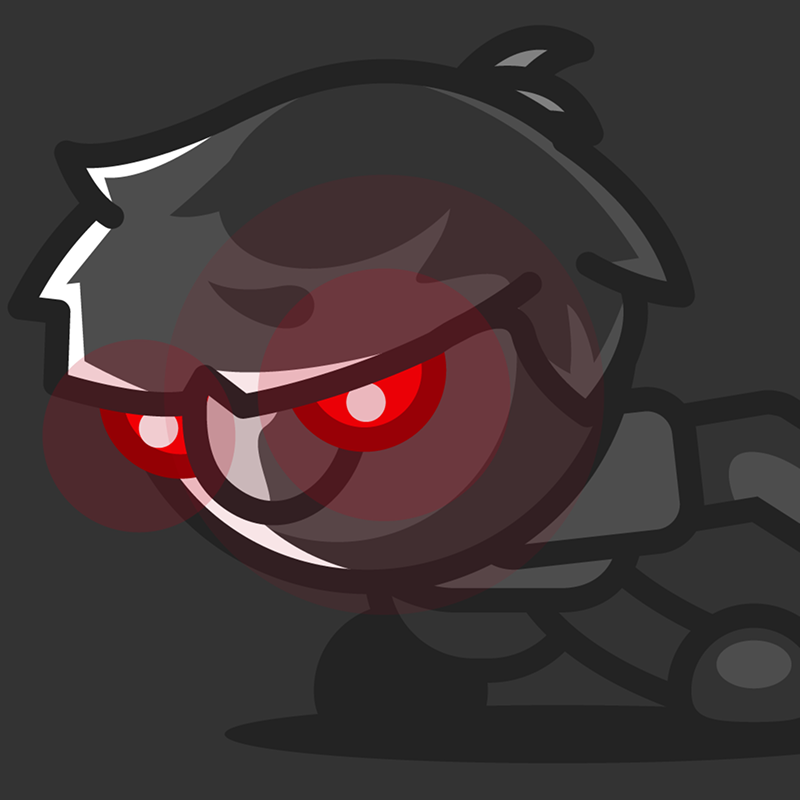
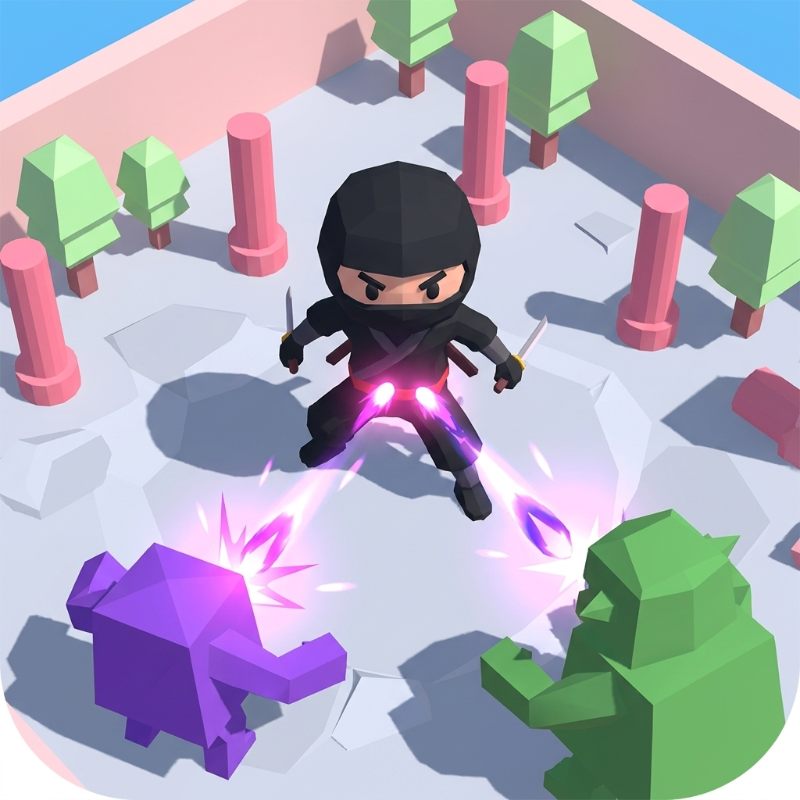
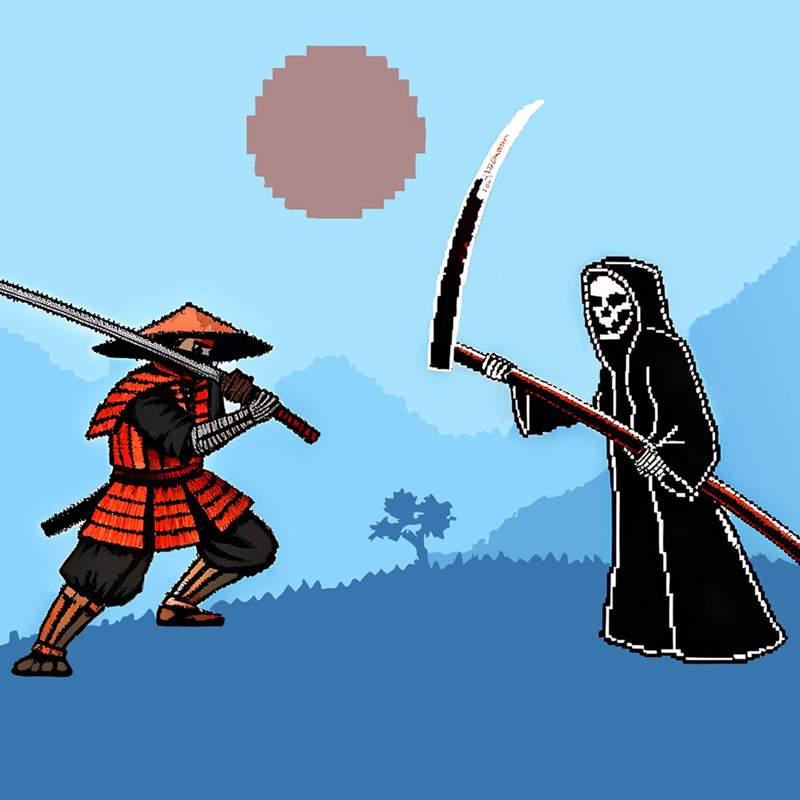
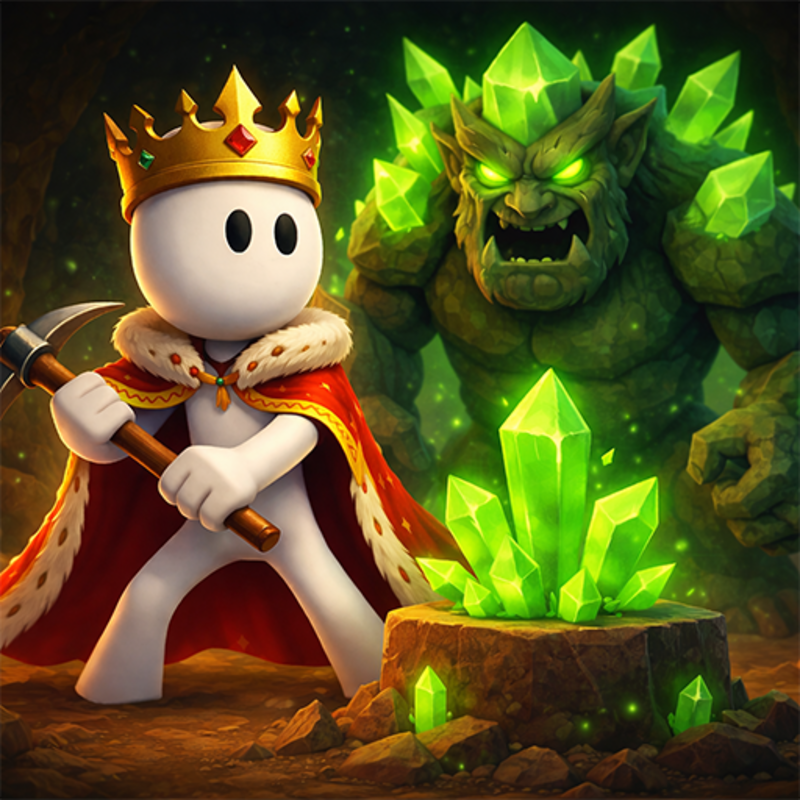
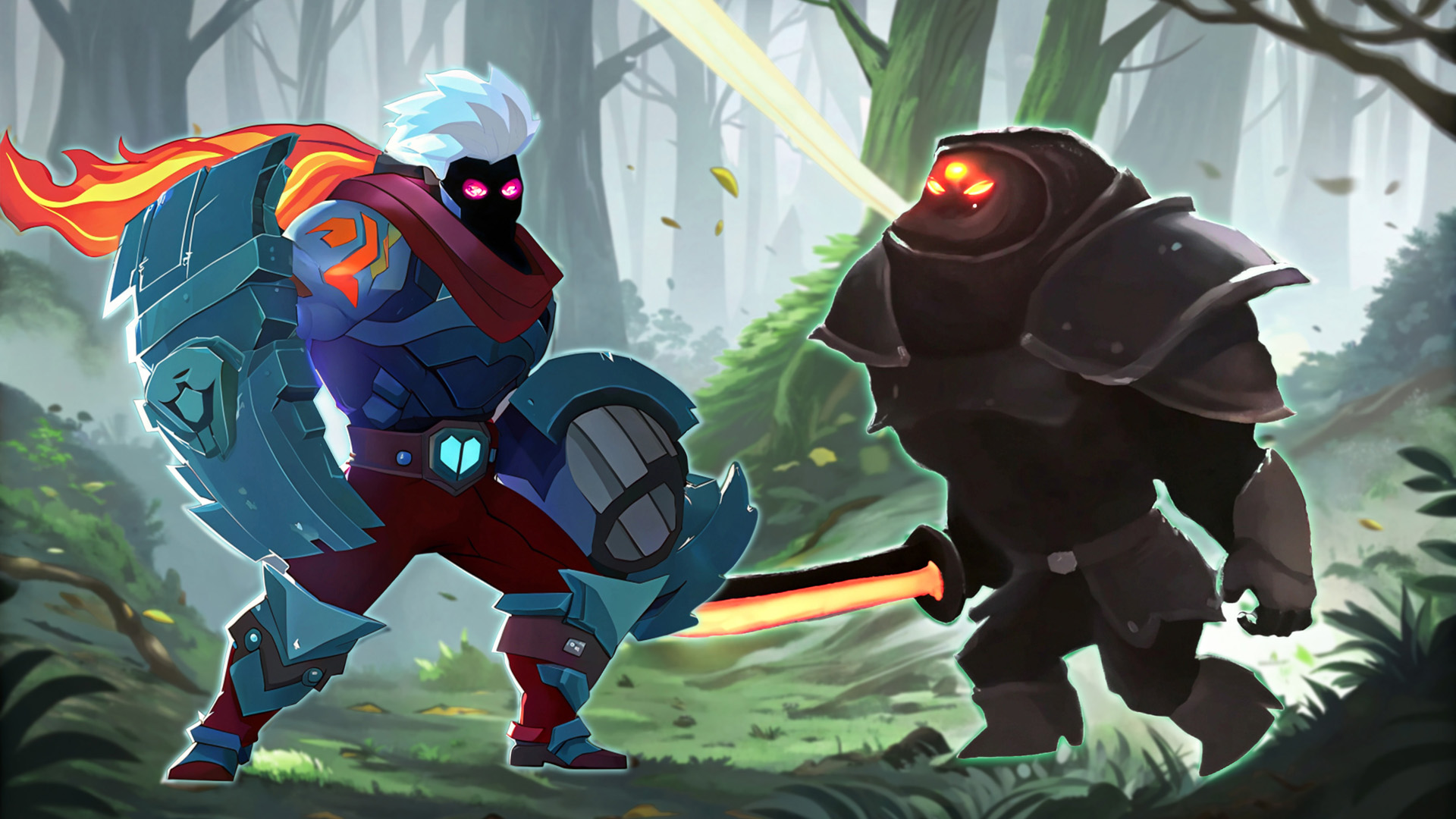
Experience the thrill of battle in "Shadow Stick - Lightning Ninja," a 2D fighting game enriched with RPG elements. Conquer over 120 levels, facing tough bosses, customize your character, and unlock legendary gear. Play this engaging game for free online on your phone or computer.
How to play Shadow Stick - Lightning Ninja
Controls for PC/Keyboard:
1. arrow keys "left" and "right" for movement;
2. arrow key "up" - jump;
3. key "V" - normal attack;
4. key "B" - Special skill, allowing a 30% increase in attack and defense for 15 seconds;
5. key "F" - Summon dragon;
6. keys "Z," "X," "C" - skill buttons providing powerful attacks (effect depends on the skill branches chosen).
Controls for mobile devices/touchscreen:
1. slider in the bottom left corner - for movement "left" and "right";
2. other control buttons are displayed on the screen.
Shadow Stick - Lightning Ninja controls
- arrow key "up": jump;
- key "V": normal attack;
- key "B": Special skill, allowing a 30% increase in attack and defense for 15 seconds;
- key "F": Summon dragon;
- keys "Z," "X," "C": skill buttons providing powerful attacks (effect depends on the skill branches chosen)
Shadow Stick - Lightning Ninja FAQ
Is Shadow Stick - Lightning Ninja free to play?
Yes. Shadow Stick - Lightning Ninja is free on Physics Shark, with nothing to download and no account to make.
Can I play Shadow Stick - Lightning Ninja unblocked at school?
Shadow Stick - Lightning Ninja runs in a normal browser tab with no install, so it plays on school Chromebooks and laptops, with nothing to install and no account.
Does Shadow Stick - Lightning Ninja work on phones and tablets?
Yes. It works with touch controls on phones and tablets, and with a keyboard and mouse on computers.
- LikedNo votes yet
- Rank#594 of 2870
- PlaysBe the first!
- UpdatedNovember 2026
Gameplay
About this game
- Controls
- arrow key "up"jump;
- key "V"normal attack;
- key "B"Special skill, allowing a 30% increase in attack and defense for 15 seconds;
- key "F"Summon dragon;
- keys "Z," "X," "C"skill buttons providing powerful attacks (effect depends on the skill branches chosen)
- Supported devices
- Desktop, phone and tablet
- Genre
- Actionfightingninjasamurai2djapanese
- Games like Shadow Stick - Lightning Ninja
- Stickman Kombat 2DCrazy Sea BattleBrawl Simulator 3DArcher: Trial by FateBowMaster Tower AttackBubble Stars boxes: Sirius & Najia














