 Physics Shark










Tiny Cars
Tiny Cars is a car racing game you can play unblocked right here on Physics Shark.
Show moreShow less
Play Tiny Cars unblocked
Tiny Cars is a car racing game you can play unblocked right here on Physics Shark. It runs in your browser with no download, no install and no account, so you can play it on a school Chromebook, a laptop, a phone or a tablet.
What is Tiny Cars?
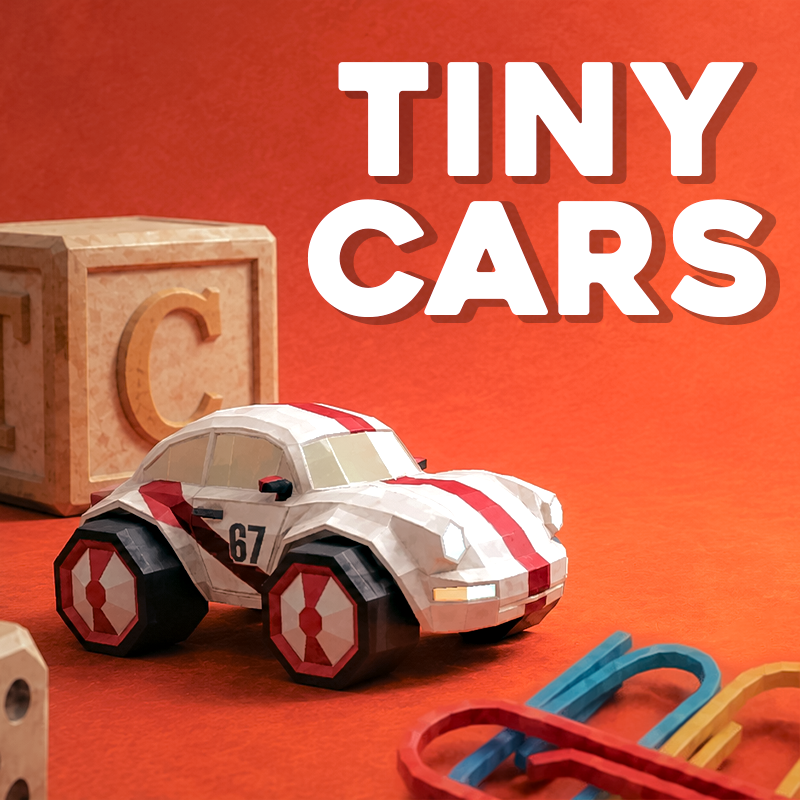
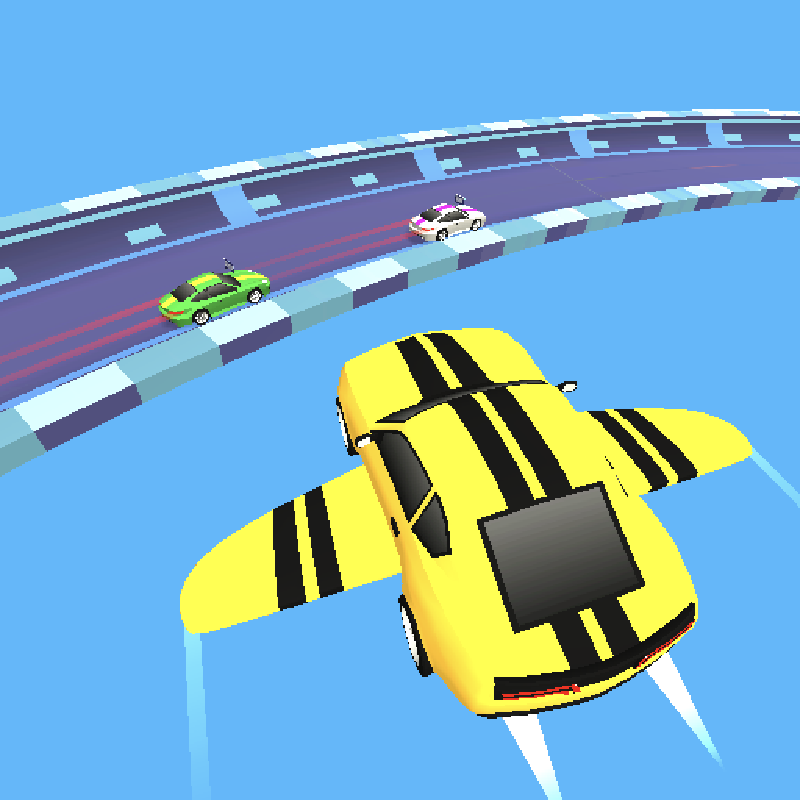
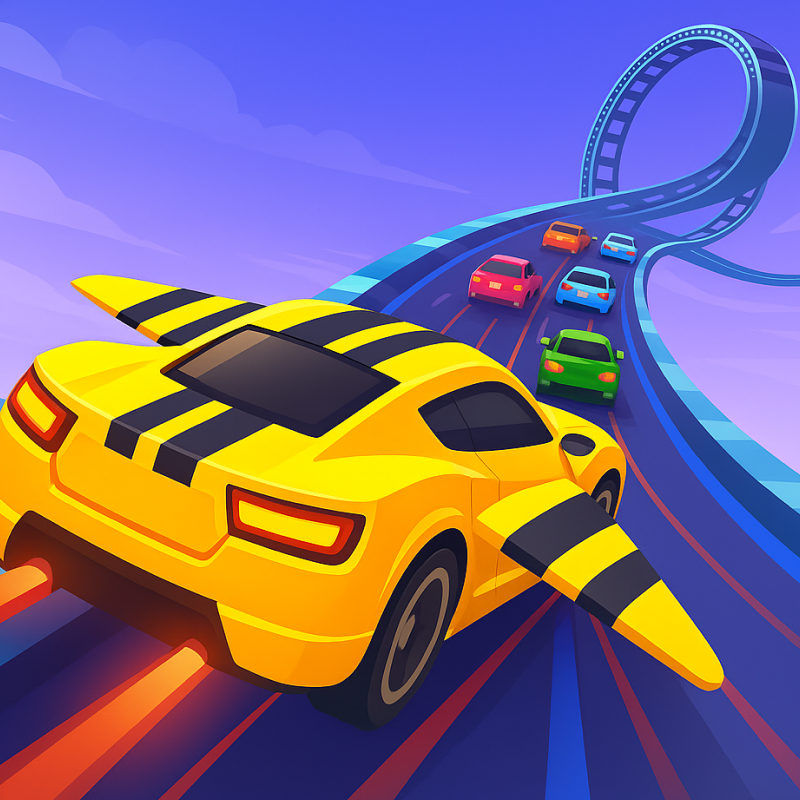
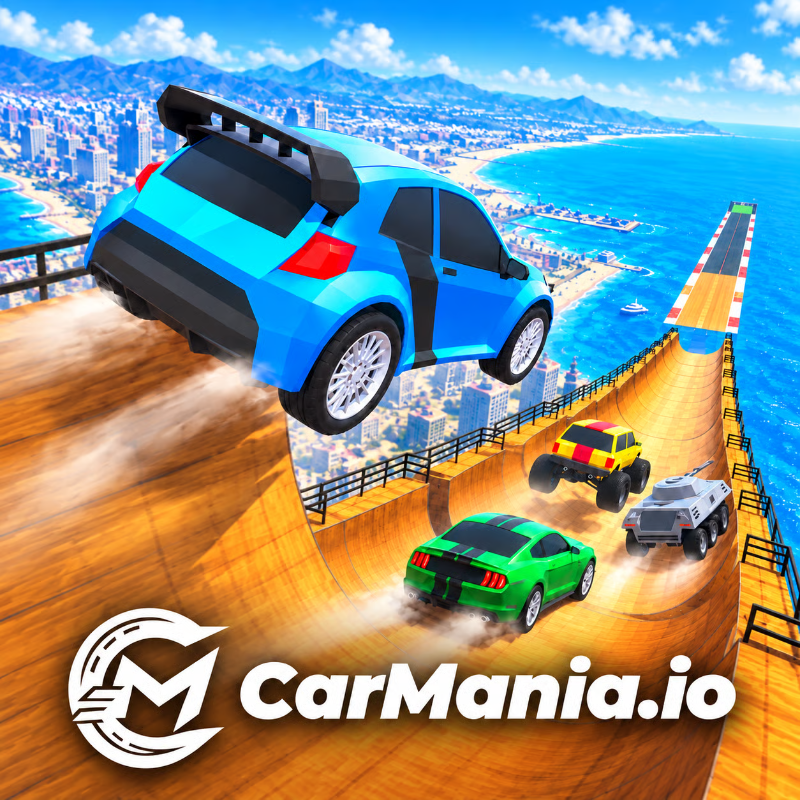
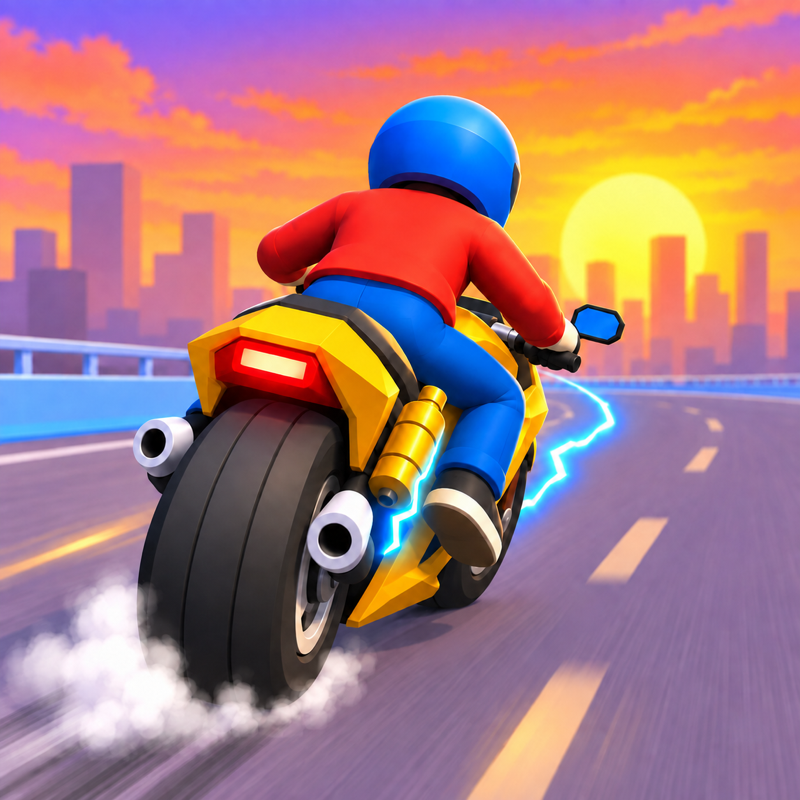
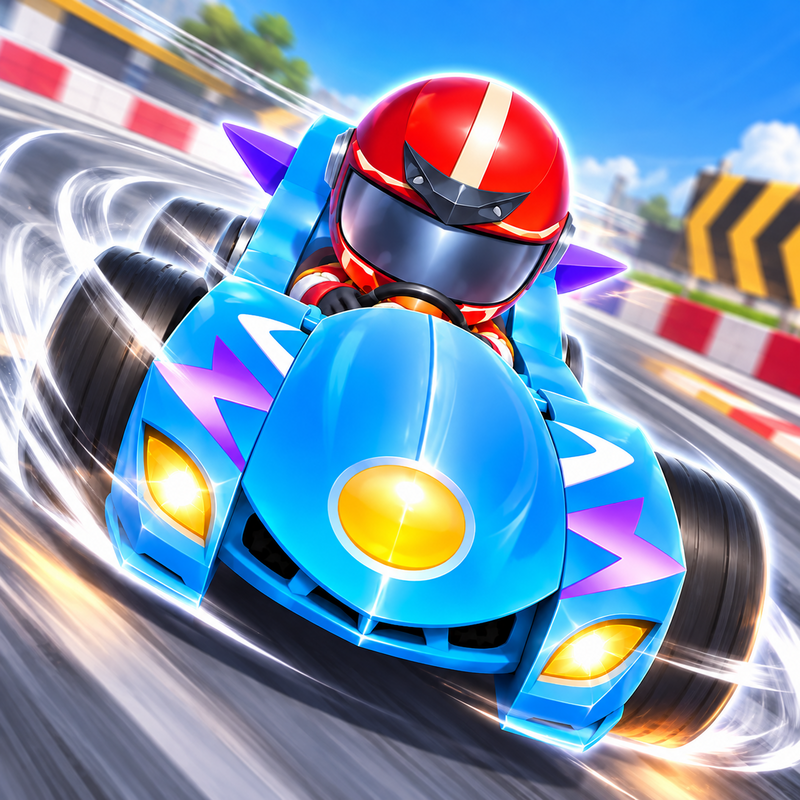
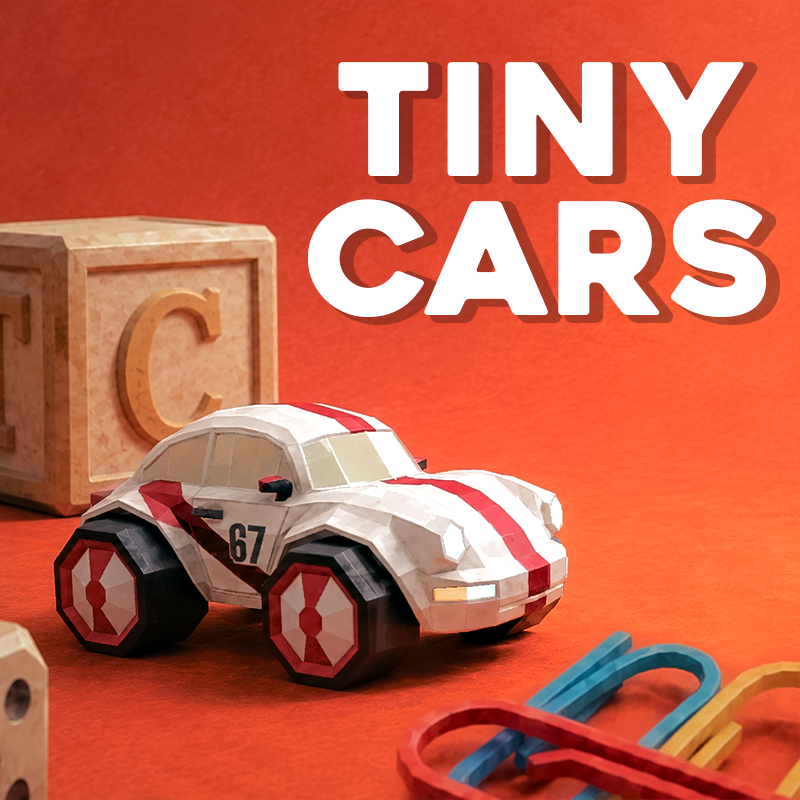
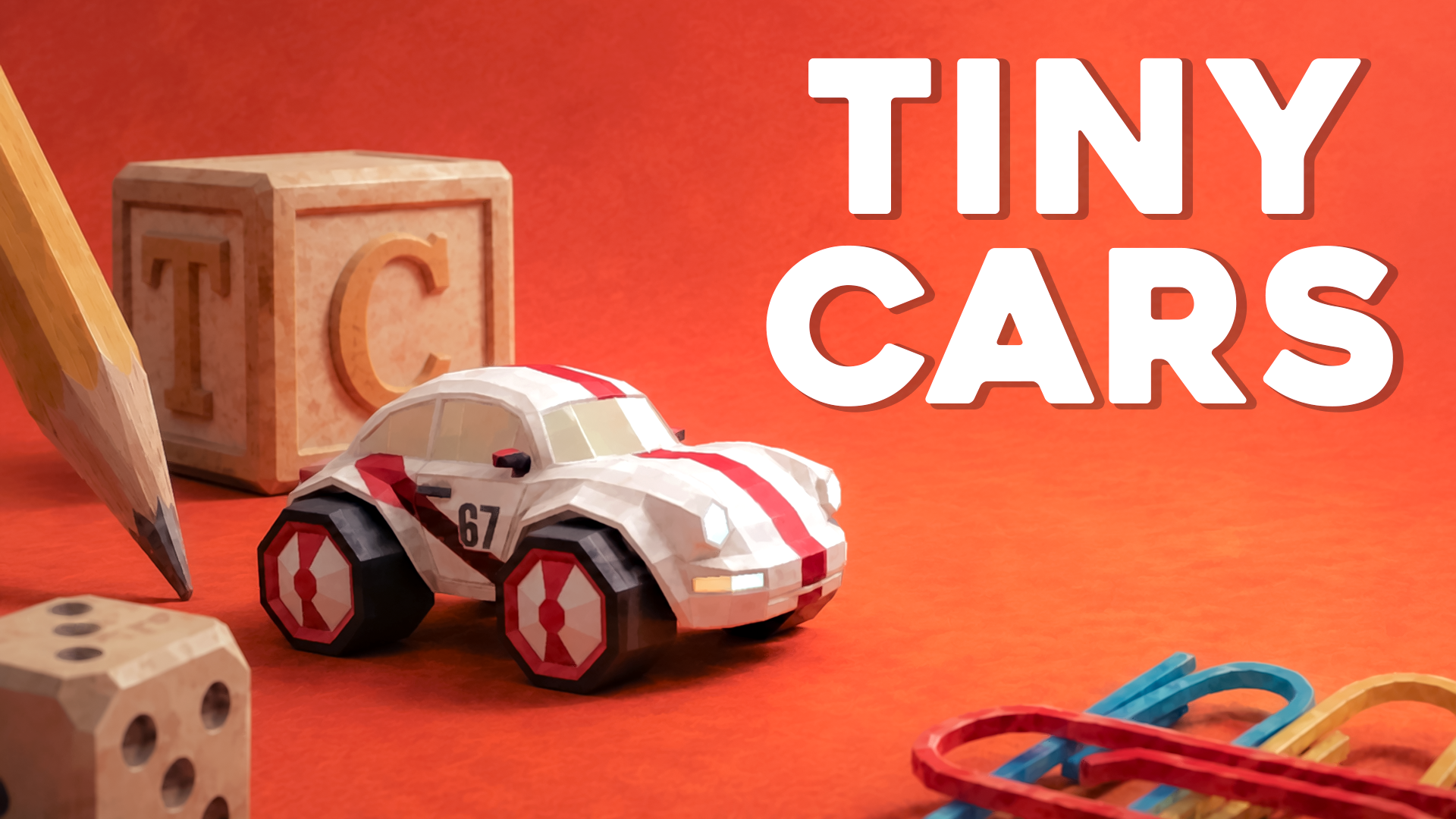
Tiny Cars is a fast, low-poly racing game built around speed, precision, and perfect timing. Drift through tight turns, launch over jumps, and chase perfect runs across miniature tracks built from the everyday objects of home. Race the clock, learn from ghost replays, climb the leaderboards, and push your time lower with every attempt. With 25 official tracks to master, the road to perfection is always just one more run away.
How to play Tiny Cars
Controls
Acceleration: W/S or the Up/Down arrow keys
Steering: A/D or Left/Right arrow keys
Restart: R or Backspace
Hide ghost: E
How to Play
Avoid obstacles and collect all checkpoints to finish the track.
Tiny Cars controls
- Acceleration: W/S or the Up/Down arrow keys
- Steering: A/D or Left/Right arrow keys
- R or Backspace: Restart
- E: Hide ghost
Tiny Cars FAQ
Is Tiny Cars free to play?
Yes. Tiny Cars is free on Physics Shark, with nothing to download and no account to make.
Can I play Tiny Cars unblocked at school?
Tiny Cars runs in a normal browser tab with no install, so it plays on school Chromebooks and laptops, with nothing to install and no account.
Does Tiny Cars work on phones and tablets?
Yes. It works with touch controls on phones and tablets, and with a keyboard and mouse on computers.
- LikedNo votes yet
- Rank#1414 of 2870
- PlaysBe the first!
- UpdatedNovember 2026
Gameplay
About this game
- Controls
- AccelerationW/S or the Up/Down arrow keys
- SteeringA/D or Left/Right arrow keys
- R or BackspaceRestart
- EHide ghost
- Supported devices
- Desktop, phone and tablet














