 Physics Shark
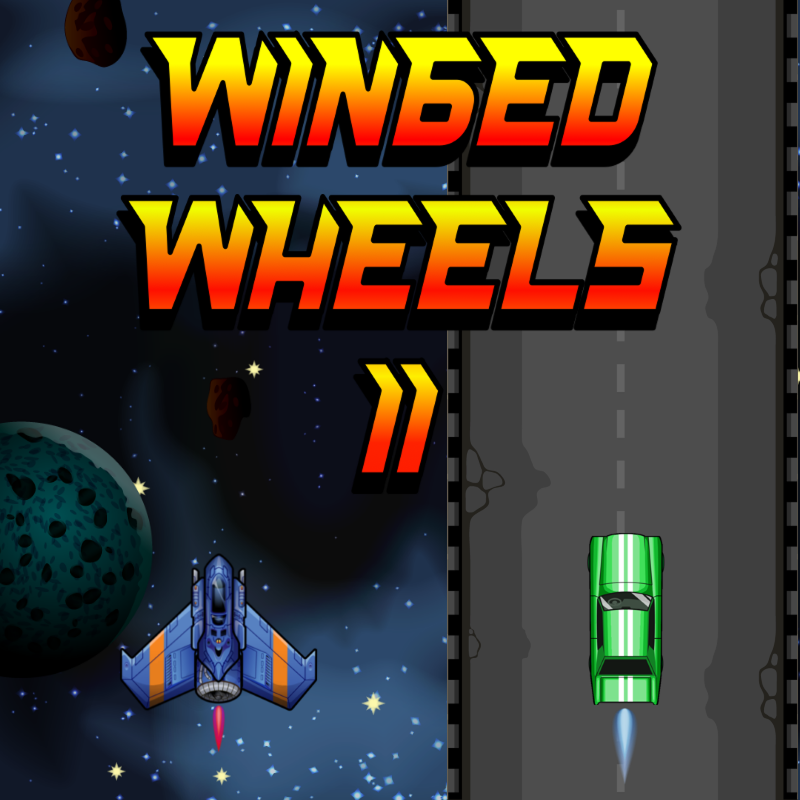
































Winged Wheels 2
Play Winged Wheels 2 online for free on Physics Shark. This car racing game runs in a normal browser tab, so there's nothing to download and no sign-up, and it works on a school Chromebook, a laptop, a phone or a tablet.
Show moreShow less
Play Winged Wheels 2 unblocked
Play Winged Wheels 2 online for free on Physics Shark. This car racing game runs in a normal browser tab, so there's nothing to download and no sign-up, and it works on a school Chromebook, a laptop, a phone or a tablet.
What is Winged Wheels 2?
Ready to challenge your brain and reflexes like never before?
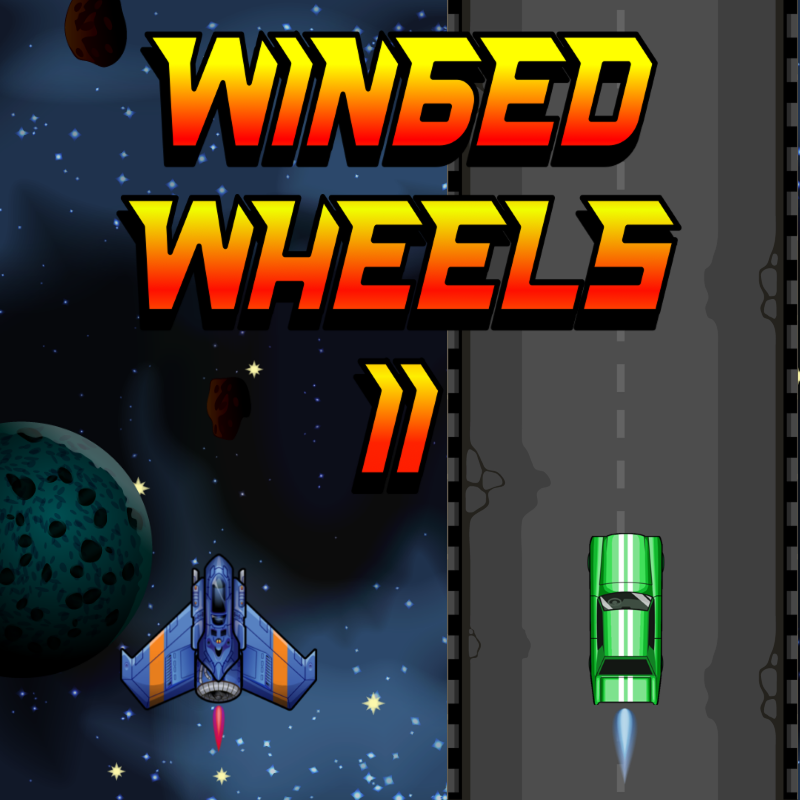
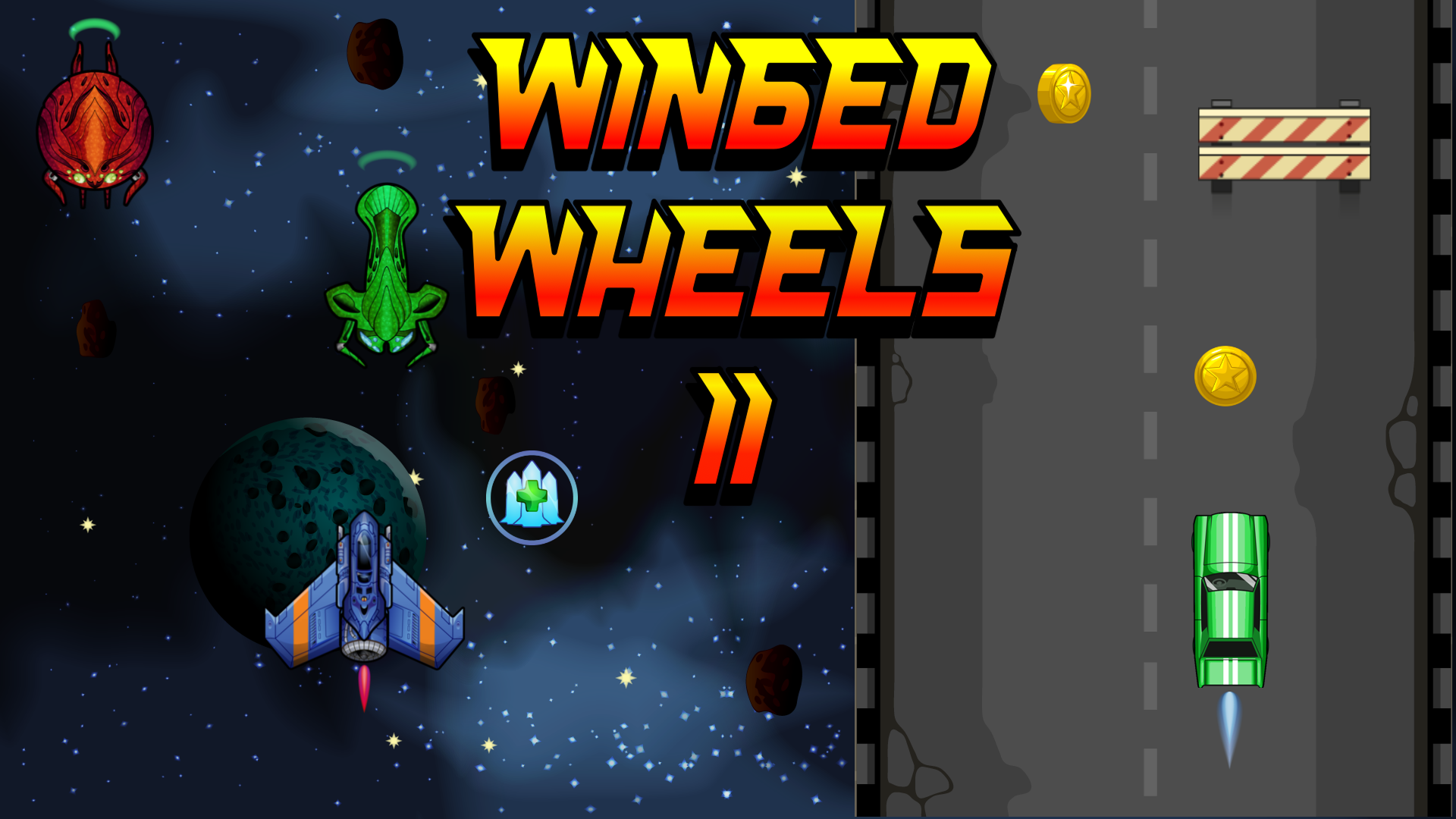
In this fast-paced action game, you'll control a car and a spaceship simultaneously. While dodging enemies and obstacles with one vehicle, you’ll be collecting coins and power-ups with the other – all in real time!
Multitask like a pro: Master the art of controlling two vehicles at once
Unlock new cars and spaceships with unique visuals
Upgrade your abilities after each run for better performance
Face random events and power-ups that shake up the gameplay
Climb the global leaderboard and prove your skills
This game is designed to test your concentration, dexterity, and multitasking to the absolute limit. Whether you're dodging missiles or grabbing that last coin, every second counts.
Can you handle the chaos?
How to play Winged Wheels 2
PC:
← (Left Arrow): Move left with the car.
→ (Right Arrow): Move right with the car.
A: Move left with the spaceship.
D: Move right with the spaceship.
Mobile:
- Swipe on the left side to move the spaceship.
- Swipe on the right side to move the car.
Objective:
Collect coins to buy upgrades and climb the leaderboard.
Hitting an enemy or obstacle will cost you one health. Losing a coin also costs one health.
Power Ups:
- Magnetic Field: Coins are automatically attracted to your vehicle. Upgrades increase the duration.
- Energy Shield: Destroys enemies and obstacles on contact. Upgrades increase the duration.
- Extra Life: Grants you an additional life.
- Weapon System: Automatically fires rockets at the nearest enemy or obstacle. Upgrades increase the ammo capacity.
Winged Wheels 2 controls
- ← (Left Arrow): Move left with the car
- → (Right Arrow): Move right with the car
- A: Move left with the spaceship
- D: Move right with the spaceship
Winged Wheels 2 FAQ
Is Winged Wheels 2 free to play?
Yes. Winged Wheels 2 is free on Physics Shark, with nothing to download and no account to make.
Can I play Winged Wheels 2 unblocked at school?
Winged Wheels 2 runs in a normal browser tab with no install, so it plays on school Chromebooks and laptops, with nothing to install and no account.
Does Winged Wheels 2 work on phones and tablets?
Yes. It works with touch controls on phones and tablets, and with a keyboard and mouse on computers.
- LikedNo votes yet
- Rank#2320 of 2870
- PlaysBe the first!
- UpdatedNovember 2026
Gameplay
About this game
- Controls
- ← (Left Arrow)Move left with the car
- → (Right Arrow)Move right with the car
- AMove left with the spaceship
- DMove right with the spaceship
- Supported devices
- Desktop, phone and tablet
- Genre
- Racingactionarcadecar racingsimulationplatformskill
- Games like Winged Wheels 2
- Rumble RushSummer Rider 3DKart BrosMoto X3M OriginalSuperbike HeroSuper Car Soccer Arena














