 Physics Shark




















Yenemy
Yenemy is a multiplayer survival game you can play unblocked right here on Physics Shark.
Show moreShow less
Play Yenemy unblocked
Yenemy is a multiplayer survival game you can play unblocked right here on Physics Shark. It runs in your browser with no download, no install and no account, so you can play it on a Chromebook or any computer with a keyboard and mouse.
What is Yenemy?
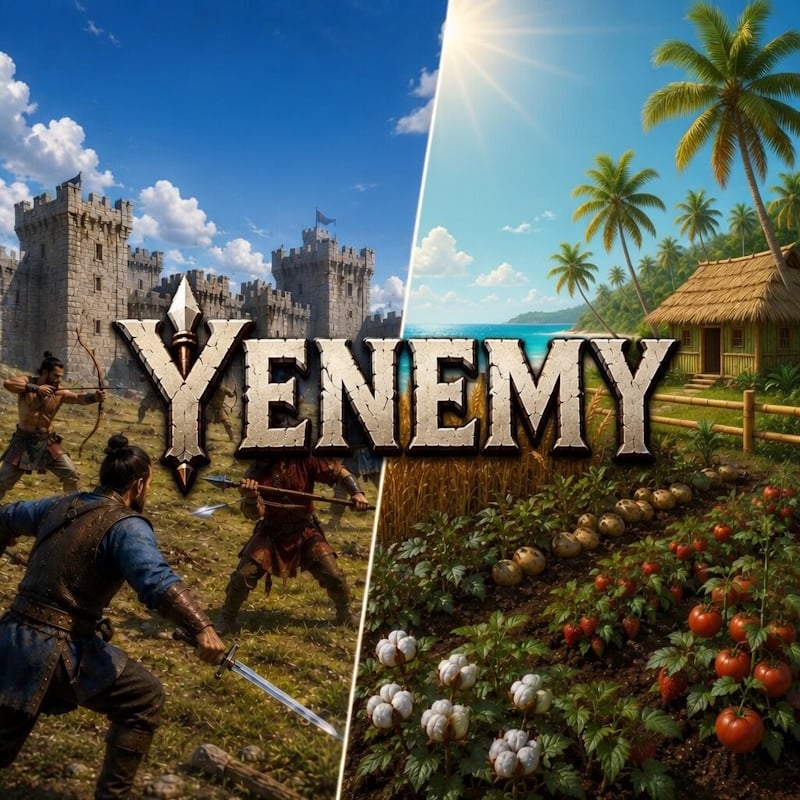
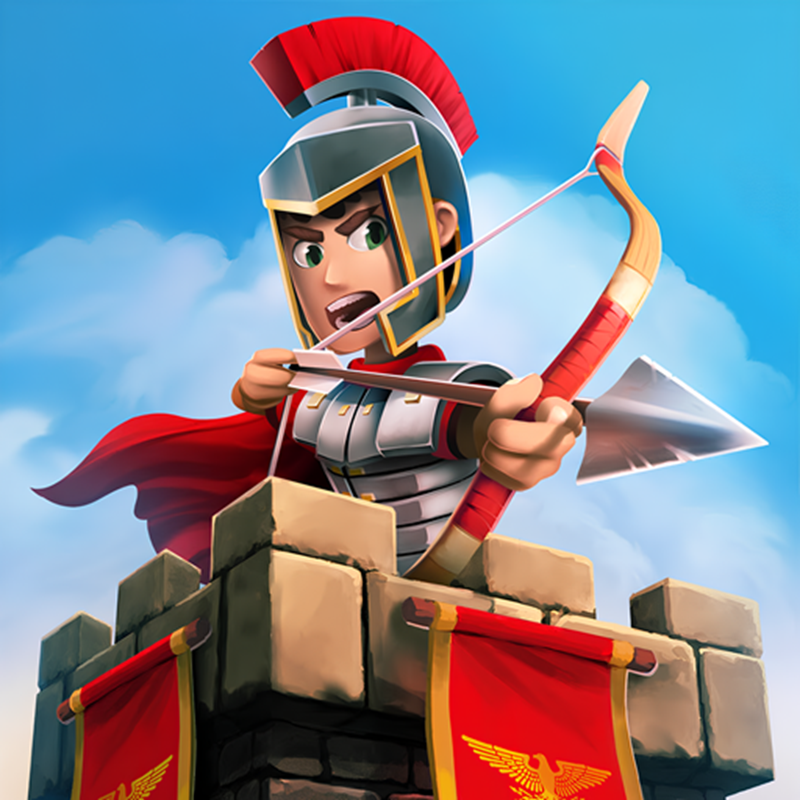
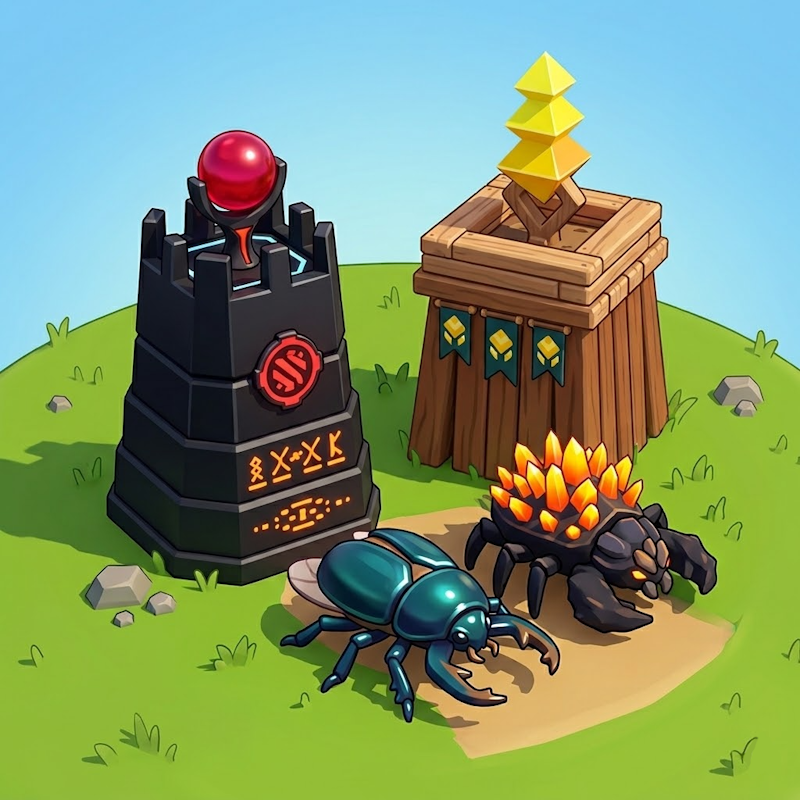
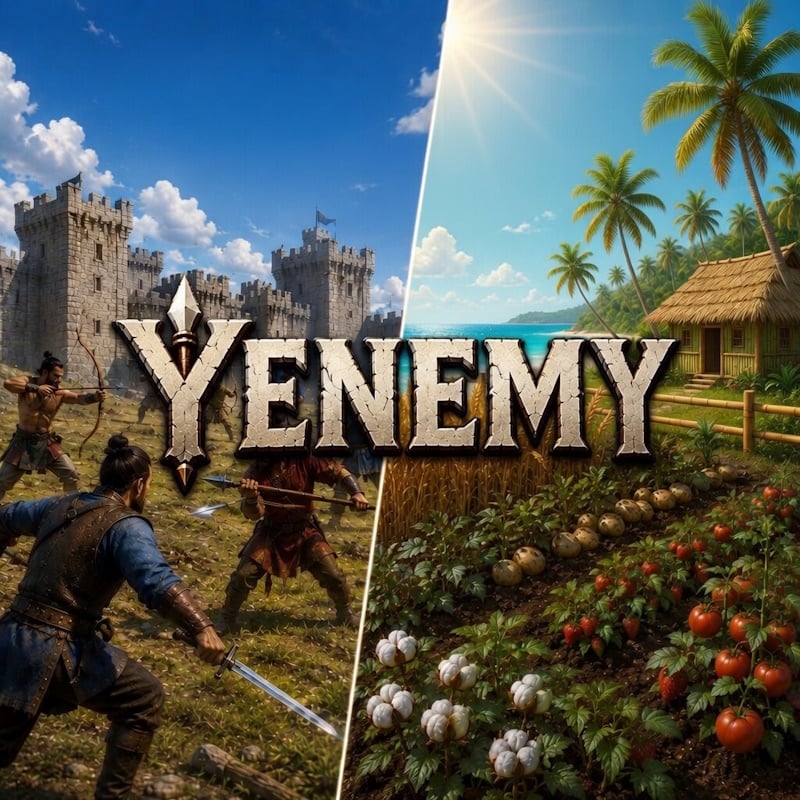
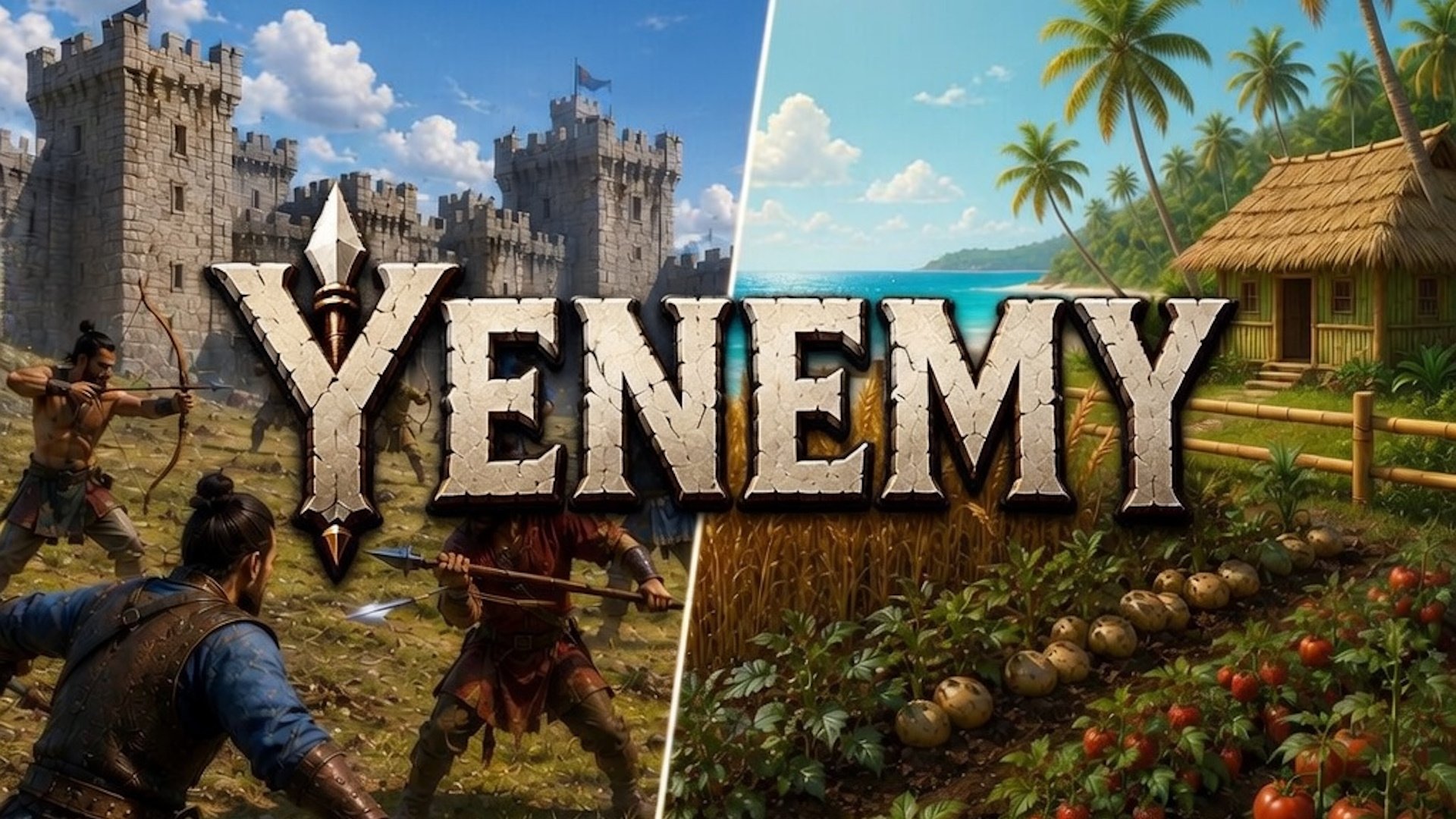
Yenemy is a game that combines survival, farming, base-building, crafting, and large-scale clan battles.
Players gather resources, build and defend castles, fight monsters and enemy clans, and work together to destroy the opposing clan’s Temple.
Outside battles, players develop their own Farm Island by growing crops, producing goods, trading with ports, hiring workers, and expanding production chains.
Progress in battles directly supports farm development, creating a strong connection between combat and long term progression.
How to play Yenemy
Craft weapons, fight monsters and enemy players, safeguard your clan temple and storm enemy castle. Destroy enemy clan temple to achieve victory in battle!
Controls:
W: move towards mouse pointer.
S: move backwards from mouse pointer.
A: strafe left.
D: strafe right.
Left Mouse Button: attack/gather.
Right Mouse Button: automatically attack.
Space: jump/dash.
Yenemy controls
- W: move towards mouse pointer
- S: move backwards from mouse pointer
- A: strafe left
- D: strafe right
- Left Mouse Button: attack/gather
- Right Mouse Button: automatically attack
- Space: jump/dash
Yenemy FAQ
Is Yenemy free to play?
Yes. Yenemy is free on Physics Shark, with nothing to download and no account to make.
Can I play Yenemy unblocked at school?
Yenemy runs in a normal browser tab with no install, so it plays on school Chromebooks and laptops, with nothing to install and no account.
Does Yenemy work on phones and tablets?
It's made for computers: play it with a keyboard and mouse, for example on a Chromebook.
- LikedNo votes yet
- Rank#1913 of 2870
- PlaysBe the first!
- UpdatedNovember 2026
Gameplay
About this game
- Controls
- Wmove towards mouse pointer
- Smove backwards from mouse pointer
- Astrafe left
- Dstrafe right
- Left Mouse Buttonattack/gather
- Right Mouse Buttonautomatically attack
- Spacejump/dash
- Supported devices
- Desktop only: best with a keyboard and mouse
- Genre
- Strategyactioncraftingadventuremultiplayerfarmsurvival














