 Physics Shark






























Arrows: Make It Cozy!
Arrows: Make It Cozy! is a cozy decorating game you can play unblocked right here on Physics Shark.
Show moreShow less
Play Arrows: Make It Cozy! unblocked
Arrows: Make It Cozy! is a cozy decorating game you can play unblocked right here on Physics Shark. It runs in your browser with no download, no install and no account, so you can play it on a school Chromebook, a laptop, a phone or a tablet.
What is Arrows: Make It Cozy!?
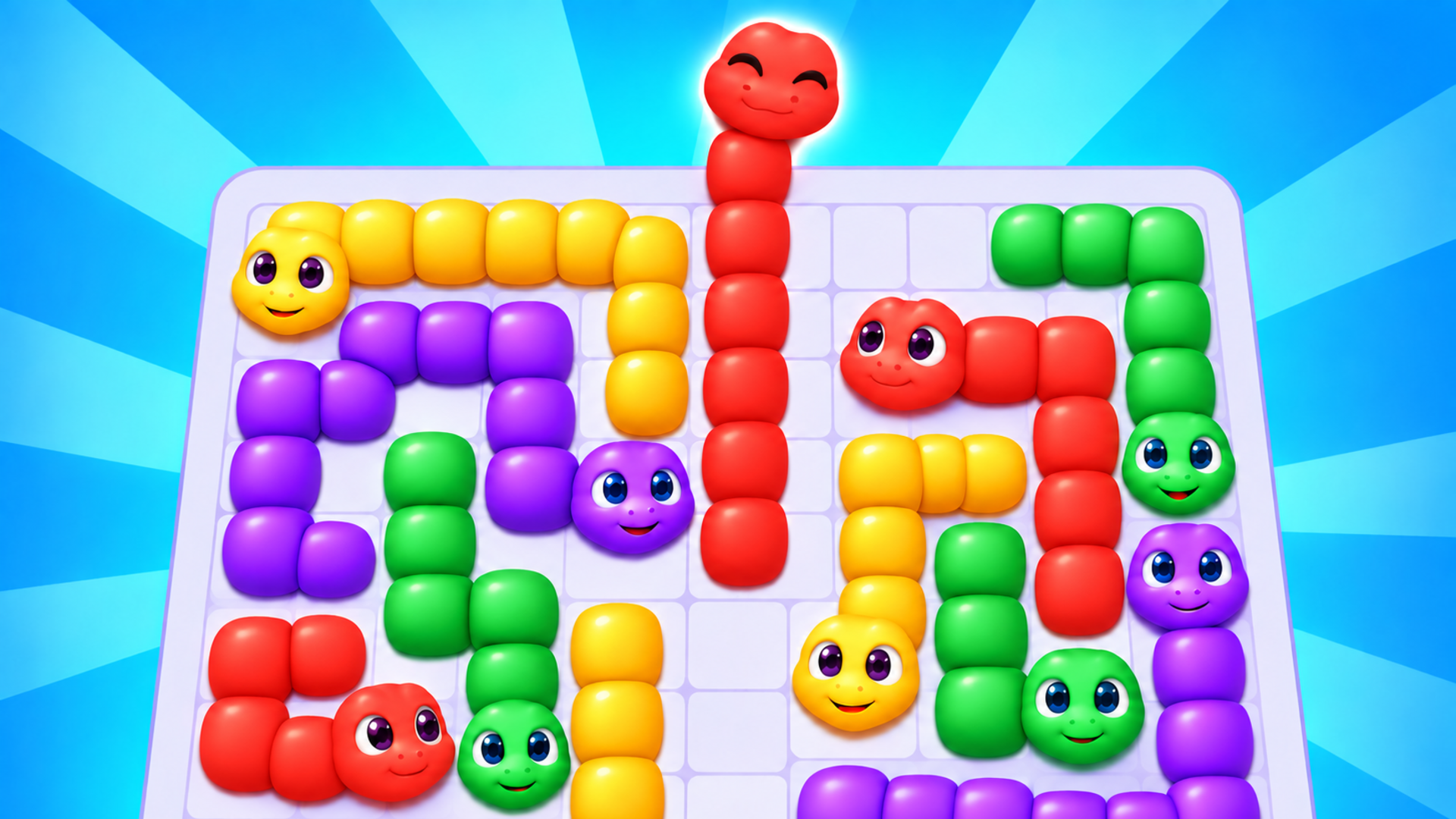
Colorful arrows are tangled up on the board — help them find a way out! ➡️
Tap on arrows to send them sliding off the grid, but be careful: collisions cost lives, and the clock is ticking. ⏱️ Every level is a puzzle where sequence and speed matter. 🧩
Game features:
- 🎮 Over 850 levels of increasing difficulty — never a dull moment.
- 🔥 Combo system: send arrows off in a row without mistakes, score points, and climb the leaderboard.
- 💡 Two boosters: a hint for one arrow's path or a full map of all arrow paths on the level.
- 🏠 Decorate your space: earn stars for completed levels and buy furniture for your room collection.
- 🏆 Leaderboard — compete with players for the best combo score.
Solve puzzles, chain combos, furnish rooms, and become the ultimate arrow master! ✨
How to play Arrows: Make It Cozy!
Tap an arrow — it will slide straight in the direction it points. If the path is clear, the arrow escapes. If another arrow is in the way — they collide and you lose a life. You have 3 lives ❤️ per level and limited time ⏱️. Free all the arrows before you run out!
On PC: click on an arrow with the mouse.
On mobile: tap the arrow with your finger.
Boosters:
1. 💡 Hint — highlights the path of one arrow that can safely leave the field.
2. 🗺️ Compass — reveals all arrow paths on the level until it's completed.
Chain combos! 🔥 Send arrows off in a row without collisions and within 10 seconds between moves — combo points go to the leaderboard.
Arrows: Make It Cozy! controls
- Keyboard / mouse: click on an arrow with the mouse
- Hint: highlights the path of one arrow that can safely leave the field
- Compass: reveals all arrow paths on the level until it's completed
Arrows: Make It Cozy! FAQ
Is Arrows: Make It Cozy! free to play?
Yes. Arrows: Make It Cozy! is free on Physics Shark, with nothing to download and no account to make.
Can I play Arrows: Make It Cozy! unblocked at school?
Arrows: Make It Cozy! runs in a normal browser tab with no install, so it plays on school Chromebooks and laptops, with nothing to install and no account.
Does Arrows: Make It Cozy! work on phones and tablets?
Yes. It works with touch controls on phones and tablets, and with a keyboard and mouse on computers.
- LikedNo votes yet
- Rank#1025 of 2870
- PlaysBe the first!
- UpdatedNovember 2026
Gameplay
About this game
- Controls
- Keyboard / mouseclick on an arrow with the mouse
- Hinthighlights the path of one arrow that can safely leave the field
- Compassreveals all arrow paths on the level until it's completed
- Supported devices
- Desktop, phone and tablet
- Games like Arrows: Make It Cozy!
- Fruit Merge: Juicy Drop GameBlock Blast MasterPortal HopArrow Cube 3DHidden Object: Clues and MysteriesHedgehog Go Home














