 Physics Shark






























Shape Ascent - Roguelite
Play Shape Ascent - Roguelite online for free on Physics Shark. This merge game runs in a normal browser tab, so there's nothing to download and no sign-up, and it works on a school Chromebook, a…
Show moreShow less
Play Shape Ascent - Roguelite unblocked
Play Shape Ascent - Roguelite online for free on Physics Shark. This merge game runs in a normal browser tab, so there's nothing to download and no sign-up, and it works on a school Chromebook, a laptop, a phone or a tablet.
What is Shape Ascent - Roguelite?
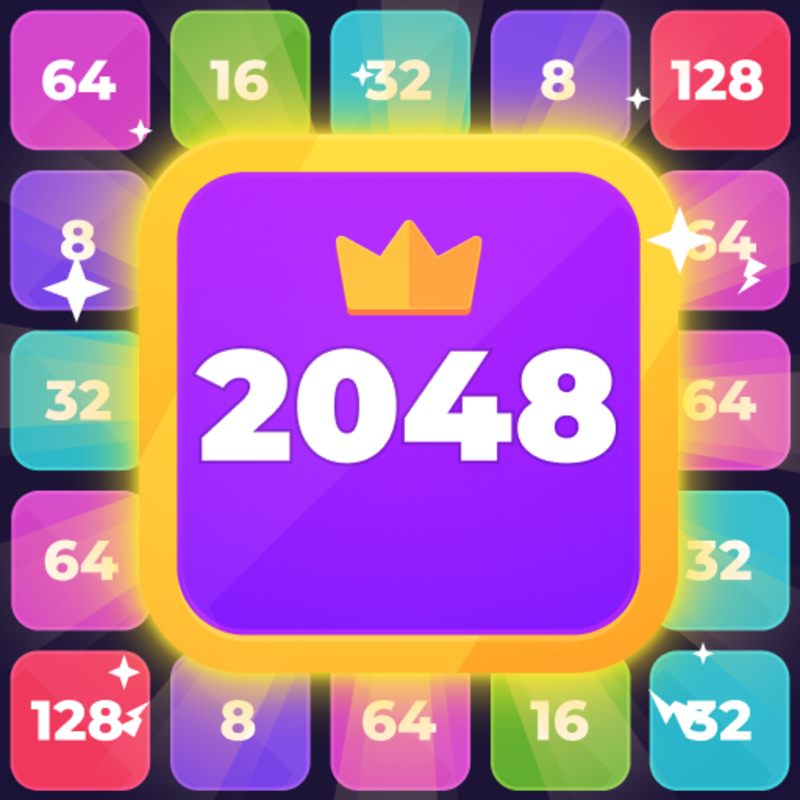
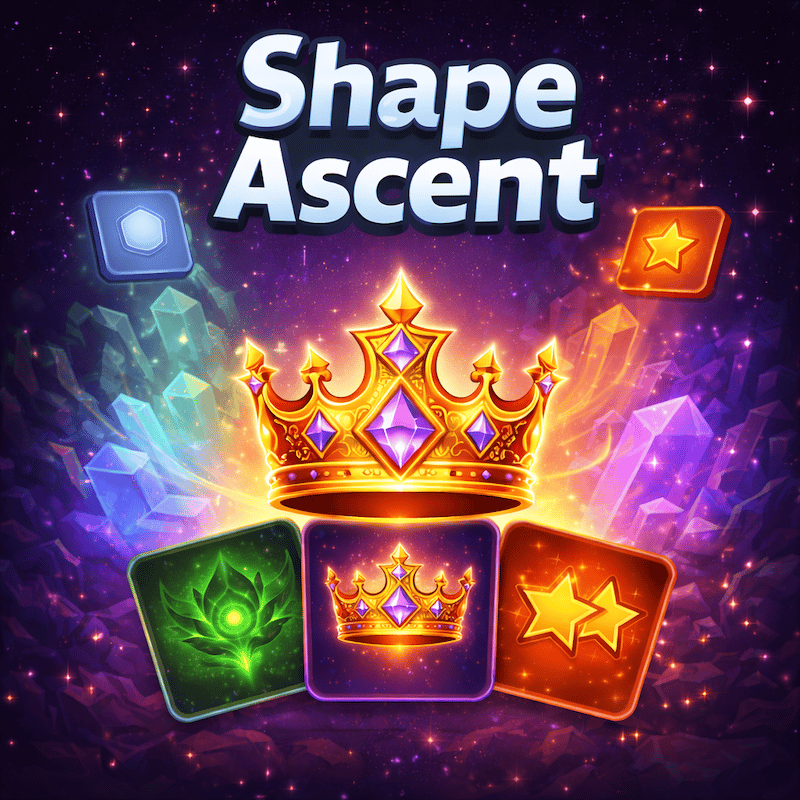
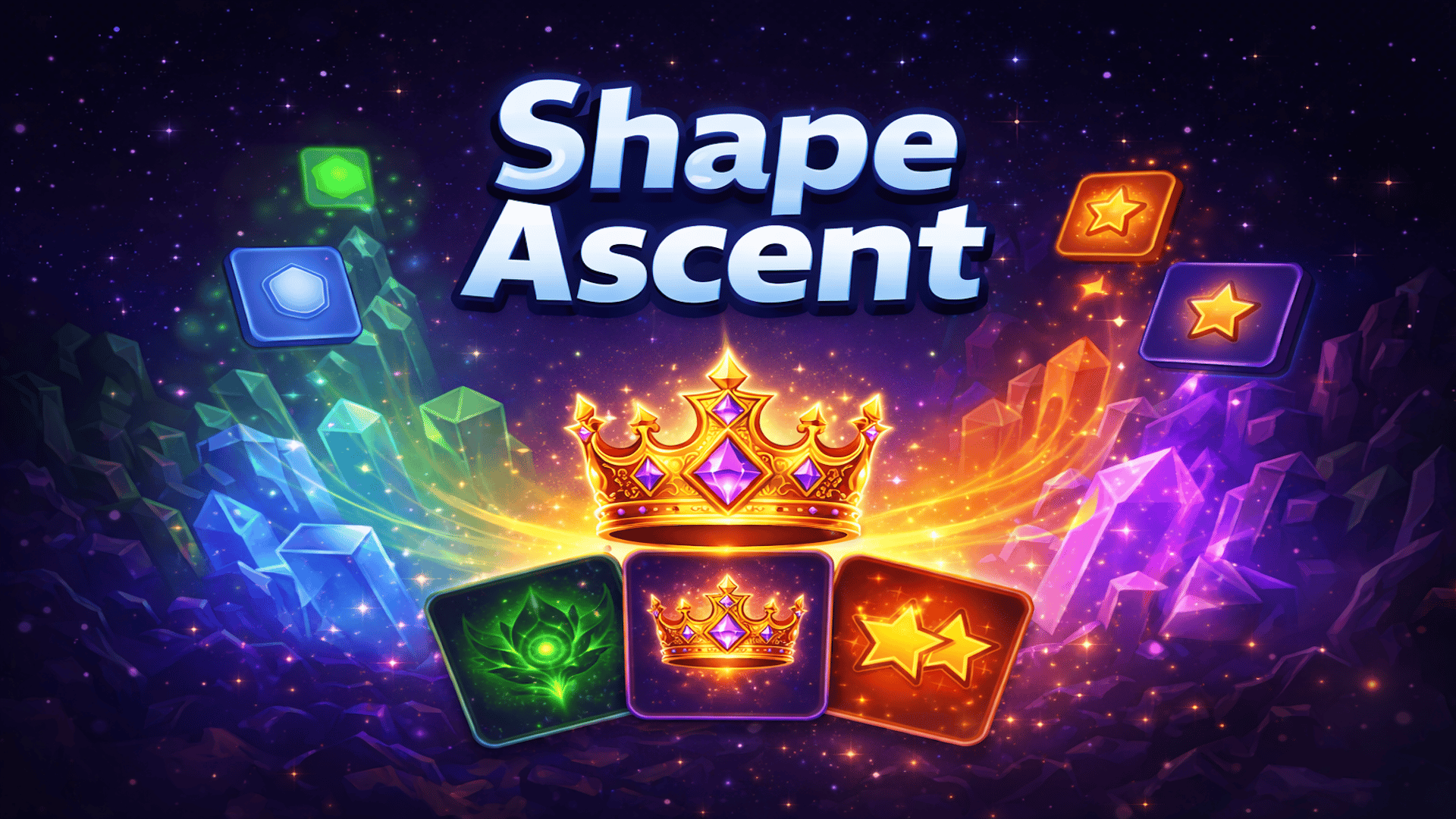
Shape Ascent is a strategic puzzle game inspired by 2048, where you merge geometric shapes on a 5×5 grid to reach the legendary Ascent Crown. Starting with simple Triangles and Squares, you'll combine matching shapes by swiping in four directions — merging them into Pentagons, Hexagons, Stars, Crystals, Essences, and ultimately the Ascent Crown (8128). What makes Shape Ascent unique is its roguelike card system: every few moves, you're offered a choice of Power Cards with Common, Rare, and Epic abilities — from Score Boosts and Merge Bonuses to Emergency Saves and Auto-Cleanse effects that permanently alter your run. Manage your Undo charges, use the Remove Tile tool wisely, and plan every swipe to avoid filling the board. With 13 shape tiers, stackable card effects, milestone celebrations, and a save system that lets you continue where you left off, Shape Ascent blends classic merge puzzle satisfaction with strategic depth and replayability. Available in 6 languages.
How to play Shape Ascent - Roguelite
Merge Shapes to Reach the Crown!
In Shape Ascent, your goal is to merge identical shapes on a 5×5 grid to create higher-tier shapes and chase the ultimate prize — the Ascent Crown (8128). Two matching shapes combine into the next tier when they collide. Plan your moves carefully: when the board fills up with no possible merges, it's game over!
Every few moves, you'll be offered a choice of Power Cards with unique abilities. Choose wisely — cards like Score Boost, Star Boost, Spawn Block, and Emergency Save can change the course of your run. Use the Undo button to reverse a mistake, or the Remove Tile tool (unlocked at Triple Star) to clear an unwanted piece from the board.
Desktop Controls:
↑ (Up Arrow) or W: Move all tiles upward.
↓ (Down Arrow) or S: Move all tiles downward.
← (Left Arrow) or A: Move all tiles left.
→ (Right Arrow) or D: Move all tiles right.
U: Use an Undo charge.
Mobile Controls:
Swipe Up: Move all tiles upward.
Swipe Down: Move all tiles downward.
Swipe Left: Move all tiles left.
Swipe Right: Move all tiles right.
Tap the Undo button (↩) to reverse your last move.
Tap the Remove button (✖) to select and remove a tile from the board.
Tap the Settings gear (⚙) to adjust sound, language, or restart the game.
Shape Ascent - Roguelite controls
- U: Use an Undo charge
Shape Ascent - Roguelite FAQ
Is Shape Ascent - Roguelite free to play?
Yes. Shape Ascent - Roguelite is free on Physics Shark, with nothing to download and no account to make.
Can I play Shape Ascent - Roguelite unblocked at school?
Shape Ascent - Roguelite runs in a normal browser tab with no install, so it plays on school Chromebooks and laptops, with nothing to install and no account.
Does Shape Ascent - Roguelite work on phones and tablets?
Yes. It works with touch controls on phones and tablets, and with a keyboard and mouse on computers.
- LikedNo votes yet
- Rank#67 of 2870
- PlaysBe the first!
- UpdatedNovember 2026
Gameplay
About this game
- Controls
- UUse an Undo charge
- Supported devices
- Desktop, phone and tablet
- Genre
- Puzzlemergeslide
- Games like Shape Ascent - Roguelite
- Fruit Merge: Juicy Drop GameBlock Blast MasterPortal HopArrow Cube 3DHidden Object: Clues and MysteriesHedgehog Go Home














