 Physics Shark






























Save Nemo
Save Nemo is a funny puzzle game you can play unblocked right here on Physics Shark.
Show moreShow less
Play Save Nemo unblocked
Save Nemo is a funny puzzle game you can play unblocked right here on Physics Shark. It runs in your browser with no download, no install and no account, so you can play it on a school Chromebook, a laptop, a phone or a tablet.
What is Save Nemo?
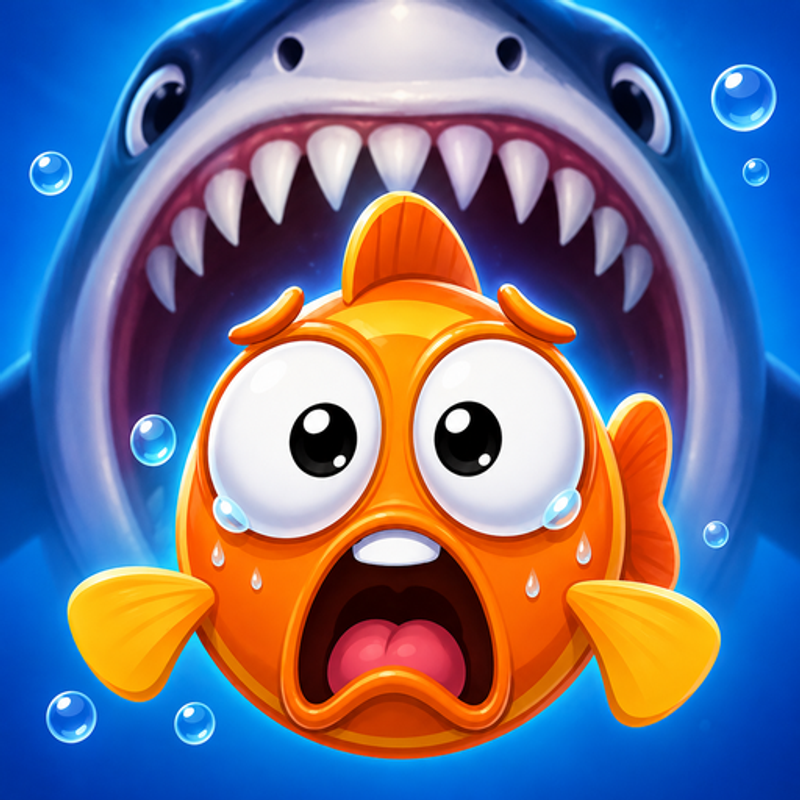
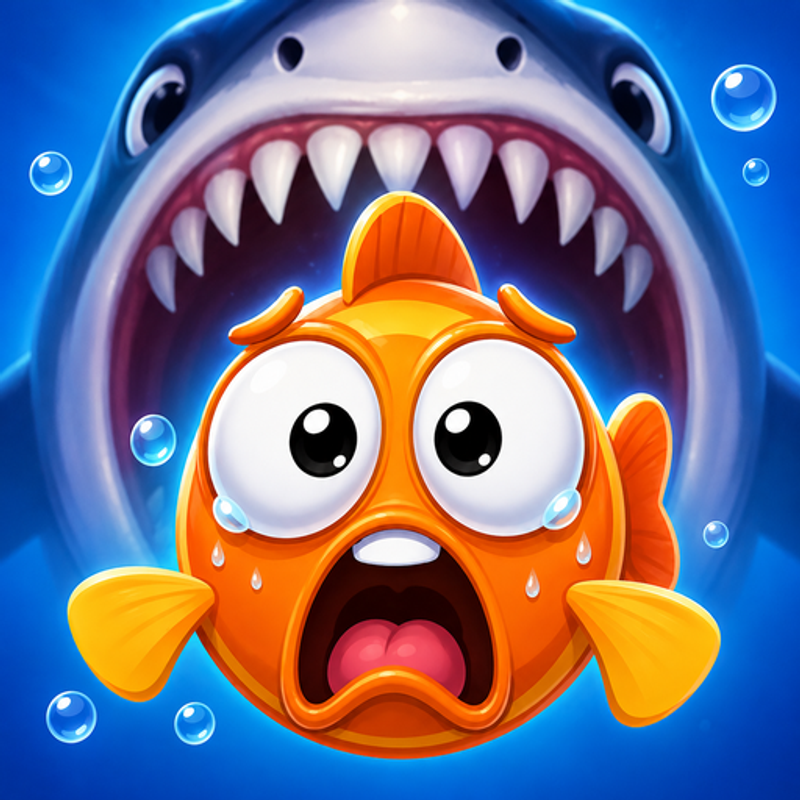
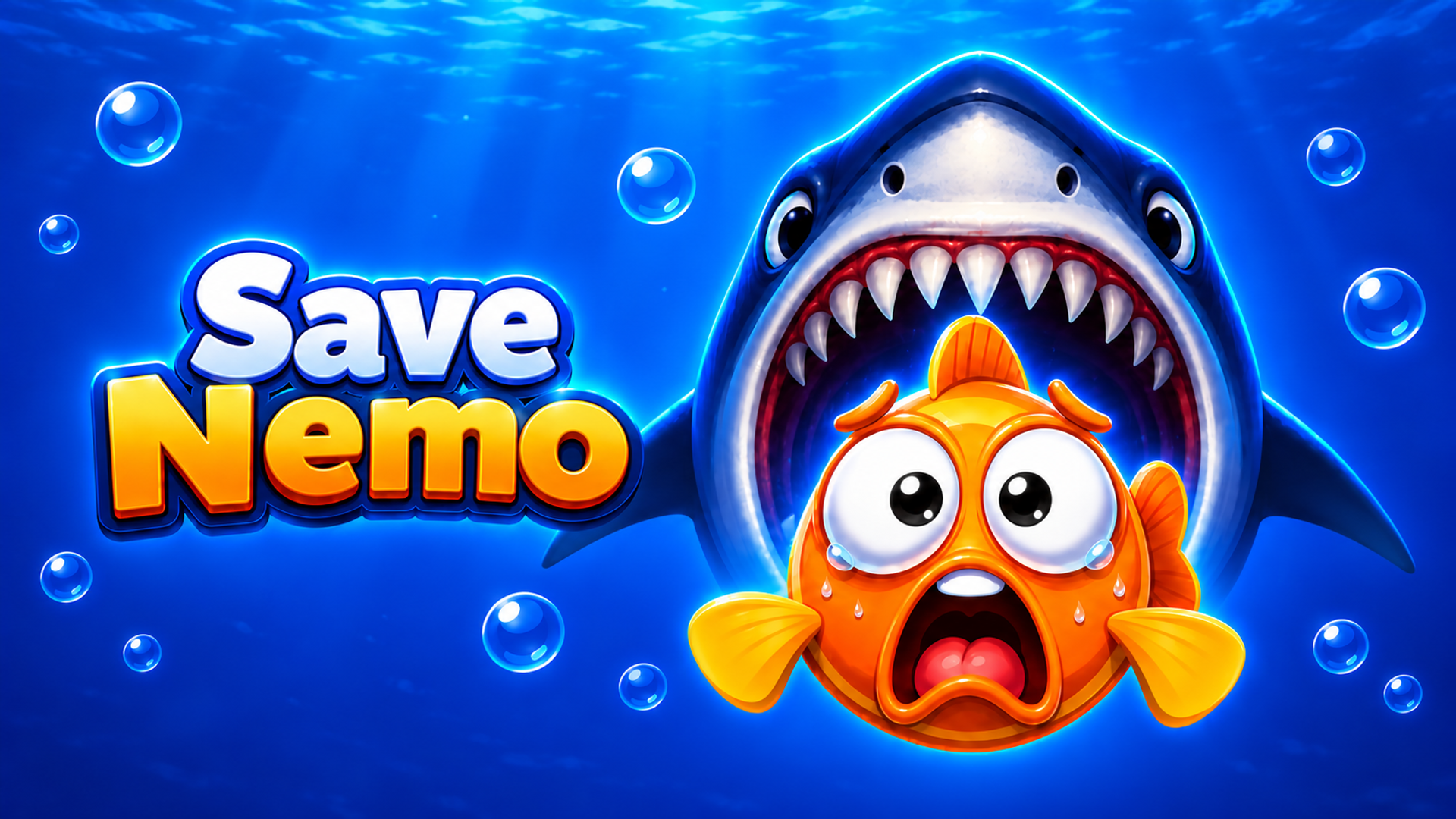
Save Nemo is an underwater puzzle adventure where every choice can save the day! Help a brave little fish escape dangerous traps, outsmart a hungry shark and rescue the Fish Princess. Choose the right actions, pull pins in the correct order and connect pipes to solve a variety of brain-teasing mini-games. Explore the underwater story and decorate your island with charming items along the way.
How to play Save Nemo
Your goal in Save Nemo is to help the fish escape dangerous situations and save the Fish Princess.
On desktop, use the left mouse button. On a phone or tablet, tap and drag on the screen.
- Choice puzzles: click or tap one of the available options to choose an action.
- Pin puzzles: click or tap the right pin, or hold and drag it to move it. Think about the order before releasing water or opening a path.
- Pipe puzzles: click or tap pipe pieces to turn them and connect a continuous route.
Avoid traps and the shark, solve each puzzle to continue the adventure, and use decorations to make your island your own.
Save Nemo controls
- Choice puzzles: click or tap one of the available options to choose an action
- Pipe puzzles: click or tap pipe pieces to turn them and connect a continuous route
Save Nemo FAQ
Is Save Nemo free to play?
Yes. Save Nemo is free on Physics Shark, with nothing to download and no account to make. The game has optional in-game purchases, but you never need them to play.
Can I play Save Nemo unblocked at school?
Save Nemo runs in a normal browser tab with no install, so it plays on school Chromebooks and laptops, with nothing to install and no account.
Does Save Nemo work on phones and tablets?
Yes. It works with touch controls on phones and tablets, and with a keyboard and mouse on computers.
- LikedNo votes yet
- Rank#1667 of 2870
- PlaysBe the first!
- UpdatedNovember 2026
Gameplay
About this game
- Controls
- Choice puzzlesclick or tap one of the available options to choose an action
- Pipe puzzlesclick or tap pipe pieces to turn them and connect a continuous route
- Supported devices
- Desktop, phone and tablet














