 Physics Shark



























Patch Garden
Play Patch Garden online for free on Physics Shark. This sudoku puzzle runs in a normal browser tab, so there's nothing to download and no sign-up, and it works on a school Chromebook, a laptop, a phone or a tablet.
Show moreShow less
Play Patch Garden unblocked
Play Patch Garden online for free on Physics Shark. This sudoku puzzle runs in a normal browser tab, so there's nothing to download and no sign-up, and it works on a school Chromebook, a laptop, a phone or a tablet.
What is Patch Garden?
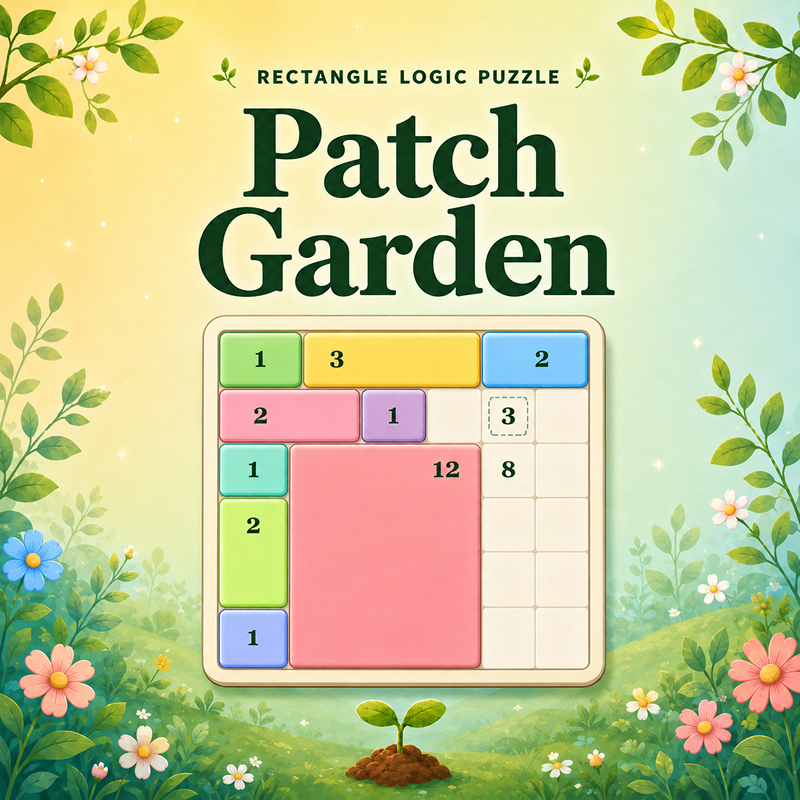
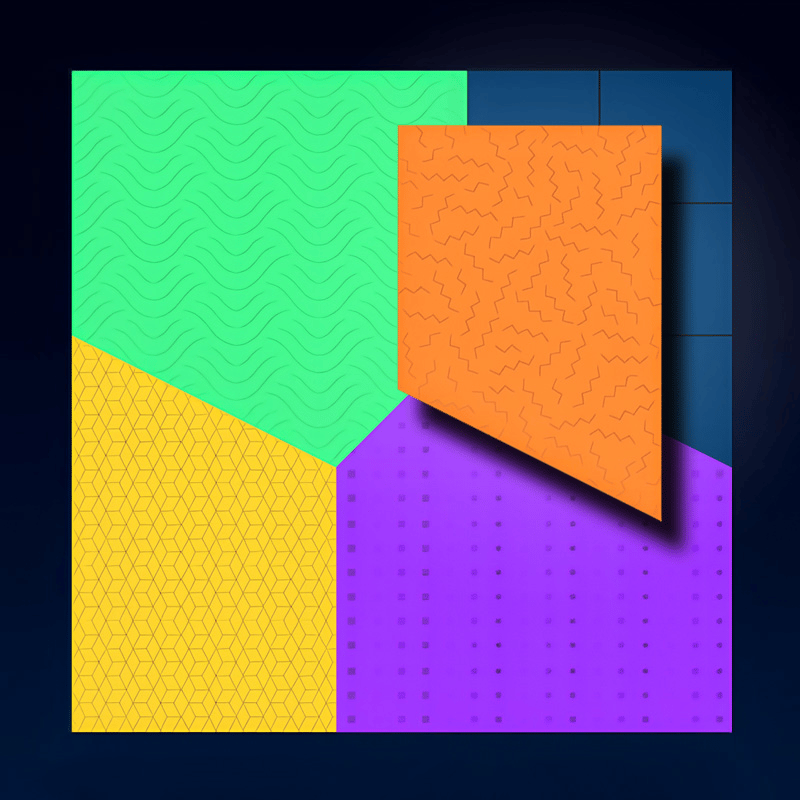
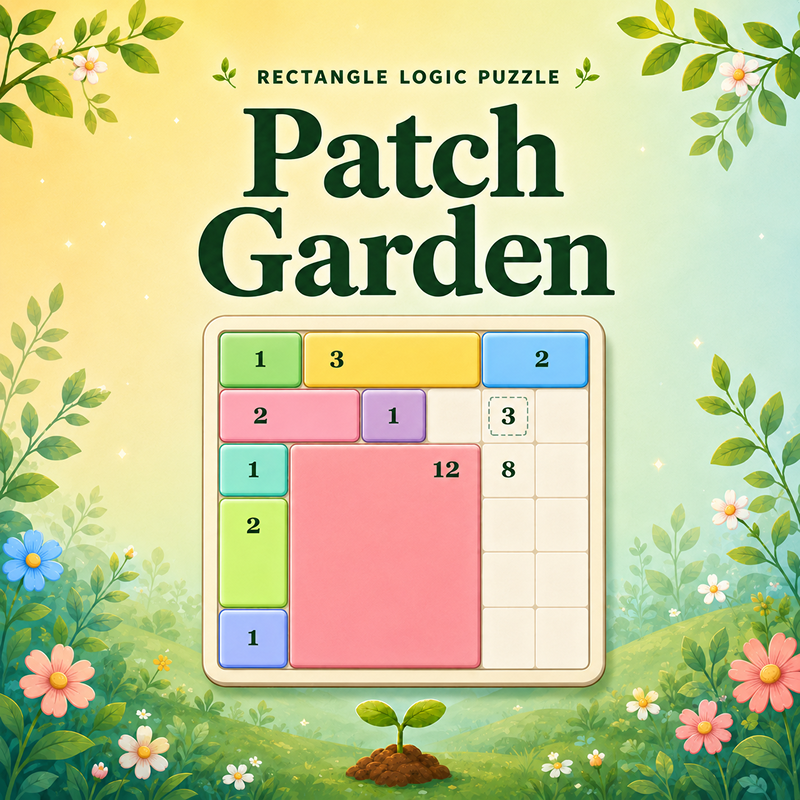
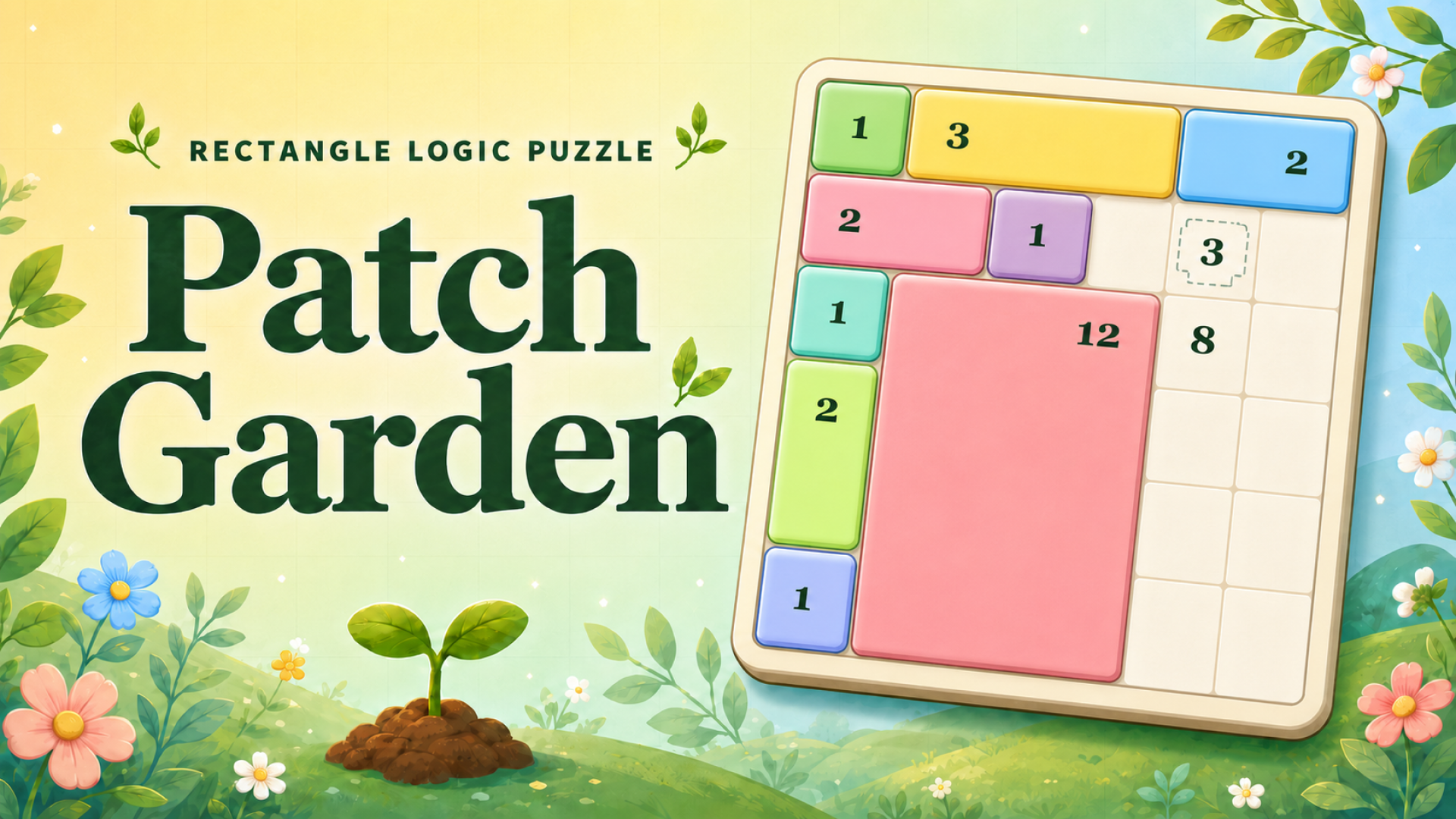
Patch Garden is a cozy rectangle logic puzzle where every seed clue grows into one perfect garden patch. Drag across the grid to draw rectangles, match each clue's area, and fill the whole board without gaps or overlaps.
Start with simple tutorial gardens, then progress through hundreds of increasingly clever levels with mystery seeds, exact-size clues, larger boards, and tougher deduction challenges.
How to play Patch Garden
Grow the Perfect Garden! In Patch Garden, your goal is to fill the entire board with clean rectangular patches. Each seed clue belongs to exactly one rectangle, and the rectangle must match the clue's area. Think carefully, avoid overlaps, and cover every cell to complete the level.
Desktop Controls:
Mouse: Click and drag across the grid to draw a rectangular patch.
Ctrl+Z: Undo your last move.
E: Activate Erase mode, then click a placed patch to remove it.
H: Use a hint to highlight a helpful solution area.
Ad Hint Button: When your free hints run out, watch a rewarded ad to unlock one extra hint.
Mobile Controls:
Touch Drag: Drag from one cell to another to draw a rectangular patch.
Undo Button: Tap to undo your last move.
Erase Button: Tap to activate Erase mode, then tap a placed patch to remove it.
Hint Button: Tap to highlight a helpful solution area.
Ad Hint Button: When your free hints run out, watch a rewarded ad to unlock one extra hint.
Patch Garden controls
- Mouse: Click and drag across the grid to draw a rectangular patch
- Ctrl+Z: Undo your last move
- E: Activate Erase mode, then click a placed patch to remove it
- H: Use a hint to highlight a helpful solution area
- Ad Hint Button: When your free hints run out, watch a rewarded ad to unlock one extra hint
Patch Garden FAQ
Is Patch Garden free to play?
Yes. Patch Garden is free on Physics Shark, with nothing to download and no account to make.
Can I play Patch Garden unblocked at school?
Patch Garden runs in a normal browser tab with no install, so it plays on school Chromebooks and laptops, with nothing to install and no account.
Does Patch Garden work on phones and tablets?
Yes. It works with touch controls on phones and tablets, and with a keyboard and mouse on computers.
- LikedNo votes yet
- Rank#2810 of 2870
- PlaysBe the first!
- UpdatedNovember 2026
Gameplay
About this game
- Controls
- MouseClick and drag across the grid to draw a rectangular patch
- Ctrl+ZUndo your last move
- EActivate Erase mode, then click a placed patch to remove it
- HUse a hint to highlight a helpful solution area
- Ad Hint ButtonWhen your free hints run out, watch a rewarded ad to unlock one extra hint
- Supported devices
- Desktop, phone and tablet














