 Physics Shark

























Arrows Disappear
Play Arrows Disappear online for free on Physics Shark. This 3D puzzle game runs in a normal browser tab, so there's nothing to download and no sign-up, and it works on a school Chromebook, a laptop, a phone or a tablet.
Show moreShow less
Play Arrows Disappear unblocked
Play Arrows Disappear online for free on Physics Shark. This 3D puzzle game runs in a normal browser tab, so there's nothing to download and no sign-up, and it works on a school Chromebook, a laptop, a phone or a tablet.
What is Arrows Disappear?
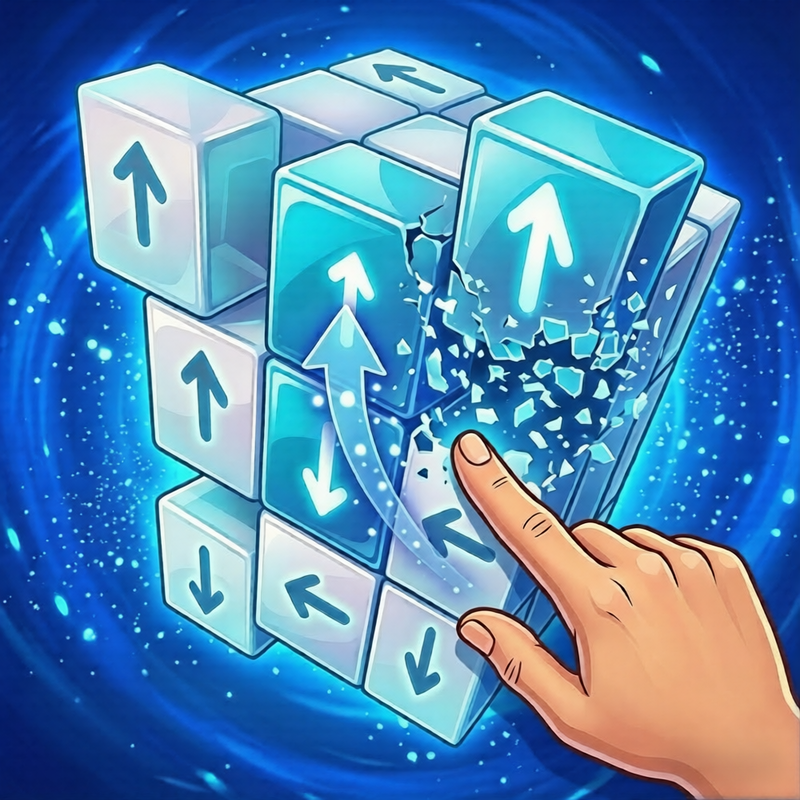
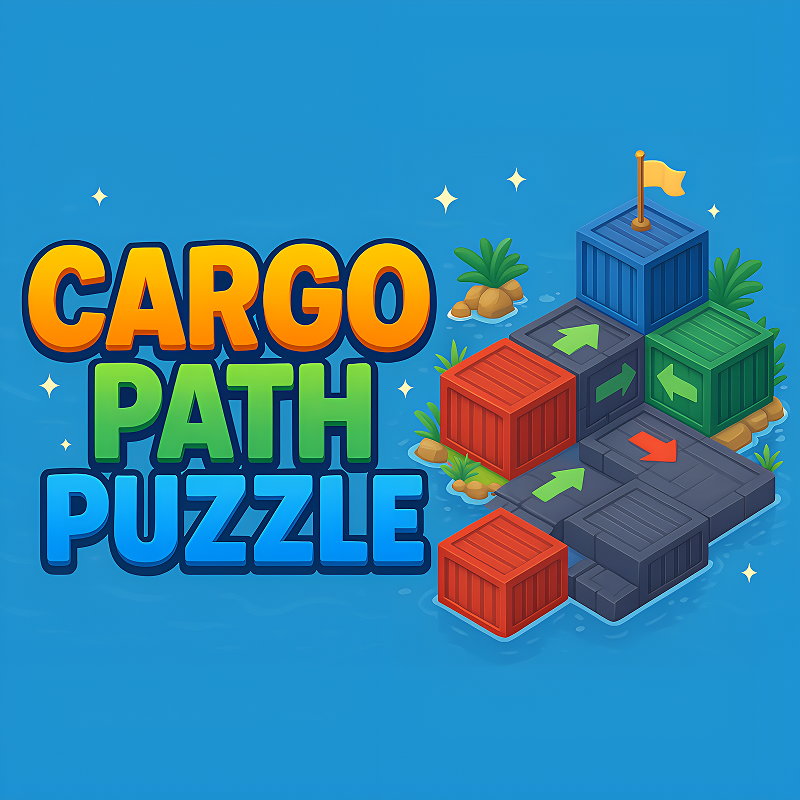
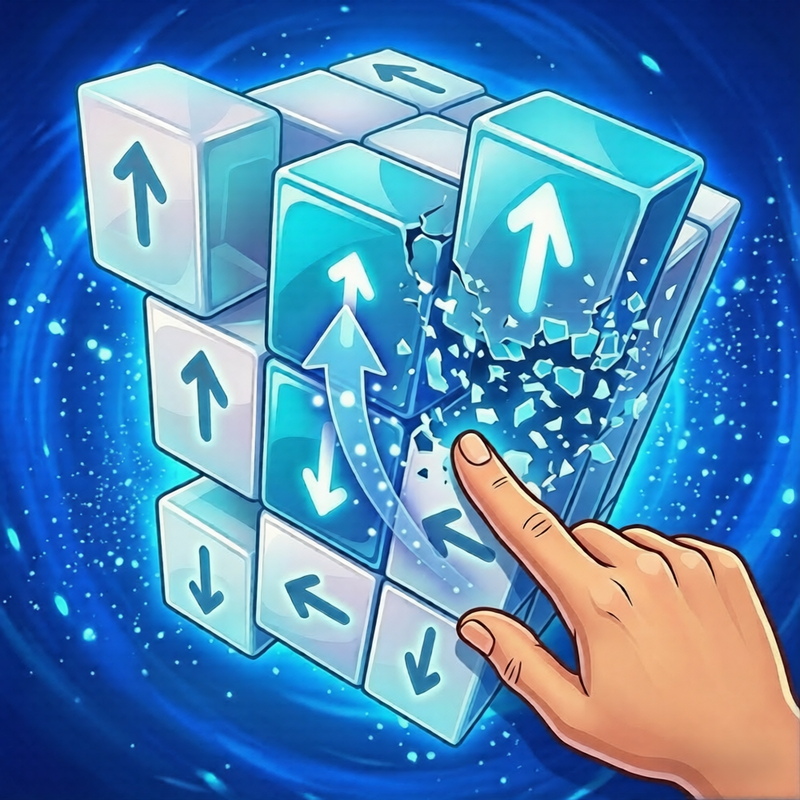
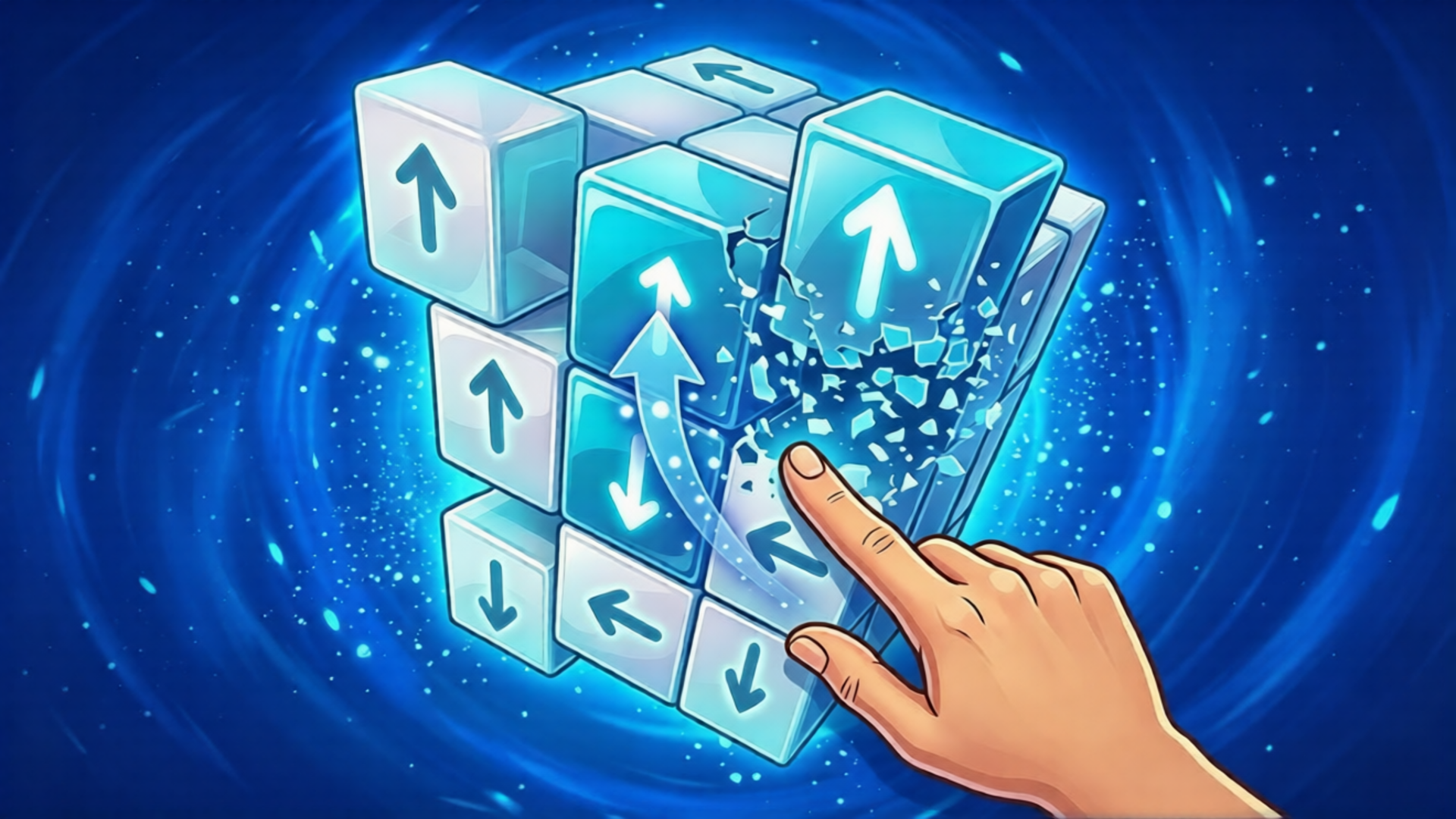
You are faced with a growing stack of 3D blocks, each showing different arrow directions. The core idea is quick decision-making — tap the blocks with upward arrows to make them disappear before the tower collapses. What makes it unique? Clean 3D visuals with satisfying physics, increasing speed and complexity, one-tap simple controls, and the tense “just one more level” feeling as the stack gets taller and faster!
How to play Arrows Disappear
Your main goal is to quickly tap and remove all blocks that show upward arrows (↑) while avoiding blocks with other directions (↓ ← →). Clear the blocks as fast as possible before the tower grows too tall and collapses. The faster and more accurately you tap, the higher your score!
PC Controls:
Mouse: Click directly on the blocks with upward arrows (↑) to make them disappear.
Mobile Controls:
Touchscreen: Tap on the blocks showing upward arrows (↑) to remove them.
Arrows Disappear controls
- Mouse: Click directly on the blocks with upward arrows (↑) to make them disappear
Arrows Disappear FAQ
Is Arrows Disappear free to play?
Yes. Arrows Disappear is free on Physics Shark, with nothing to download and no account to make.
Can I play Arrows Disappear unblocked at school?
Arrows Disappear runs in a normal browser tab with no install, so it plays on school Chromebooks and laptops, with nothing to install and no account.
Does Arrows Disappear work on phones and tablets?
Yes. It works with touch controls on phones and tablets, and with a keyboard and mouse on computers.
- LikedNo votes yet
- Rank#576 of 2870
- PlaysBe the first!
- UpdatedNovember 2026
Gameplay
About this game
- Controls
- MouseClick directly on the blocks with upward arrows (↑) to make them disappear
- Supported devices
- Desktop, phone and tablet














