 Physics Shark



































Pool Flow
Play Pool Flow online for free on Physics Shark. This puzzle game runs in a normal browser tab, so there's nothing to download and no sign-up, and it works on a school Chromebook, a laptop, a phone or a tablet.
Show moreShow less
Play Pool Flow unblocked
Play Pool Flow online for free on Physics Shark. This puzzle game runs in a normal browser tab, so there's nothing to download and no sign-up, and it works on a school Chromebook, a laptop, a phone or a tablet.
What is Pool Flow?
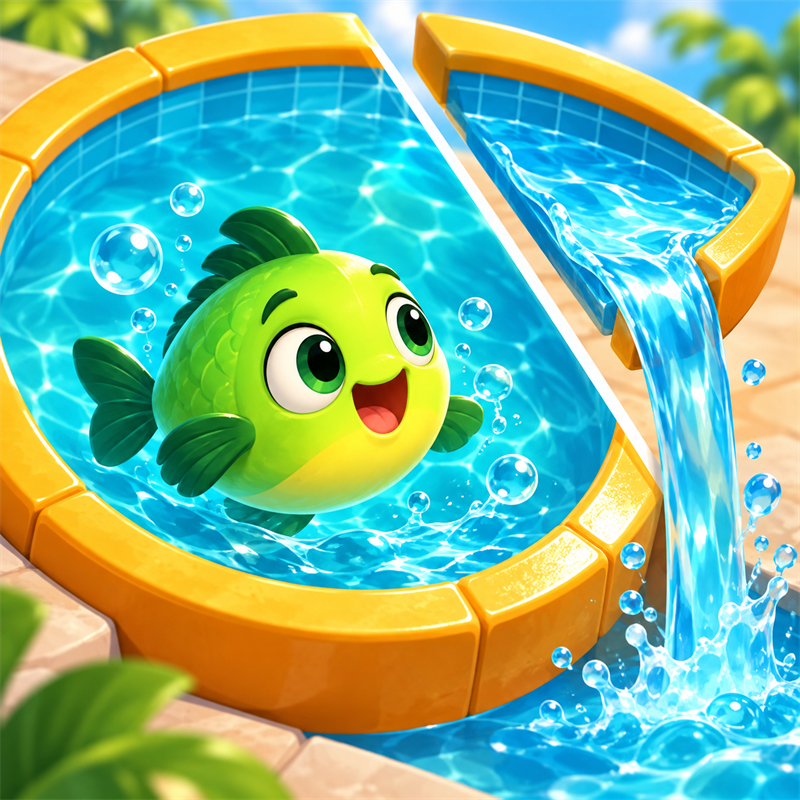
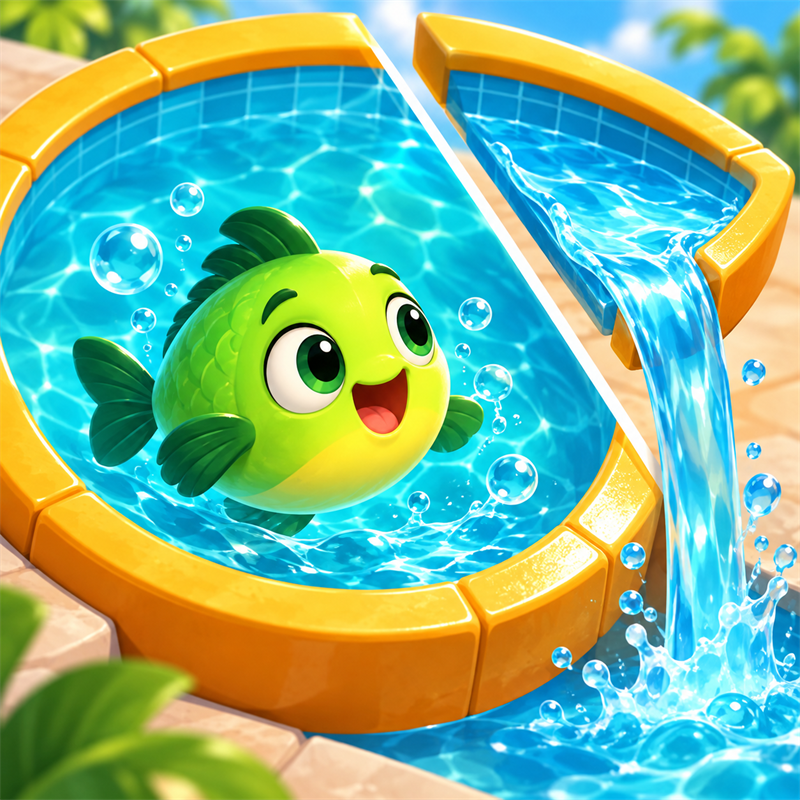
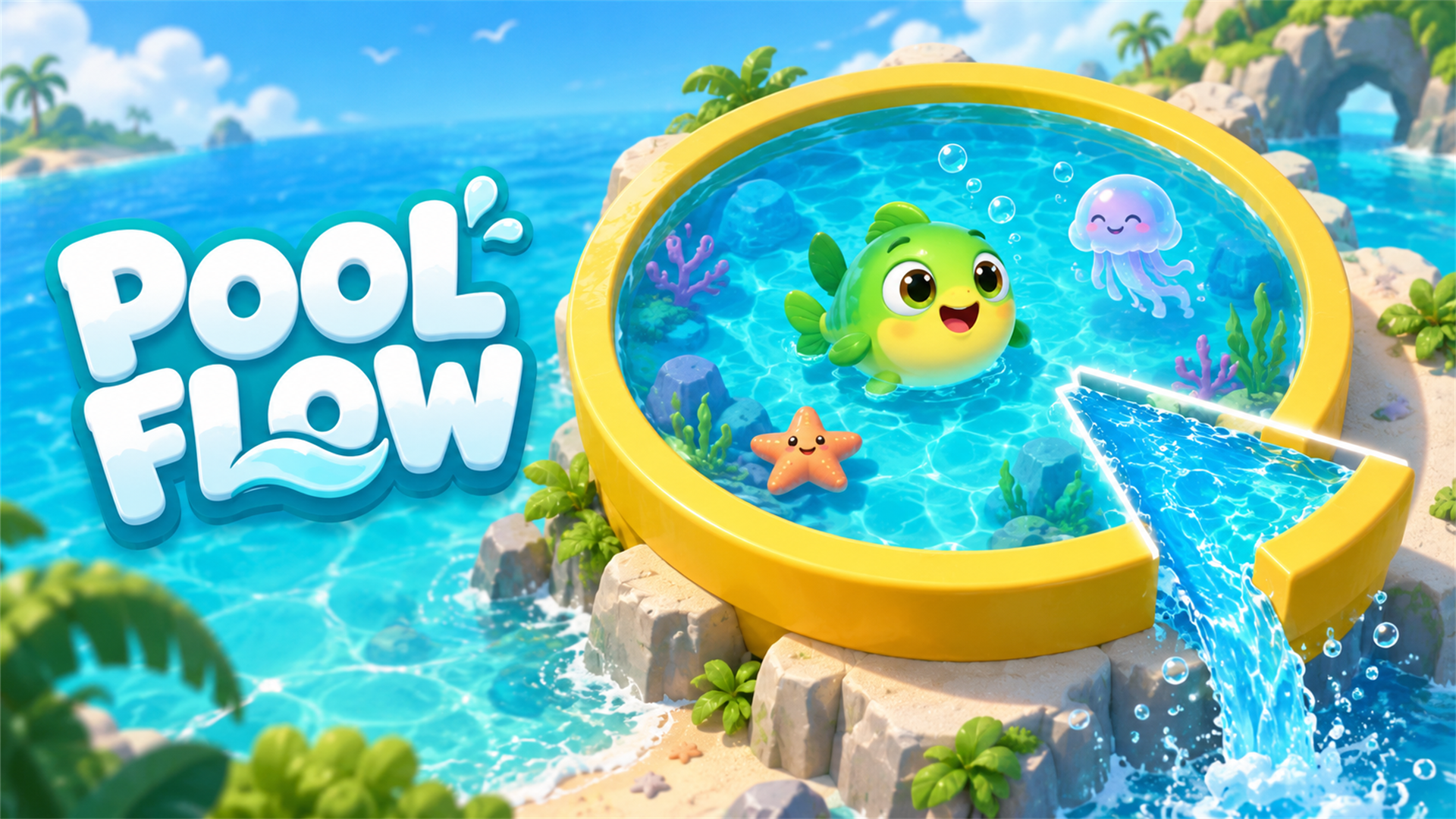
Pool Flow is a colorful physics puzzle game where every slice counts. Cut sections from a water-filled pool so the spilling water fills the bucket below, while keeping its playful sea creatures safe. Plan around moving hazards and use Freeze, Puller, and Fish Net boosters to master 300 levels. Simple swipe controls meet satisfying water effects and careful, strategic cuts.
How to play Pool Flow
Fill the bucket below the pool before the timer runs out. Cut off safe sections of the pool and let their water fall into the bucket. Reach 100% on the bucket's progress indicator to win. Keep the sea creatures safe, avoid cutting through them, and time your cuts around moving hazards. Earn stars and coins, unlock later levels, and use optional boosters when you need help.
Desktop: hold the left mouse button, drag a straight line across the pool, and release to cut. Click the on-screen buttons to select boosters, open settings, or pause. Escape opens or closes the pause menu during play.
Mobile: touch, drag across the pool, and lift your finger to cut. Tap the booster and pause buttons. Both portrait and landscape are supported.
Pool Flow FAQ
Is Pool Flow free to play?
Yes. Pool Flow is free on Physics Shark, with nothing to download and no account to make. The game has optional in-game purchases, but you never need them to play.
Can I play Pool Flow unblocked at school?
Pool Flow runs in a normal browser tab with no install, so it plays on school Chromebooks and laptops, with nothing to install and no account.
Does Pool Flow work on phones and tablets?
Yes. It works with touch controls on phones and tablets, and with a keyboard and mouse on computers.
- LikedNo votes yet
- Rank#318 of 2870
- PlaysBe the first!
- UpdatedNovember 2026
Gameplay
About this game
- Supported devices
- Desktop, phone and tablet














