 Physics Shark

































Build the Bridge
Looking for a puzzle game you can play at school? Build the Bridge loads straight in your browser on Physics Shark: free, unblocked and nothing to install.
Show moreShow less
Play Build the Bridge unblocked
Looking for a puzzle game you can play at school? Build the Bridge loads straight in your browser on Physics Shark: free, unblocked and nothing to install. Play it on a Chromebook or any computer with a keyboard and mouse.
What is Build the Bridge?
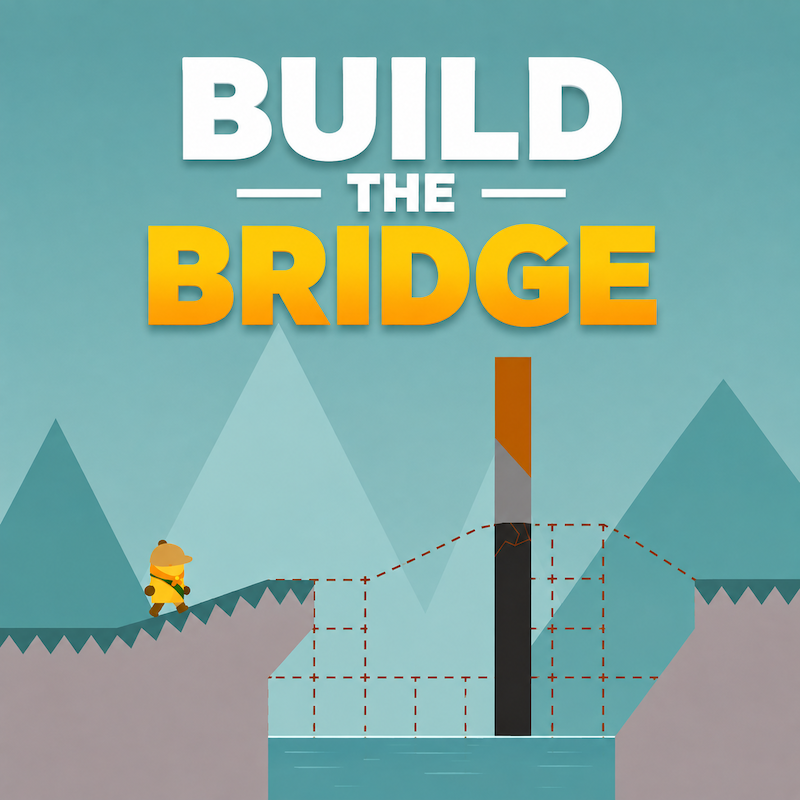
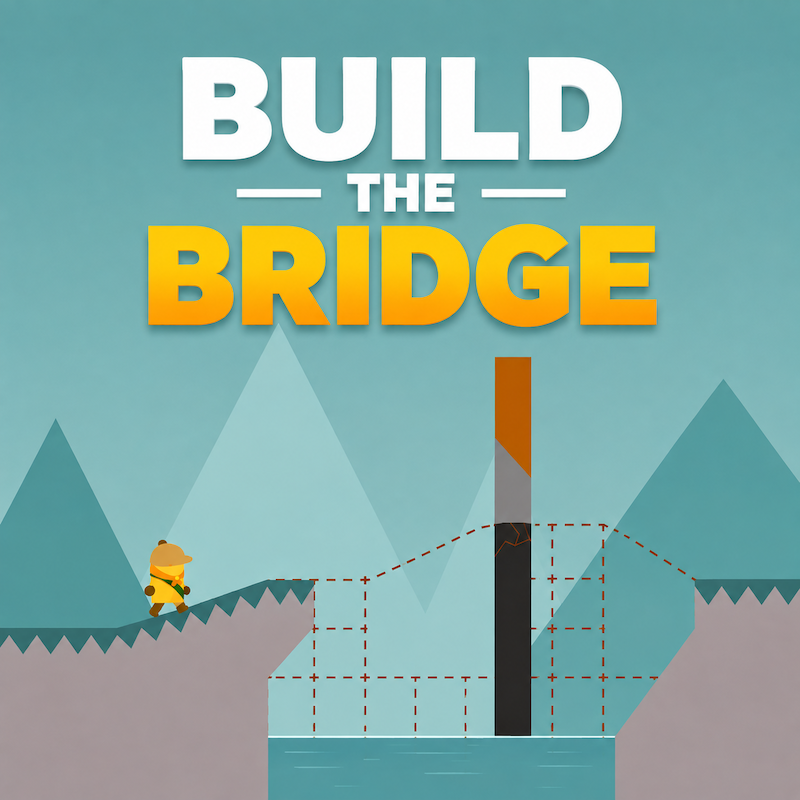
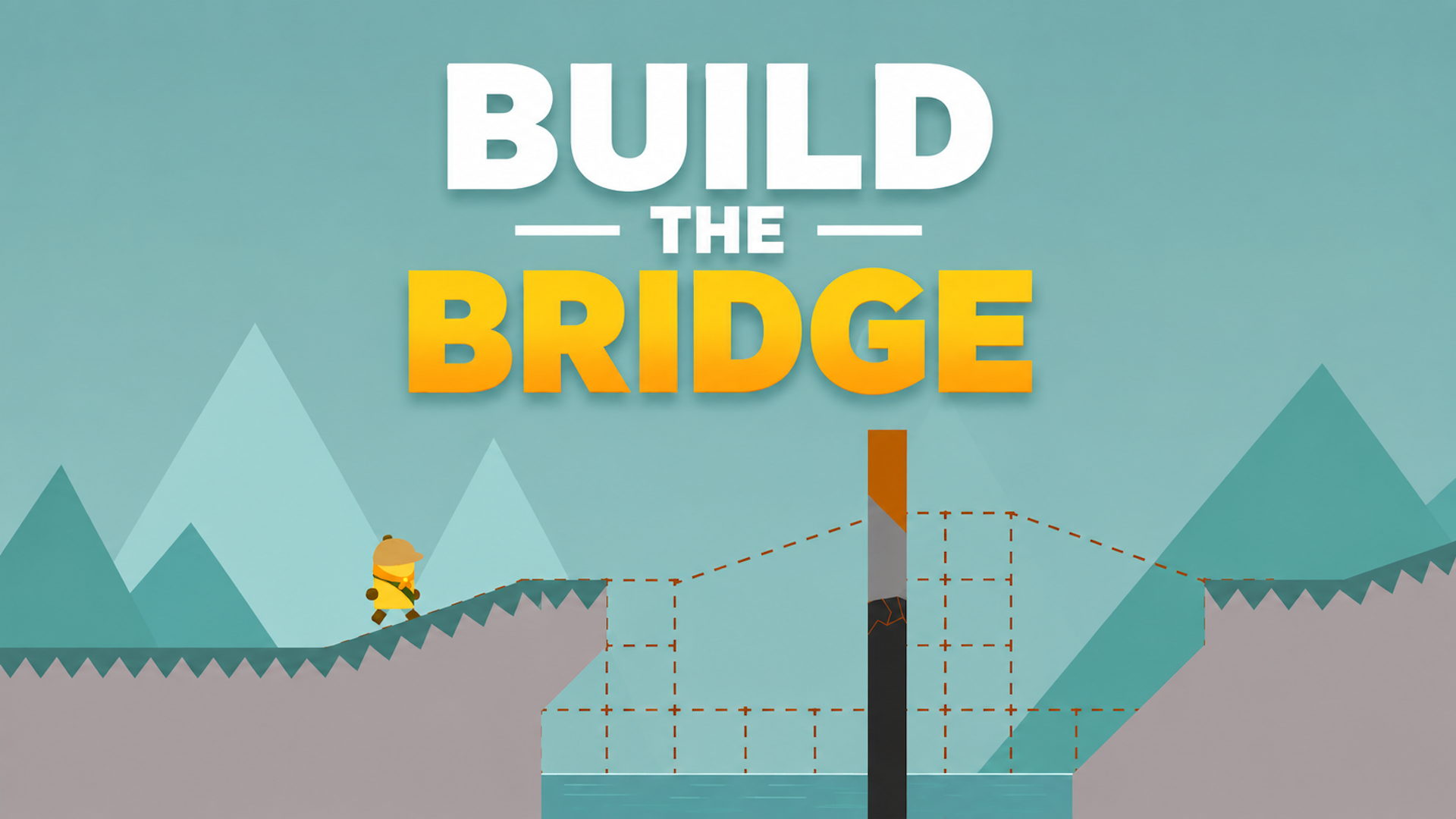
Build the Bridge is a fun and challenging physics puzzle game where you control both sides of a bridge to help the explorer safely cross dangerous gaps. Use precise timing and smart movements to create the perfect path, overcome obstacles, and complete increasingly difficult levels. Easy to learn but hard to master!
How to play Build the Bridge
Objective:
Guide the explorer safely across each gap by adjusting both sides of the bridge. Build a stable path and reach the finish flag to complete the level.
Controls (Keyboard):
A – Extend the left side of the bridge.
S – Retract the left side of the bridge.
K – Retract the right side of the bridge.
L – Extend the right side of the bridge.
M - Mute, unmute
Enter – Start the game / Continue.
Space – Continue after completing a level.
Goal:
Create the perfect bridge, avoid mistakes, and complete every level with precise timing and careful planning.
Build the Bridge controls
- A: Extend the left side of the bridge
- S: Retract the left side of the bridge
- K: Retract the right side of the bridge
- L: Extend the right side of the bridge
- M: Mute, unmute
- Enter: Start the game / Continue
- Space: Continue after completing a level
Build the Bridge FAQ
Is Build the Bridge free to play?
Yes. Build the Bridge is free on Physics Shark, with nothing to download and no account to make.
Can I play Build the Bridge unblocked at school?
Build the Bridge runs in a normal browser tab with no install, so it plays on school Chromebooks and laptops, with nothing to install and no account.
Does Build the Bridge work on phones and tablets?
It's made for computers: play it with a keyboard and mouse, for example on a Chromebook.
- LikedNo votes yet
- Rank#1085 of 2870
- PlaysBe the first!
- UpdatedNovember 2026
Gameplay
About this game
- Controls
- AExtend the left side of the bridge
- SRetract the left side of the bridge
- KRetract the right side of the bridge
- LExtend the right side of the bridge
- MMute, unmute
- EnterStart the game / Continue
- SpaceContinue after completing a level
- Supported devices
- Desktop only: best with a keyboard and mouse
- Genre
- Puzzlephysicsbrainlogic2dagilitymind














