 Physics Shark
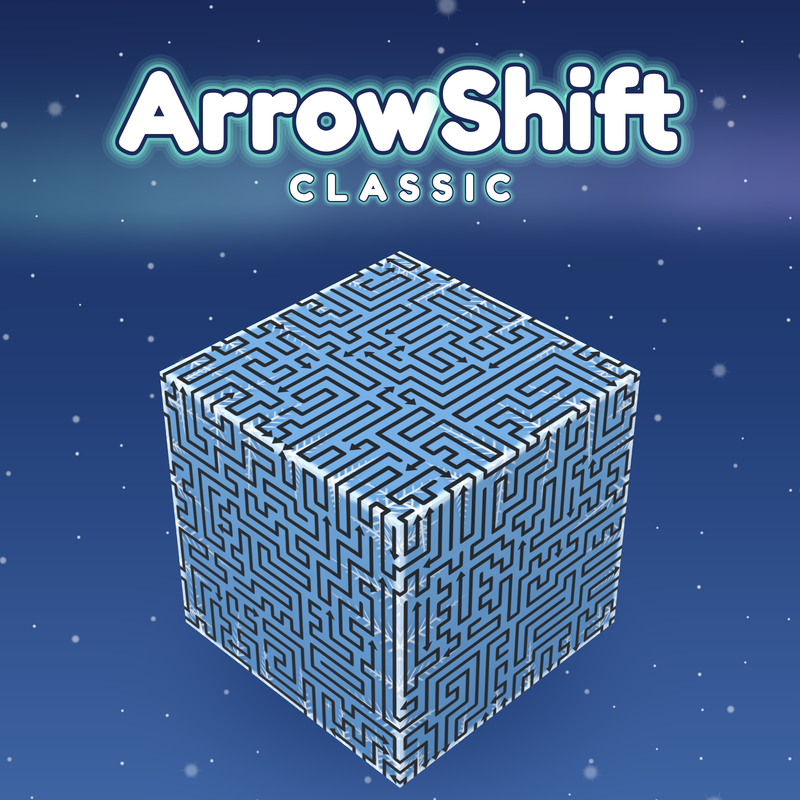



































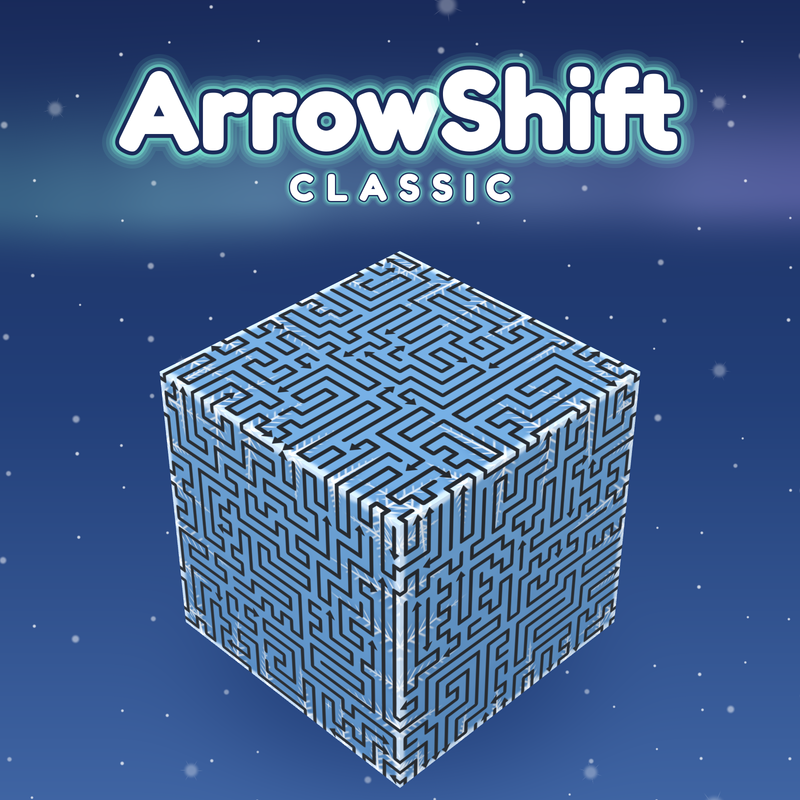
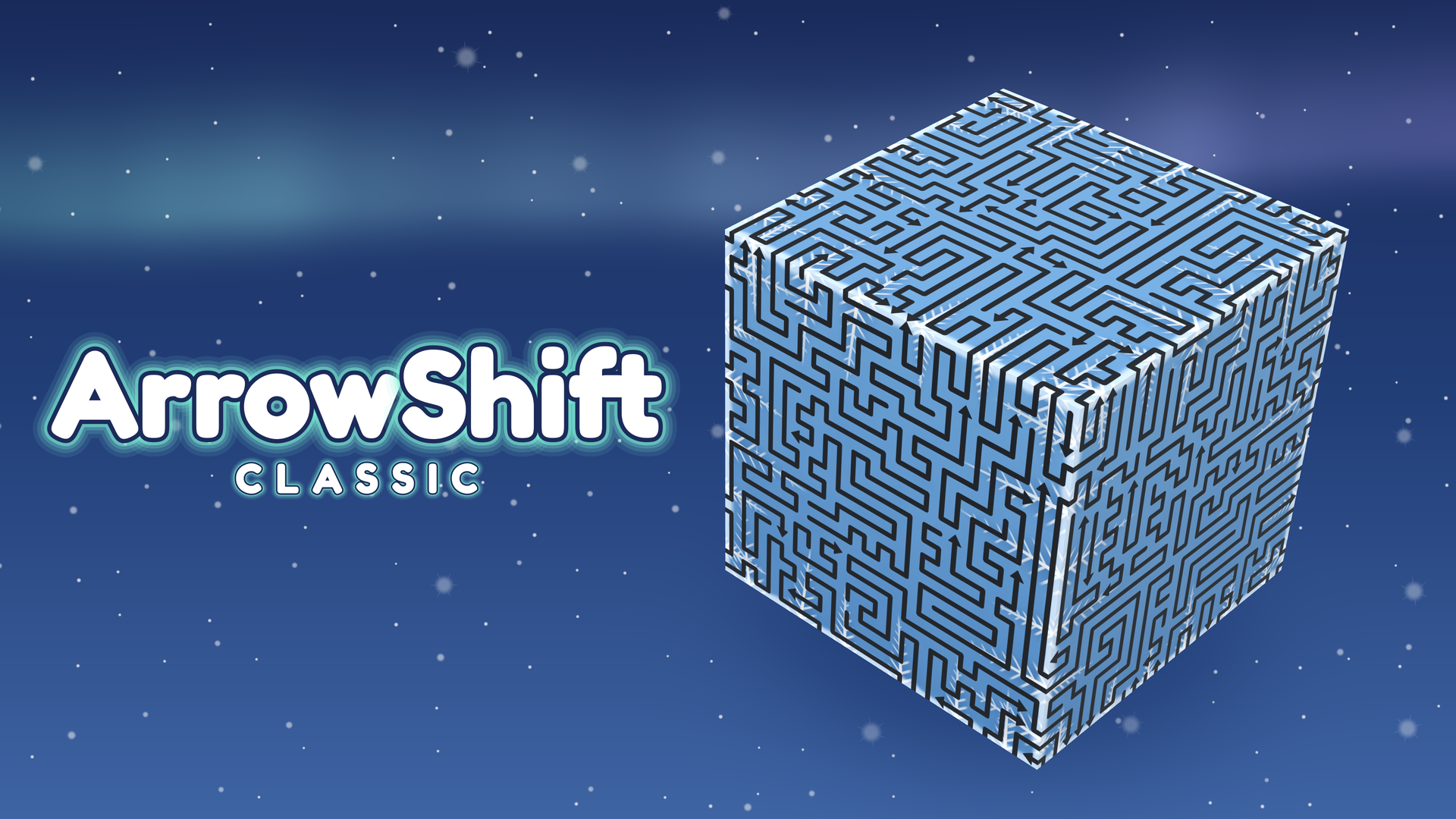
ArrowShift:Classic
Play ArrowShift:Classic online for free on Physics Shark. This 3D puzzle game runs in a normal browser tab, so there's nothing to download and no sign-up, and it works on a school Chromebook, a…
Show moreShow less
Play ArrowShift:Classic unblocked
Play ArrowShift:Classic online for free on Physics Shark. This 3D puzzle game runs in a normal browser tab, so there's nothing to download and no sign-up, and it works on a school Chromebook, a laptop, a phone or a tablet.
What is ArrowShift:Classic?
Free every arrow to clear the stage
Start with small cubes and work up to huge cubes
Unlock cube skins and climb the leaderboard.
How to play ArrowShift:Classic
Desktop Controls:
Left Click: Send an arrow.
Left Click + Drag: Rotate the cube.
Mouse Wheel: Zoom in and out.
Esc: Pause.
Mobile Controls:
Tap: Send an arrow.
Drag: Rotate the cube.
Pinch: Zoom in and out.
ArrowShift:Classic controls
- Left Click: Send an arrow
- Left Click + Drag: Rotate the cube
- Mouse Wheel: Zoom in and out
- Esc: Pause
ArrowShift:Classic FAQ
Is ArrowShift:Classic free to play?
Yes. ArrowShift:Classic is free on Physics Shark, with nothing to download and no account to make.
Can I play ArrowShift:Classic unblocked at school?
ArrowShift:Classic runs in a normal browser tab with no install, so it plays on school Chromebooks and laptops, with nothing to install and no account.
Does ArrowShift:Classic work on phones and tablets?
Yes. It works with touch controls on phones and tablets, and with a keyboard and mouse on computers.
- LikedNo votes yet
- Rank#1803 of 2870
- PlaysBe the first!
- UpdatedNovember 2026
Gameplay
About this game
- Controls
- Left ClickSend an arrow
- Left Click + DragRotate the cube
- Mouse WheelZoom in and out
- EscPause
- Supported devices
- Desktop, phone and tablet














