 Physics Shark

































CubeGate
Looking for a platformer you can play at school? CubeGate loads straight in your browser on Physics Shark: free, unblocked and nothing to install. Play it on a school Chromebook, a laptop, a phone or a tablet.
Show moreShow less
Play CubeGate unblocked
Looking for a platformer you can play at school? CubeGate loads straight in your browser on Physics Shark: free, unblocked and nothing to install. Play it on a school Chromebook, a laptop, a phone or a tablet.
What is CubeGate?
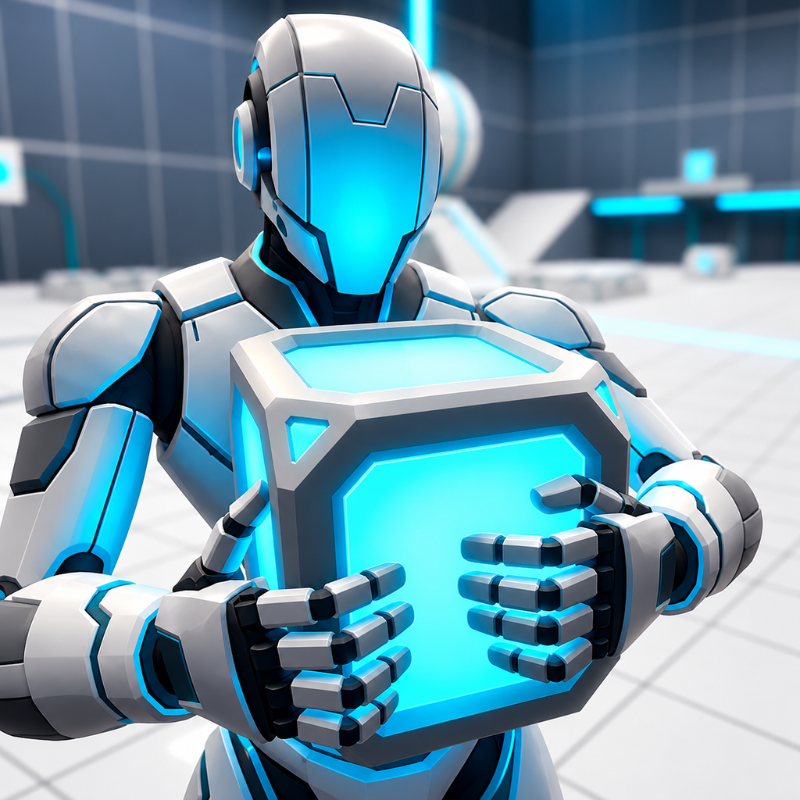
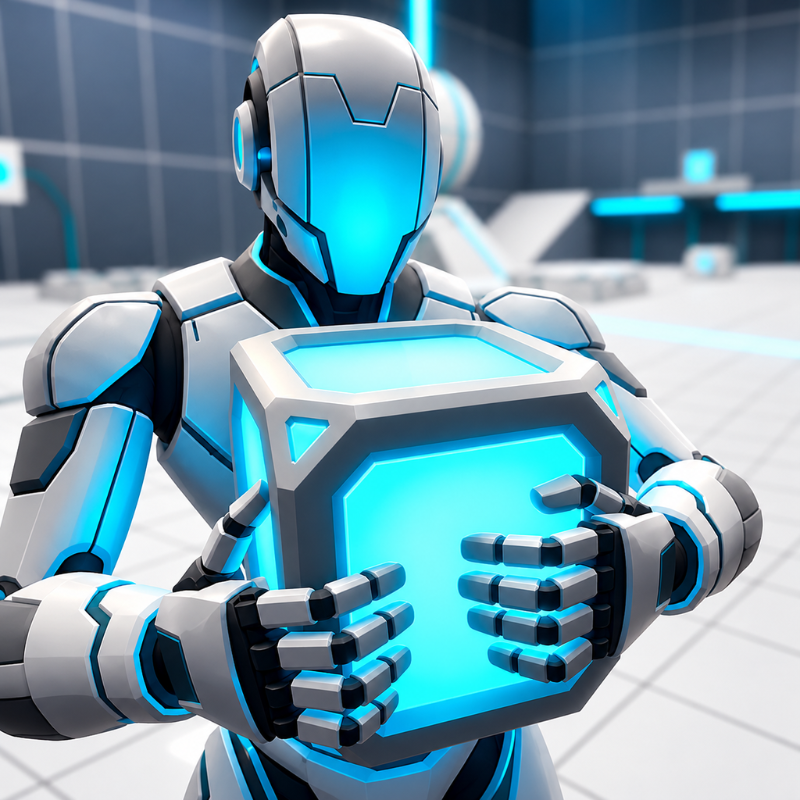
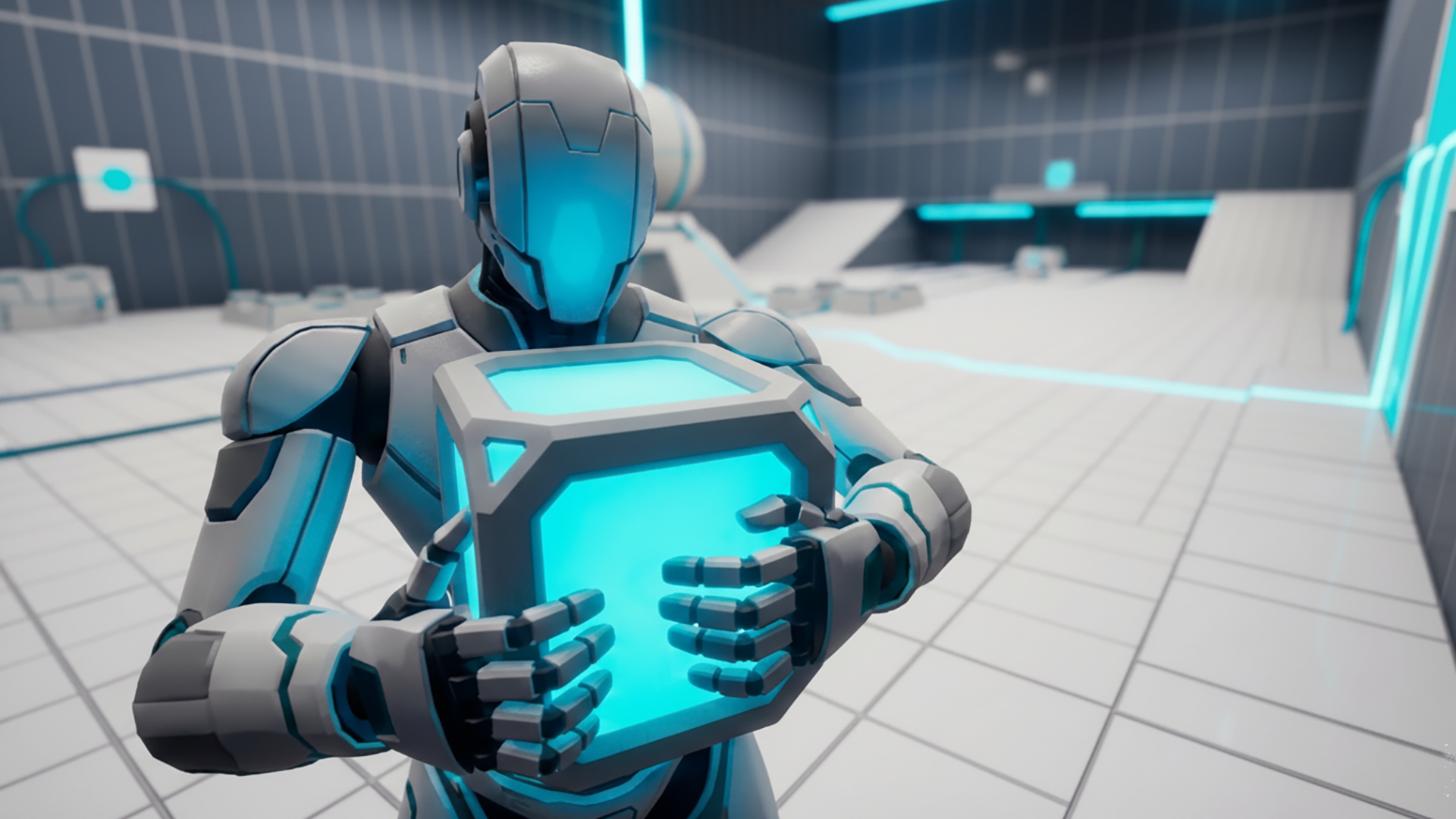
Puzzle-platformer inspired by portal-style test chambers. Move through clean sci-fi rooms, pick up glowing cubes and place them on pressure plates to power doors, bridges, and elevators. Every room is a mini-logic task: sometimes one cube isn’t enough, sometimes the order matters, and sometimes you’ll have to jump first, then power the gate.
Use your movement and your head: combine precise jumps with smart cube placement, watch where the cables go, and follow the energy lines to the exit. Short levels, clear goals, instant restarts — perfect for quick sessions.
Can you activate every gate and escape the chamber?
How to play CubeGate
Goal: place cubes on the marked plates, power the logic gates, and open the doors to the next area. Action order, power distance, and precise jumping matter.
W, A, S, D, Q, Z Arrow Keys — move
E, Left Mouse Button — pick up / put down cube
Space, Right Mouse Button — jump
Shift — sprint
Escape — menu (restart level, sound on/off)
Tips:
Floor markings and highlights will show where to place the cubes.
If you get stuck, open the menu and choose restart, then try a different sequence.
When carrying a cube, plan your route in advance.
For distant platforms, sprint first and jump from the edge.
CubeGate controls
- E, Left Mouse Button: pick up / put down cube
- Space, Right Mouse Button: jump
- Shift: sprint
- Escape: menu (restart level, sound on/off)
CubeGate FAQ
Is CubeGate free to play?
Yes. CubeGate is free on Physics Shark, with nothing to download and no account to make.
Can I play CubeGate unblocked at school?
CubeGate runs in a normal browser tab with no install, so it plays on school Chromebooks and laptops, with nothing to install and no account.
Does CubeGate work on phones and tablets?
Yes. It works with touch controls on phones and tablets, and with a keyboard and mouse on computers.
- LikedNo votes yet
- Rank#2687 of 2870
- PlaysBe the first!
- UpdatedNovember 2026
Gameplay
About this game
- Controls
- E, Left Mouse Buttonpick up / put down cube
- Space, Right Mouse Buttonjump
- Shiftsprint
- Escapemenu (restart level, sound on/off)
- Supported devices
- Desktop, phone and tablet
- Genre
- Puzzleplatformlogicbraincubesci fijumping














