 Physics Shark






































Cozy Coloring
Play Cozy Coloring online for free on Physics Shark. This cozy puzzle game runs in a normal browser tab, so there's nothing to download and no sign-up, and it works on a school Chromebook, a laptop, a phone or a tablet.
Show moreShow less
Play Cozy Coloring unblocked
Play Cozy Coloring online for free on Physics Shark. This cozy puzzle game runs in a normal browser tab, so there's nothing to download and no sign-up, and it works on a school Chromebook, a laptop, a phone or a tablet.
What is Cozy Coloring?
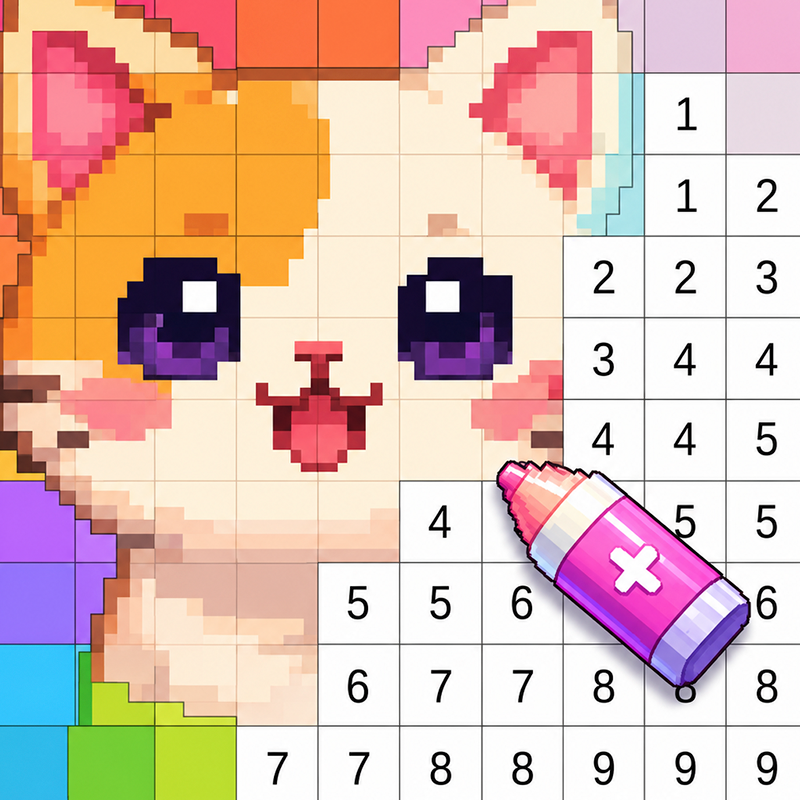
Discover a world of vibrant colors and calm creativity with our color-by-number game. Choose beautiful pictures, find the right colors, and fill in each image step by step. It’s a simple and enjoyable way to relax, take your mind off daily worries, and build your own collection of colorful artworks.
The game offers pictures for every mood and age: cute images for kids, beautiful illustrations for adults, animals, flowers, nature, food, patterns, mandalas, and much more. Each coloring page is divided into numbered areas — simply choose a color and tap the matching sections.
The game is perfect for a short break, relaxing after school or work, a peaceful evening, or family time. You don’t need any drawing skills — everyone can create a beautiful finished picture.
There is also a creative mode where you can color each image in your own style!
Color by number, create beautiful images, and enjoy calm creativity anytime.
How to play Cozy Coloring
1. Choose a picture from the collection.
2. Tap a color in the palette.
3. Find the animated areas for that color.
4. Color the zones with one tap.
5. Use hints if you can’t find small details.
6. Complete the picture and view your finished artwork.
Cozy Coloring FAQ
Is Cozy Coloring free to play?
Yes. Cozy Coloring is free on Physics Shark, with nothing to download and no account to make. The game has optional in-game purchases, but you never need them to play.
Can I play Cozy Coloring unblocked at school?
Cozy Coloring runs in a normal browser tab with no install, so it plays on school Chromebooks and laptops, with nothing to install and no account.
Does Cozy Coloring work on phones and tablets?
Yes. It works with touch controls on phones and tablets, and with a keyboard and mouse on computers.
- LikedNo votes yet
- Rank#1340 of 2870
- PlaysBe the first!
- UpdatedNovember 2026
Gameplay

About this game
- Supported devices
- Desktop, phone and tablet














