 Physics Shark


























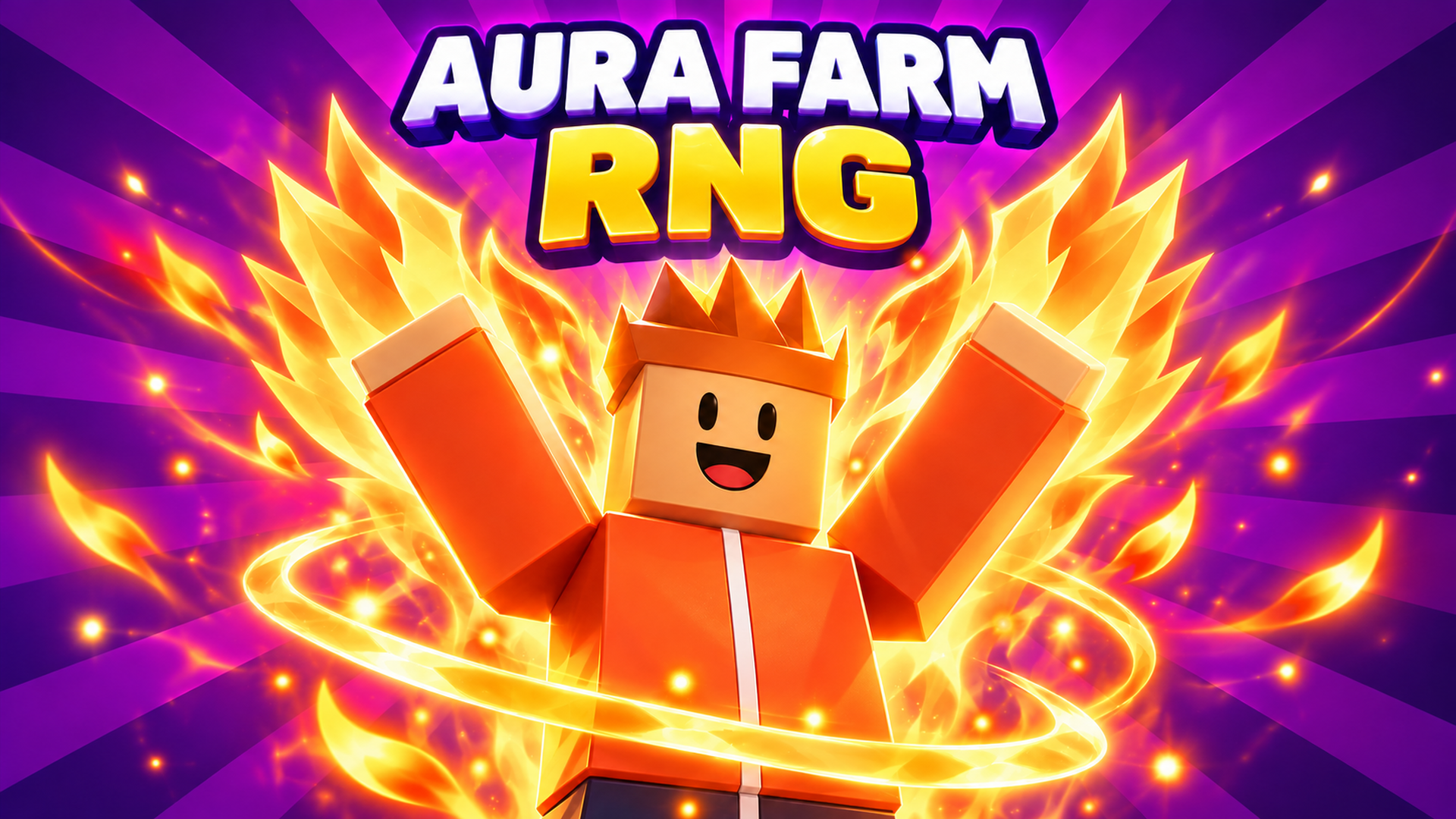
Aura Farm: RNG
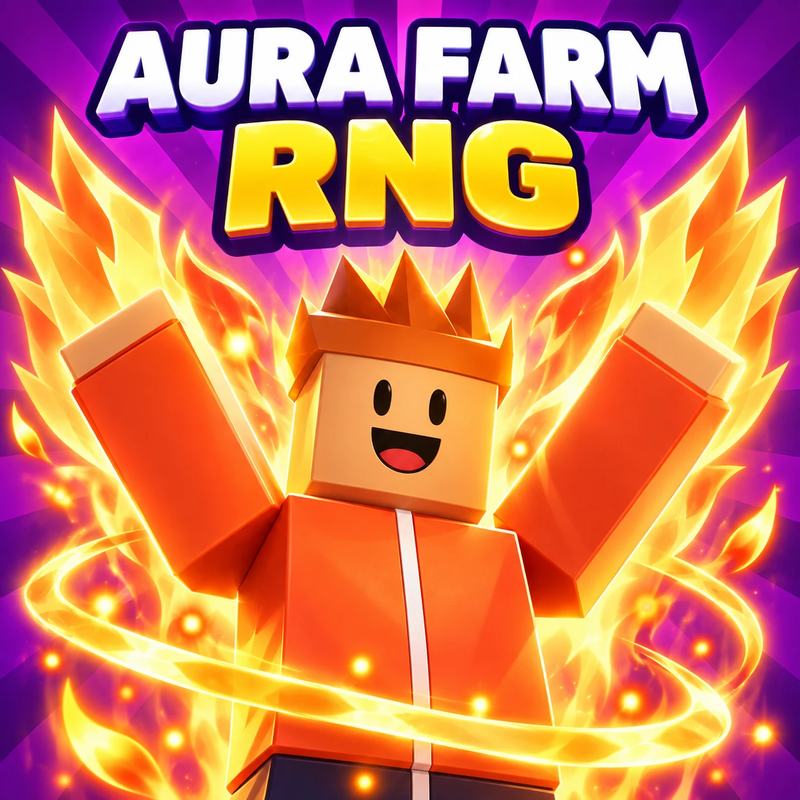
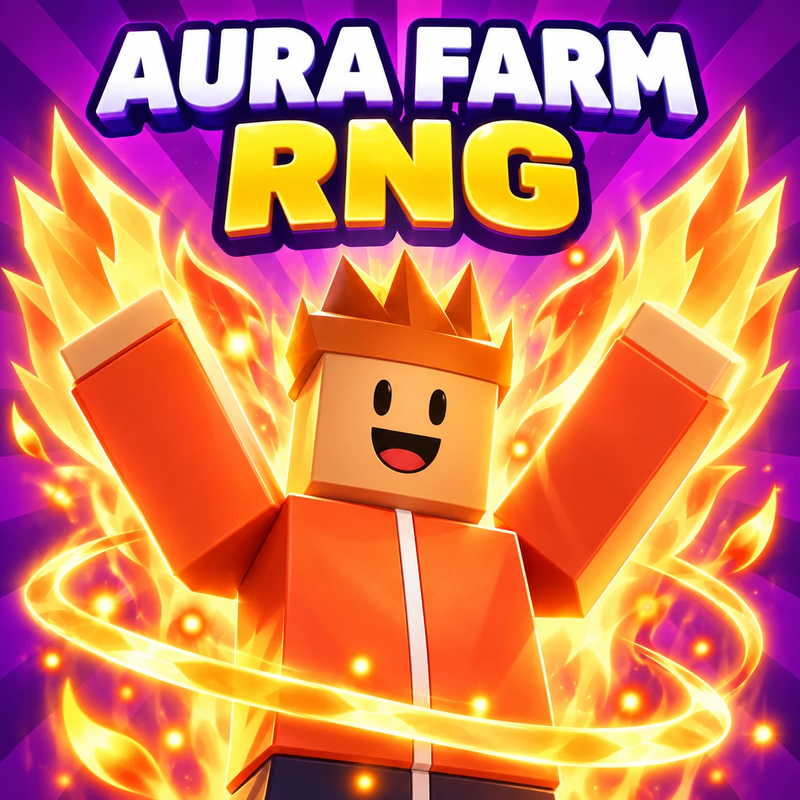
Roll for auras, from fire and lightning to wings and cosmic effects. Boost your luck, craft potions and explore the Wilds to collect all 65.
Show moreShow less
Play Aura Farm: RNG unblocked
Aura Farm: RNG is a 3D luck-and-collecting game where your next roll could become your favorite look. Press Roll to get a random aura and some coins, equip the ones you love, and spend coins on better luck and faster rolls. There are 65 auras to find, with fire, lightning, wing and cosmic effects, and four special ones that only come from bosses or crafting.
How to play
- Press Roll to get a random aura and coins.
- Open Auras, choose My auras and equip a find.
- Spend coins on luck and roll-speed upgrades.
- Head into the Wilds to fight enemies, open chests and gather materials.
- Use Crafting to make potions and luck gloves.
- Auto-roll unlocks after 25 rolls.
Tips
- Upgrade your luck early. Every roll after that has a better shot at something rare.
- Time of day and world events change which auras you can find, so a missing aura may need a different moment.
- A bigger collection opens deeper regions of the Wilds, with more enemies, chests and resources.
- Daily quests and weekly challenges are worth checking whenever you play.
FAQ
How many auras are there in Aura Farm: RNG?
65, including four special auras that come from bosses or crafting.
What are the controls?
Press R or Enter to roll, move with WASD or the arrow keys, jump with Space and press F or click to attack the nearest enemy. On a phone, use the joystick, swipe to turn the camera and tap the roll, jump and attack buttons.
Is it a Roblox game?
No. It's a browser game in the style of the aura RNG games on Roblox. You don't need Roblox or an account.
Aura Farm: RNG is an independent browser game. It is not made by, endorsed by or affiliated with Roblox Corporation. Roblox is a trademark of Roblox Corporation.
- LikedNo votes yet
- Rank#2862 of 2870
- PlaysBe the first!
- UpdatedNovember 2026
Gameplay
About this game
- Controls
- R or Enterroll
- WASD or arrow keysmove
- Spacejump
- F or a short clickattack the nearest enemy
- Drag the mouse or Q/Eturn the camera
- Scrollzoom
- Escclose a panel
- Supported devices
- Desktop, phone and tablet














