 Physics Shark































Obby: Build a Car Farm
Play Obby: Build a Car Farm online for free on Physics Shark. This Roblox-style merge game runs in a normal browser tab, so there's nothing to download and no sign-up, and it works on a school…
Show moreShow less
Play Obby: Build a Car Farm unblocked
Play Obby: Build a Car Farm online for free on Physics Shark. This Roblox-style merge game runs in a normal browser tab, so there's nothing to download and no sign-up, and it works on a school Chromebook, a laptop, a phone or a tablet.
If you like Roblox obbies, Obby: Build a Car Farm will feel familiar: build up your base, collect income and keep unlocking bigger upgrades. The difference is that it runs right here in the browser, with no Roblox account, no app and no download, which makes it an easy Roblox-style game to play at school.
What is Obby: Build a Car Farm?
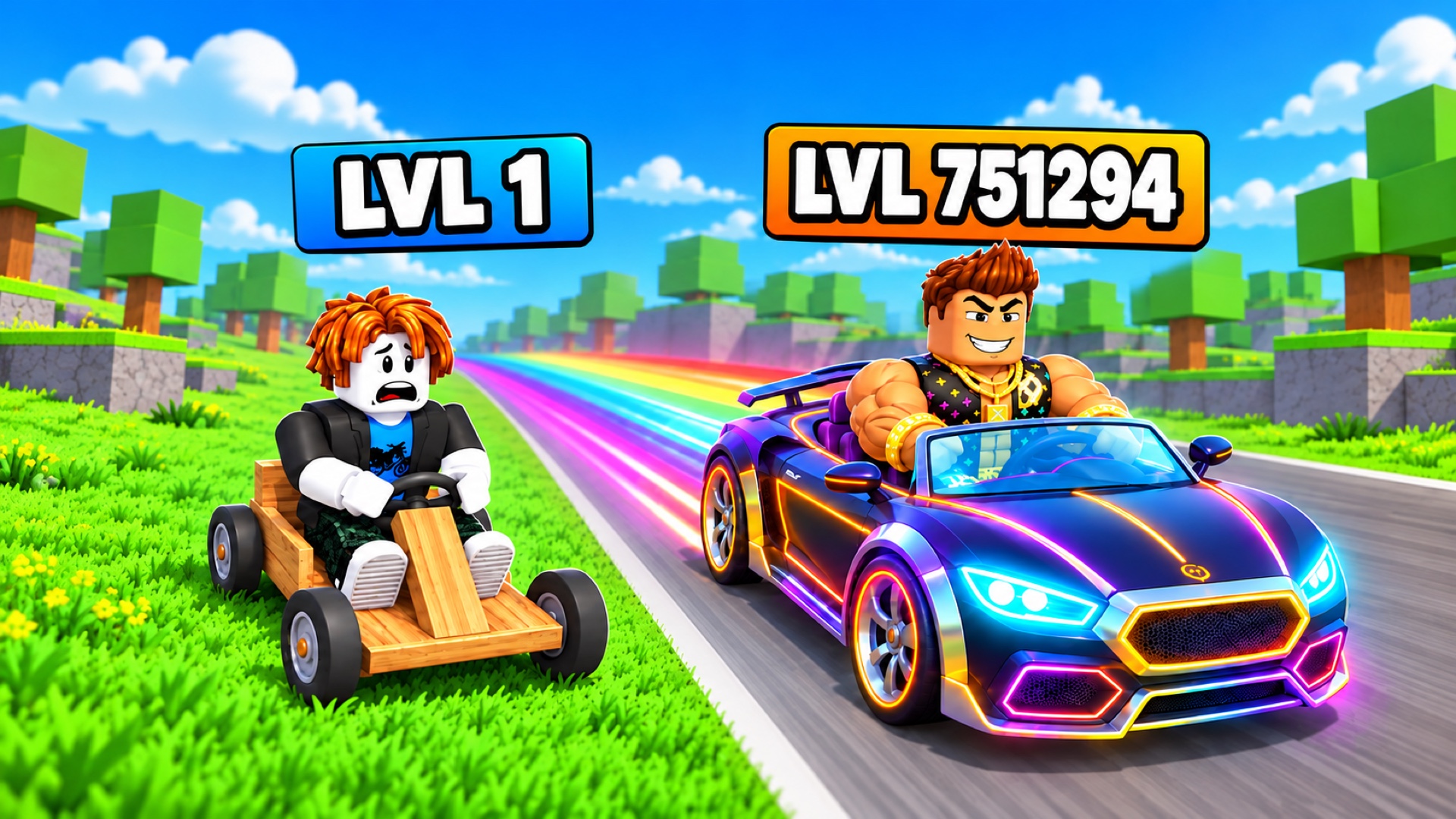
Build your own car farm on a colorful island! Start with your first vehicles, merge three identical cars into a better one and expand your collection. Your cars produce parts: collect them, take them to the service center and invest your in-game currency in a bigger farm.
Discover 30 car tiers and claim rewards for new models. Speed up parts sales, collect companions and enjoy daily gifts. Ready for a break from production? Complete the parkour course on the central island to double the parts you are carrying.
Rebirth to start with a better car and climb the leaderboards!
How to play Obby: Build a Car Farm
Your goal is to grow your car farm and discover all 30 car tiers. Step on floor buttons to buy and merge cars. Collect the parts they produce, take them to the service center deposit pad, then collect your in-game currency. Buy more cars and upgrade parts sales speed.
PC:
WASD or arrow keys — move.
Space — jump; left Shift — run.
Hold the right mouse button and move the mouse — rotate the camera.
Mouse wheel — zoom in or out.
Tab — toggle cursor lock; while locked, move the mouse to rotate the camera.
Left mouse button — select interface buttons.
Phone/tablet:
Left joystick — move.
Swipe the look area — rotate the camera.
Jump button — jump; zoom buttons — zoom in or out.
Tap interface buttons to use them.
Obby: Build a Car Farm controls
- WASD or arrow keys: move
- Space: jump; left Shift — run
- Mouse wheel: zoom in or out
- Tab: toggle cursor lock; while locked, move the mouse to rotate the camera
- Left mouse button: select interface buttons
Obby: Build a Car Farm FAQ
Is Obby: Build a Car Farm free to play?
Yes. Obby: Build a Car Farm is free on Physics Shark, with nothing to download and no account to make. The game has optional in-game purchases, but you never need them to play.
Can I play Obby: Build a Car Farm unblocked at school?
Obby: Build a Car Farm runs in a normal browser tab with no install, so it plays on school Chromebooks and laptops, with nothing to install and no account.
Does Obby: Build a Car Farm work on phones and tablets?
Yes. It works with touch controls on phones and tablets, and with a keyboard and mouse on computers.
Is Obby: Build a Car Farm a Roblox game?
No. Obby: Build a Car Farm is a Roblox-style browser game by an independent developer. It plays a lot like a Roblox obby, but you don't need Roblox or a Roblox account to play it.
Obby: Build a Car Farm is not made by, endorsed by or affiliated with Roblox Corporation. Roblox is a trademark of Roblox Corporation.
- LikedNo votes yet
- Rank#1454 of 2870
- PlaysBe the first!
- UpdatedNovember 2026
Gameplay
About this game
- Controls
- WASD or arrow keysmove
- Spacejump; left Shift — run
- Mouse wheelzoom in or out
- Tabtoggle cursor lock; while locked, move the mouse to rotate the camera
- Left mouse buttonselect interface buttons
- Supported devices
- Desktop, phone and tablet
- Genre
- Obbytycoonsimulationidlemerge3darcade














