 Physics Shark




















Speed Rush Simulator
Looking for a Roblox-style obby you can play at school? Speed Rush Simulator loads straight in your browser on Physics Shark: free, unblocked and nothing to install.
Show moreShow less
Play Speed Rush Simulator unblocked
Looking for a Roblox-style obby you can play at school? Speed Rush Simulator loads straight in your browser on Physics Shark: free, unblocked and nothing to install. Play it on a school Chromebook, a laptop, a phone or a tablet.
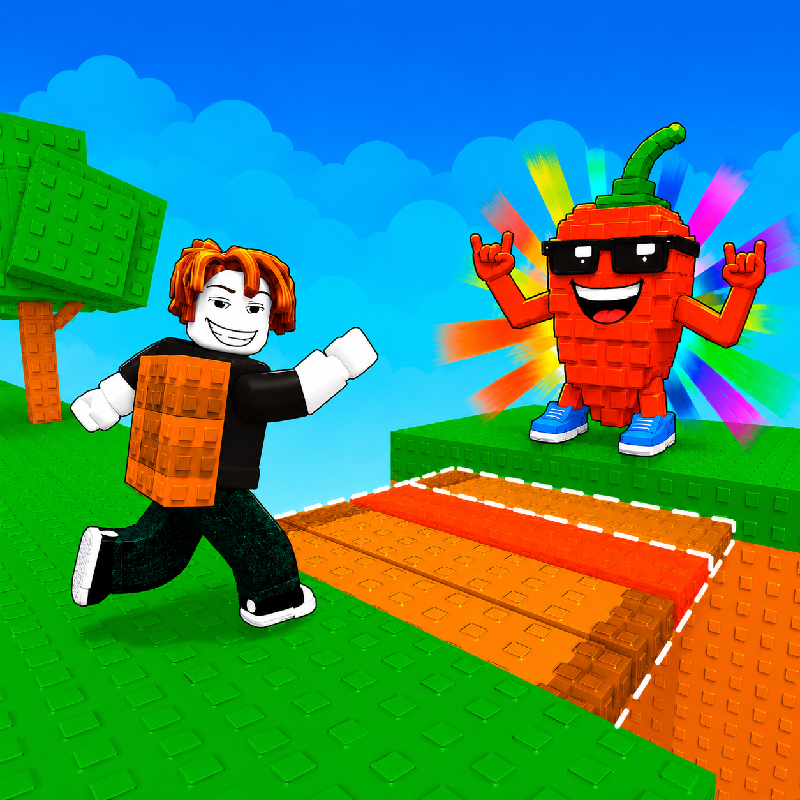
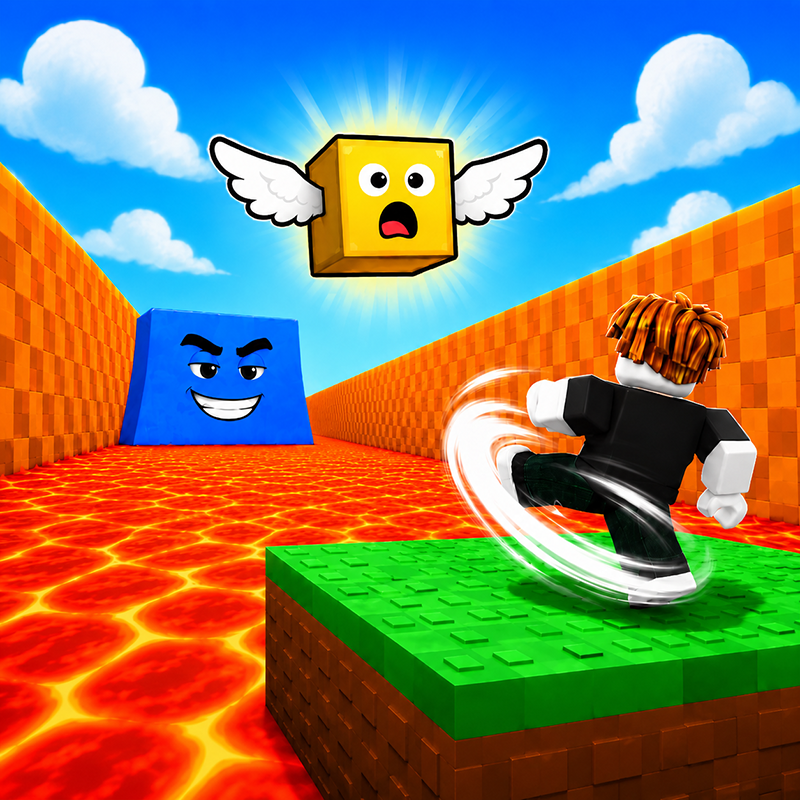
If you like Roblox obbies, Speed Rush Simulator will feel familiar: jump across tricky platforms, dodge traps and reach the next checkpoint. The difference is that it runs right here in the browser, with no Roblox account, no app and no download, which makes it an easy Roblox-style game to play at school.
What is Speed Rush Simulator?
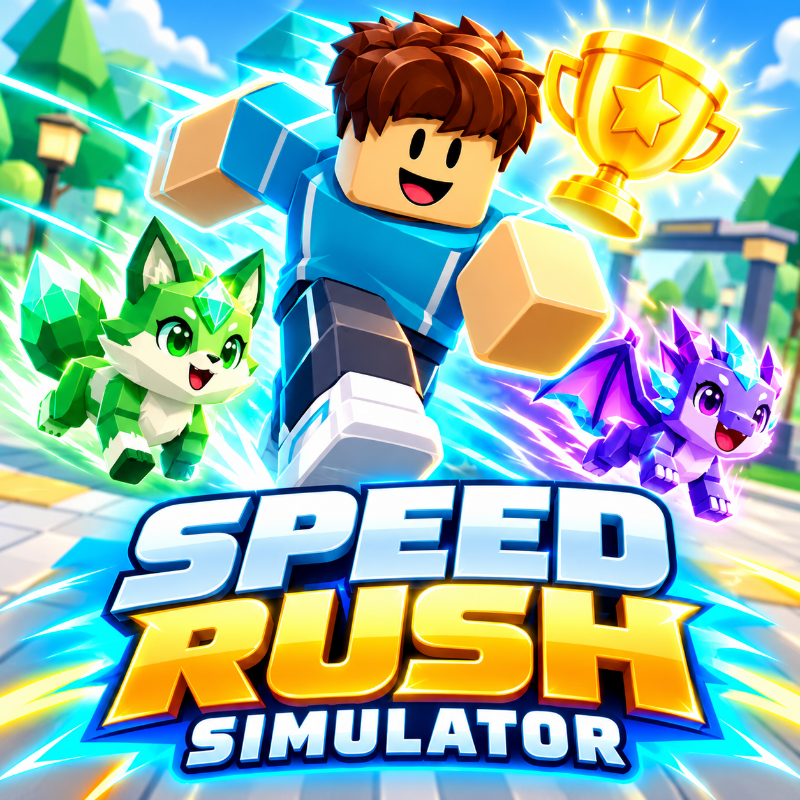
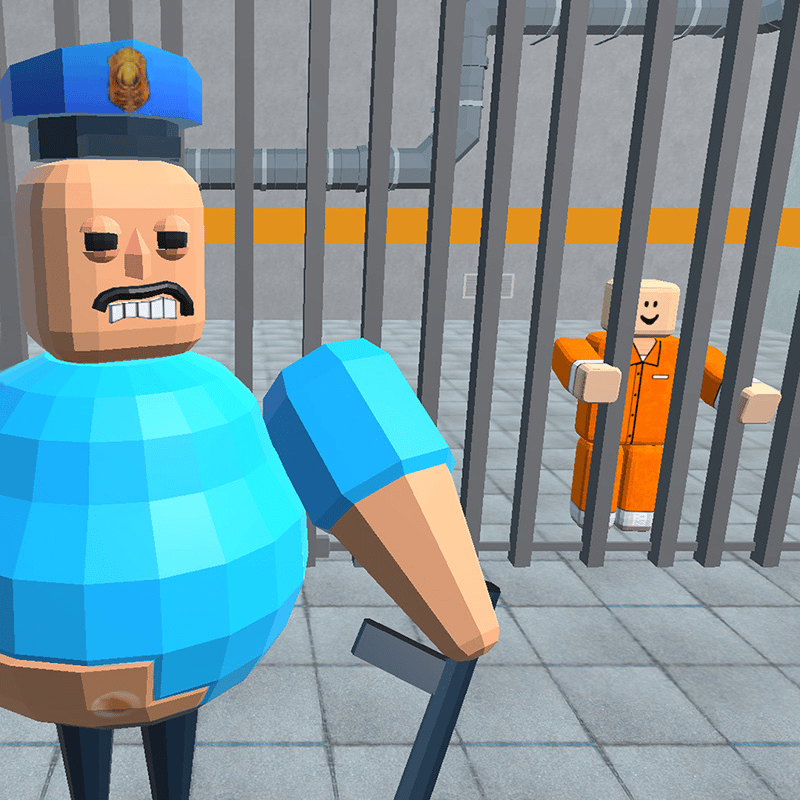
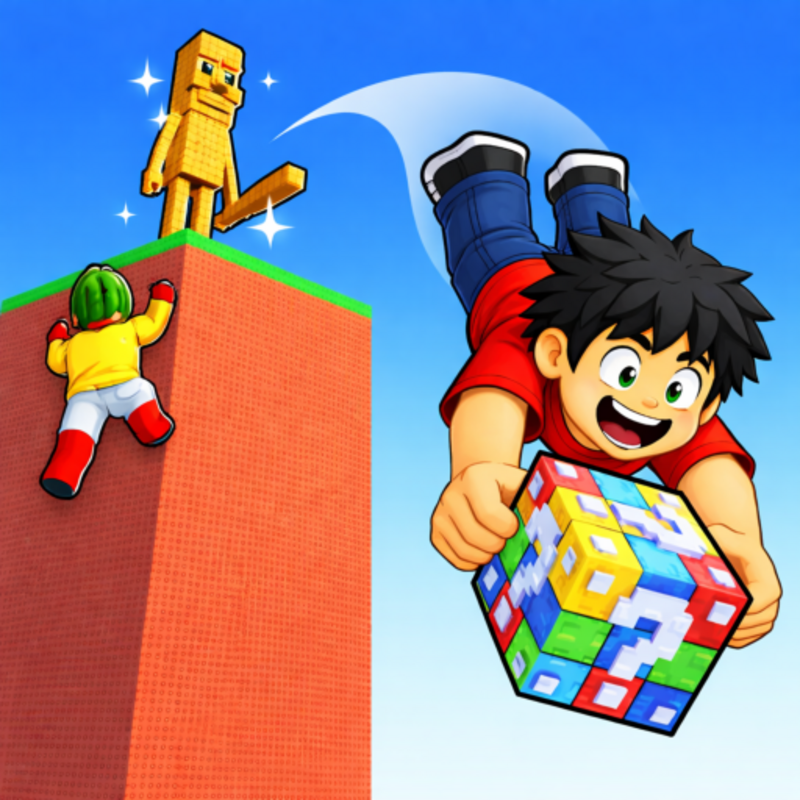
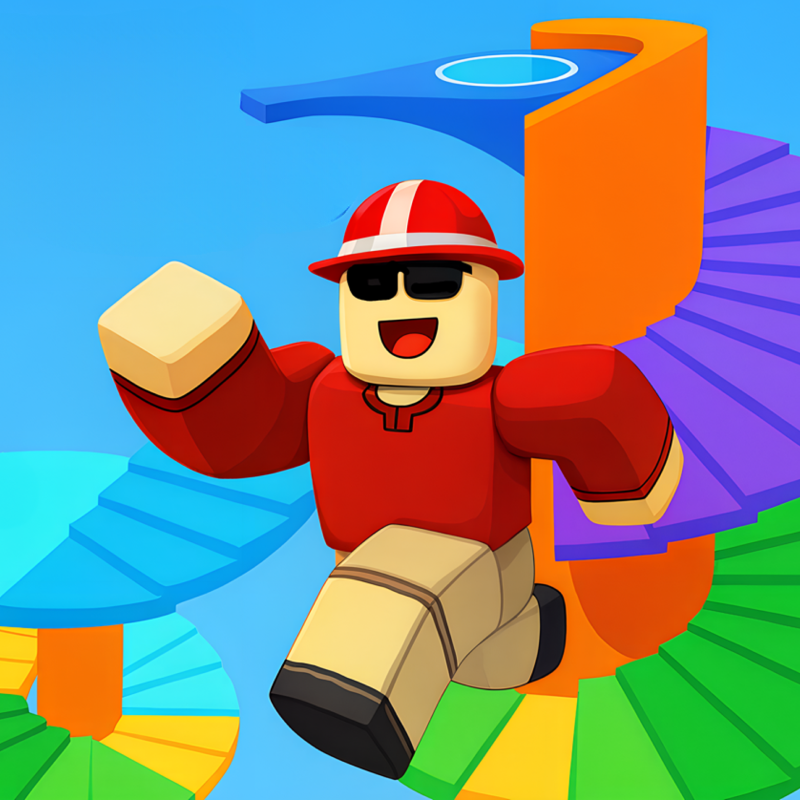
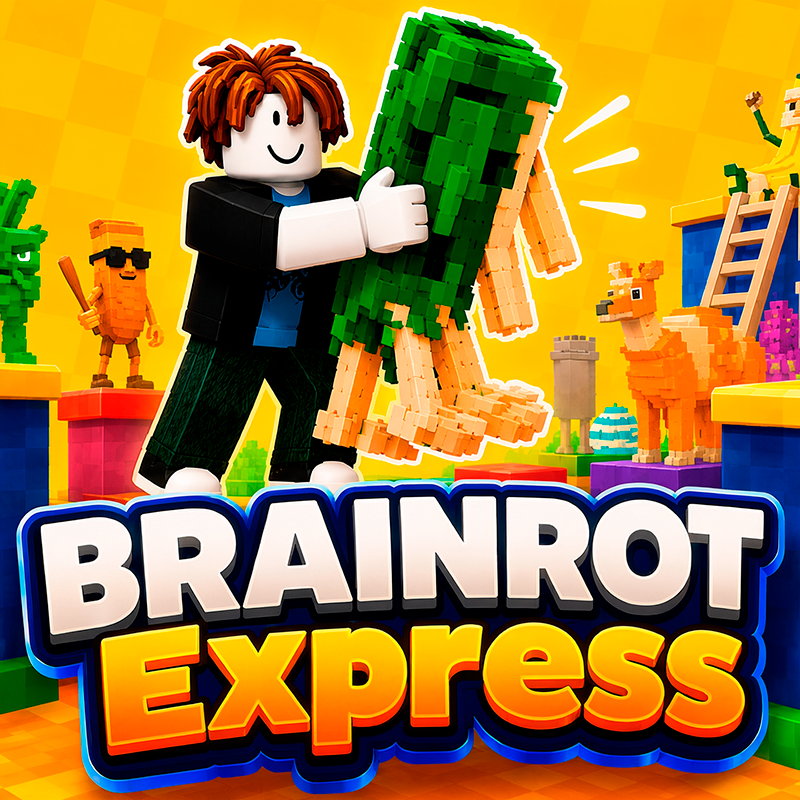
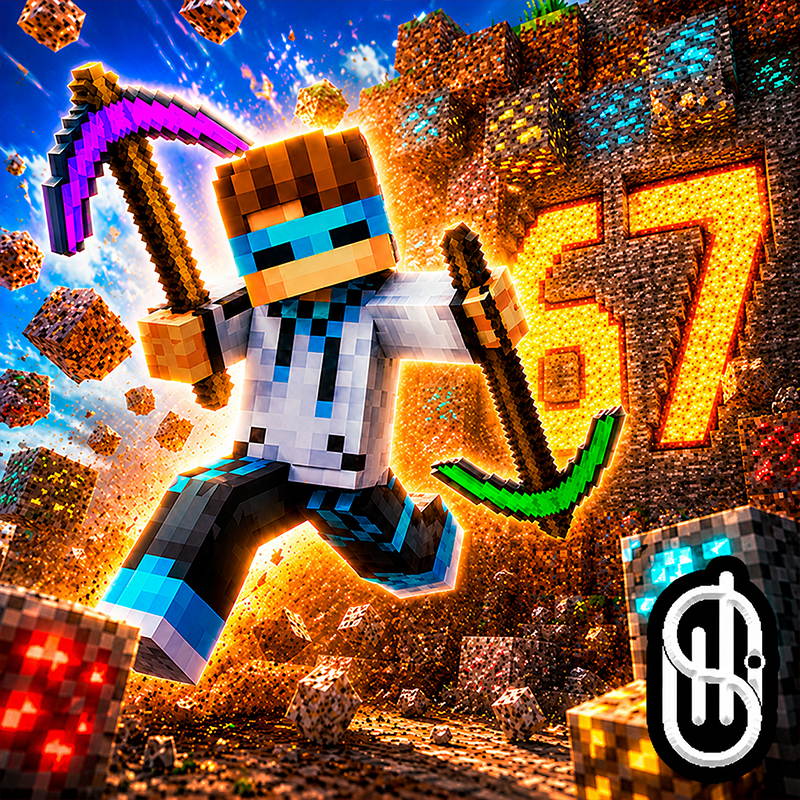
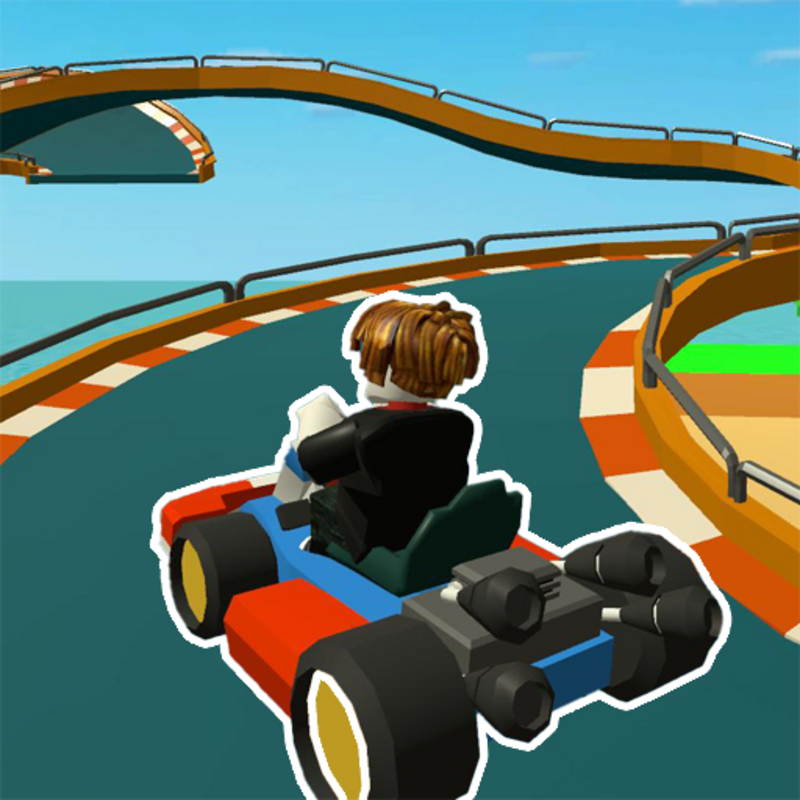
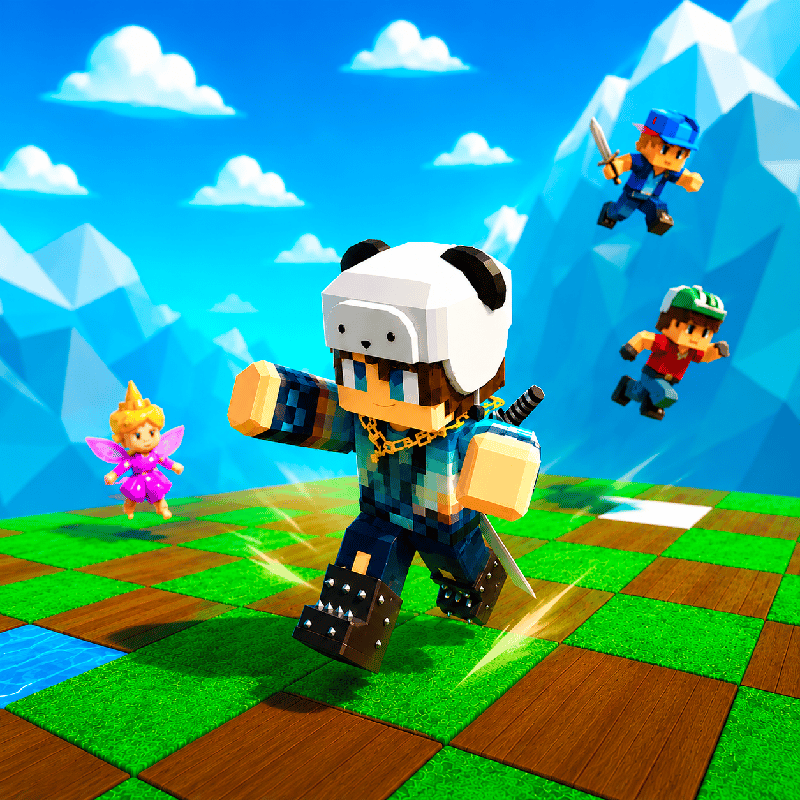
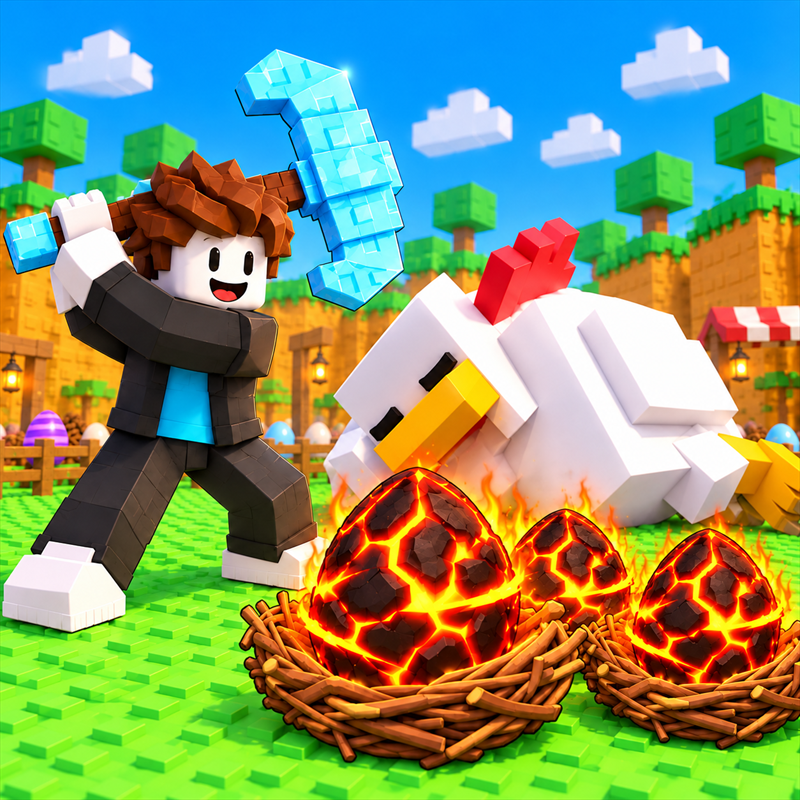
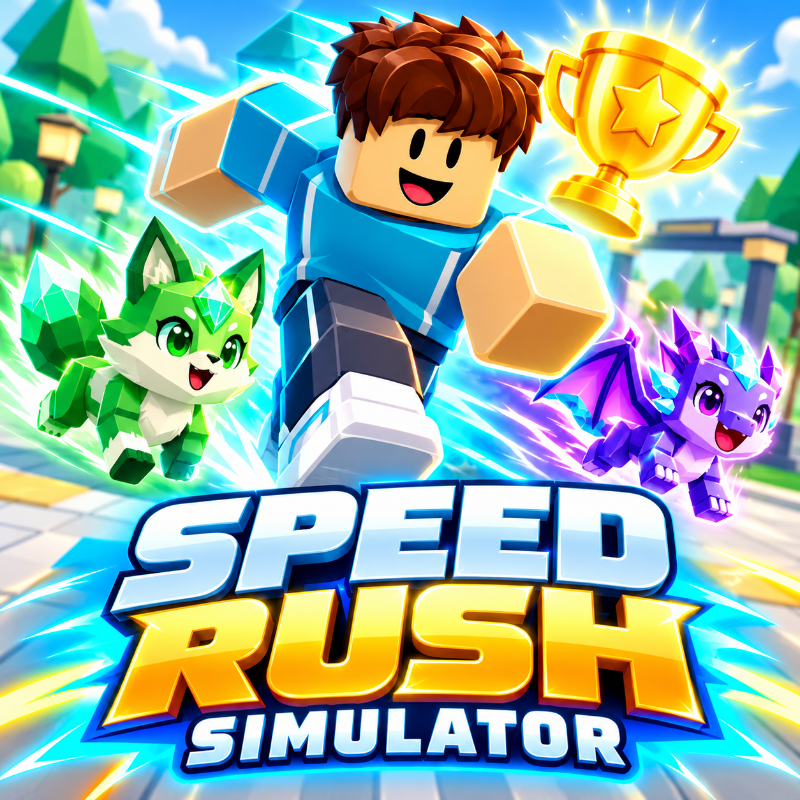
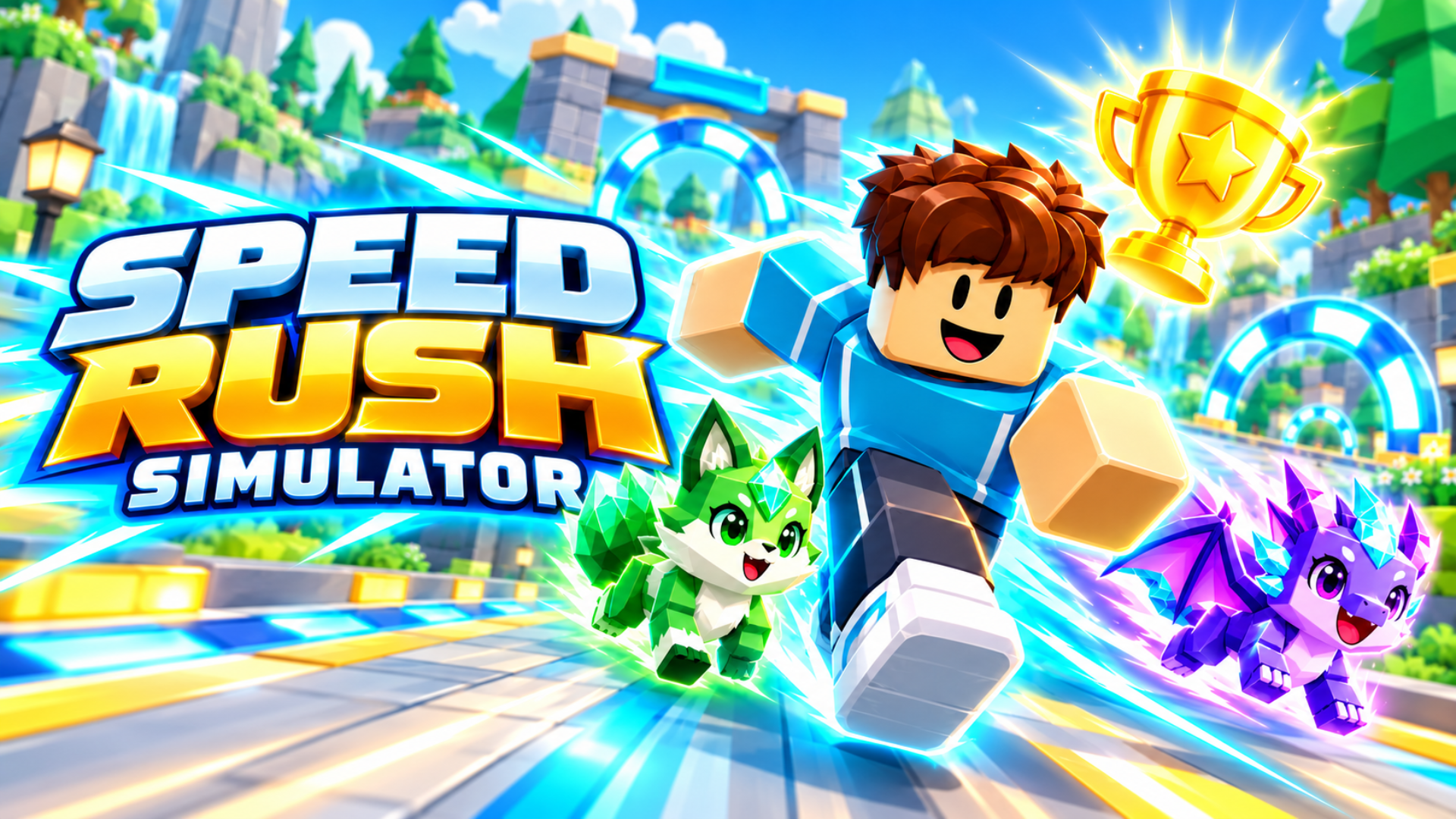
Train your speed, collect trophies, and hatch pets in a colorful 3D running adventure! Race through forests, Pumpkin Valley, and castle-themed areas. Jump over obstacles and reach checkpoints to earn rewards.
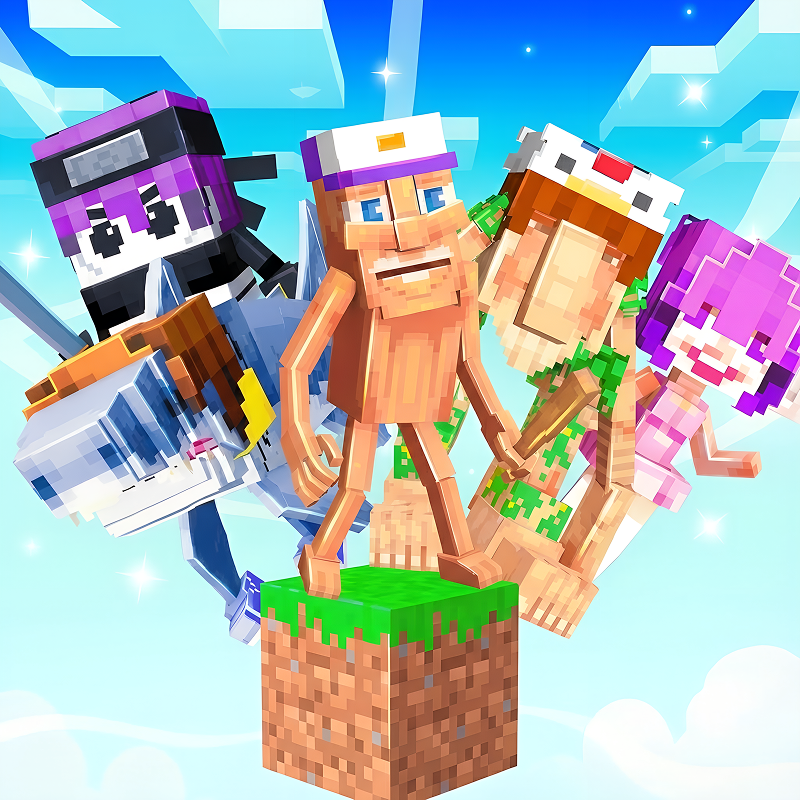
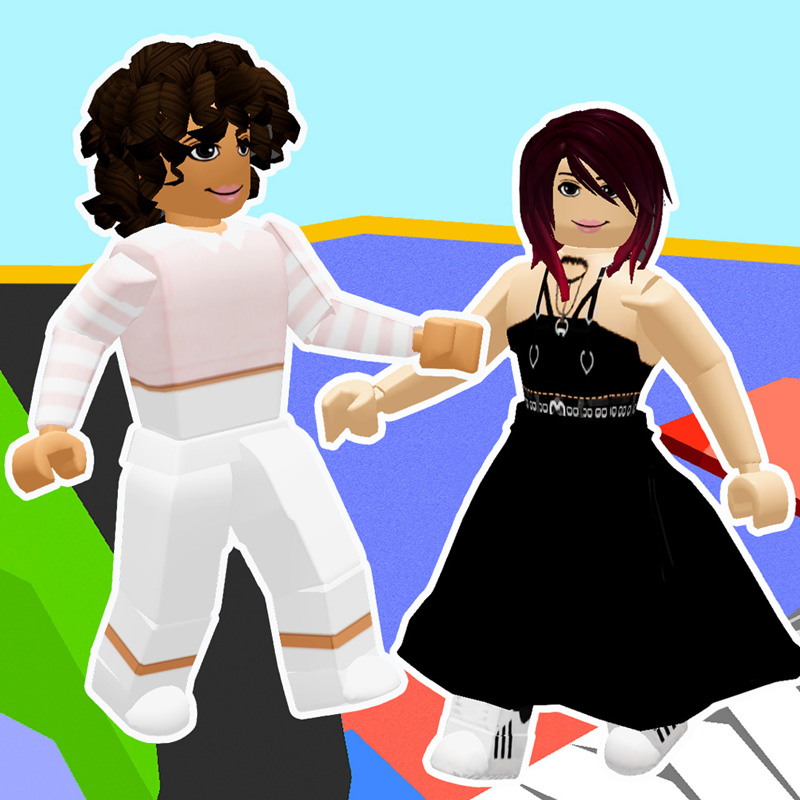
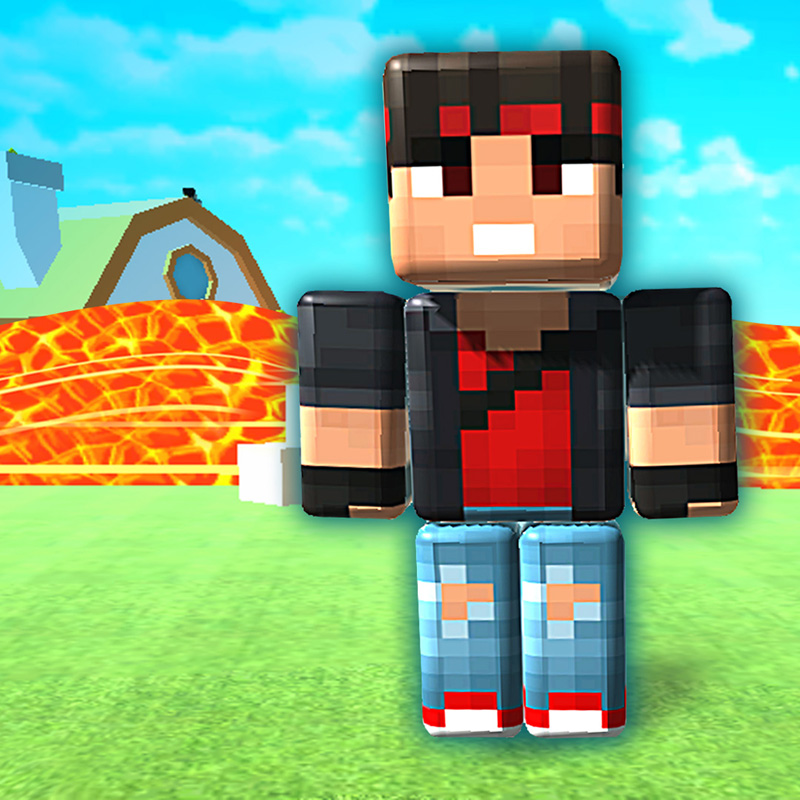
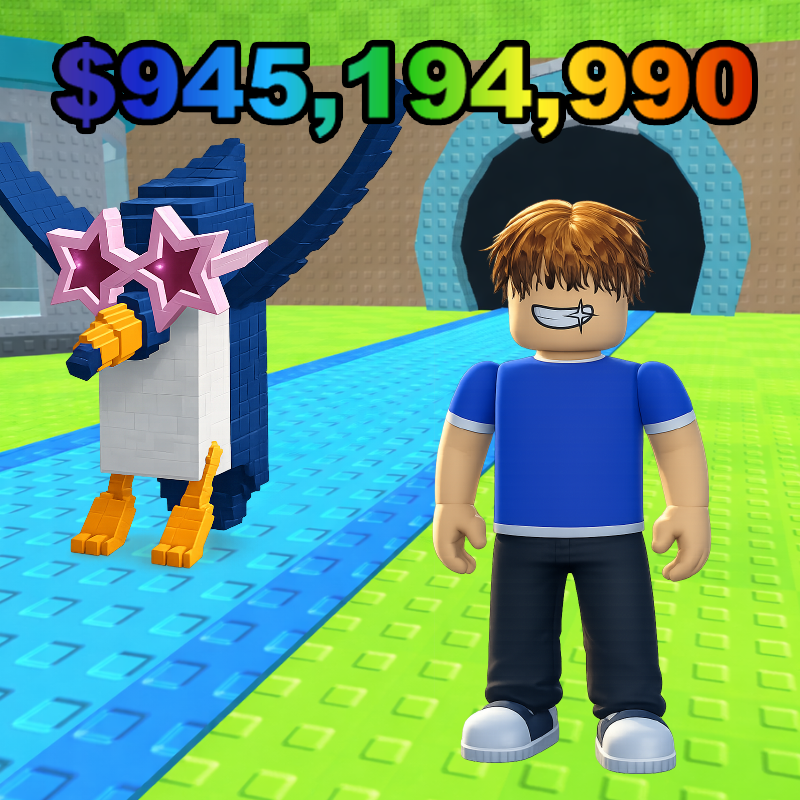
Build your pet team to boost your training, complete rebirth challenges, and unlock stronger training stations. Customize your clothes and hairstyle, and collect Halloween pets: a Vampire, a Zombie, and a Pumpkin!
How to play Speed Rush Simulator
PC:
- WASD or arrow keys — move.
- Space — jump.
- E — interact with a training station or open an egg.
- R — open three eggs by watching a rewarded ad.
- Hold the mouse button and drag — rotate the camera.
- Mouse wheel — zoom.
- Shift — capture or release the mouse cursor.
- Esc — release the cursor.
During races, running is automatic. Use A/D or the left/right arrows to steer, and Space to jump.
Mobile:
- Play in landscape mode.
- Use the left joystick to move.
- Tap the right jump button while holding the joystick to run and jump together.
- Swipe on the game world to rotate the camera.
- Tap the on-screen buttons to interact and open menus.
Use the fullscreen button to enter fullscreen mode.
Speed Rush Simulator controls
- WASD or arrow keys: move
- Space: jump
- E: interact with a training station or open an egg
- R: open three eggs by watching a rewarded ad
- Mouse wheel: zoom
- Shift: capture or release the mouse cursor
- Esc: release the cursor
Speed Rush Simulator FAQ
Is Speed Rush Simulator free to play?
Yes. Speed Rush Simulator is free on Physics Shark, with nothing to download and no account to make.
Can I play Speed Rush Simulator unblocked at school?
Speed Rush Simulator runs in a normal browser tab with no install, so it plays on school Chromebooks and laptops, with nothing to install and no account.
Does Speed Rush Simulator work on phones and tablets?
Yes. It works with touch controls on phones and tablets, and with a keyboard and mouse on computers.
Is Speed Rush Simulator a Roblox game?
No. Speed Rush Simulator is a Roblox-style browser game by an independent developer. It plays a lot like a Roblox obby, but you don't need Roblox or a Roblox account to play it.
Speed Rush Simulator is not made by, endorsed by or affiliated with Roblox Corporation. Roblox is a trademark of Roblox Corporation.
- LikedNo votes yet
- Rank#488 of 2870
- PlaysBe the first!
- UpdatedNovember 2026
Gameplay
About this game
- Controls
- WASD or arrow keysmove
- Spacejump
- Einteract with a training station or open an egg
- Ropen three eggs by watching a rewarded ad
- Mouse wheelzoom
- Shiftcapture or release the mouse cursor
- Escrelease the cursor
- Supported devices
- Desktop, phone and tablet
- Genre
- Obby3dsimulationendlessfast pacedobstaclesspeed














