 Physics Shark

















Obby Space Challenge: Starships
Obby Space Challenge: Starships is a Roblox-style obby you can play unblocked right here on Physics Shark.
Show moreShow less
Play Obby Space Challenge: Starships unblocked
Obby Space Challenge: Starships is a Roblox-style obby you can play unblocked right here on Physics Shark. It runs in your browser with no download, no install and no account, so you can play it on a school Chromebook, a laptop, a phone or a tablet.
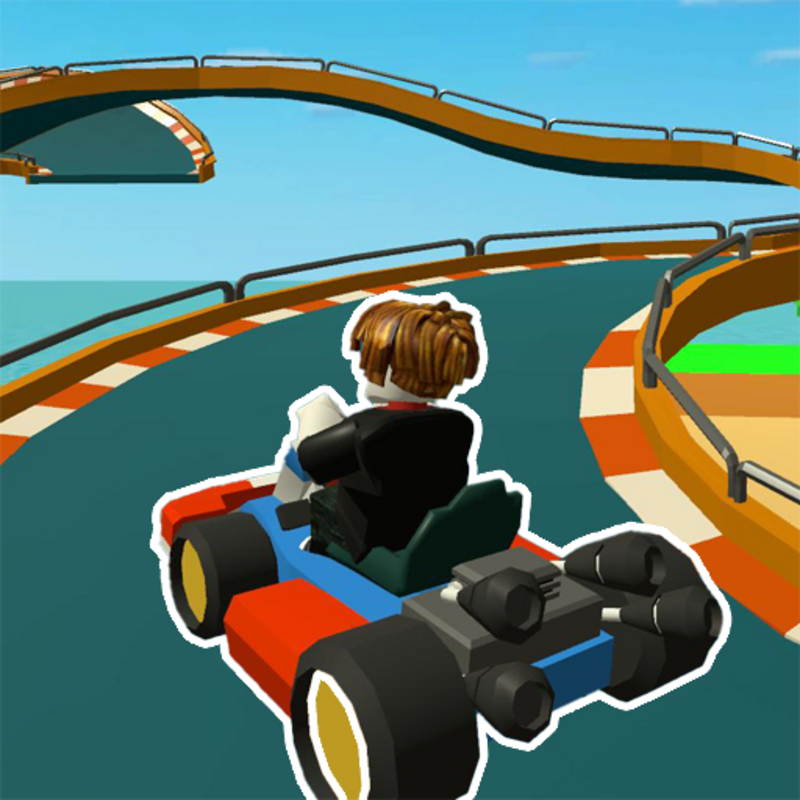
Obby Space Challenge: Starships plays like the Roblox games everyone talks about: jump across tricky platforms, dodge traps and reach the next checkpoint. You don't need Roblox, an account or an install, just this page, so it works on school computers where apps are locked down.
What is Obby Space Challenge: Starships?
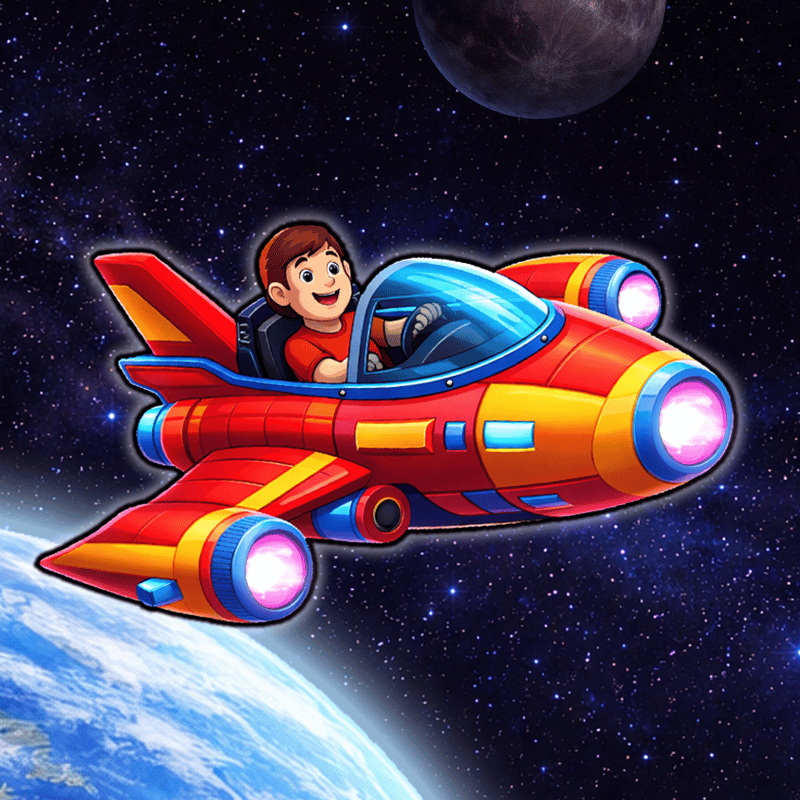
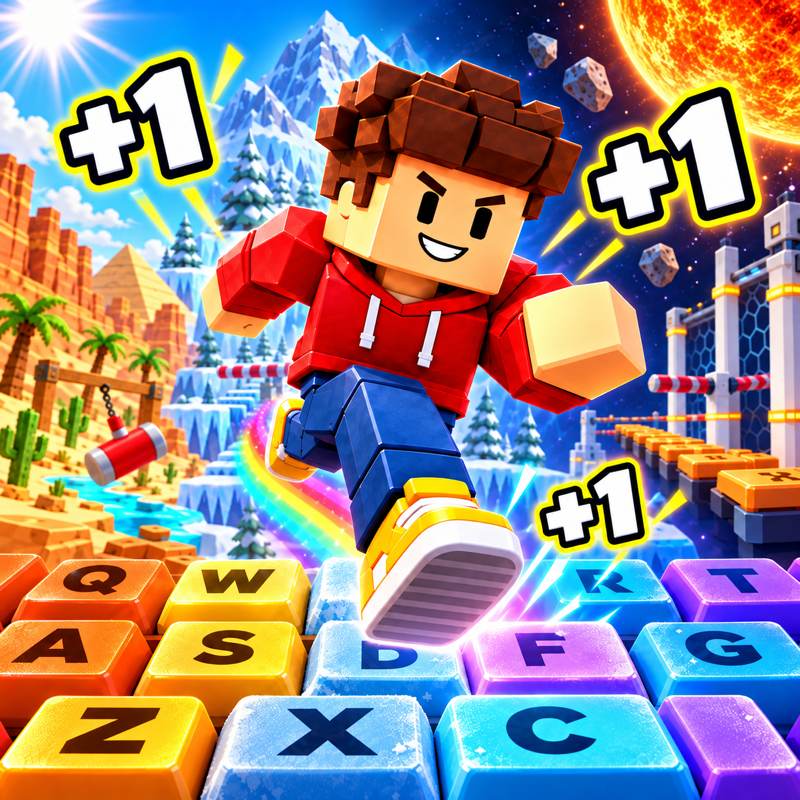
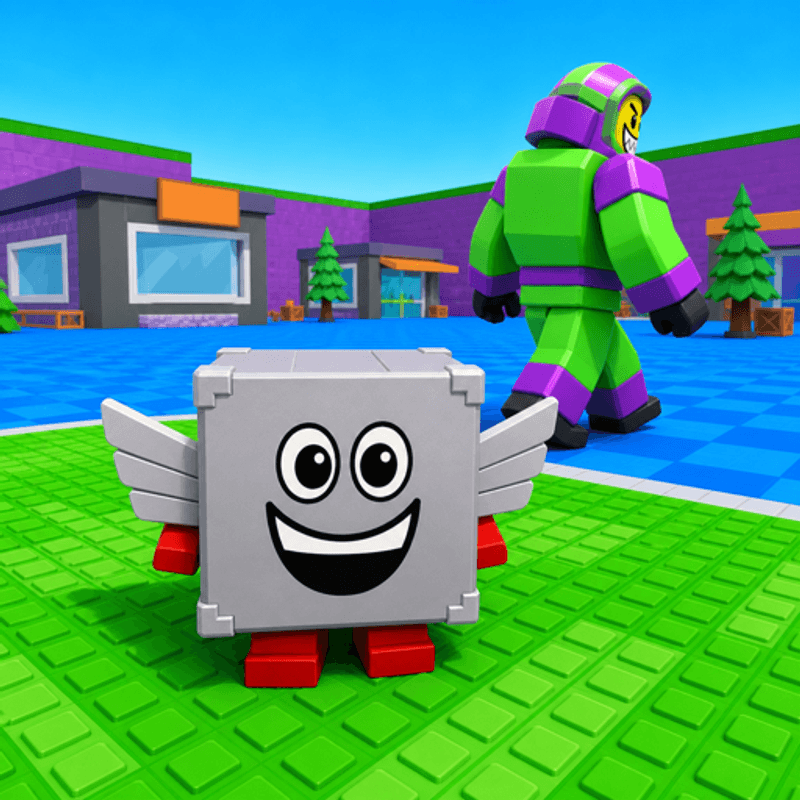
Obby Space Challenge: Starships is an exciting game where you get to fly starships. Collect energy capsules, earn trophies for your flights, and unlock new starships. Build a collection of the best companions, acquire the ultimate ship, and set out to explore all the locations in this cosmic world!
- Collect energy capsules!
- Earn trophies for your flights!
- Acquire companions!
- Switch starships!
- Unlock new locations!
Core Gameplay & Story
Q: What is the game about? What do you need to do?
A: The game is about collecting capsules and flying a spaceship to earn trophy points.
Q: What is the unique feature of the game? What can hook players?
A: The game offers a variety of pet and spaceship skins, great graphics, an achievement system, and tasks to engage players.
Mechanics & Progression
Q: How does leveling up work exactly? What needs to be done to level up faster?
A: The more energy the character collects, the more trophies they will receive after the flight.
Economy & Customization
Q: What currencies are available and what can they be spent on (regular - gold, premium - crystals, etc.)?
A: The game features energy and trophies as currencies. Trophies can be used to purchase pets and spaceships to speed up energy acquisition.
Q: Is there customization in the game? Can you customize the appearance of the hero, location editor, car tuning, etc.?
A: Yes, the game offers many pet and spaceship skins that come with enhancements.
Retention & Engagement
Q: Are there daily rewards or something similar to incentivize players to return?
A: Yes, the game offers rewards that players receive based on their time spent in the game. Rewards are refreshed daily.
Q: Is it advisable to play with sound to better immerse oneself in the atmosphere, or will there be difficulties in playing without sound?
A: Music complements the game, but it is not necessary for gameplay.
How to play Obby Space Challenge: Starships
PC Controls:
WASD - Move your character
Space - Jump
Right Mouse Button - Camera control
Mobile Controls:
Joystick - Move your character
Hold your finger on the screen - Camera control
Obby Space Challenge: Starships controls
- WASD: Move your character
- Space: Jump
- Right Mouse Button: Camera control
Obby Space Challenge: Starships FAQ
Is Obby Space Challenge: Starships free to play?
Yes. Obby Space Challenge: Starships is free on Physics Shark, with nothing to download and no account to make.
Can I play Obby Space Challenge: Starships unblocked at school?
Obby Space Challenge: Starships runs in a normal browser tab with no install, so it plays on school Chromebooks and laptops, with nothing to install and no account.
Does Obby Space Challenge: Starships work on phones and tablets?
Yes. It works with touch controls on phones and tablets, and with a keyboard and mouse on computers.
Is Obby Space Challenge: Starships a Roblox game?
No. Obby Space Challenge: Starships is a Roblox-style browser game by an independent developer. It plays a lot like a Roblox obby, but you don't need Roblox or a Roblox account to play it.
Obby Space Challenge: Starships is not made by, endorsed by or affiliated with Roblox Corporation. Roblox is a trademark of Roblox Corporation.
- LikedNo votes yet
- Rank#1946 of 2870
- PlaysBe the first!
- UpdatedNovember 2026
Gameplay
About this game
- Controls
- WASDMove your character
- SpaceJump
- Right Mouse ButtonCamera control
- Supported devices
- Desktop, phone and tablet
- Genre
- Obbyspacecollectingrobloxchallengeobstaclesspace waves














