 Physics Shark


















Obby Keyboard Worlds: +1 Speed & Jump
Looking for a Roblox-style obby you can play at school? Obby Keyboard Worlds: +1 Speed & Jump loads straight in your browser on Physics Shark: free, unblocked and nothing to install.
Show moreShow less
Play Obby Keyboard Worlds: +1 Speed & Jump unblocked
Looking for a Roblox-style obby you can play at school? Obby Keyboard Worlds: +1 Speed & Jump loads straight in your browser on Physics Shark: free, unblocked and nothing to install. Play it on a school Chromebook, a laptop, a phone or a tablet.
If you like Roblox obbies, Obby Keyboard Worlds: +1 Speed & Jump will feel familiar: jump across tricky platforms, dodge traps and reach the next checkpoint. The difference is that it runs right here in the browser, with no Roblox account, no app and no download, which makes it an easy Roblox-style game to play at school.
What is Obby Keyboard Worlds: +1 Speed & Jump?
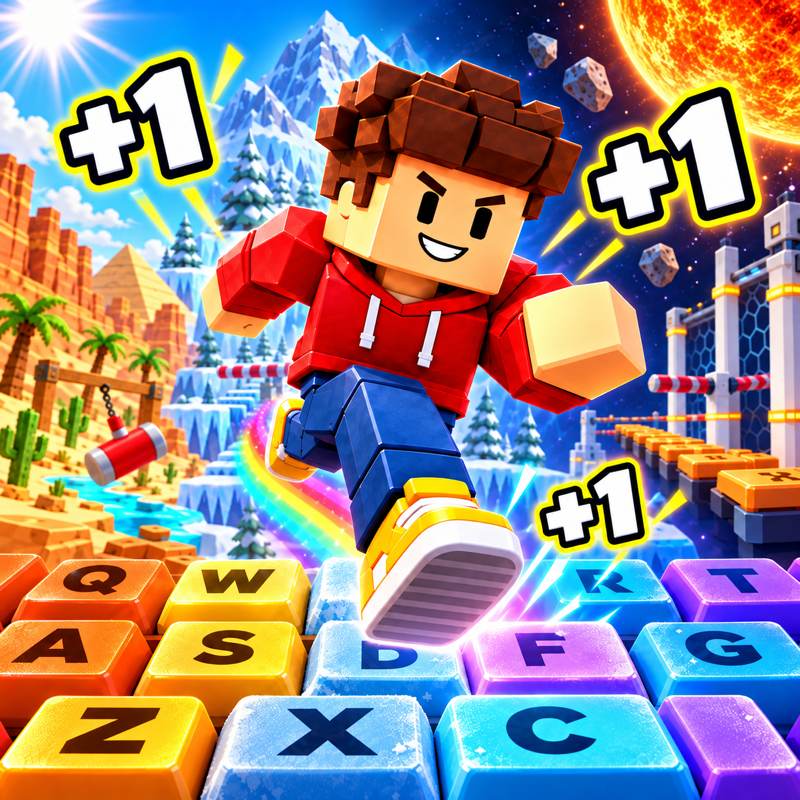
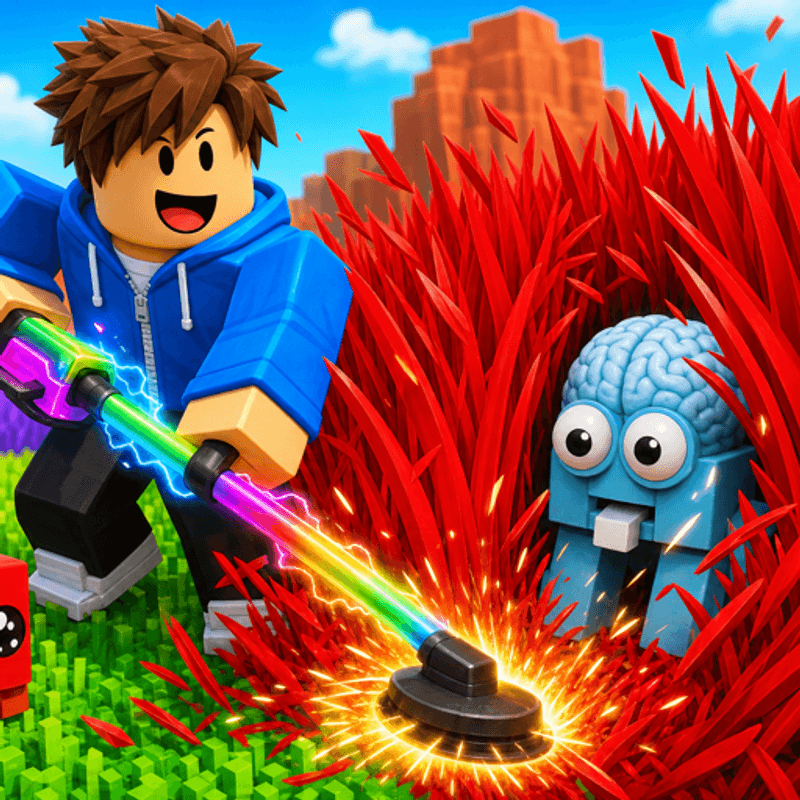
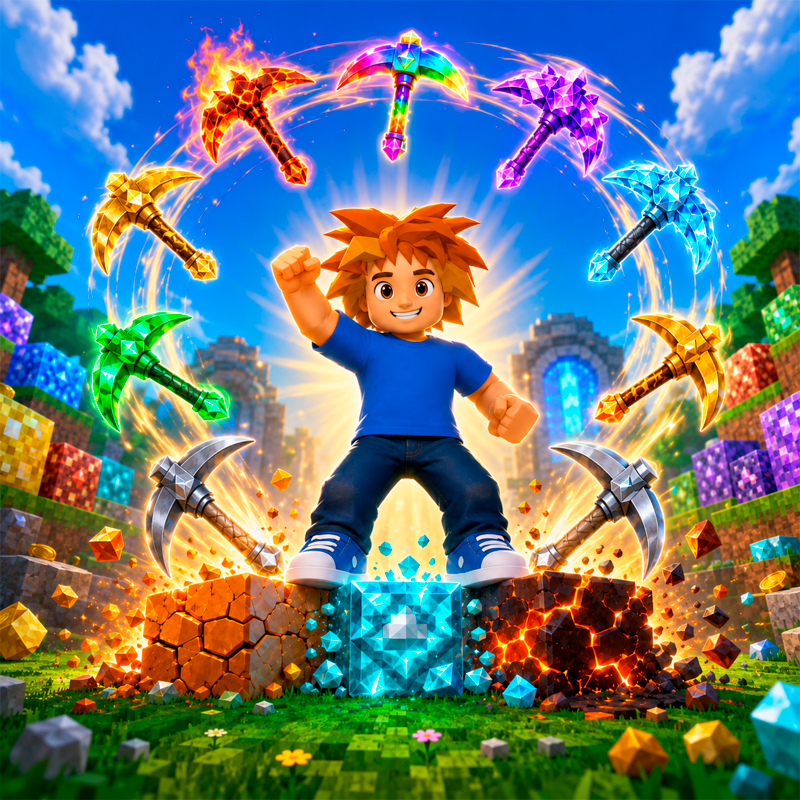
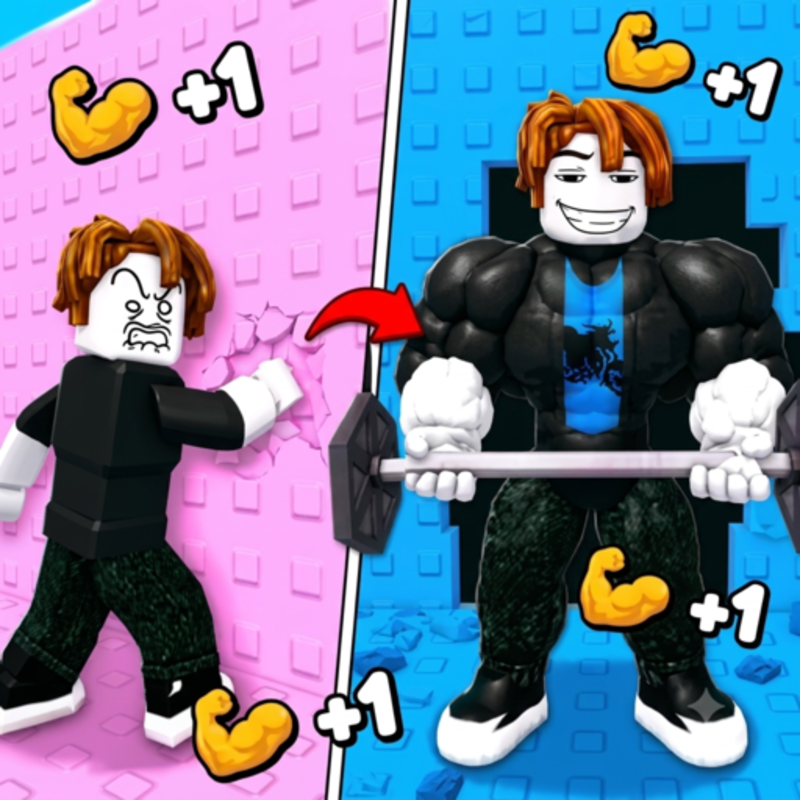
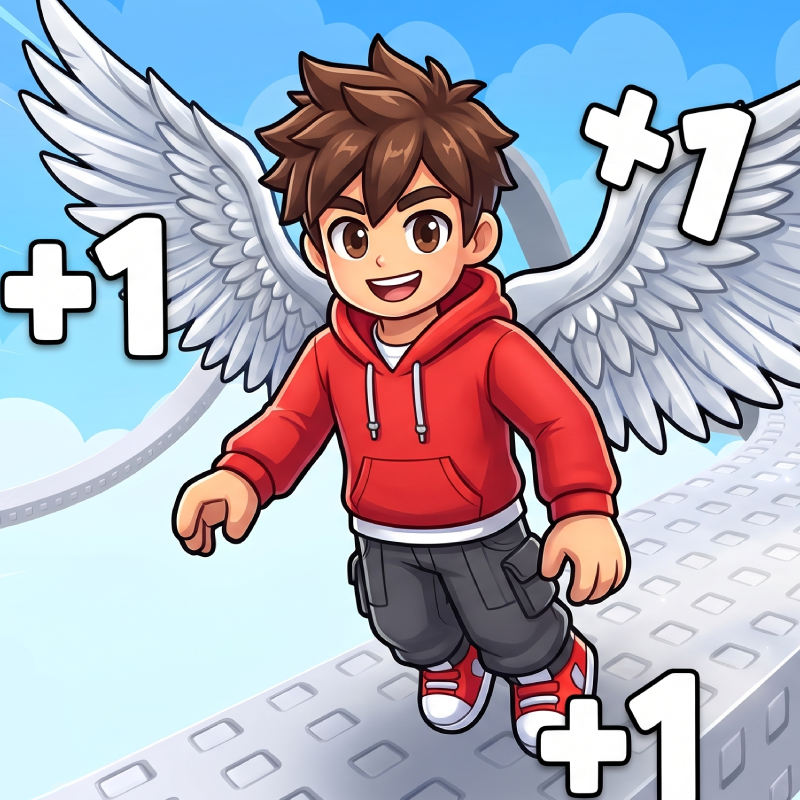
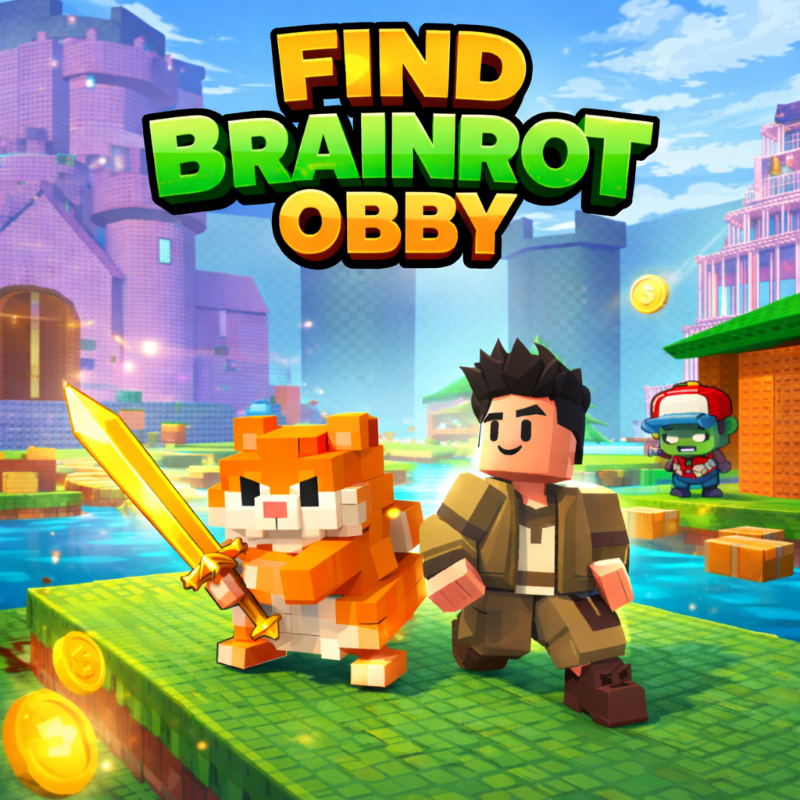
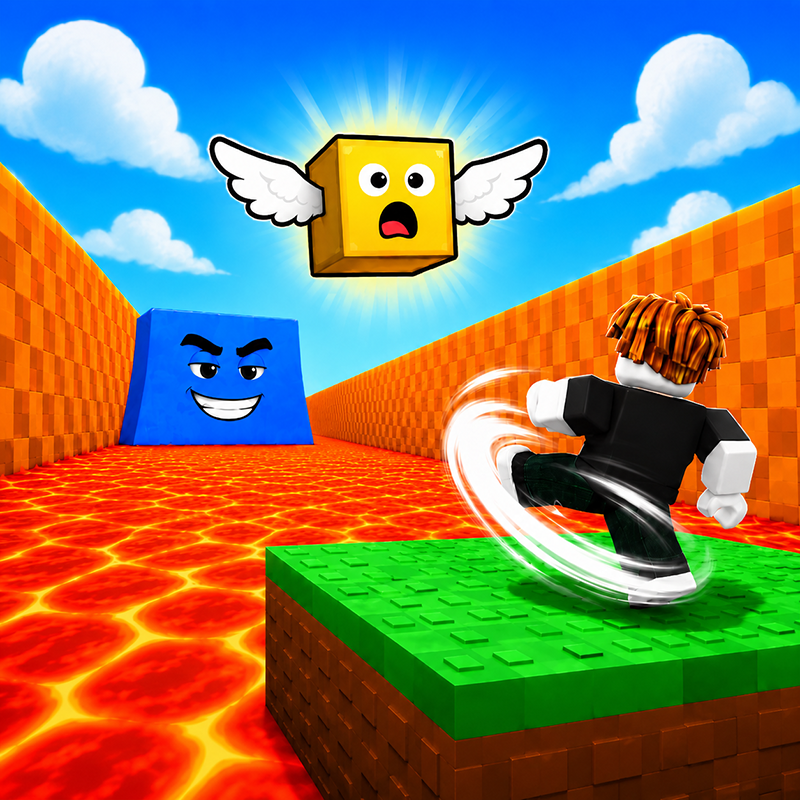
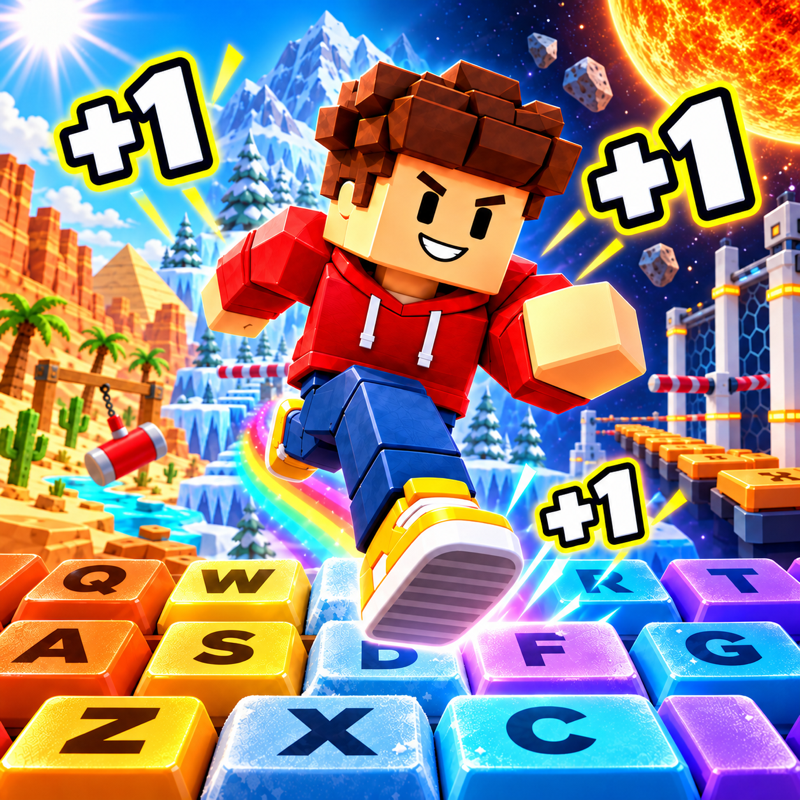
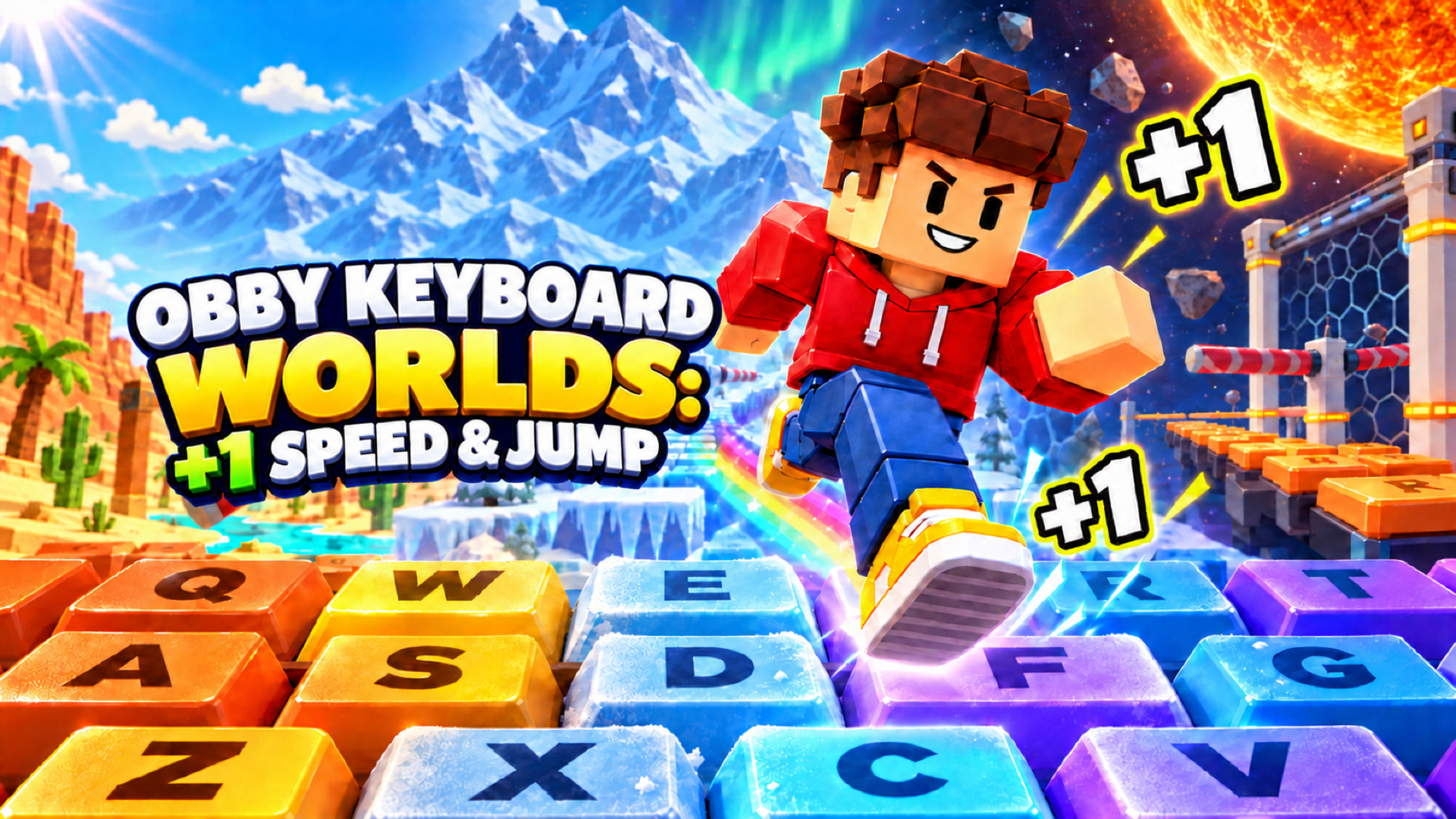
Explore giant keyboard worlds! Train to run faster, unlock extra midair jumps, and leap between islands while dodging swinging hammers and tricky obstacles. Earn trophies, upgrade your sneakers, and rebirth to boost your progress. Can you reach the finish in every world?
How to play Obby Keyboard Worlds: +1 Speed & Jump
Desktop
- WASD or arrow keys: move.
- Space: jump. Press again or hold to use your available midair jumps.
- Mouse: look around. When the cursor is visible, hold the right mouse button and drag to rotate the camera.
- Mouse wheel: zoom in or out.
- Tab: show or hide the cursor.
- Hold E near sneakers: buy or equip them.
- Use the on-screen controls to adjust your speed and camera zoom.
Mobile
Use the joystick on the left to move and swipe on the right to look around. Tap the jump button to jump, or hold it to use your available midair jumps. Use the on-screen buttons and sliders to interact, adjust speed, and zoom.
Obby Keyboard Worlds: +1 Speed & Jump controls
- WASD or arrow keys: move
- Space: jump. Press again or hold to use your available midair jumps
- Mouse: look around. When the cursor is visible, hold the right mouse button and drag to rotate the camera
- Mouse wheel: zoom in or out
- Tab: show or hide the cursor
- Hold E near sneakers: buy or equip them
Obby Keyboard Worlds: +1 Speed & Jump FAQ
Is Obby Keyboard Worlds: +1 Speed & Jump free to play?
Yes. Obby Keyboard Worlds: +1 Speed & Jump is free on Physics Shark, with nothing to download and no account to make.
Can I play Obby Keyboard Worlds: +1 Speed & Jump unblocked at school?
Obby Keyboard Worlds: +1 Speed & Jump runs in a normal browser tab with no install, so it plays on school Chromebooks and laptops, with nothing to install and no account.
Does Obby Keyboard Worlds: +1 Speed & Jump work on phones and tablets?
Yes. It works with touch controls on phones and tablets, and with a keyboard and mouse on computers.
Is Obby Keyboard Worlds: +1 Speed & Jump a Roblox game?
No. Obby Keyboard Worlds: +1 Speed & Jump is a Roblox-style browser game by an independent developer. It plays a lot like a Roblox obby, but you don't need Roblox or a Roblox account to play it.
Obby Keyboard Worlds: +1 Speed & Jump is not made by, endorsed by or affiliated with Roblox Corporation. Roblox is a trademark of Roblox Corporation.
- LikedNo votes yet
- Rank#337 of 2870
- PlaysBe the first!
- UpdatedNovember 2026
Gameplay
About this game
- Controls
- WASD or arrow keysmove
- Spacejump. Press again or hold to use your available midair jumps
- Mouselook around. When the cursor is visible, hold the right mouse button and drag to rotate the camera
- Mouse wheelzoom in or out
- Tabshow or hide the cursor
- Hold E near sneakersbuy or equip them
- Supported devices
- Desktop, phone and tablet
- Games like Obby Keyboard Worlds: +1 Speed & Jump
- Obby: Climb Up and Slide Down on MinecartsUltimate Obby Parkour Adventure OnlineObby: King of the HillThe Egg Stealing MasterSnake Slither.io Italian BrainrotObby Prison Craft Escape














