 Physics Shark




















+1 Wings Escape
+1 Wings Escape is a Roblox-style obby you can play unblocked right here on Physics Shark.
Show moreShow less
Play +1 Wings Escape unblocked
+1 Wings Escape is a Roblox-style obby you can play unblocked right here on Physics Shark. It runs in your browser with no download, no install and no account, so you can play it on a school Chromebook, a laptop, a phone or a tablet.
If you like Roblox obbies, +1 Wings Escape will feel familiar: jump across tricky platforms, dodge traps and reach the next checkpoint. The difference is that it runs right here in the browser, with no Roblox account, no app and no download, which makes it an easy Roblox-style game to play at school.
What is +1 Wings Escape?
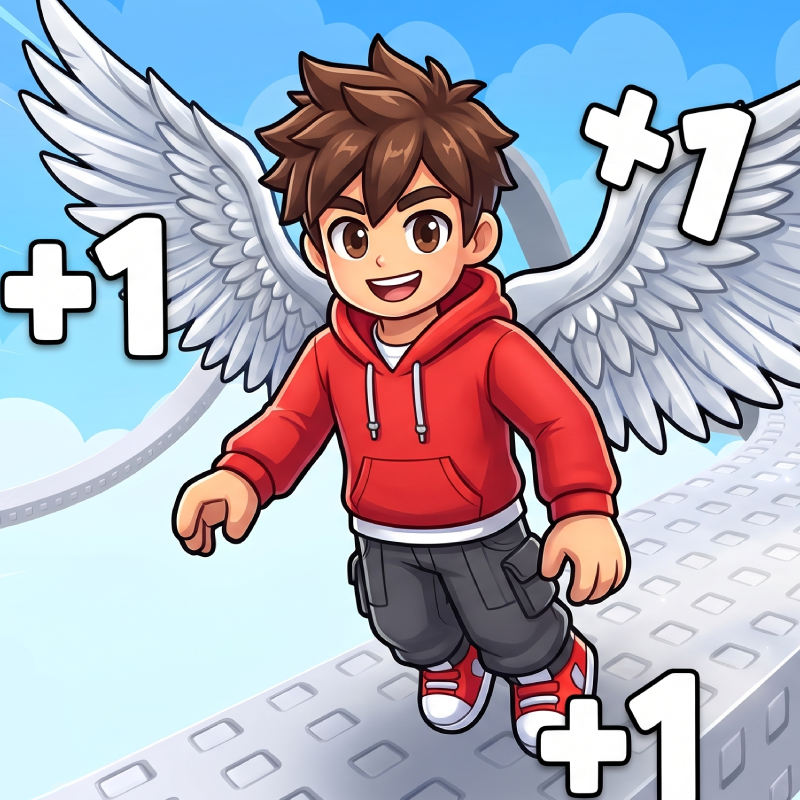
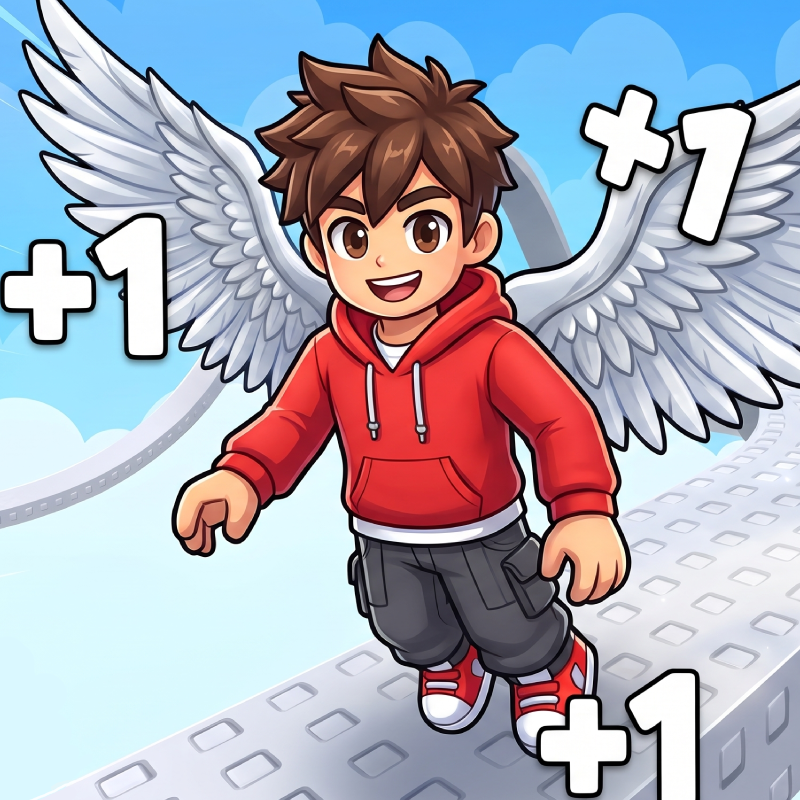
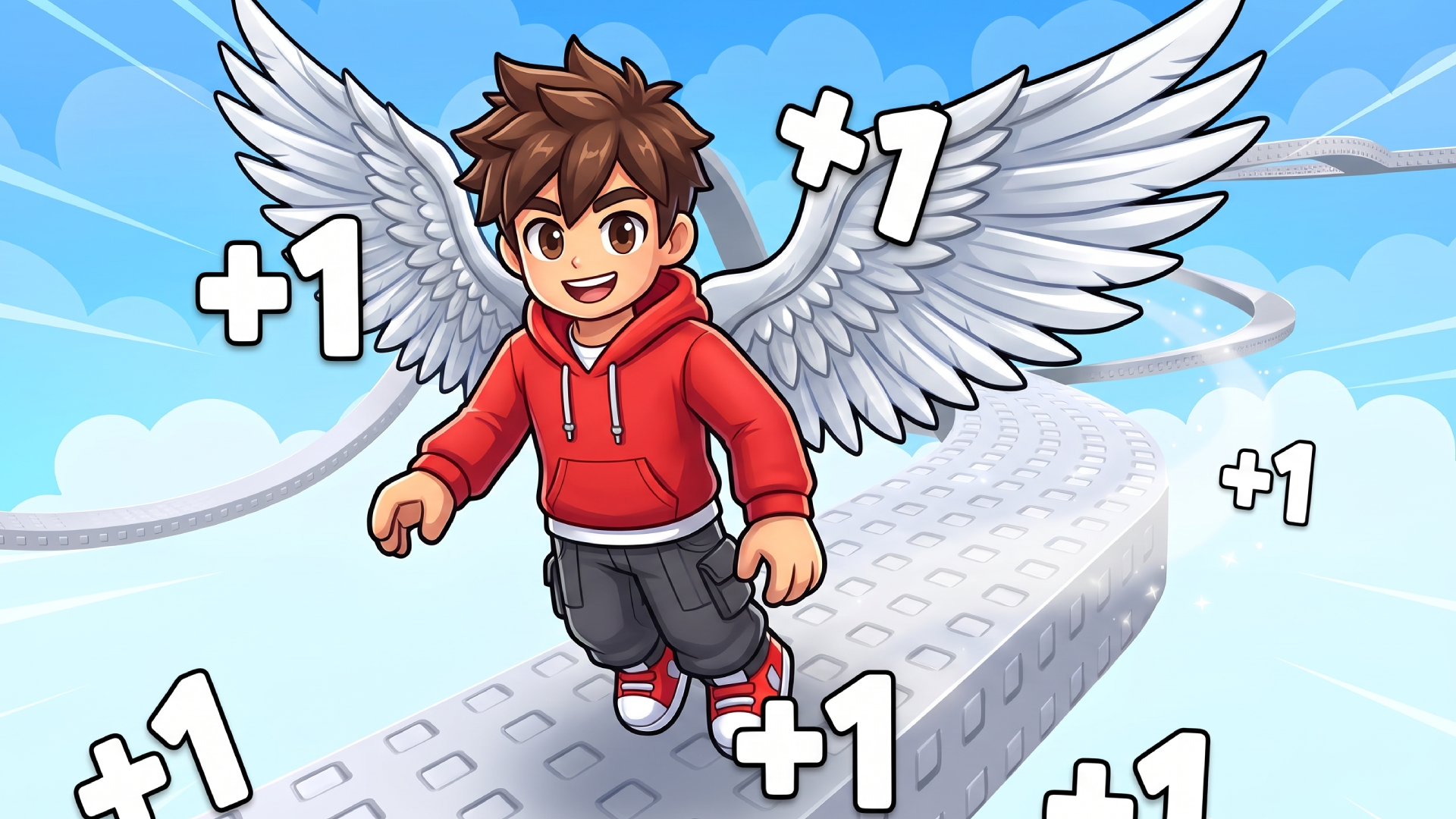
Spread your wings and take on a colorful sky-high obstacle course in +1 Wings Escape!
Jump between platforms, dodge moving obstacles, and use extra wing flaps to reach distant checkpoints. Collect trophies, unlock new wings, and grow stronger with every flight.
Key Features
- Level up your flight: Earn Power while airborne or train above powerful fans. Each level gives you an extra wing flap.
- Upgrade your wings: Unlock colorful wings that increase your Power earnings.
- Chase bigger rewards: Reach farther checkpoints to collect more trophies.
- Explore new worlds: Unlock tougher courses with new environments and challenges.
- Rebirth and progress faster: Reset your level for a permanent Power multiplier while keeping your wings, trophies, and trails.
- Customize your character: Equip wings and colorful trails to stand out.
How to play +1 Wings Escape
Jump from platform to platform and press jump again while airborne to flap your wings. Landing restores your available flaps.
Your jump height stays the same, so gain levels to make more jumps in the air!
Stop above a training fan to earn Power. Walk onto a yellow trophy pad to collect your checkpoint reward and return to the hub. Spend trophies on better wings and new worlds.
Desktop: WASD to move, Space or E to jump and flap, drag to rotate the camera, and R to return to the hub.
Mobile: Touch and drag in the lower-left area to move. Swipe on the right to rotate the camera. Tap the wings button to jump and flap.
+1 Wings Escape controls
- Keyboard / mouse: WASD to move, Space or E to jump and flap, drag to rotate the camera, and R to return to the hub
+1 Wings Escape FAQ
Is +1 Wings Escape free to play?
Yes. +1 Wings Escape is free on Physics Shark, with nothing to download and no account to make.
Can I play +1 Wings Escape unblocked at school?
+1 Wings Escape runs in a normal browser tab with no install, so it plays on school Chromebooks and laptops, with nothing to install and no account.
Does +1 Wings Escape work on phones and tablets?
Yes. It works with touch controls on phones and tablets, and with a keyboard and mouse on computers.
Is +1 Wings Escape a Roblox game?
No. +1 Wings Escape is a Roblox-style browser game by an independent developer. It plays a lot like a Roblox obby, but you don't need Roblox or a Roblox account to play it.
+1 Wings Escape is not made by, endorsed by or affiliated with Roblox Corporation. Roblox is a trademark of Roblox Corporation.
- LikedNo votes yet
- Rank#607 of 2870
- PlaysBe the first!
- UpdatedNovember 2026
Gameplay
About this game
- Controls
- Keyboard / mouseWASD to move, Space or E to jump and flap, drag to rotate the camera, and R to return to the hub
- Supported devices
- Desktop, phone and tablet














