 Physics Shark






















Obby Way
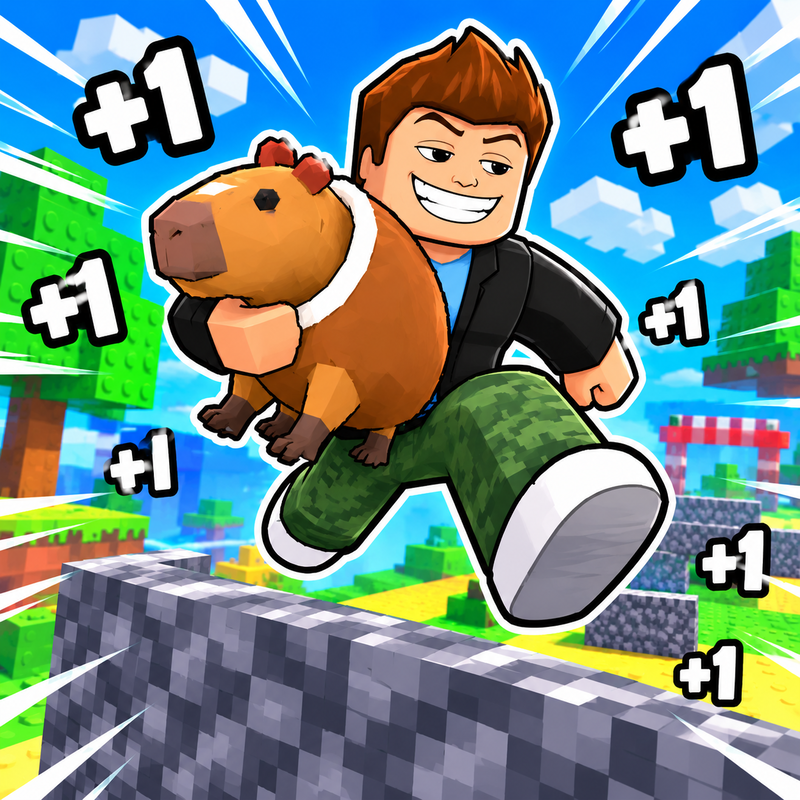
Looking for a Roblox-style obby you can play at school? Obby Way loads straight in your browser on Physics Shark: free, unblocked and nothing to install. Play it on a school Chromebook, a laptop, a phone or a tablet.
Show moreShow less
Play Obby Way unblocked
Looking for a Roblox-style obby you can play at school? Obby Way loads straight in your browser on Physics Shark: free, unblocked and nothing to install. Play it on a school Chromebook, a laptop, a phone or a tablet.
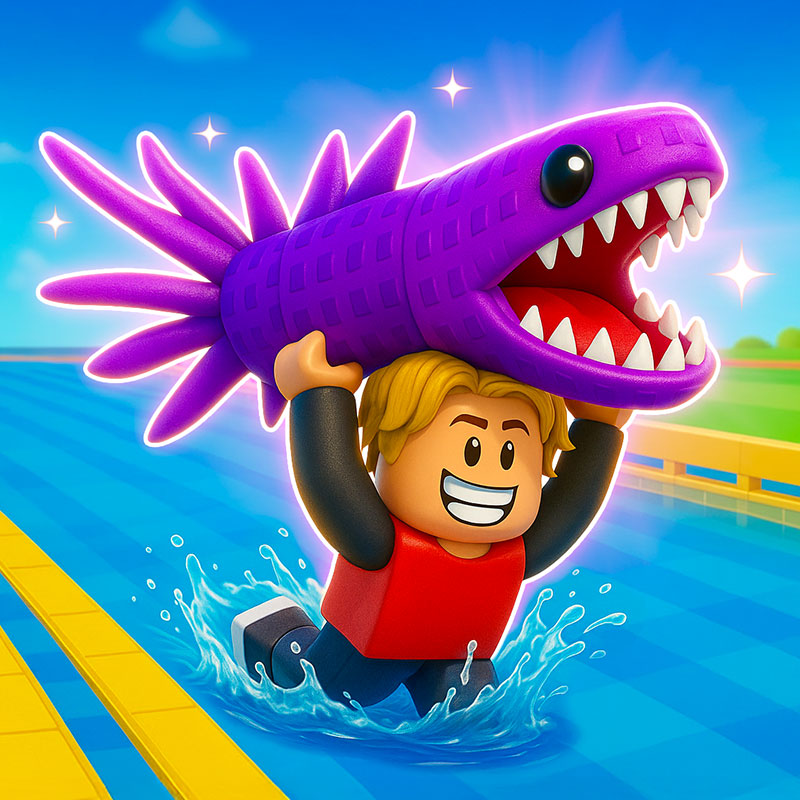
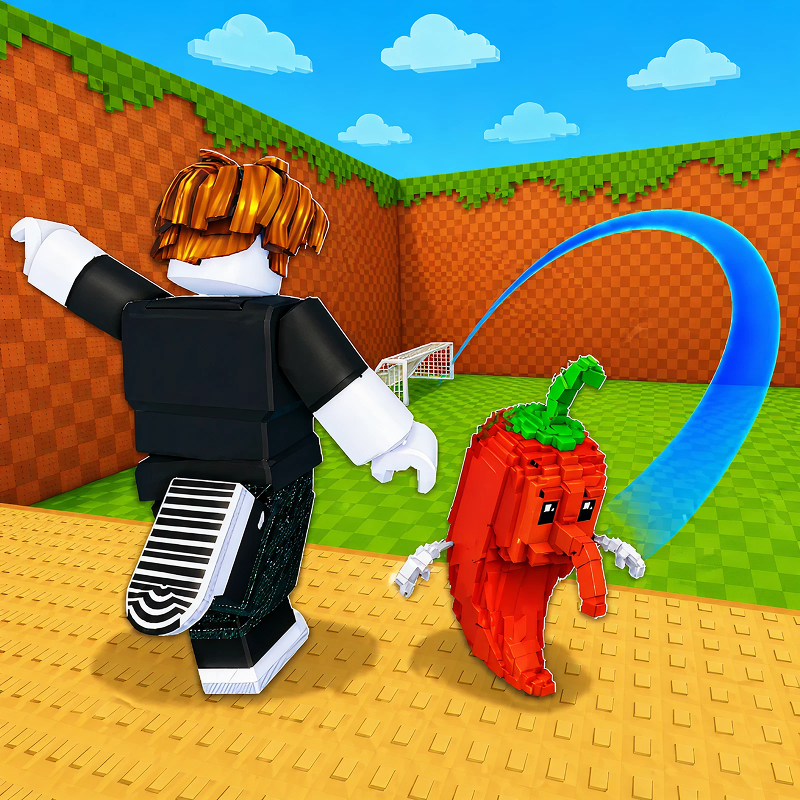
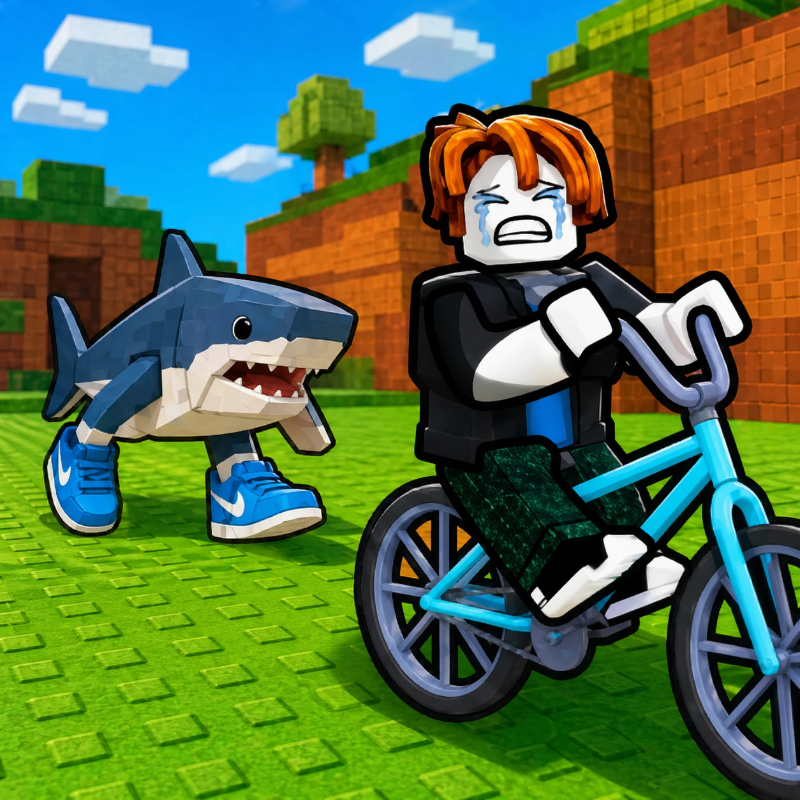
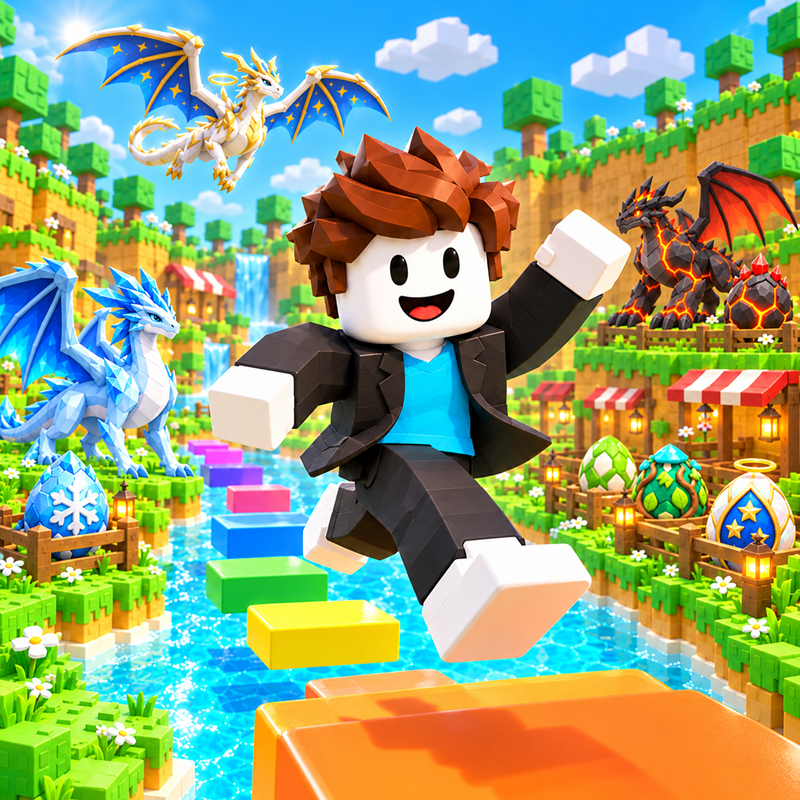
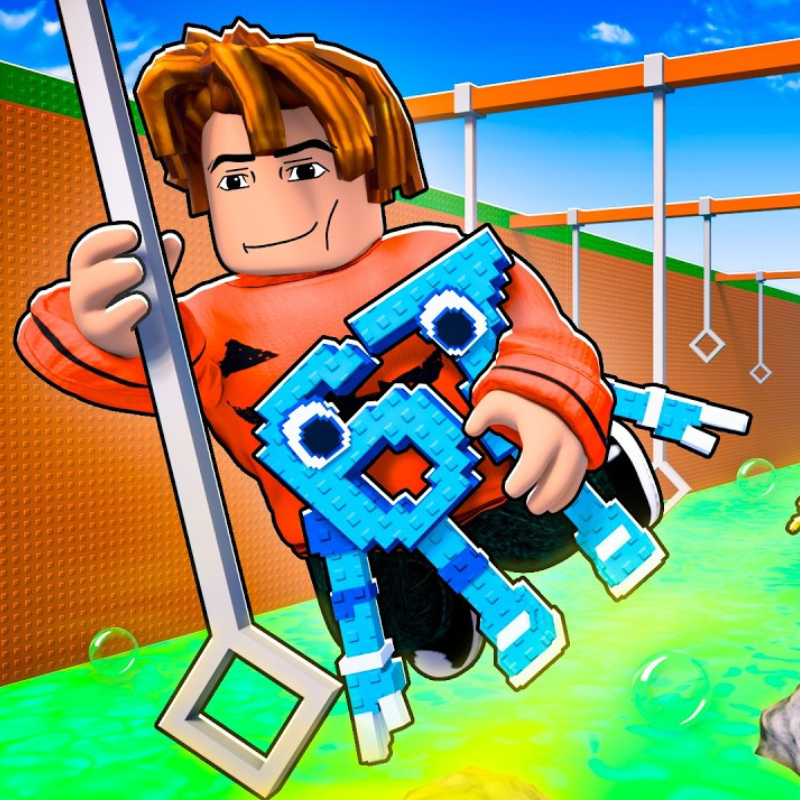
If you like Roblox obbies, Obby Way will feel familiar: jump across tricky platforms, dodge traps and reach the next checkpoint. The difference is that it runs right here in the browser, with no Roblox account, no app and no download, which makes it an easy Roblox-style game to play at school.
What is Obby Way?
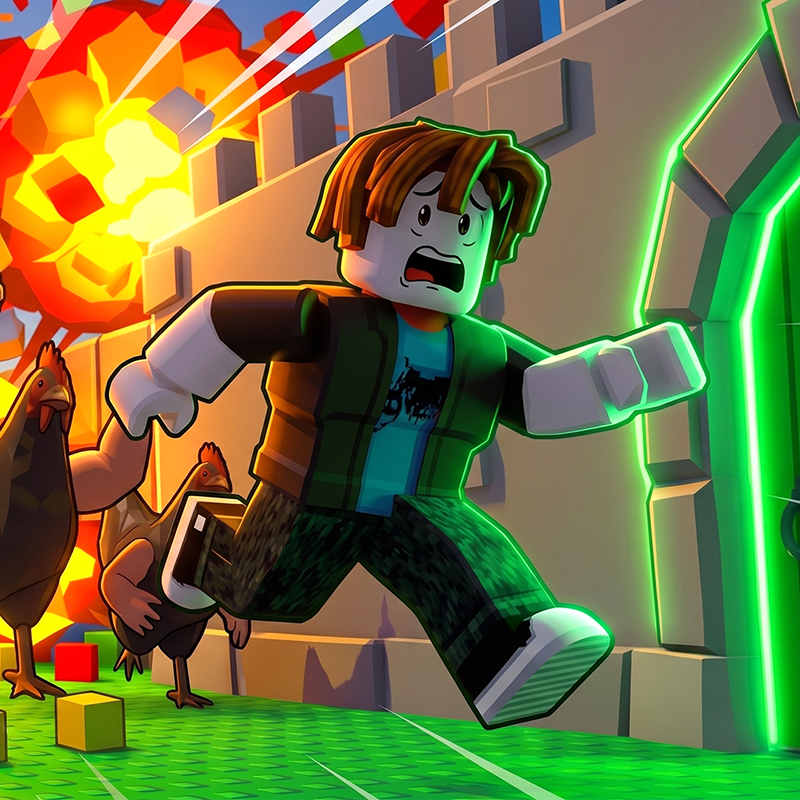
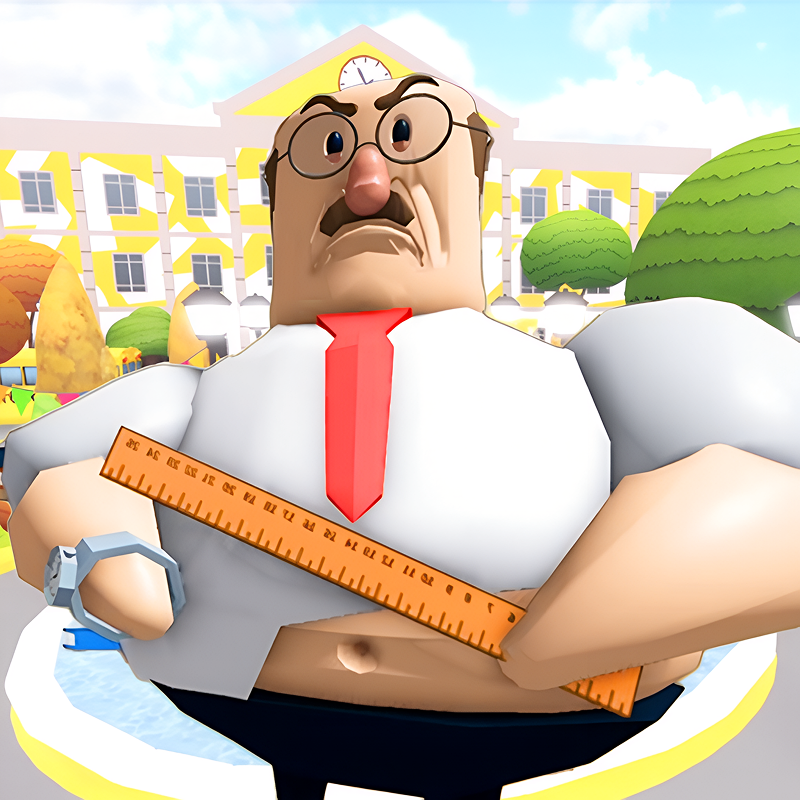
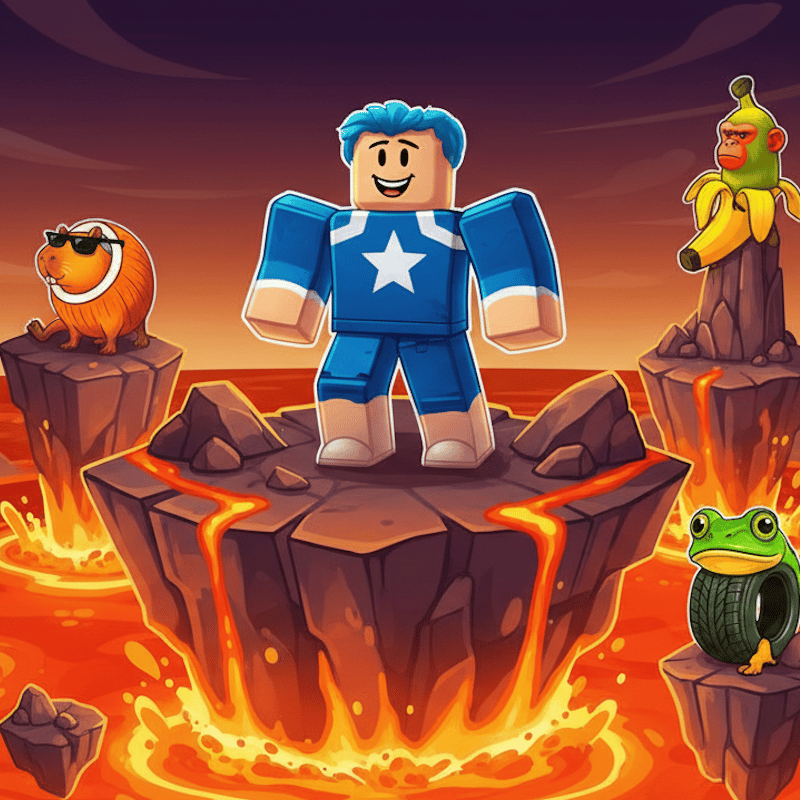
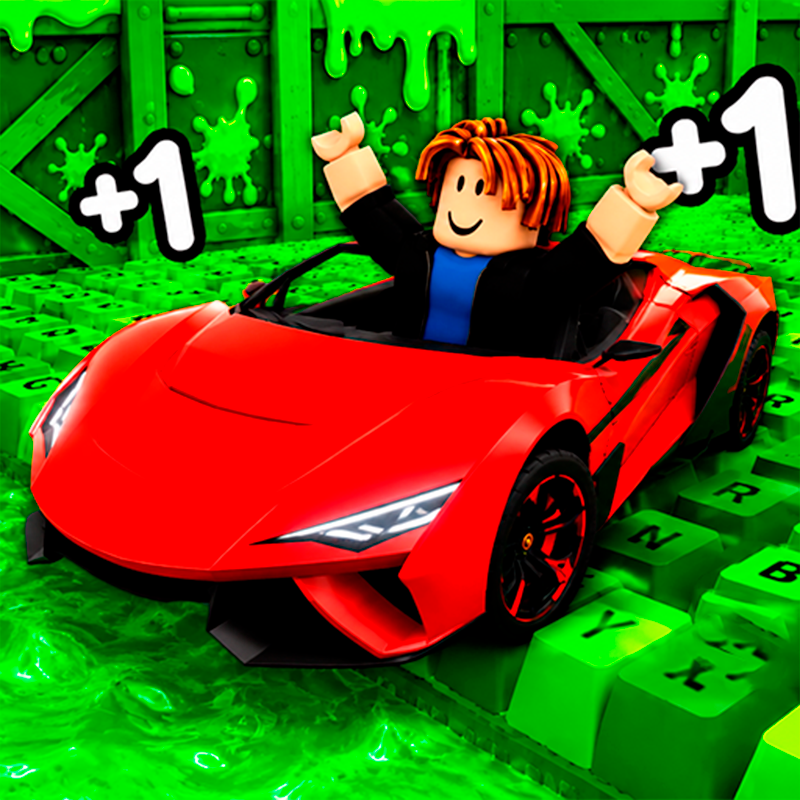
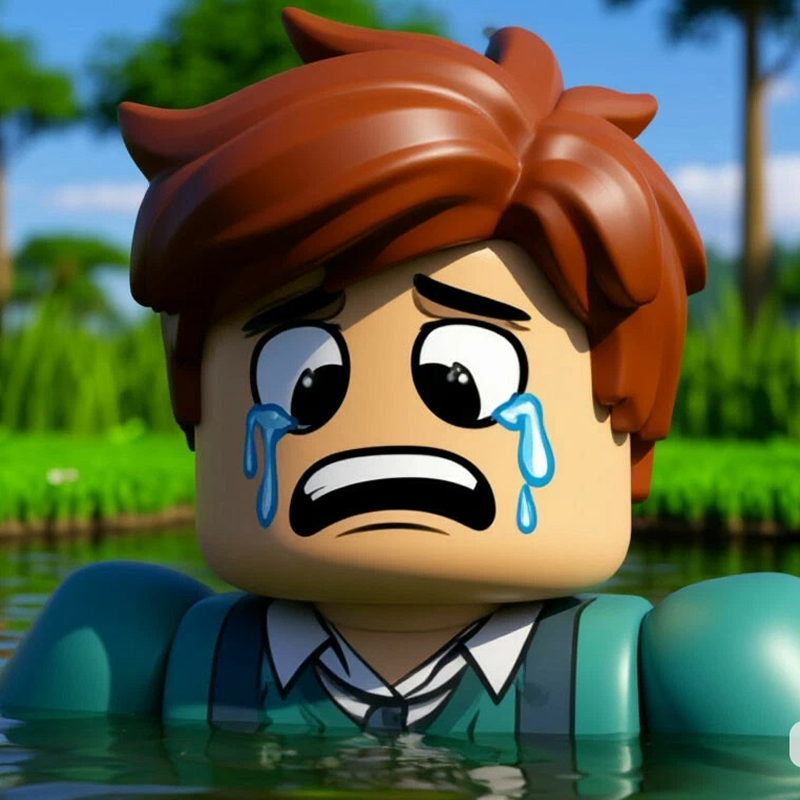
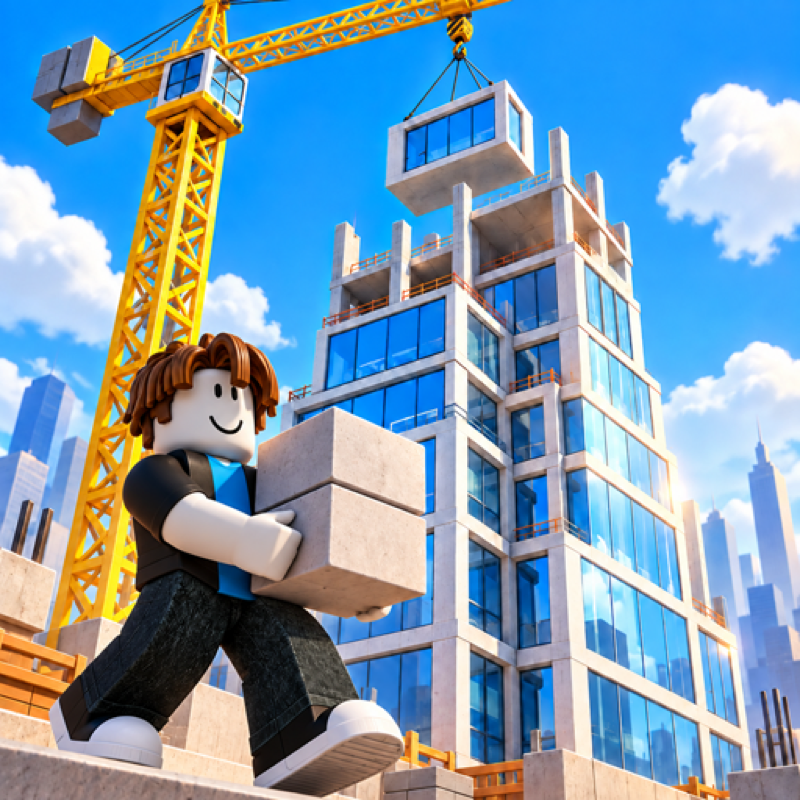
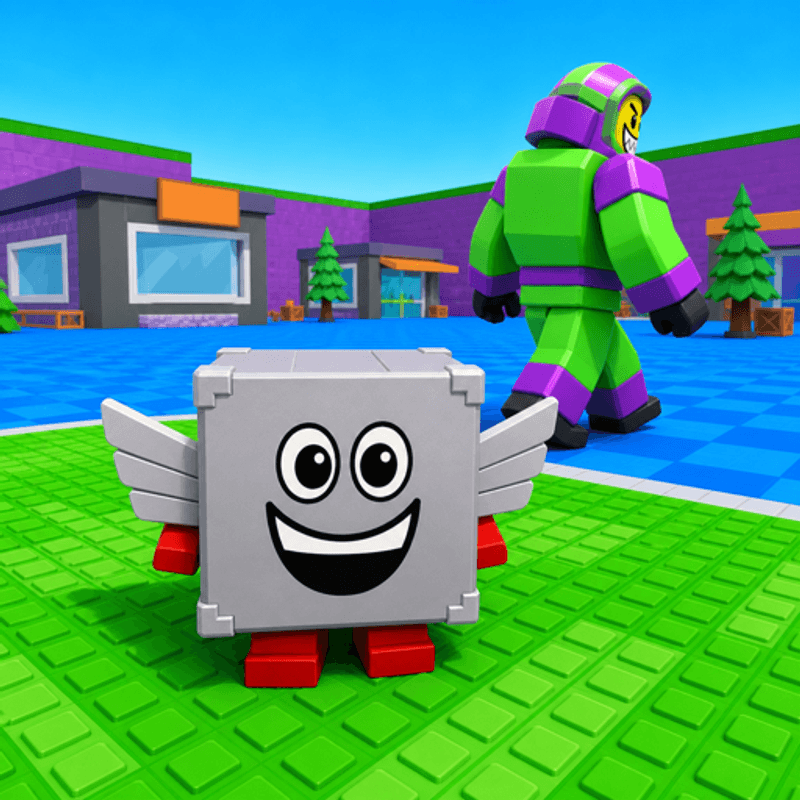
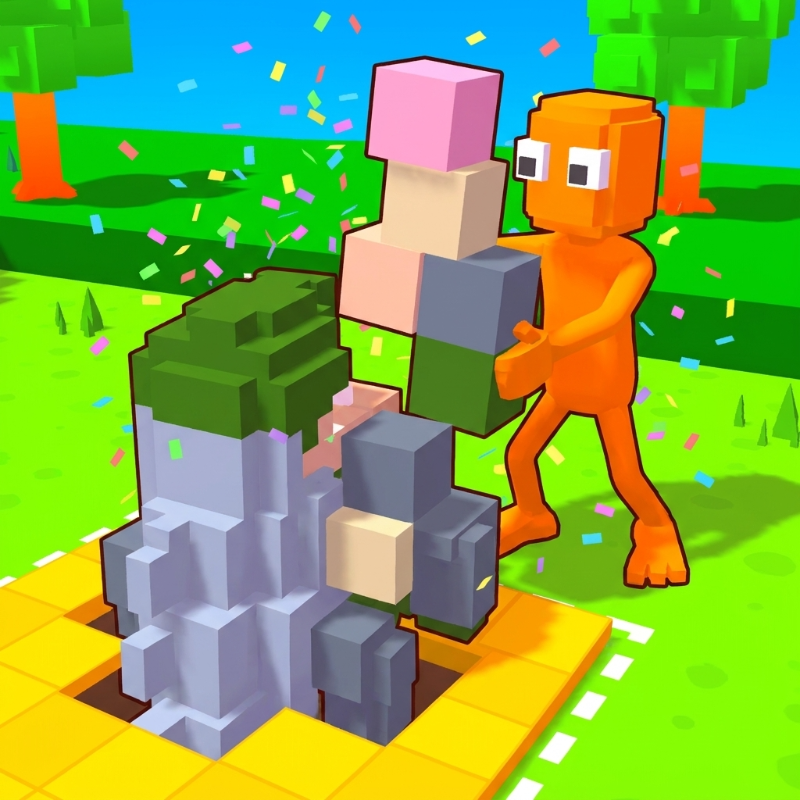
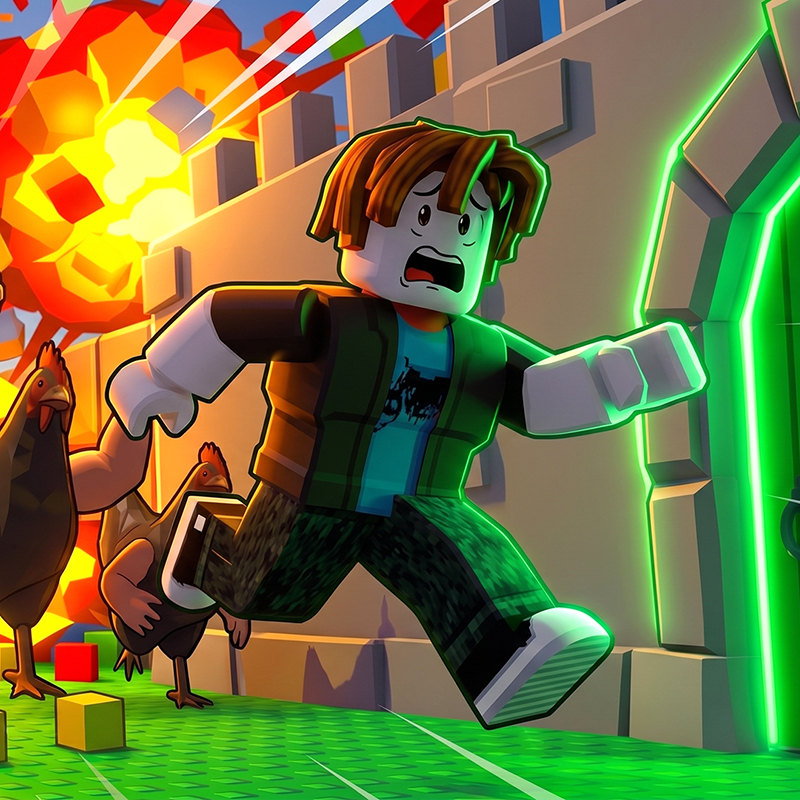
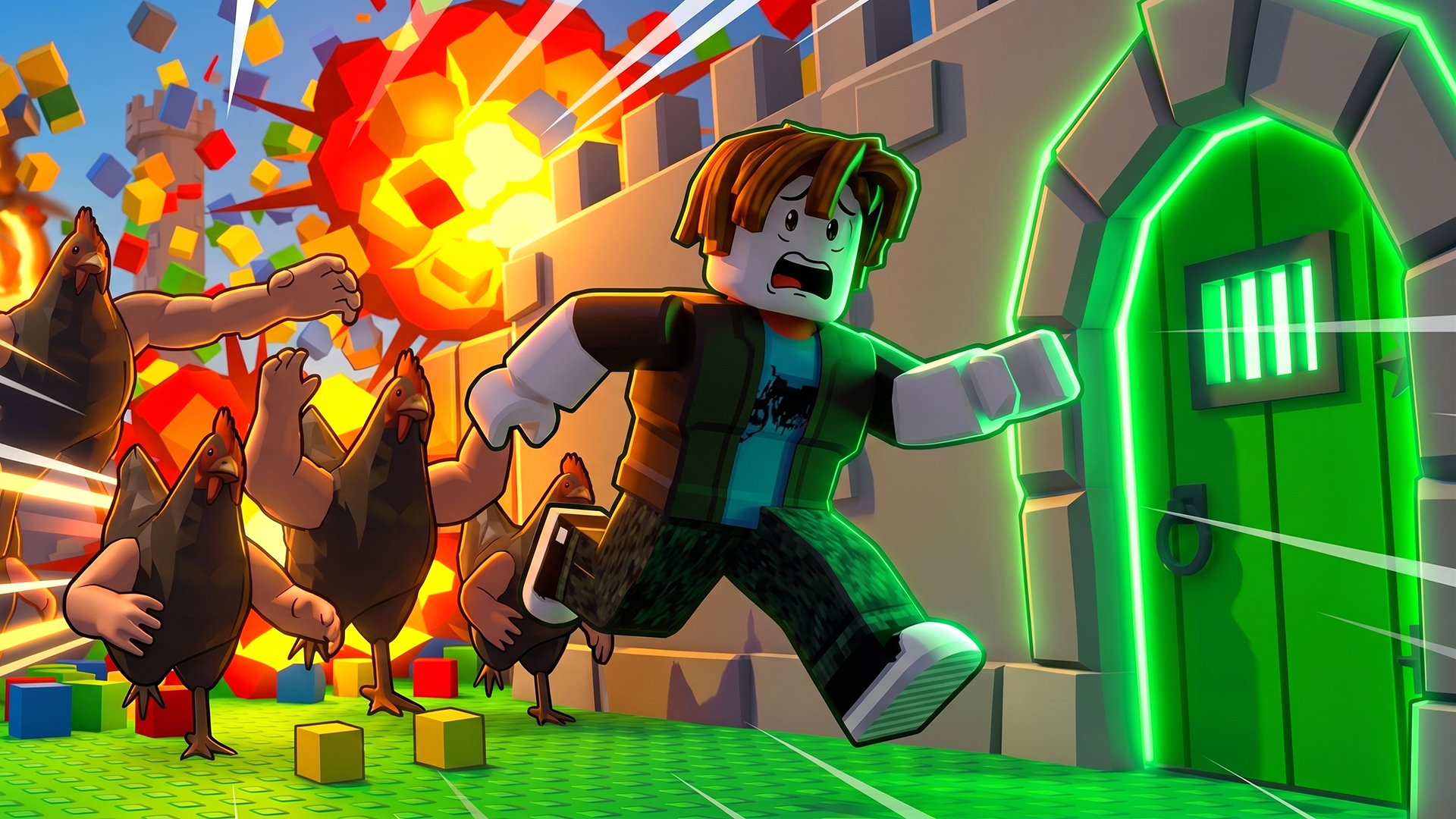
At first glance, it looks like a classic 3D obby—but the levels do not always play by the rules. Floors collapse without warning, platforms move at the worst moment, walls block familiar routes, and the obvious finish may be a trap. Run, jump, climb, collect coins, and learn from every attempt. Stay focused, remember each surprise, and find the real path to the finish.
How to play Obby Way
Your goal is to survive each evil obby level and reach the real finish door. Watch the environment carefully, time your jumps, and remember where the hidden traps activate. Collect coins to unlock new levels and hint eggs that warn you about traps. If a trap catches you, try again, learn its trick, and find the safe route!
Desktop Controls:
WASD or Arrow Keys: Move.
Hold Right-Click Mouse: Rotate the camera.
Spacebar: Jump.
E: Interact.
Left Mouse Button: Use the selected item.
Q: Drop the selected item.
1–0: Select an inventory item.
Esc: Pause the game.
Mobile Controls:
Left Joystick: Move.
Right Joystick: Rotate the camera.
Jump Button: Jump.
Interact Button: Interact with objects.
Use Button: Use the selected item.
Drop Button: Drop the selected item.
Inventory Button: Open the inventory.
Pause Button: Pause the game.
Obby Way controls
- WASD or Arrow Keys: Move
- Hold Right-Click Mouse: Rotate the camera
- Spacebar: Jump
- E: Interact
- Left Mouse Button: Use the selected item
- Q: Drop the selected item
- Esc: Pause the game
Obby Way FAQ
Is Obby Way free to play?
Yes. Obby Way is free on Physics Shark, with nothing to download and no account to make. The game has optional in-game purchases, but you never need them to play.
Can I play Obby Way unblocked at school?
Obby Way runs in a normal browser tab with no install, so it plays on school Chromebooks and laptops, with nothing to install and no account.
Does Obby Way work on phones and tablets?
Yes. It works with touch controls on phones and tablets, and with a keyboard and mouse on computers.
Is Obby Way a Roblox game?
No. Obby Way is a Roblox-style browser game by an independent developer. It plays a lot like a Roblox obby, but you don't need Roblox or a Roblox account to play it.
Obby Way is not made by, endorsed by or affiliated with Roblox Corporation. Roblox is a trademark of Roblox Corporation.
- LikedNo votes yet
- Rank#933 of 2870
- PlaysBe the first!
- UpdatedNovember 2026
Gameplay
About this game
- Controls
- WASD or Arrow KeysMove
- Hold Right-Click MouseRotate the camera
- SpacebarJump
- EInteract
- Left Mouse ButtonUse the selected item
- QDrop the selected item
- EscPause the game
- Supported devices
- Desktop, phone and tablet














