 Physics Shark




















Build My Brainrot
Looking for a Roblox-style puzzle game you can play at school? Build My Brainrot loads straight in your browser on Physics Shark: free, unblocked and nothing to install.
Show moreShow less
Play Build My Brainrot unblocked
Looking for a Roblox-style puzzle game you can play at school? Build My Brainrot loads straight in your browser on Physics Shark: free, unblocked and nothing to install. Play it on a school Chromebook, a laptop, a phone or a tablet.
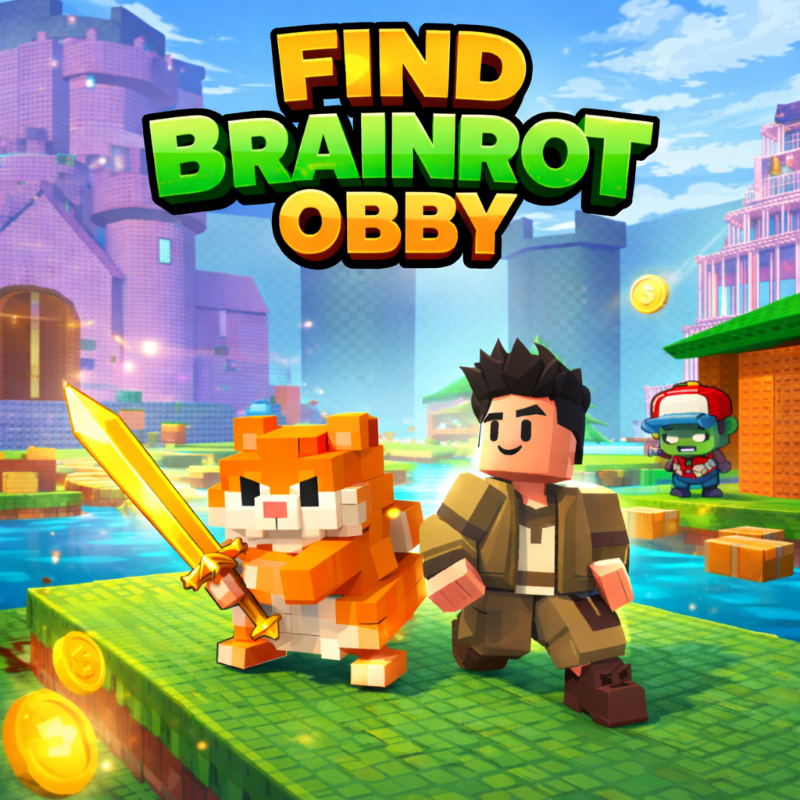
If you like Roblox obbies, Build My Brainrot will feel familiar: collect brainrot characters, grow your base and keep your best ones safe. The difference is that it runs right here in the browser, with no Roblox account, no app and no download, which makes it an easy Roblox-style game to play at school.
What is Build My Brainrot?
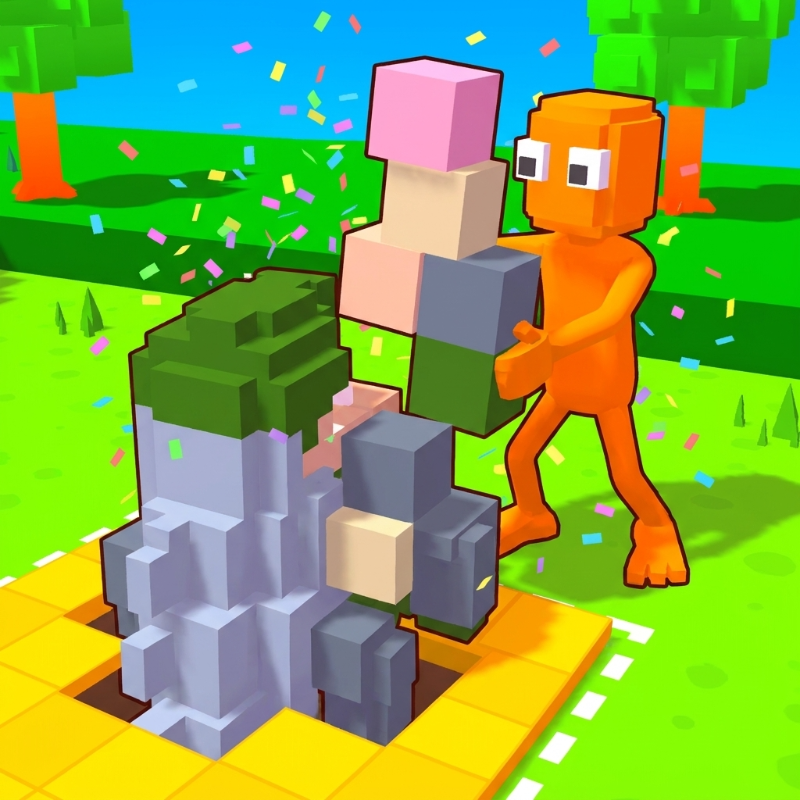
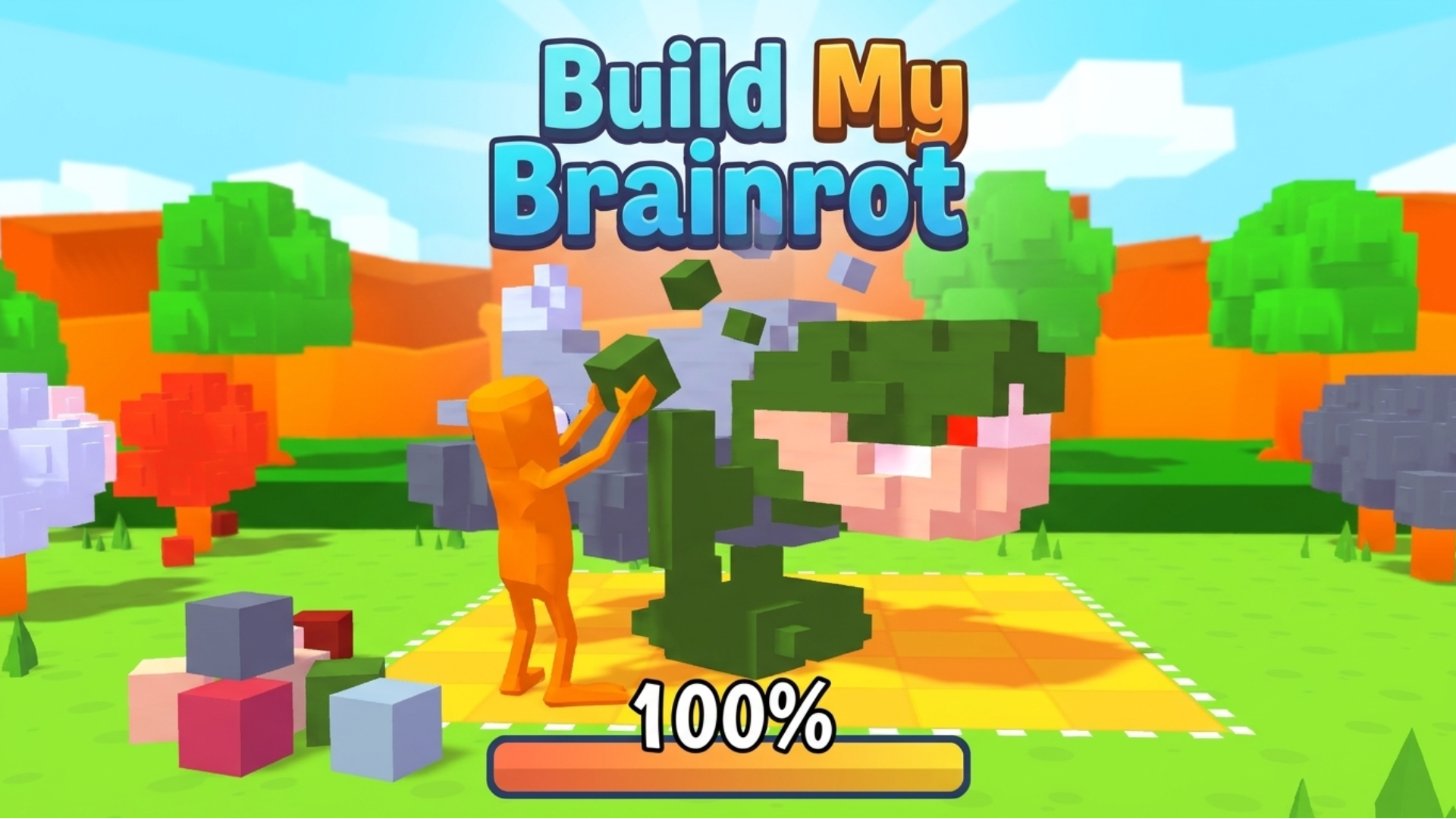
Build My Brainrot is a casual puzzle–simulation game where players collect and place colored blocks on a grid to complete quirky “brainrot” characters. Blending light resource management with creative pattern-building, the game’s core idea revolves around filling shapes efficiently while upgrading abilities like speed and inventory. Its charm comes from its simple controls, humorous character designs, and the satisfying progression of turning scattered resources into complete, animated figures.
How to play Build My Brainrot
Complete the Brainrot! Step into a quirky creative world where your goal is to build hilarious “brainrot” characters by collecting and placing colored blocks onto a grid. In this casual puzzle–simulation game inspired by Build My Brainrot, you gather resources scattered around the map and carefully fill the correct tiles to match the character’s shape. Complete the pattern before running out of space, unlock upgrades, and bring each strange creation to life!
Objective & Win Condition:
Collect enough colored pieces and correctly place them on the grid to fully complete the character. You win by filling all required tiles accurately before your capacity or available pieces runs out.
Desktop Controls:
W / ↑ (Up Arrow): Move upward.
S / ↓ (Down Arrow): Move downward.
A / ← (Left Arrow): Move left.
D / → (Right Arrow): Move right.
E / Left Click: Collect or place blocks.
Shift: Increase movement speed (if unlocked).
Mobile Controls:
On-Screen Joystick: Move in all directions.
Tap on Blocks: Collect resources.
Tap on Grid: Place blocks in the correct position.
Upgrade Buttons: Tap to improve speed or inventory size.
Build My Brainrot controls
- E / Left Click: Collect or place blocks
- Shift: Increase movement speed (if unlocked)
- On-Screen Joystick: Move in all directions
- Tap on Blocks: Collect resources
- Tap on Grid: Place blocks in the correct position
- Upgrade Buttons: Tap to improve speed or inventory size
Build My Brainrot FAQ
Is Build My Brainrot free to play?
Yes. Build My Brainrot is free on Physics Shark, with nothing to download and no account to make.
Can I play Build My Brainrot unblocked at school?
Build My Brainrot runs in a normal browser tab with no install, so it plays on school Chromebooks and laptops, with nothing to install and no account.
Does Build My Brainrot work on phones and tablets?
Yes. It works with touch controls on phones and tablets, and with a keyboard and mouse on computers.
Is Build My Brainrot a Roblox game?
No. Build My Brainrot is a Roblox-style browser game by an independent developer. It plays a lot like a Roblox obby, but you don't need Roblox or a Roblox account to play it.
Build My Brainrot is not made by, endorsed by or affiliated with Roblox Corporation. Roblox is a trademark of Roblox Corporation.
- LikedNo votes yet
- Rank#1859 of 2870
- PlaysBe the first!
- UpdatedNovember 2026
Gameplay
About this game
- Controls
- E / Left ClickCollect or place blocks
- ShiftIncrease movement speed (if unlocked)
- On-Screen JoystickMove in all directions
- Tap on BlocksCollect resources
- Tap on GridPlace blocks in the correct position
- Upgrade ButtonsTap to improve speed or inventory size
- Supported devices
- Desktop, phone and tablet














