 Physics Shark

















Bonk Royale
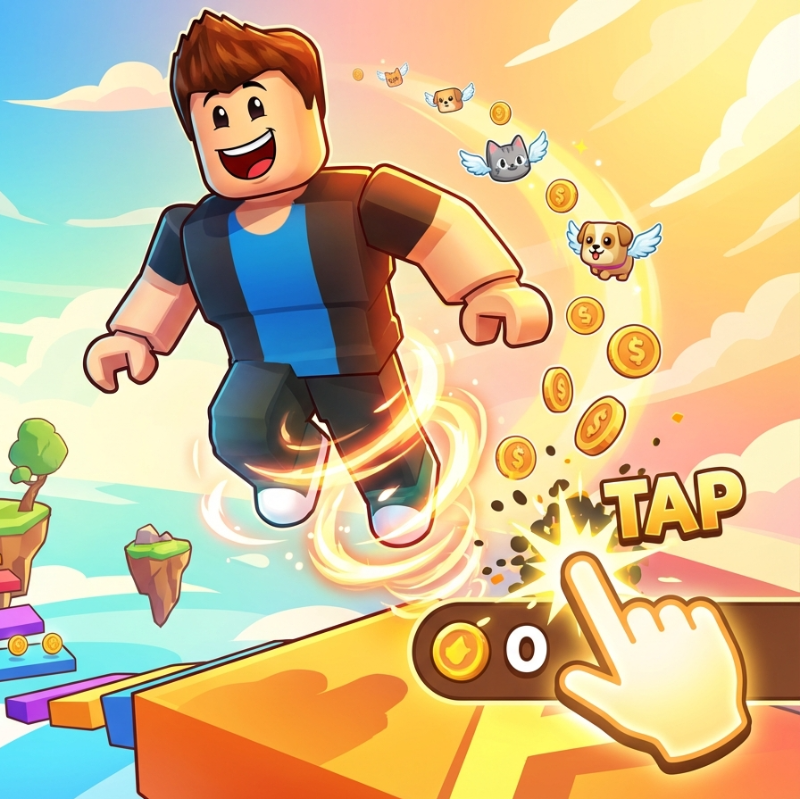
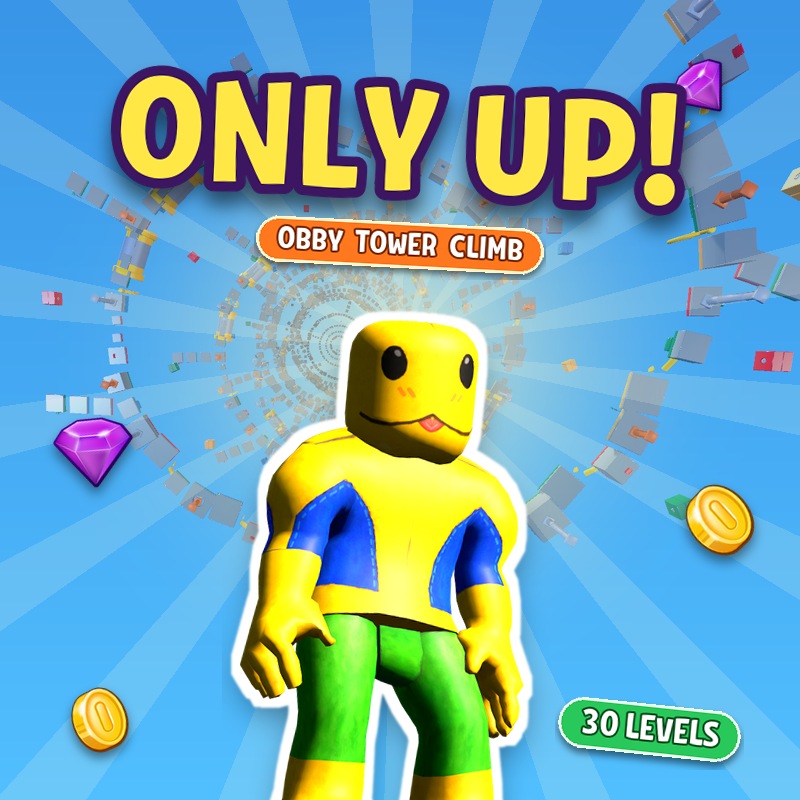
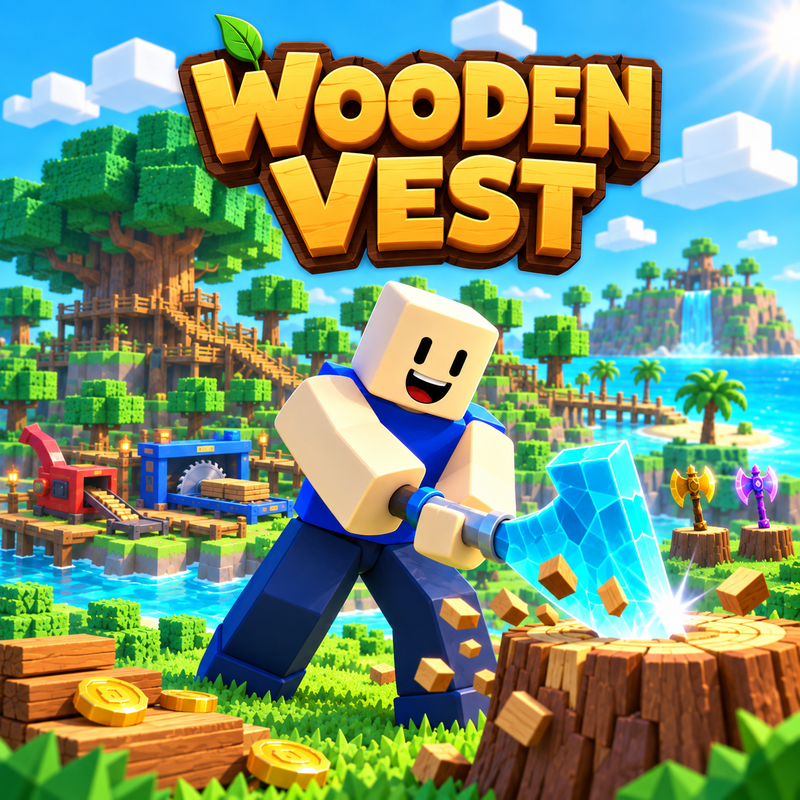
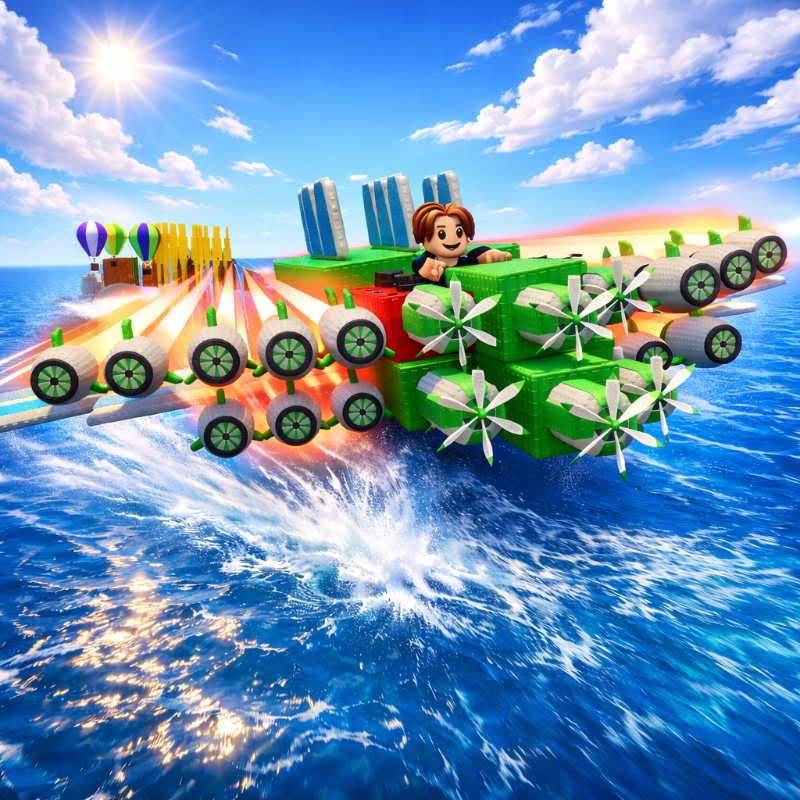
Bonk Royale is a Roblox-style obby you can play unblocked right here on Physics Shark.
Show moreShow less
Play Bonk Royale unblocked
Bonk Royale is a Roblox-style obby you can play unblocked right here on Physics Shark. It runs in your browser with no download, no install and no account, so you can play it on a school Chromebook, a laptop, a phone or a tablet.
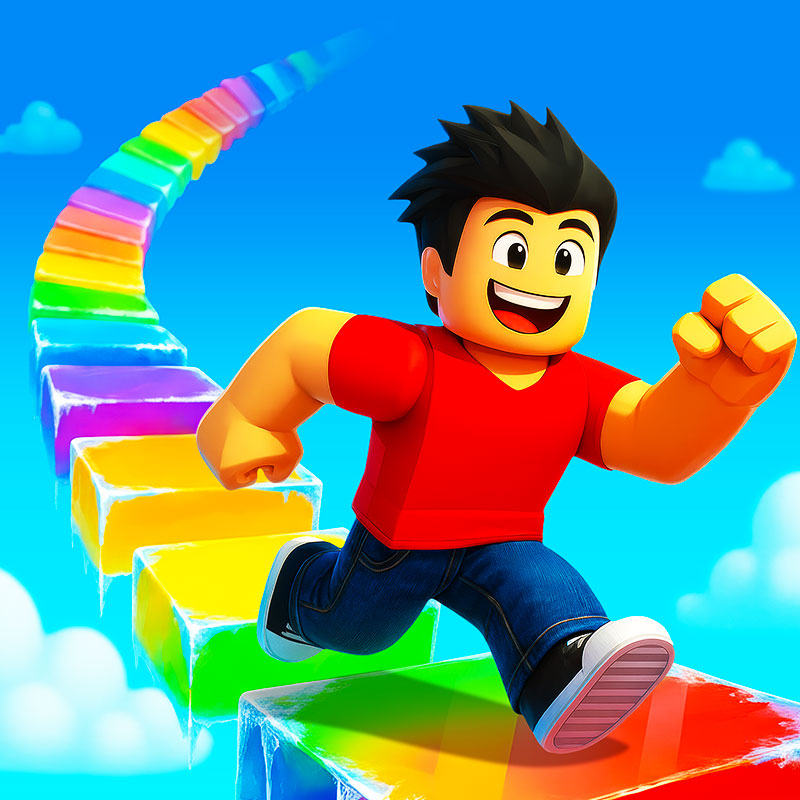
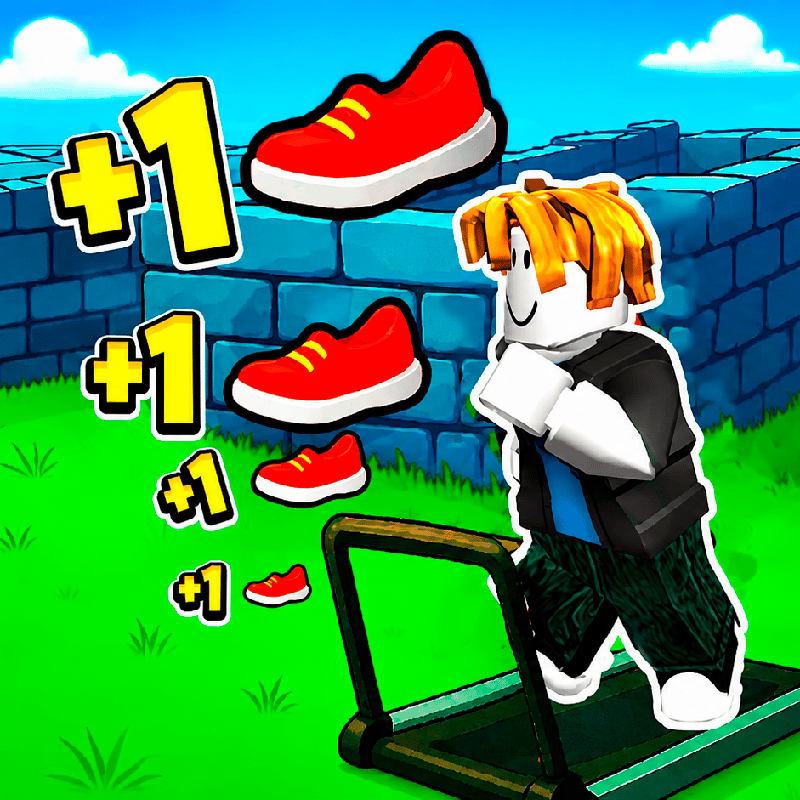
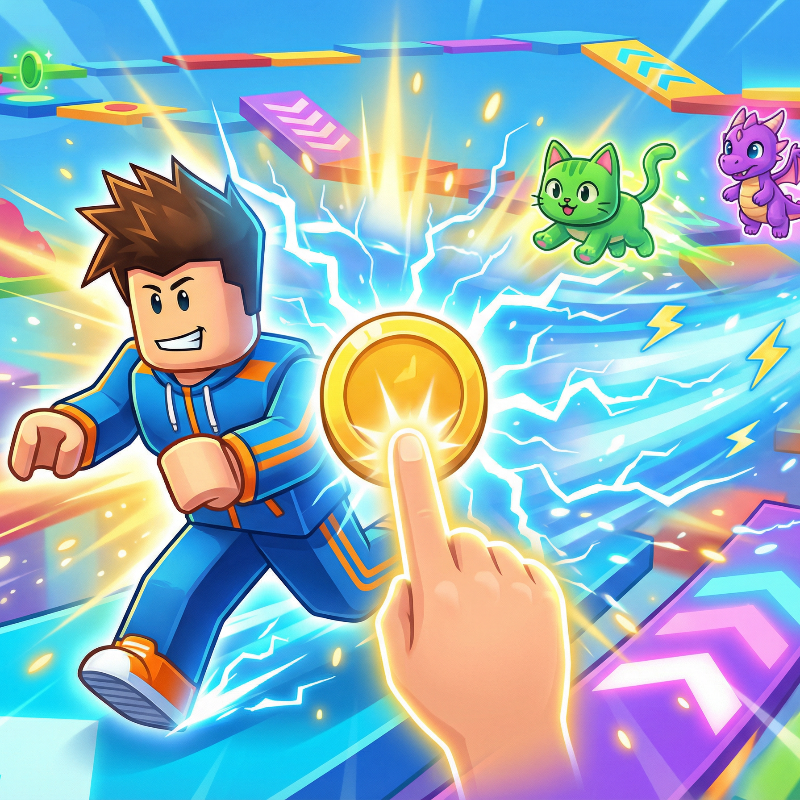
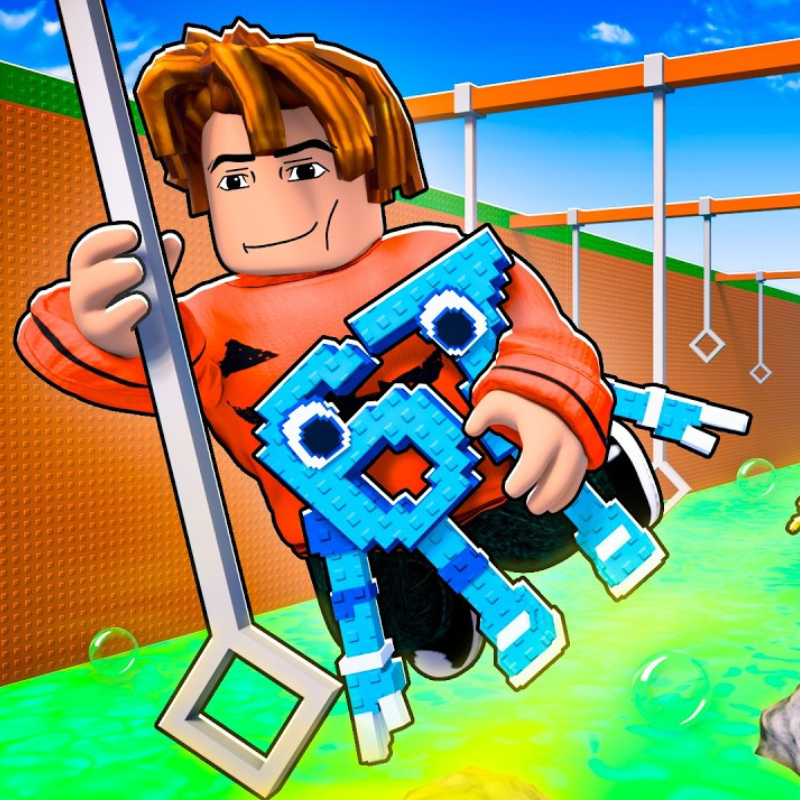
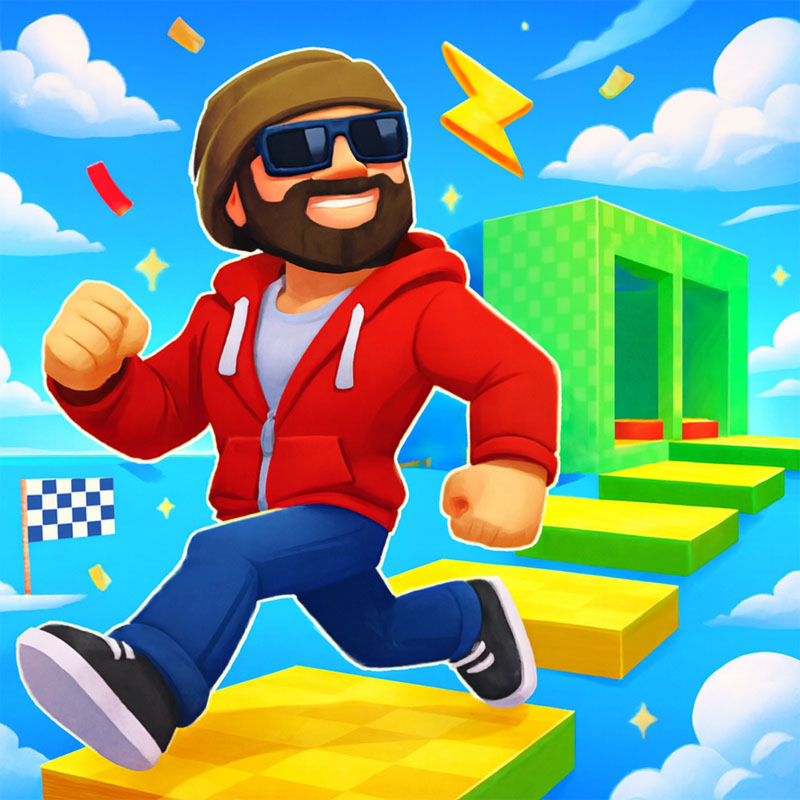
Bonk Royale plays like the Roblox games everyone talks about: jump across tricky platforms, dodge traps and reach the next checkpoint. You don't need Roblox, an account or an install, just this page, so it works on school computers where apps are locked down.
What is Bonk Royale?
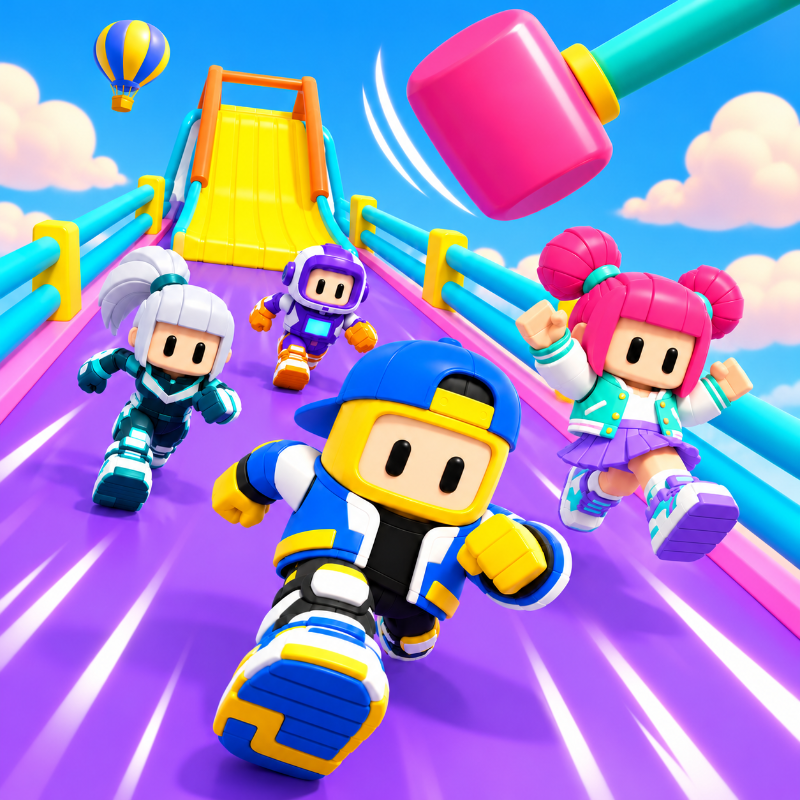
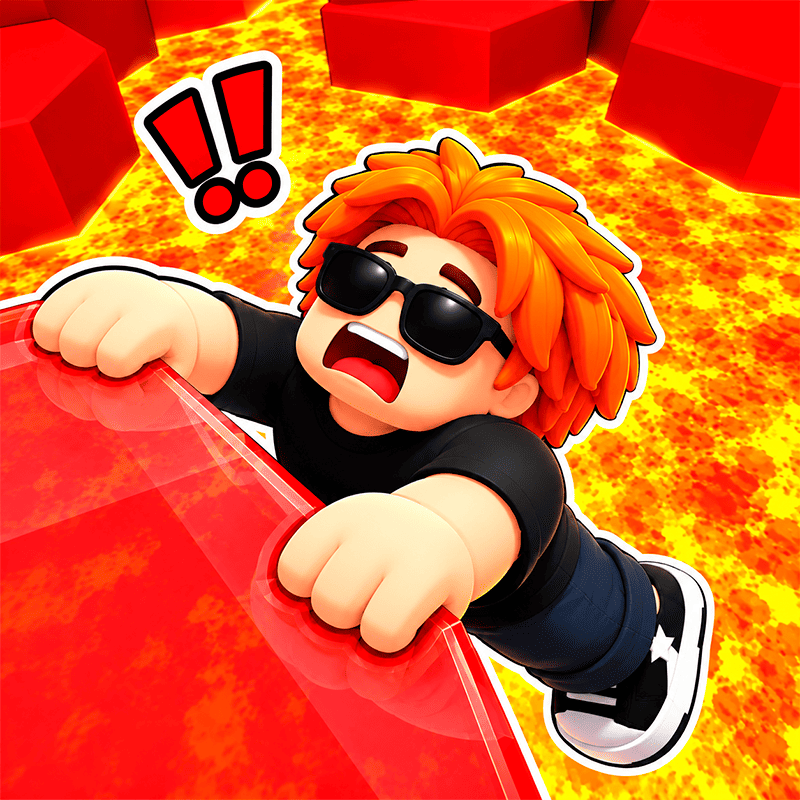
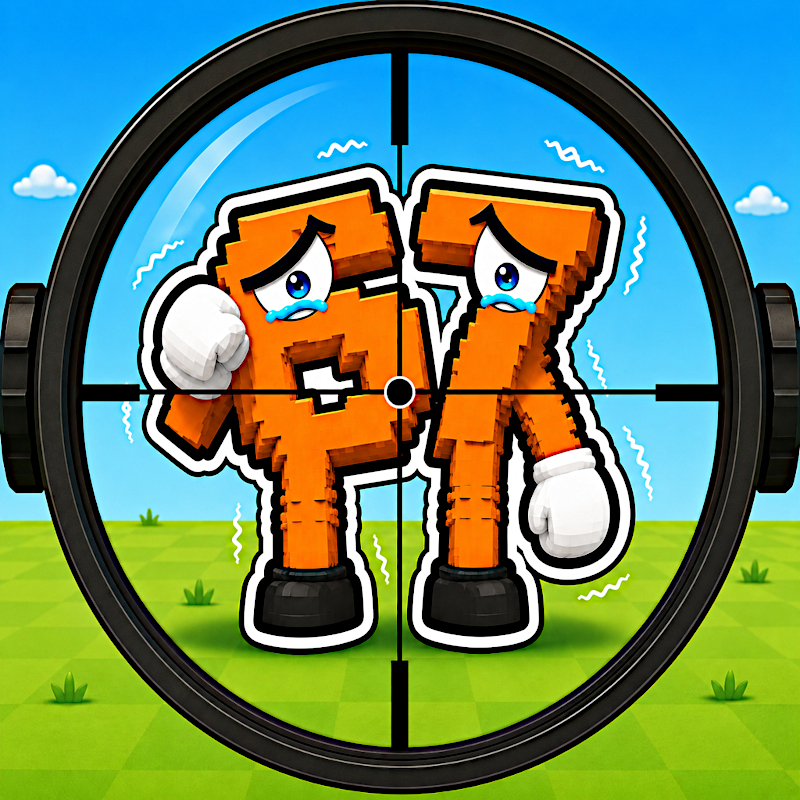
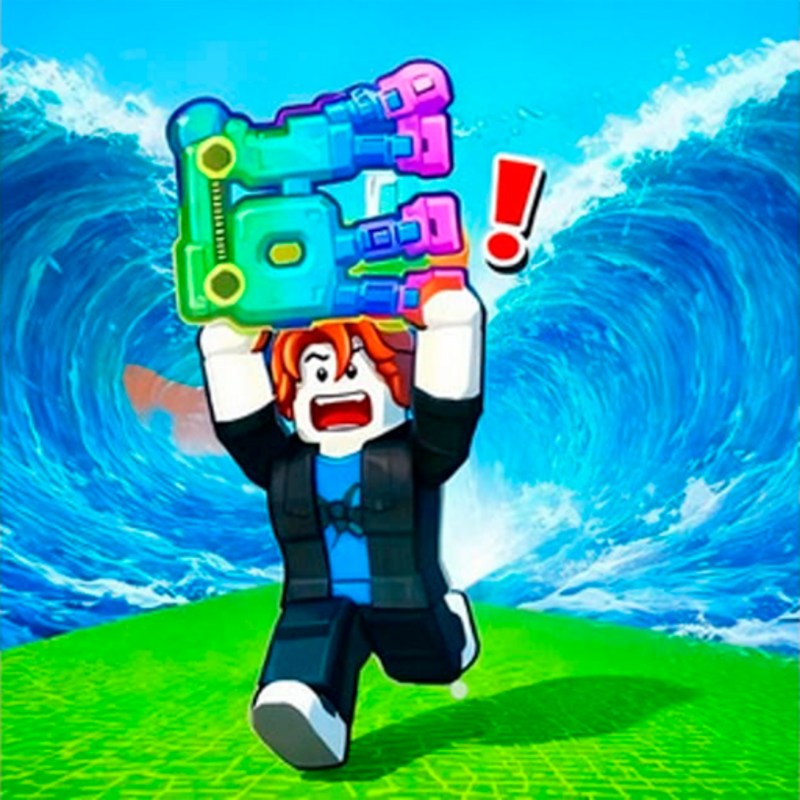
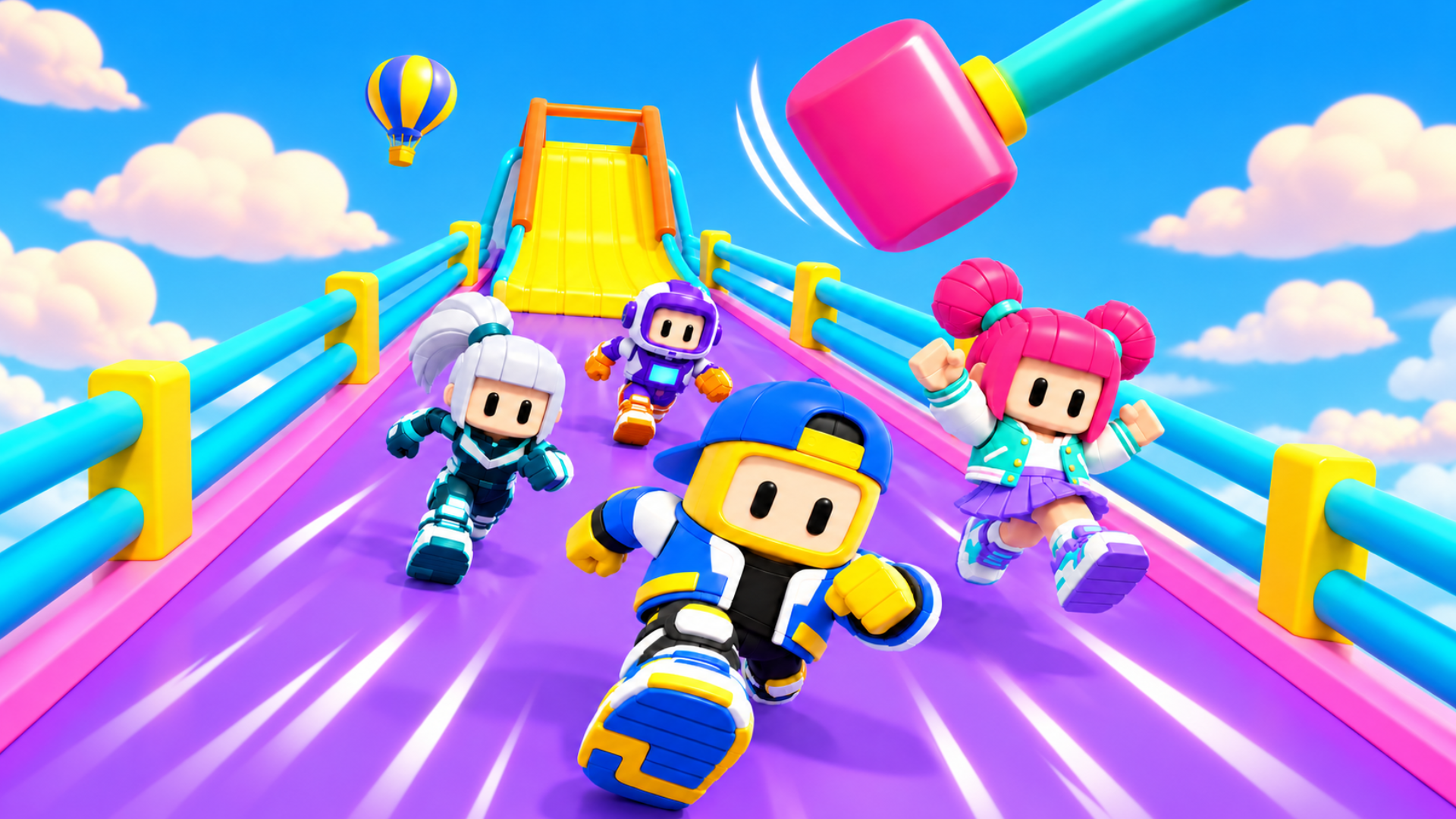
A cute party battle royale where you race through adorable, obstacle-filled courses. Be careful, though! Not every surface is safe or slip-free.
How to play Bonk Royale
PC: Use the arrow keys to move, Space to jump, and Shift to dive.
Mobile: Use the virtual joystick to move and the on-screen buttons to jump and dive.
Goal: Reach the finish line before everyone else!
Bonk Royale controls
- Keyboard / mouse: Use the arrow keys to move, Space to jump, and Shift to dive
Bonk Royale FAQ
Is Bonk Royale free to play?
Yes. Bonk Royale is free on Physics Shark, with nothing to download and no account to make.
Can I play Bonk Royale unblocked at school?
Bonk Royale runs in a normal browser tab with no install, so it plays on school Chromebooks and laptops, with nothing to install and no account.
Does Bonk Royale work on phones and tablets?
Yes. It works with touch controls on phones and tablets, and with a keyboard and mouse on computers.
Is Bonk Royale a Roblox game?
No. Bonk Royale is a Roblox-style browser game by an independent developer. It plays a lot like a Roblox obby, but you don't need Roblox or a Roblox account to play it.
Bonk Royale is not made by, endorsed by or affiliated with Roblox Corporation. Roblox is a trademark of Roblox Corporation.
- LikedNo votes yet
- Rank#1624 of 2870
- PlaysBe the first!
- UpdatedNovember 2026
Gameplay
About this game
- Controls
- Keyboard / mouseUse the arrow keys to move, Space to jump, and Shift to dive
- Supported devices
- Desktop, phone and tablet














