 Physics Shark

















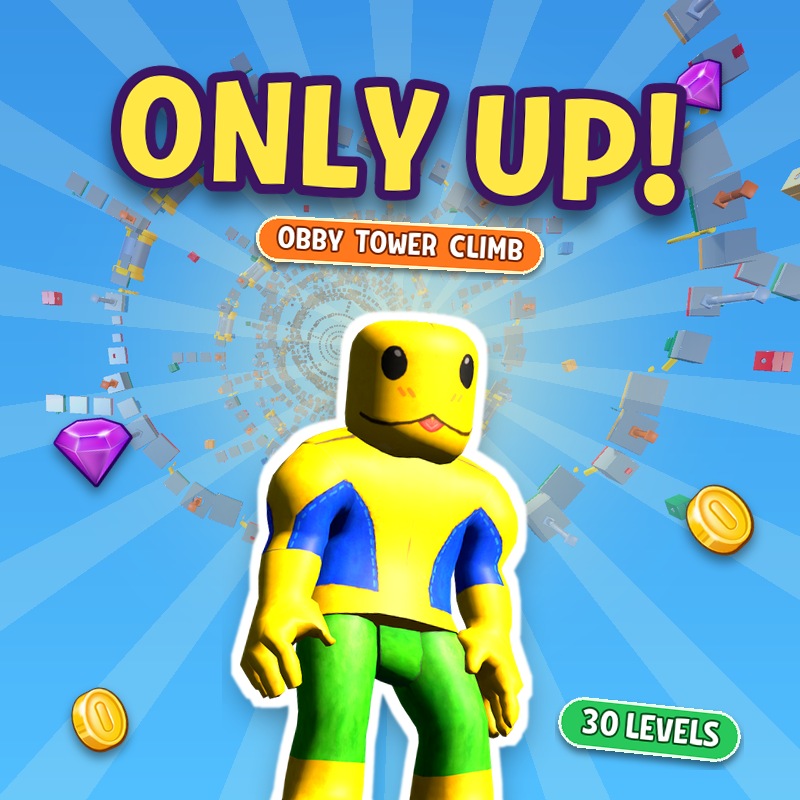
Only Up Obby: Tower Climb
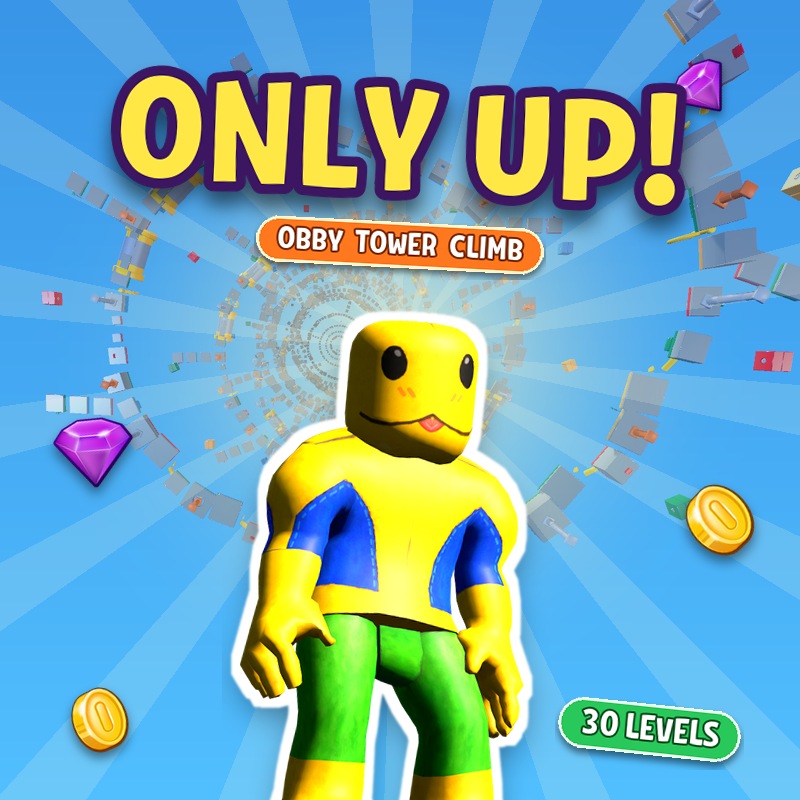
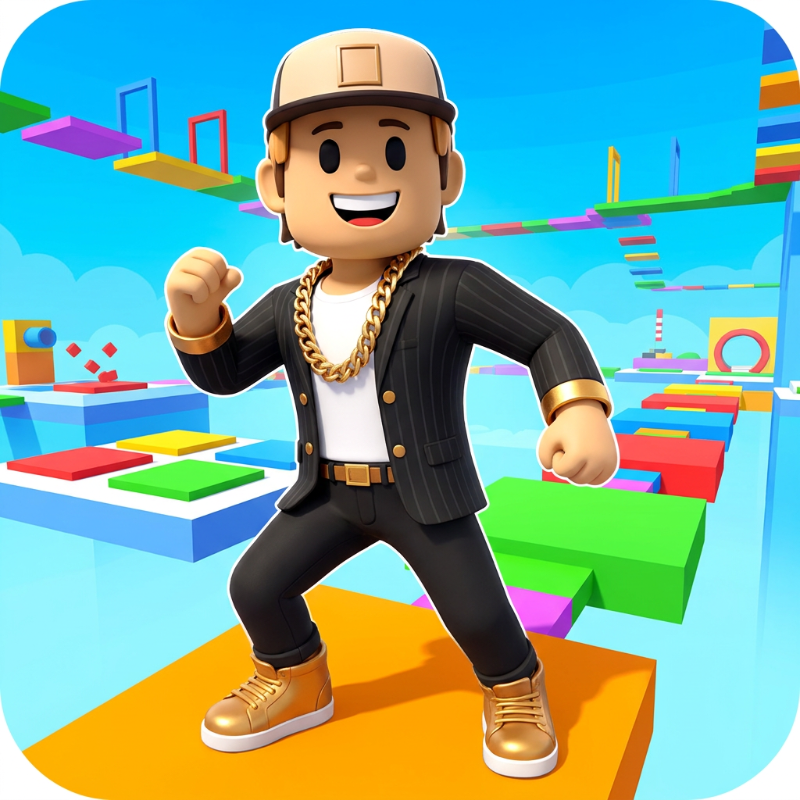
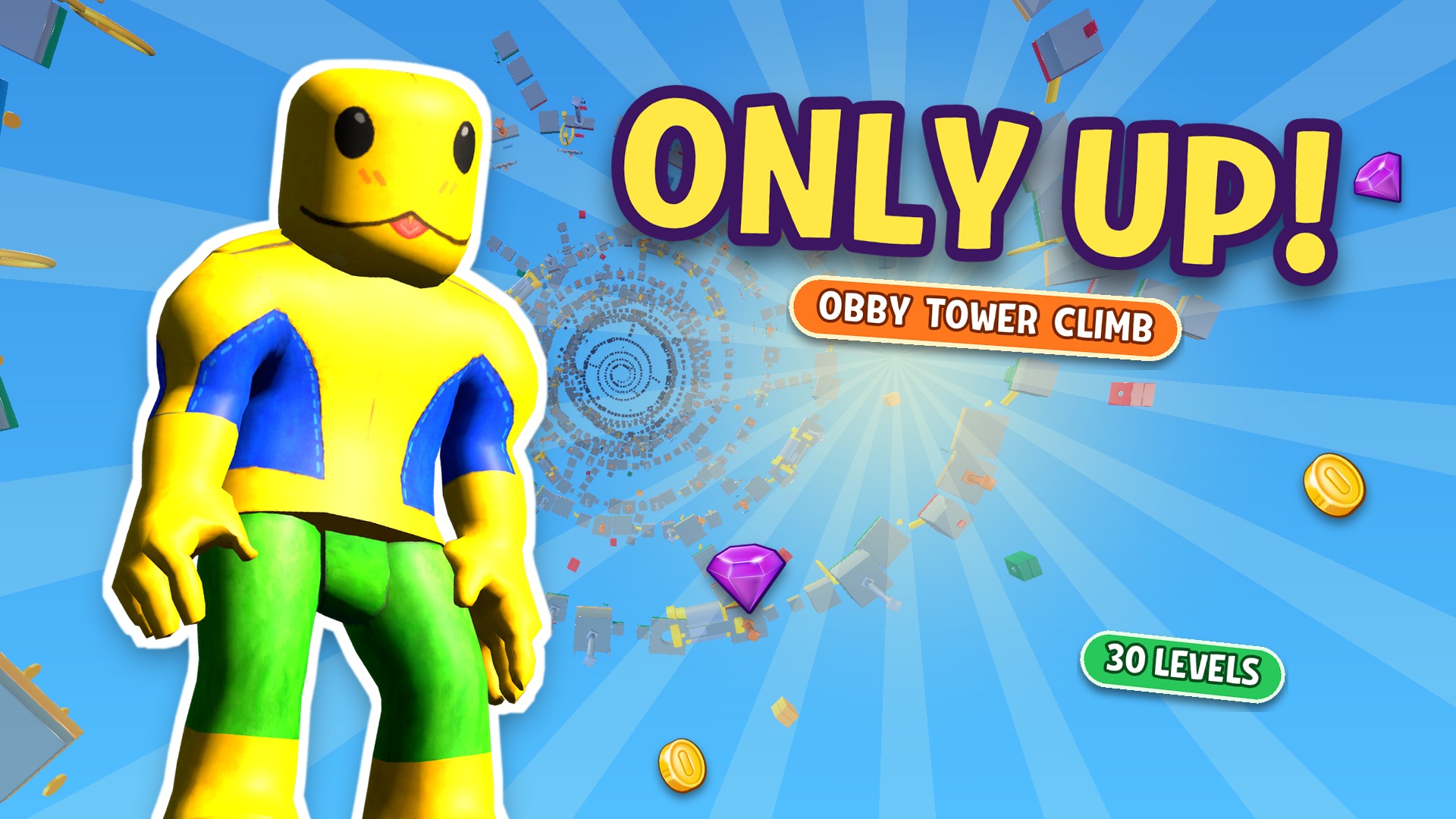
Climb a huge tower of 30 hand-built levels full of blades, crushers and vanishing platforms. Fall and you lose height, so every jump counts.
Show moreShow less
Play Only Up Obby: Tower Climb unblocked
Only Up Obby: Tower Climb is a 3D parkour climb where only one direction matters: up. The tower is built from 30 hand-made levels, and each one adds new traps, from moving and vanishing platforms to spinning blades, crushers, conveyors, springs, wind zones and swinging hammers. Reach the flag at the top of a level to unlock the next one. Fall, and you lose height.
How to play
- Run, jump and climb from platform to platform without falling.
- Use springs and rings to launch yourself higher. Timing is everything.
- Press jump again in mid-air to double jump and save a jump that's too short.
- Collect coins and diamonds to buy skins, or to skip a level that's too hard.
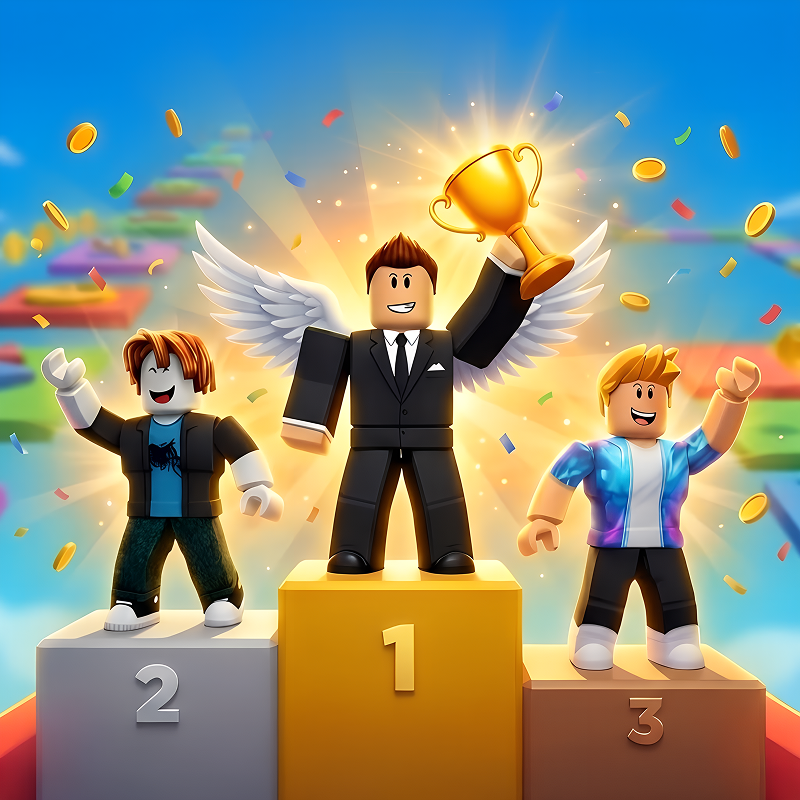
- Set your best height and compete on the online leaderboard.
Tips
- Start in the Training Hall. It lets you try every obstacle safely before the real climb.
- Keep your double jump for emergencies. It's there to rescue a jump that comes up short.
- Stuck on one level? Spend coins or diamonds to skip it and keep climbing.
Skins
There are more than 30 skins to unlock, including a frog, a spider, a cat, a dog, a capybara and a stickman, each with color variants.
FAQ
How many levels are there?
30. Finish them all to complete the tower.
Can I play it on a phone?
Yes. Touch screens get a floating joystick, an auto-run button and one big jump button.
Is it free?
Yes, it's free to play here. There are optional purchases, but you don't need them to reach the top.
Is it a Roblox game?
No. It's a browser game in the style of the tower obbies on Roblox. You don't need Roblox or an account.
Only Up Obby: Tower Climb is an independent browser game. It is not made by, endorsed by or affiliated with Roblox Corporation. Roblox is a trademark of Roblox Corporation.
- LikedNo votes yet
- Rank#2793 of 2870
- PlaysBe the first!
- UpdatedNovember 2026
Gameplay
About this game
- Controls
- WASD or arrow keysmove
- Mouselook around
- Spacejump (press again in the air to double jump)
- Shiftrun
- Pause button (top left)pause and settings
- Supported devices
- Desktop, phone and tablet














