 Physics Shark

















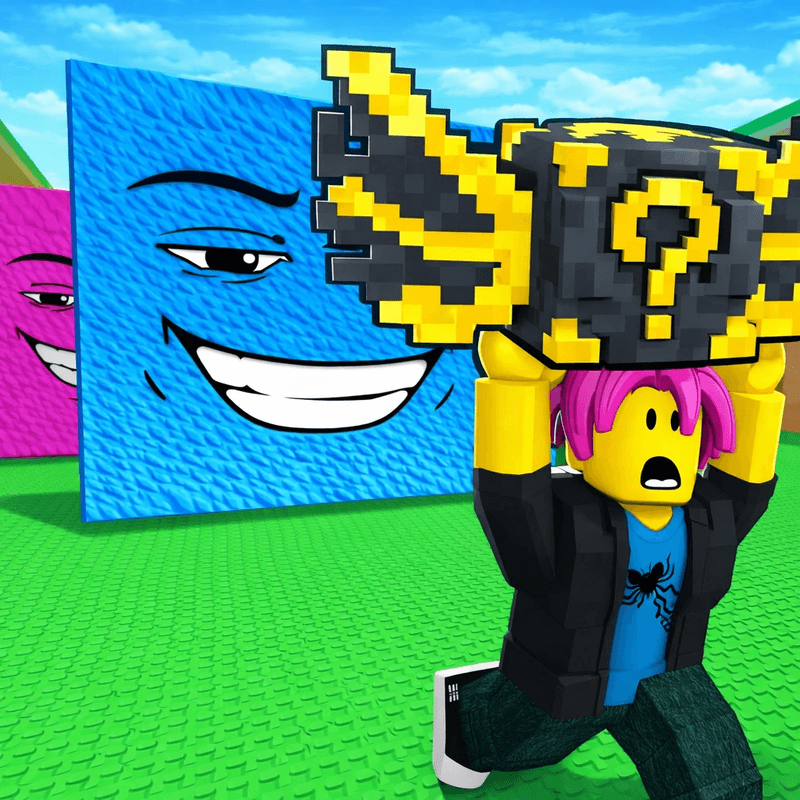
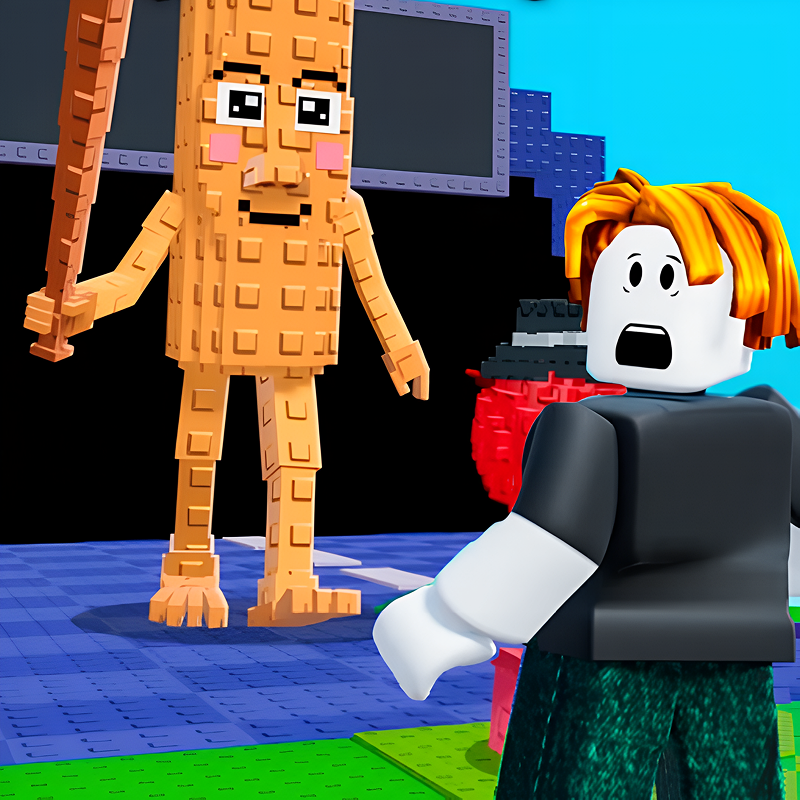
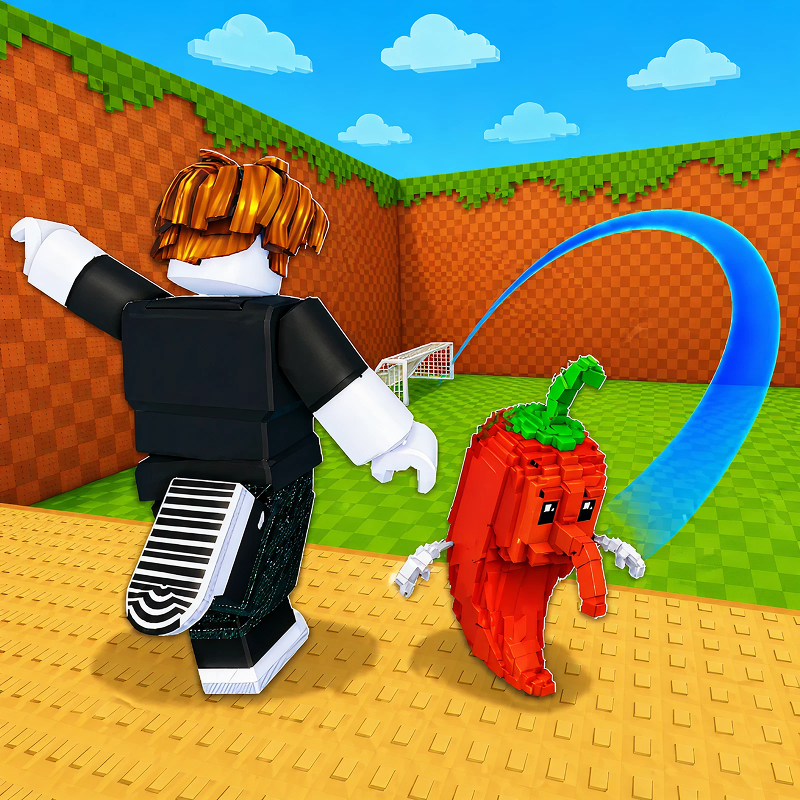
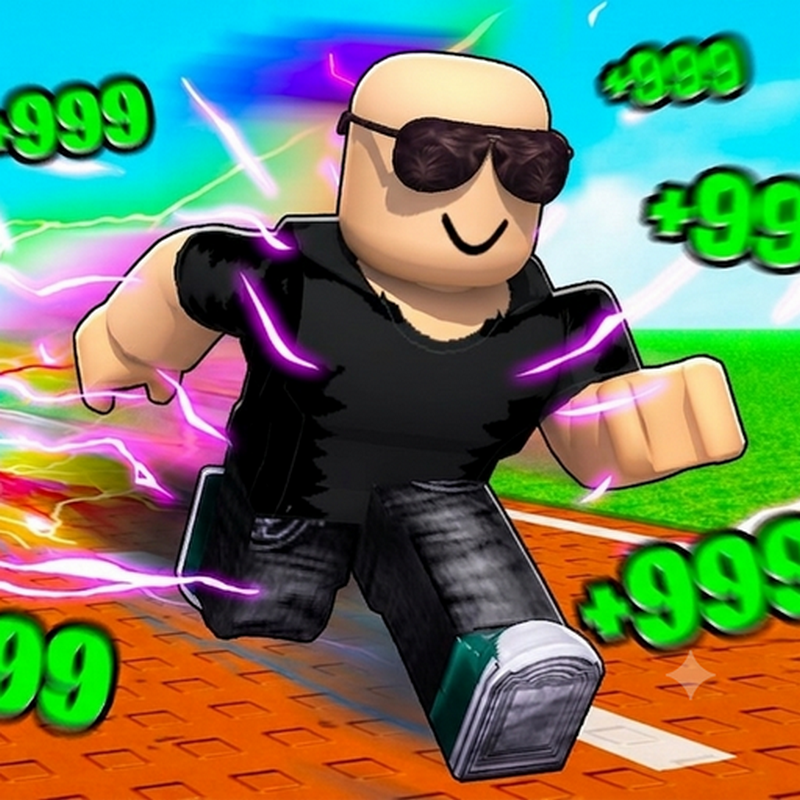
Obby Craft: Build a Plane
Obby Craft: Build a Plane is a Roblox-style obby you can play unblocked right here on Physics Shark.
Show moreShow less
Play Obby Craft: Build a Plane unblocked
Obby Craft: Build a Plane is a Roblox-style obby you can play unblocked right here on Physics Shark. It runs in your browser with no download, no install and no account, so you can play it on a school Chromebook, a laptop, a phone or a tablet.
If you like Roblox obbies, Obby Craft: Build a Plane will feel familiar: jump across tricky platforms, dodge traps and reach the next checkpoint. The difference is that it runs right here in the browser, with no Roblox account, no app and no download, which makes it an easy Roblox-style game to play at school.
What is Obby Craft: Build a Plane?
"Obby Craft: Build a Plane" — play for free, where you will become an aircraft designer!
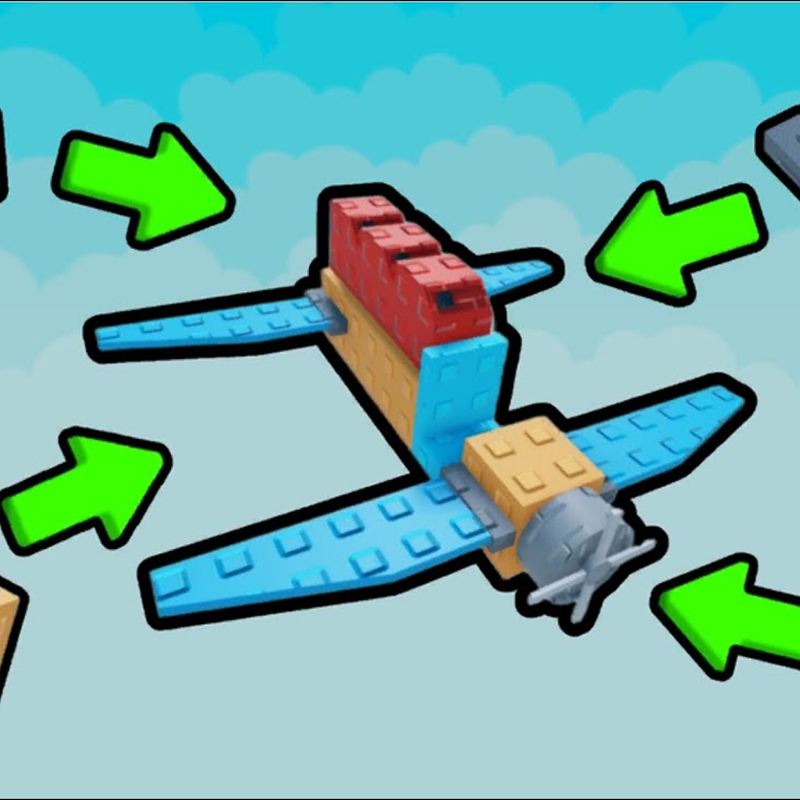
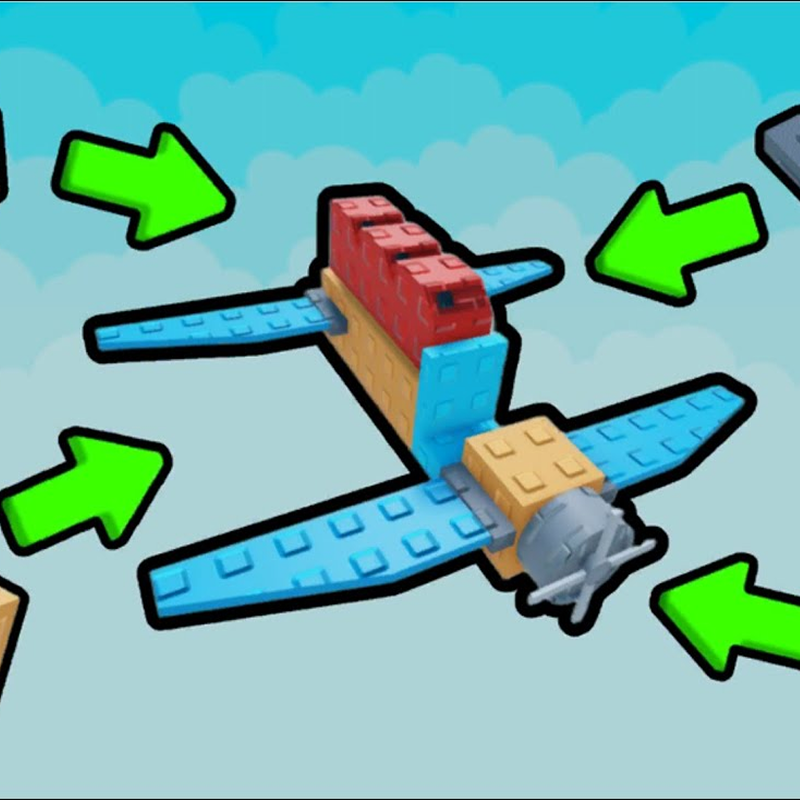
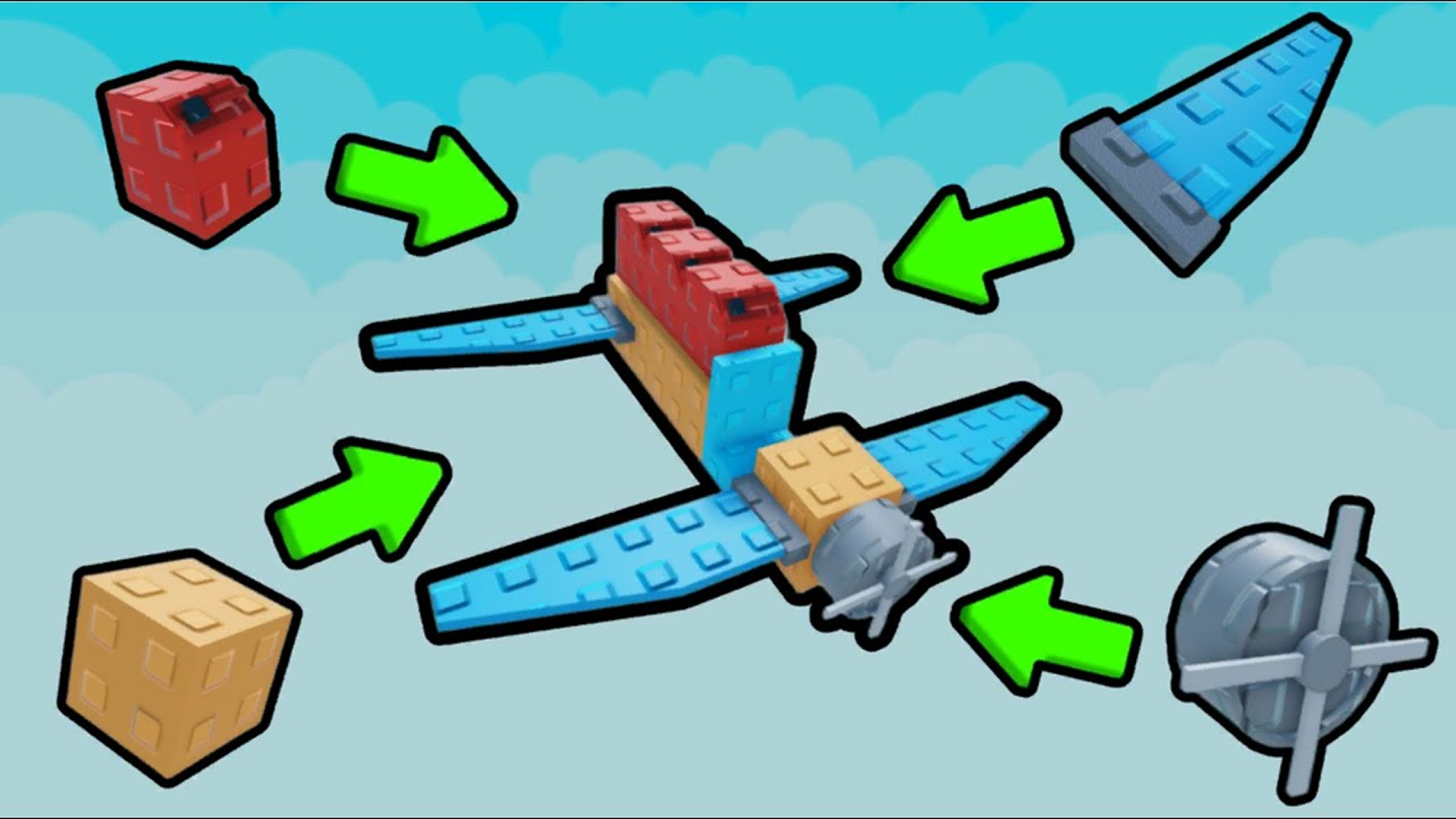
The main mechanic is to assemble an airplane from parts in a convenient airplane constructor. Each block affects the flight!
Collect coins on the map as you fly to accumulate in-game currency. Go to the parts store, buy new items and improvements. Leveling the slingshot will allow you to launch your aircraft faster and higher!
Game Features:
Assemble your plane from dozens of parts.
Complete the level and test the car in action.
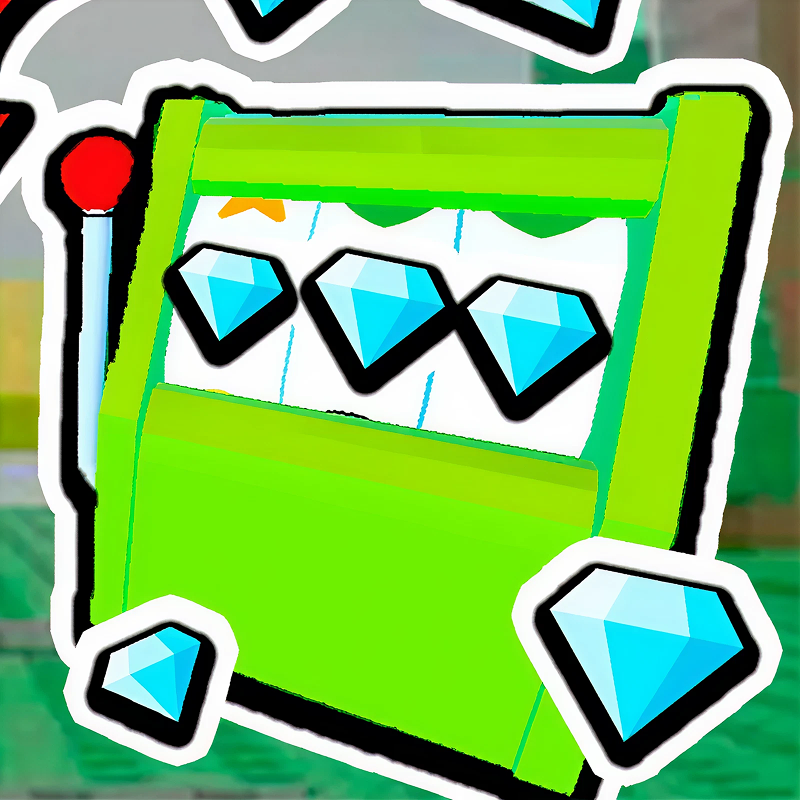
Roulette slot: spin the reel and get bonuses!
Shop for parts and skins.
2 free skins.
Save Build: Up to 4 slots for your projects.
Test your engineering skills in this exciting flight simulator! Fly the plane, pass the obstacle course (Obbi), prove that your plane is the best!
Play OBBI build a plane online for free, without downloading
How to play Obby Craft: Build a Plane
How to play "Obby Craft: Build a Plane"
1. Assemble your airplane from parts
You need to approach the plane (there is a crafting area next to it)
Select a part in the inventory at the bottom
Click to install next to the plane
If you have run out of parts, you can buy them in the store.
2. Upgrade your slingshot
A slingshot awaits you before takeoff. The more powerful the leveling of the slingshot, the higher and faster you will go flying. Spend coins on improvements.
3. Fly and collect coins
Launch the plane. Control it in the air. There are coins scattered on the map — collect them right during the flight. This is the main in-game currency.
4. Go to the parts store and roulette
Buy new blocks in the parts store. There are 2 free skins — take them at once. Spin the roulette wheel and you can win rare items or a lot of coins.
5. Go through the obby-tests
An obstacle course (Obbi) awaits you. Dodge the obstacles!
Obby Craft: Build a Plane FAQ
Is Obby Craft: Build a Plane free to play?
Yes. Obby Craft: Build a Plane is free on Physics Shark, with nothing to download and no account to make. The game has optional in-game purchases, but you never need them to play.
Can I play Obby Craft: Build a Plane unblocked at school?
Obby Craft: Build a Plane runs in a normal browser tab with no install, so it plays on school Chromebooks and laptops, with nothing to install and no account.
Does Obby Craft: Build a Plane work on phones and tablets?
Yes. It works with touch controls on phones and tablets, and with a keyboard and mouse on computers.
Is Obby Craft: Build a Plane a Roblox game?
No. Obby Craft: Build a Plane is a Roblox-style browser game by an independent developer. It plays a lot like a Roblox obby, but you don't need Roblox or a Roblox account to play it.
Obby Craft: Build a Plane is not made by, endorsed by or affiliated with Roblox Corporation. Roblox is a trademark of Roblox Corporation.
- LikedNo votes yet
- Rank#1022 of 2870
- PlaysBe the first!
- UpdatedNovember 2026
Gameplay
About this game
- Supported devices
- Desktop, phone and tablet
- Genre
- Obbyairplanerobloxflight














