 Physics Shark


















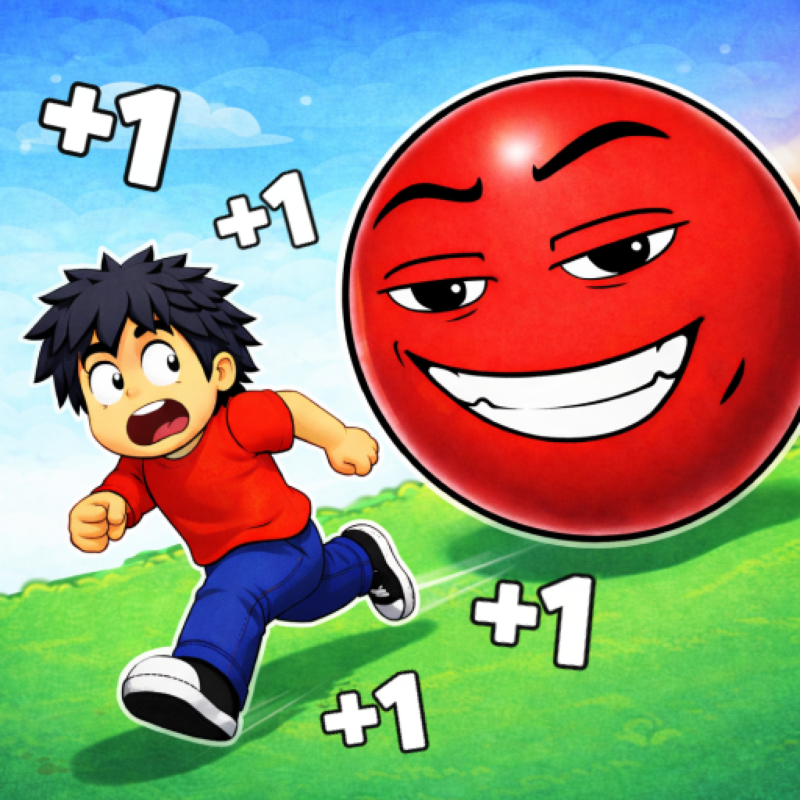
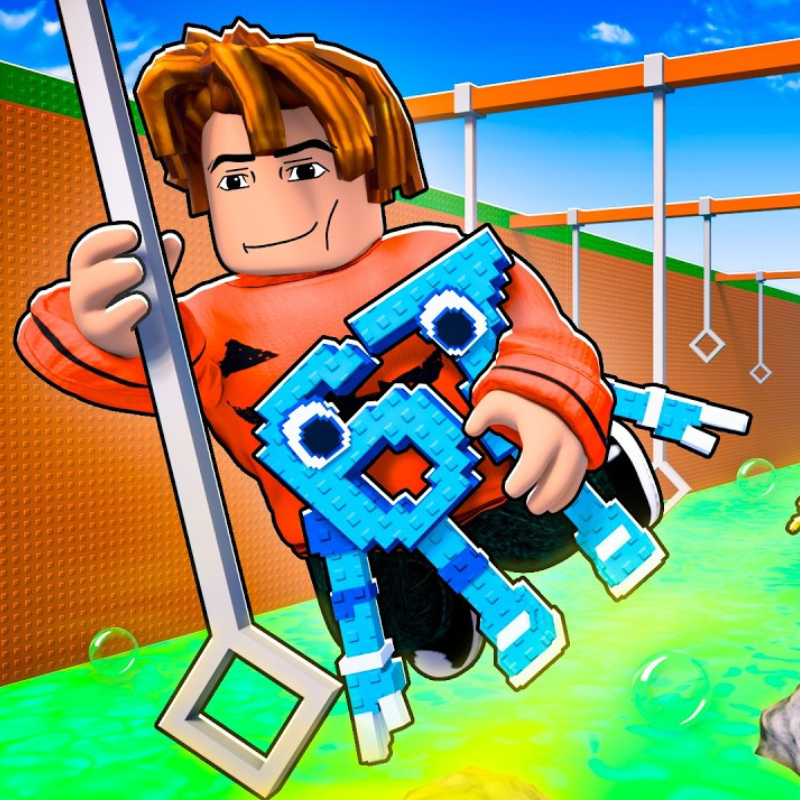
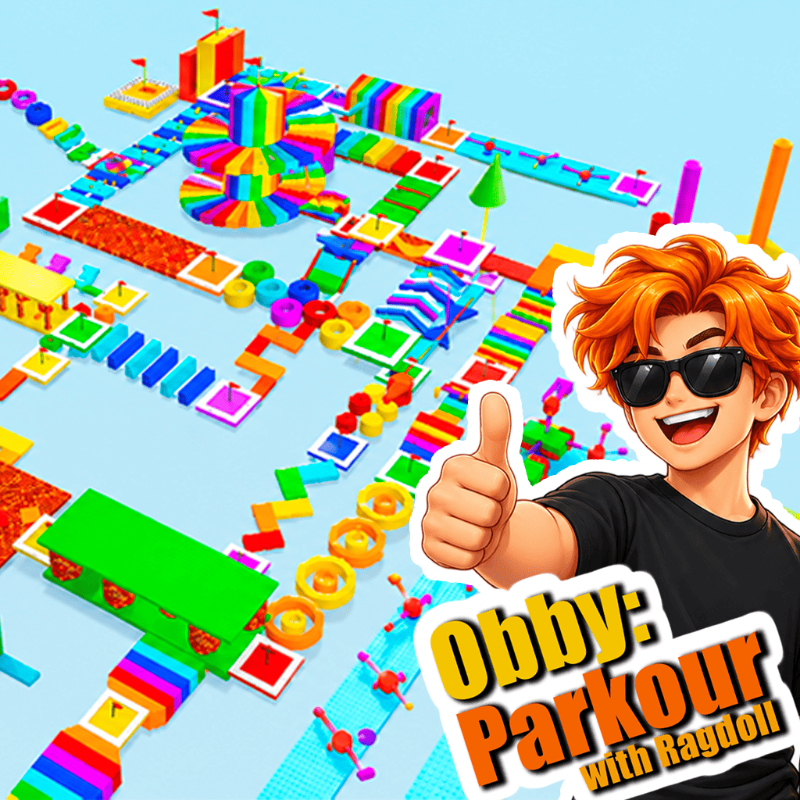
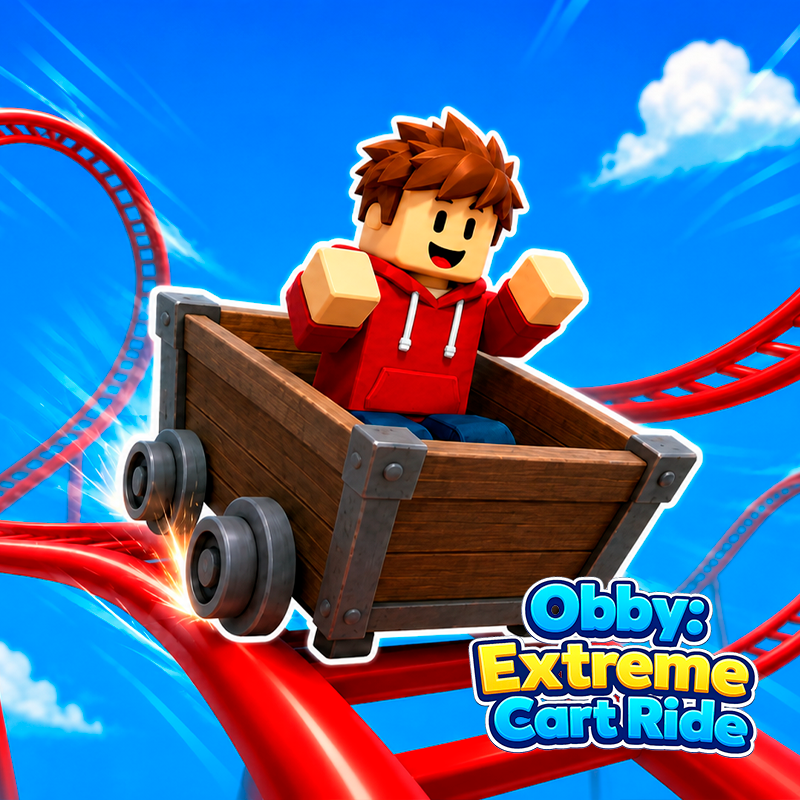
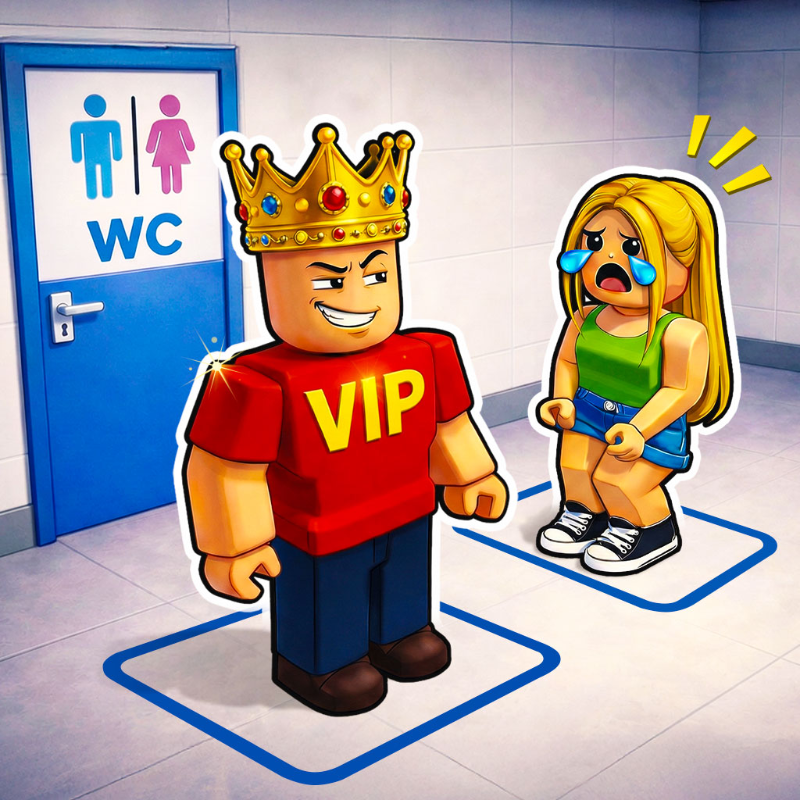
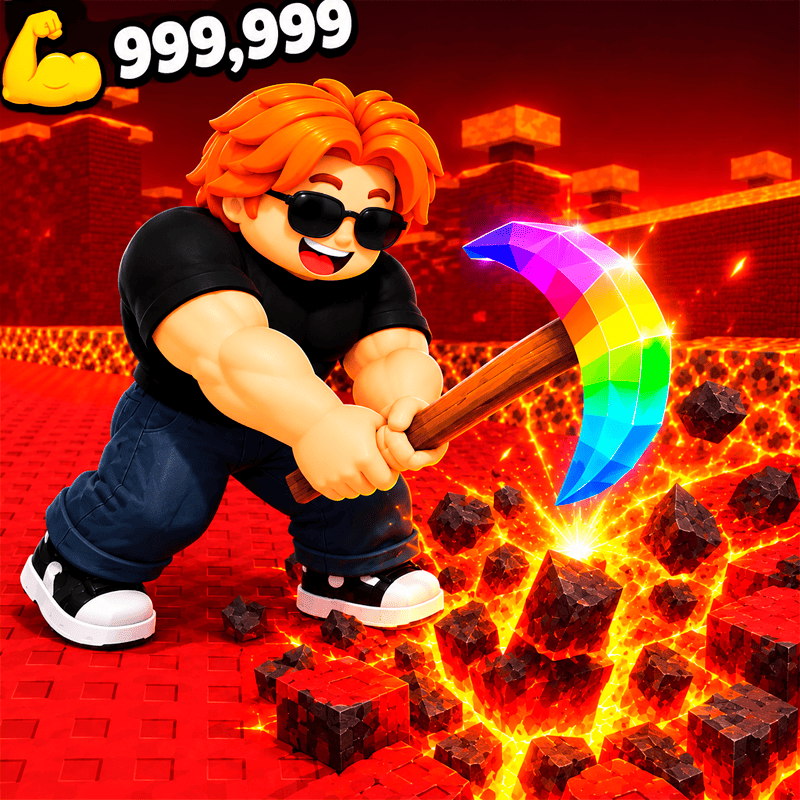
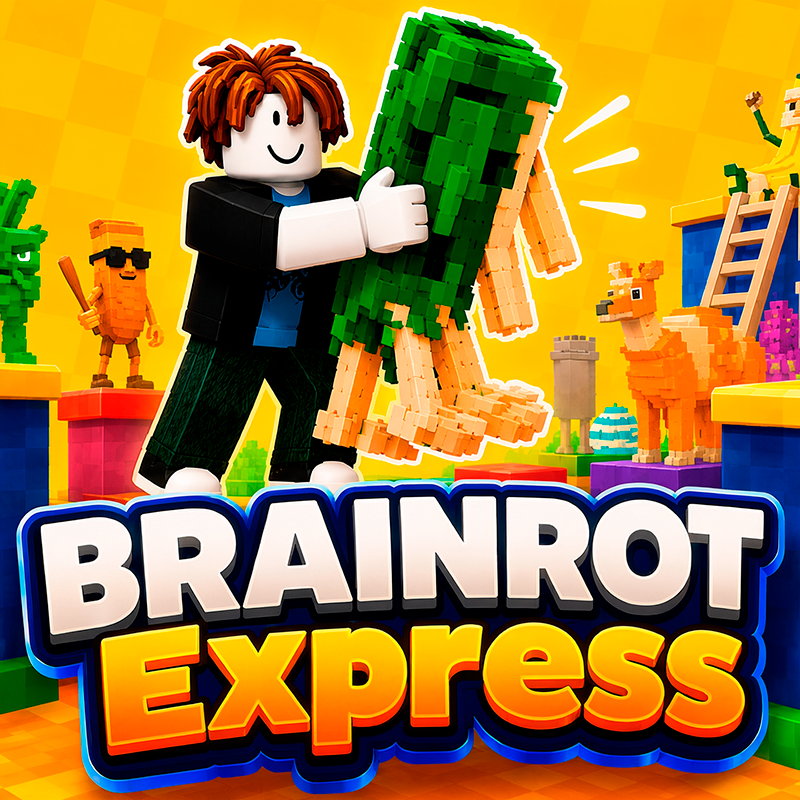
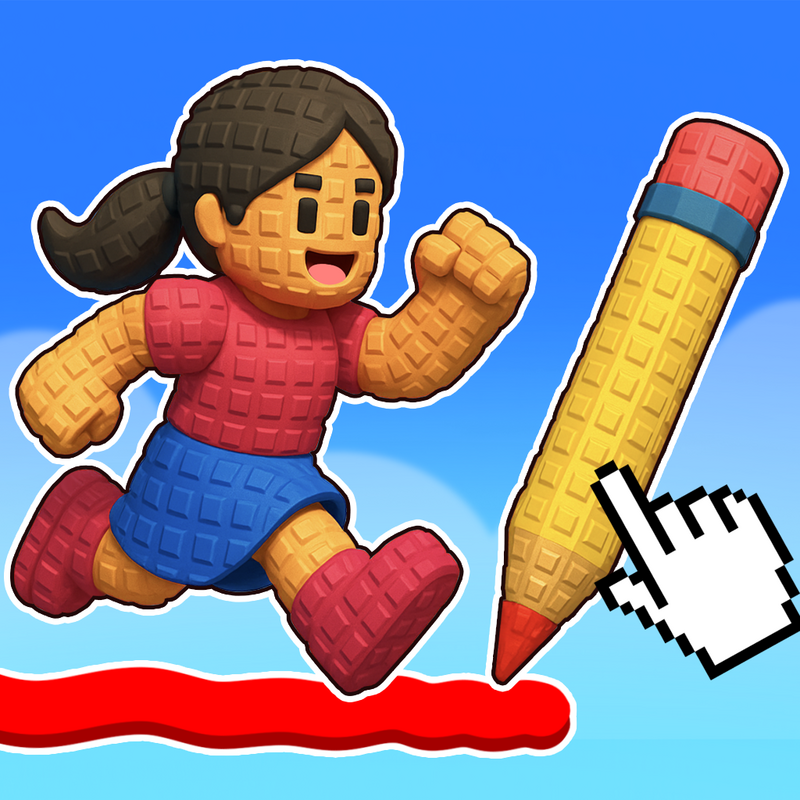
Obby online with friends: Draw and Jump!
Looking for a Roblox-style obby you can play at school? Obby online with friends: Draw and Jump! loads straight in your browser on Physics Shark: free, unblocked and nothing to install.
Show moreShow less
Play Obby online with friends: Draw and Jump! unblocked
Looking for a Roblox-style obby you can play at school? Obby online with friends: Draw and Jump! loads straight in your browser on Physics Shark: free, unblocked and nothing to install. Play it on a school Chromebook, a laptop, a phone or a tablet.
Obby online with friends: Draw and Jump! plays like the Roblox games everyone talks about: drop into a server with other players and try to come out on top. You don't need Roblox, an account or an install, just this page, so it works on school computers where apps are locked down.
What is Obby online with friends: Draw and Jump!?
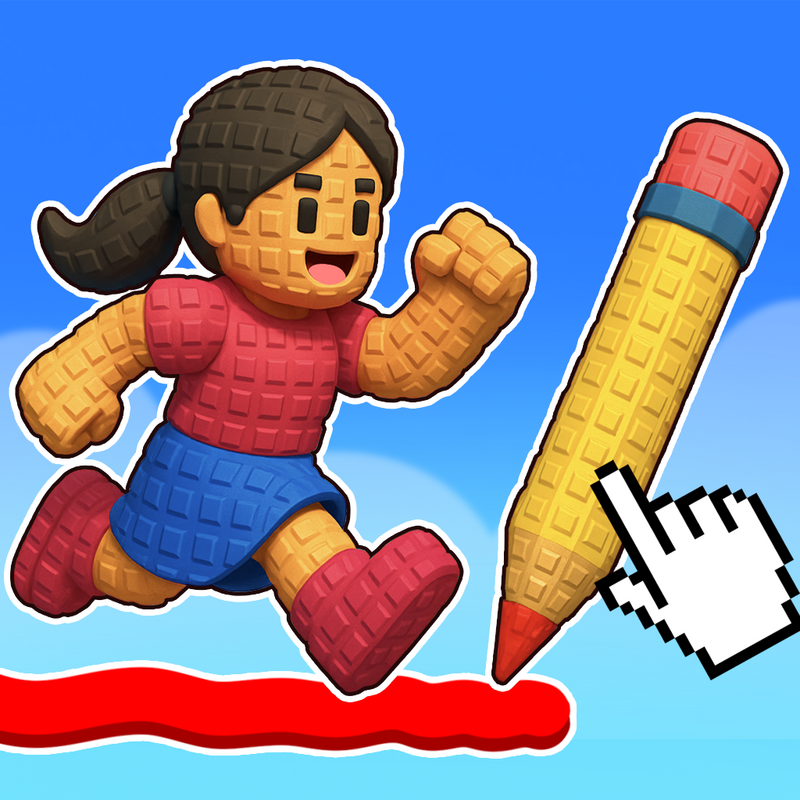
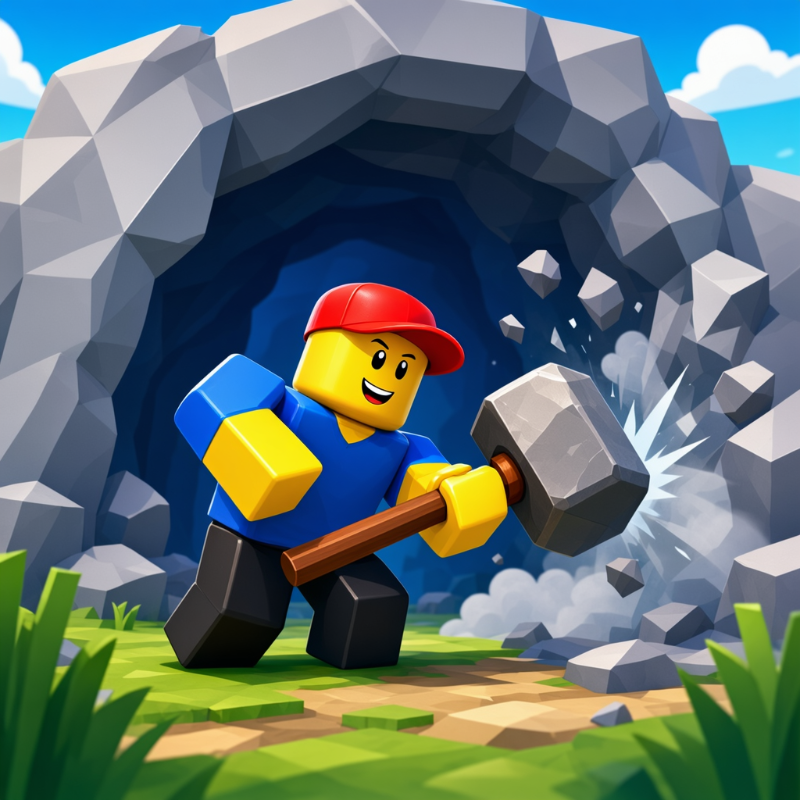
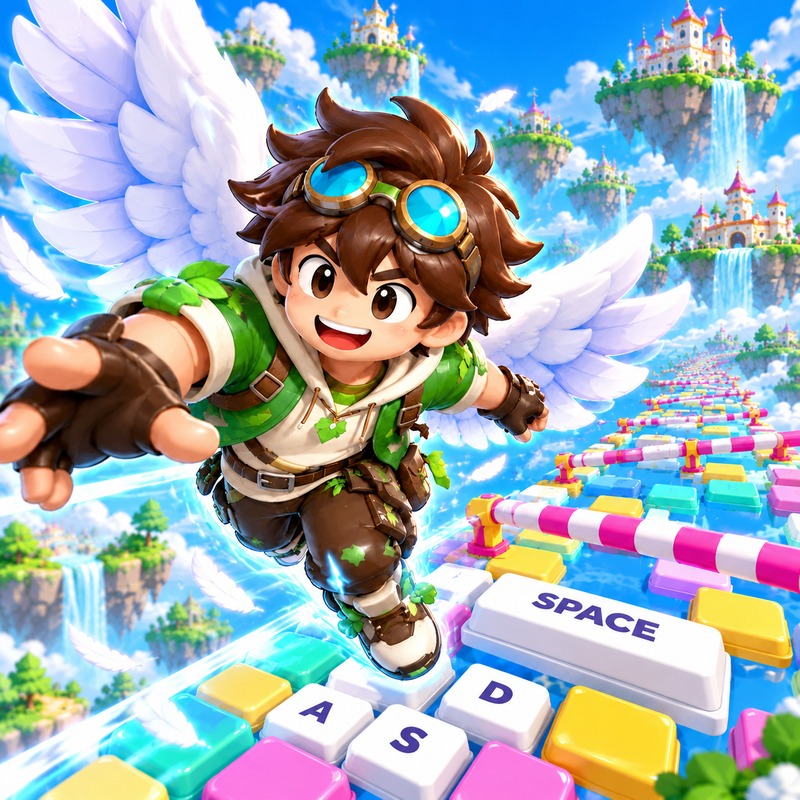
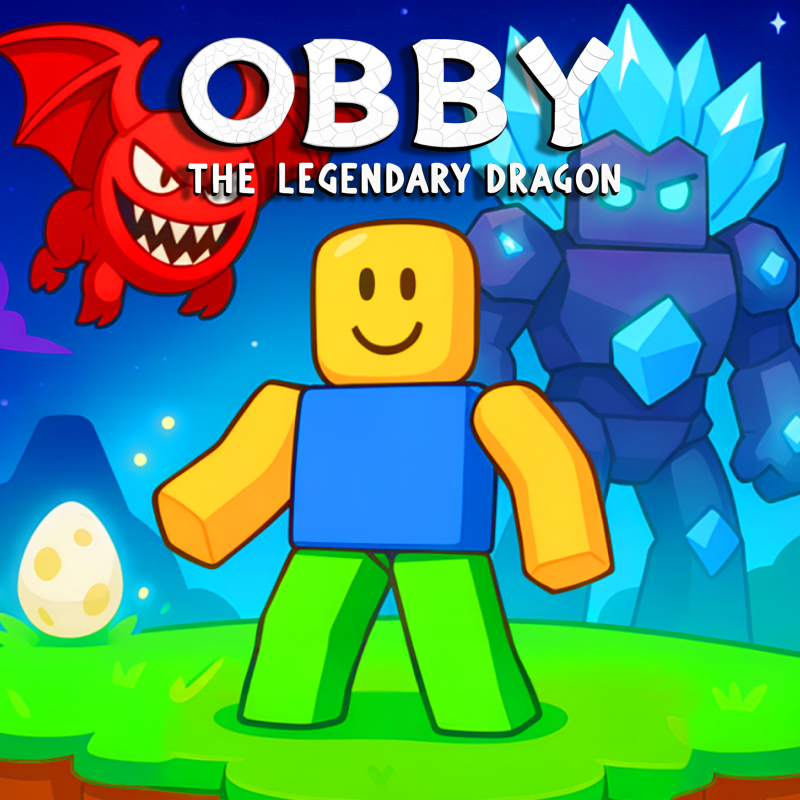
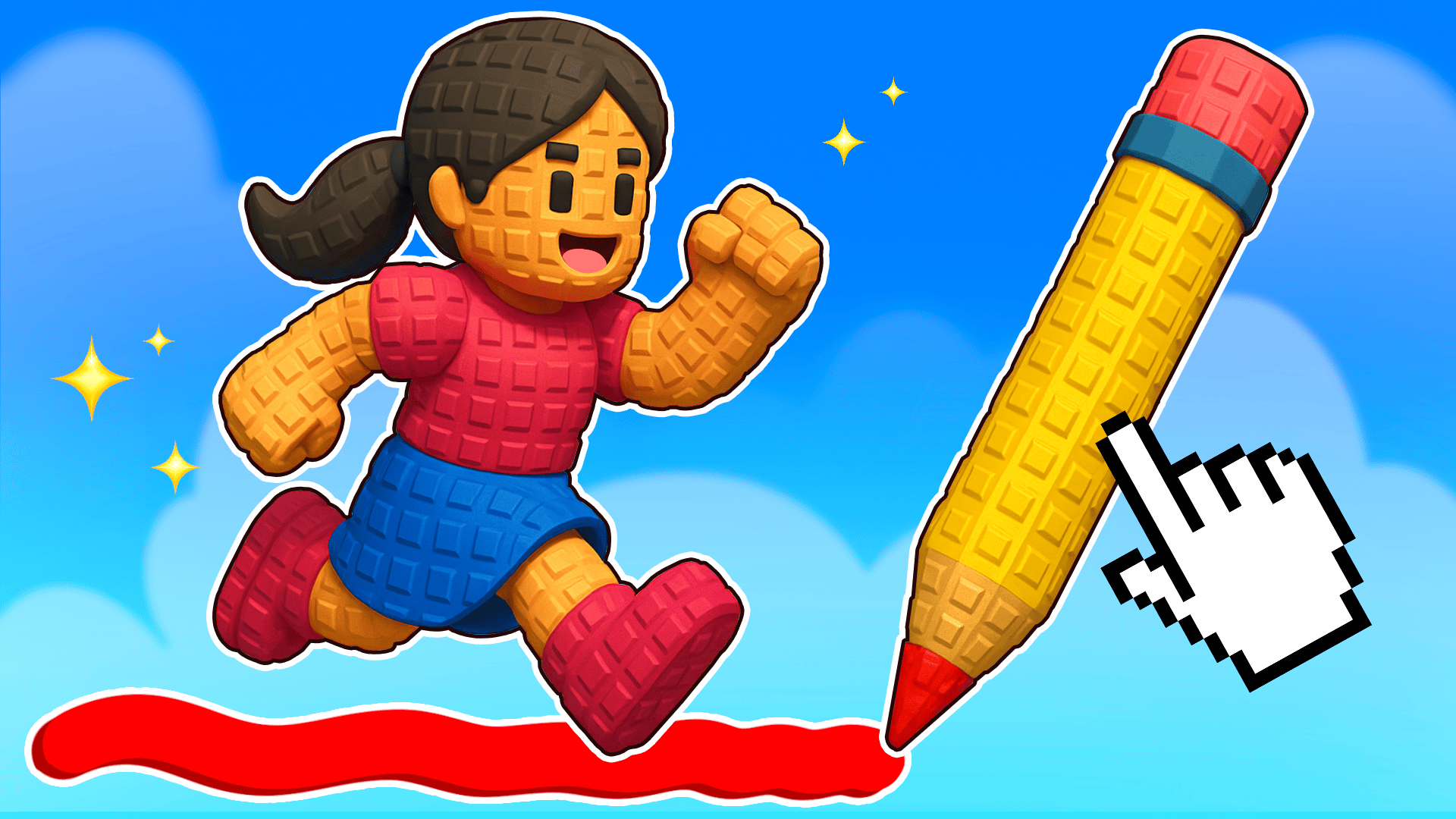
🚀 Dive into the exciting world of parkour platforming with Roblox's Obby in this online multiplayer game! Incredible adventures await you, full of breathtaking jumps and logical challenges. In this game, you can not only show off your parkour skills but also solve various puzzles with your friends, creating your own platforms and overcoming traps. Collect Robux and take part in exciting adventures with friends online!
⚡ Game Features:
Multiplayer mode for playing with friends online
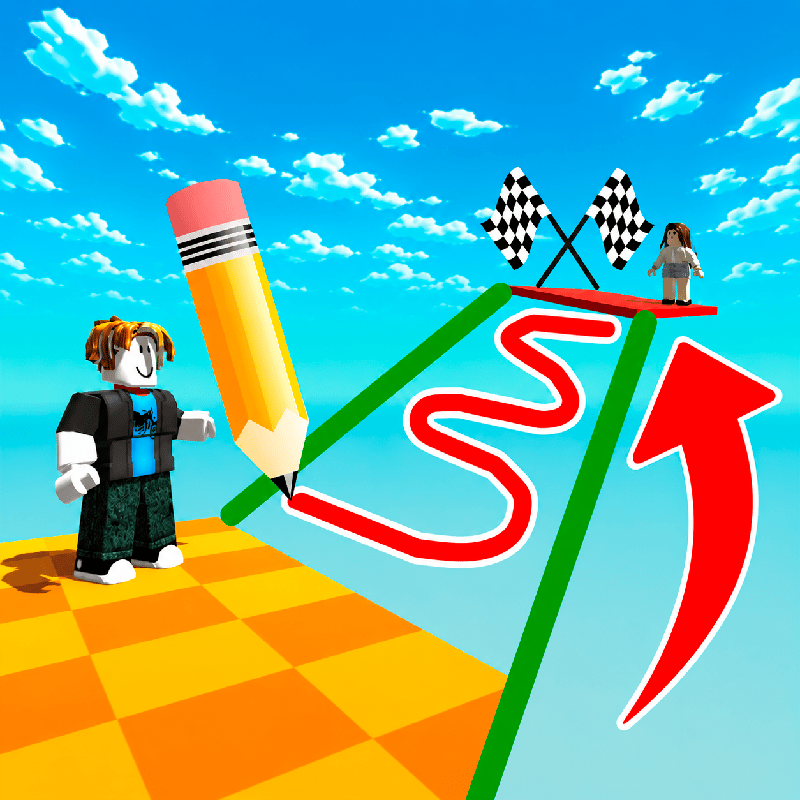
A fun combination of platforming and drawing mechanics
Unique puzzles and obstacles
Simple controls and addictive gameplay
Leaderboard where you can compete for the title of parkour master
🌟 If you love adventure and exciting games with friends, then this game is for you! Dive into the world of Obby from Roblox and chart your path to victory with him! Don't miss the chance to become part of the exciting world of parkour and adventure!
[Core Gameplay & Story]
Q: What is the game about? What do players need to do?
A: It is an adventure game focused on jumping and logic puzzles. In this game, you can showcase your parkour skills and solve various puzzles with friends while creating your own platforms and overcoming traps.
Q: What is the game's unique hook? What will draw players in?
A: The main draw is the multiplayer mode for playing with friends online, combined with a unique mix of platforming and drawing mechanics. It features original puzzles and obstacles, simple controls, and engaging gameplay.
Q: What are the most engaging content elements, such as weapons, vehicles, locations, or skills?
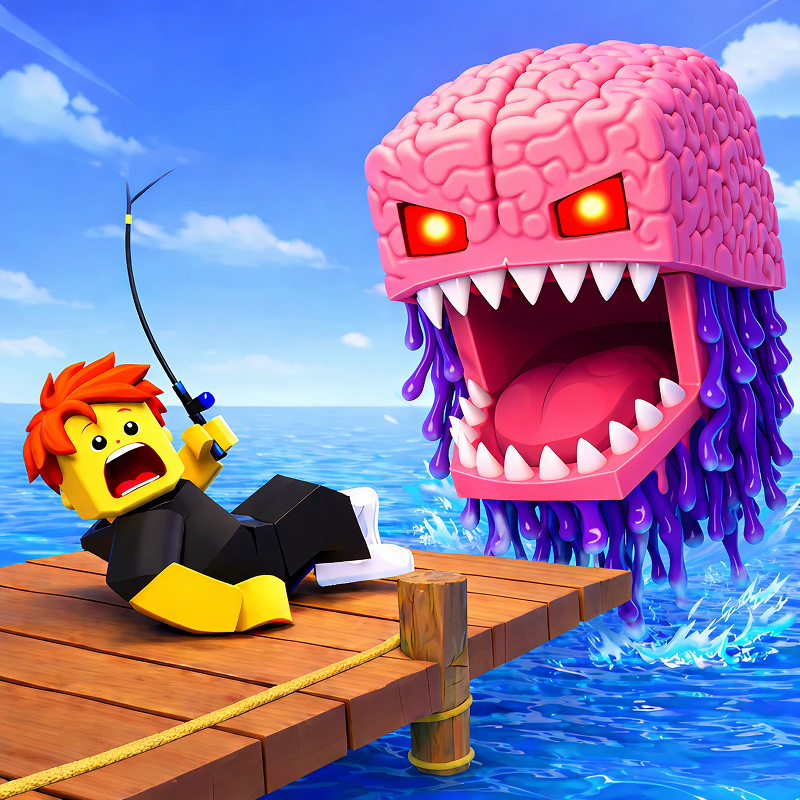
A: The game features obby challenges and skins inspired by Italian brainrot memes.
[Mechanics & Progression]
Q: How does the progression system work? How can players level up faster?
A: Improve your skills by completing obstacle courses, and either compete or team up with other players to progress through the game together.
Q: Are there mini-games within the main experience?
A: The game features several different modes.
Q: Is the total number of levels clear?
A: There are 4 modes available.
[Economy & Customization]
Q: Are there in-game purchases? What can players buy and how do they affect the game?
A: In-game currency can be spent on unlocking new modes and purchasing skins.
Q: Does the game feature customization? Can players customize their character, locations, or vehicles?
A: Yes, players can customize their experience with various skins, hats, and jetpacks.
[Retention & Engagement]
Q: Is it recommended to play with sound for better immersion, or can the game be played without it?
A: The music complements the game well, but it is not required to progress.
[Multiplayer]
Q: Does the game have an in-game chat or voice chat?
A: There is an online text chat available within the game.
Q: Is the gameplay real-time or asynchronous?
A: The game is played in real-time.
Q: Can you play with friends?
A: Yes, you can play with friends.
Q: What is the room size and how many players can play simultaneously?
A: There are 4 rooms, with a maximum of 45 players per room.
How to play Obby online with friends: Draw and Jump!
😊 Let's get to know the game:
🎮 Game Modes:
Single-player mode - practice your controls by completing obstacle courses.
Multiplayer mode - compete or team up with other players to progress through the game together.
✏️ Player Tools:
Pencil - draw new elements on the level.
Eraser - erase previously drawn elements.
🎮 Controls on a Computer:
Move your character - press W/A/S/D.
Jump - press Space.
Draw or erase lines - move the mouse with the left button held down.
📱 Controls on a Smartphone:
Move your character - use the virtual joystick.
Jump - press the virtual button.
Draw or erase lines - swipe your finger across the screen.
Tap "Play" and win the game! 🎉
Obby online with friends: Draw and Jump! controls
- press W/A/S/D: Move your character
- press Space: Jump
- Draw or erase lines: move the mouse with the left button held down
Obby online with friends: Draw and Jump! FAQ
Is Obby online with friends: Draw and Jump! free to play?
Yes. Obby online with friends: Draw and Jump! is free on Physics Shark, with nothing to download and no account to make. The game has optional in-game purchases, but you never need them to play.
Can I play Obby online with friends: Draw and Jump! unblocked at school?
Obby online with friends: Draw and Jump! runs in a normal browser tab with no install, so it plays on school Chromebooks and laptops, with nothing to install and no account.
Does Obby online with friends: Draw and Jump! work on phones and tablets?
Yes. It works with touch controls on phones and tablets, and with a keyboard and mouse on computers.
Is Obby online with friends: Draw and Jump! a Roblox game?
No. Obby online with friends: Draw and Jump! is a Roblox-style browser game by an independent developer. It plays a lot like a Roblox obby, but you don't need Roblox or a Roblox account to play it.
Obby online with friends: Draw and Jump! is not made by, endorsed by or affiliated with Roblox Corporation. Roblox is a trademark of Roblox Corporation.
- LikedNo votes yet
- Rank#1283 of 2870
- PlaysBe the first!
- UpdatedNovember 2026
Gameplay
About this game
- Controls
- press W/A/S/DMove your character
- press SpaceJump
- Draw or erase linesmove the mouse with the left button held down
- Supported devices
- Desktop, phone and tablet
- Genre
- Obbymultiplayerplatformparkour minecraftrobloxobstacles
- Games like Obby online with friends: Draw and Jump!
- Obby: Climb Up and Slide Down on MinecartsUltimate Obby Parkour Adventure OnlineObby: King of the HillThe Egg Stealing MasterSnake Slither.io Italian BrainrotObby Prison Craft Escape














