 Physics Shark
















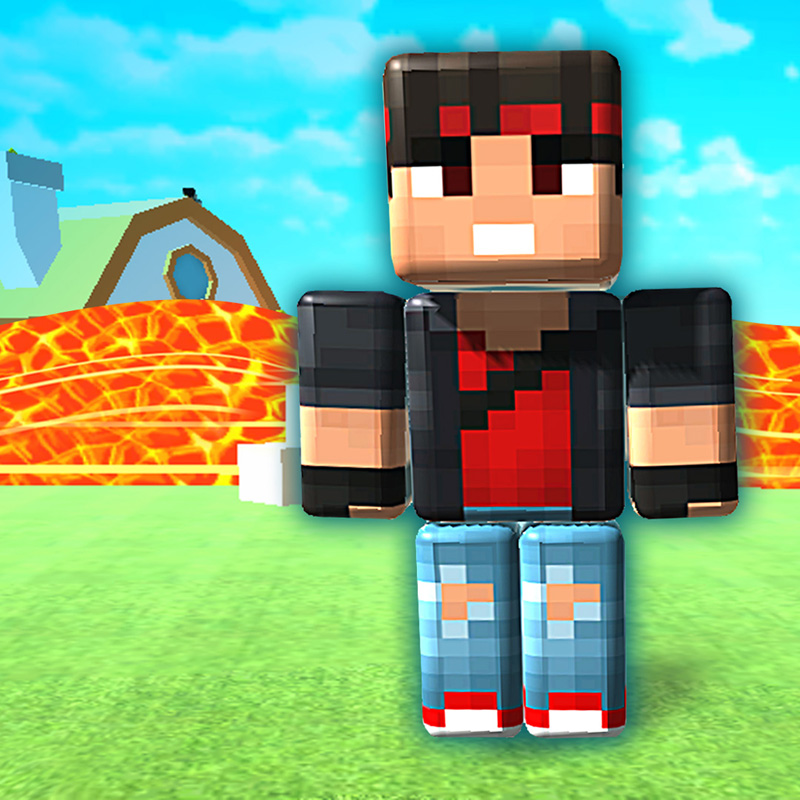
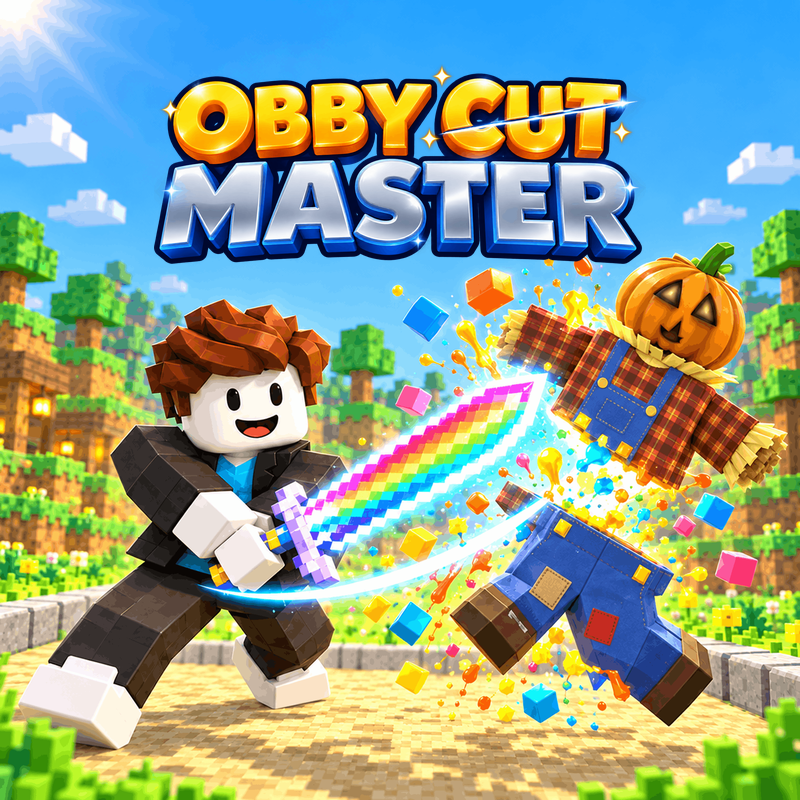



Mine Mining Islands: Skyblock Village!
Looking for a Roblox-style obby you can play at school? Mine Mining Islands: Skyblock Village! loads straight in your browser on Physics Shark: free, unblocked and nothing to install.
Show moreShow less
Play Mine Mining Islands: Skyblock Village! unblocked
Looking for a Roblox-style obby you can play at school? Mine Mining Islands: Skyblock Village! loads straight in your browser on Physics Shark: free, unblocked and nothing to install. Play it on a school Chromebook, a laptop, a phone or a tablet.
Mine Mining Islands: Skyblock Village! plays like the Roblox games everyone talks about: jump across tricky platforms, dodge traps and reach the next checkpoint. You don't need Roblox, an account or an install, just this page, so it works on school computers where apps are locked down.
What is Mine Mining Islands: Skyblock Village!?
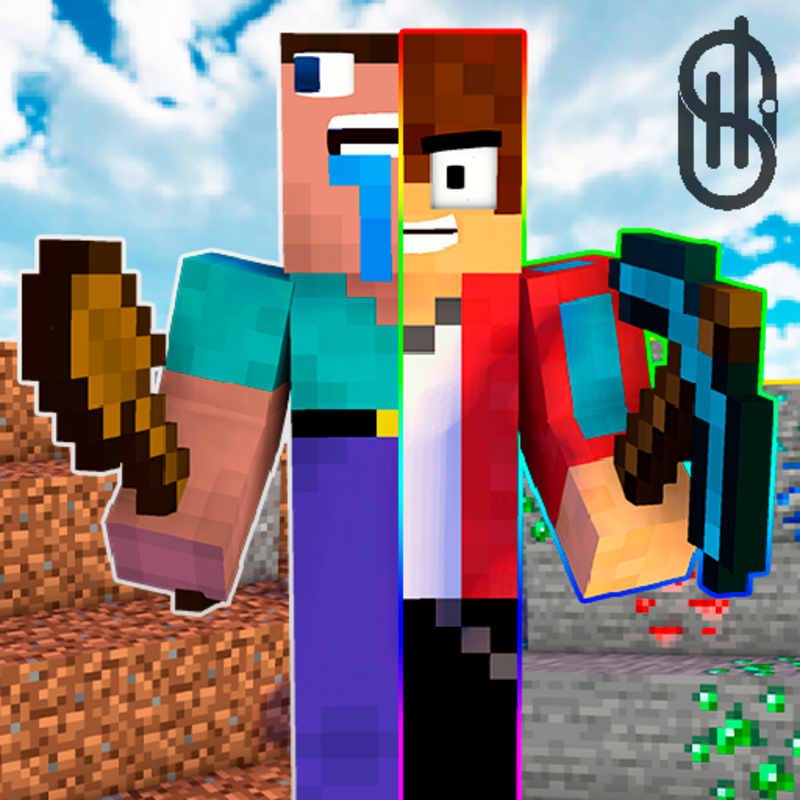
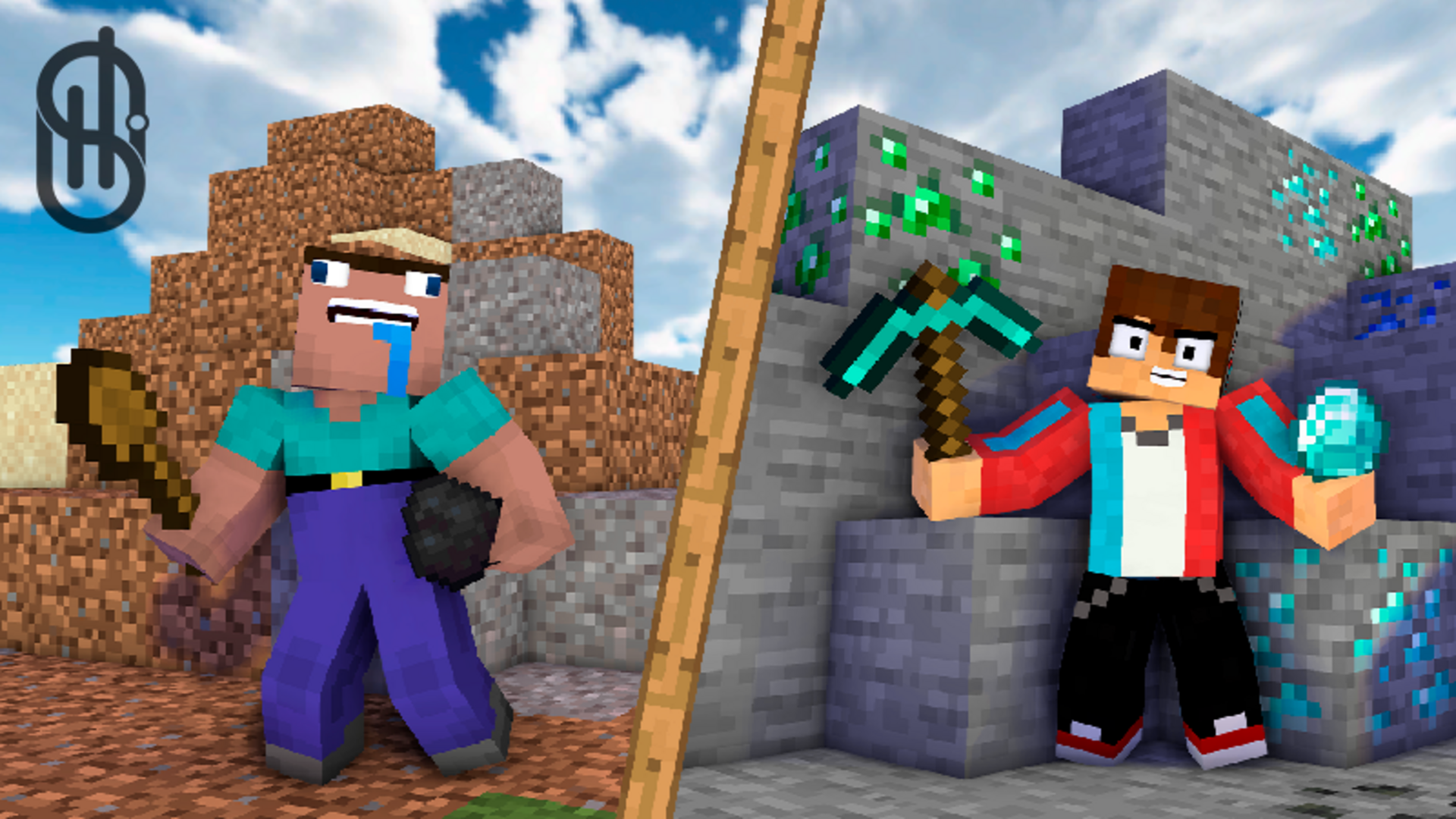
In this game you will plunge into the exciting world of mining adventures!
- Become the mayor of your village: upgrade your village. Discover new opportunities and bargain with the residents!
- Variety of islands: be the discoverer of new islands! Each island opens up new opportunities for your exciting adventure!
- Upgrade your character: Upgrade your character's skills, making him faster, luckier and stronger.
- Competitive spirit: Get resources and sell them to become the richest player in this game!
And can you become the best in this game? Embark on an exciting adventure with your favorite characters!
Core Gameplay & Story
Q: What is the game about? What needs to be done?
A: Mining adventures in the style of Minecraft. Players need to unlock islands and gather resources.
Q: What is the unique feature of the game? What can hook players?
A: A well-developed game in the style of Minecraft, with an achievement system, plenty of tools for resource gathering, and character progression.
Q: Are there any currencies and what can they be spent on (regular - gold, premium - crystals, etc.)?
A: The game features gold as currency, which can be used to upgrade better tools for resource gathering, exchange resources, level up characters, and unlock islands.
Q: Are there engaging content elements (weapons, vehicles, locations, skills, references to famous franchises, etc.)?
A: References to the Minecraft world.
Mechanics & Progression
Q: How does character progression work? What needs to be done to level up faster?
A: Gather more resources to sell and earn coins, which can be used to level up characters and tools. After unlocking an island, players can place statues and upgrade them to earn passive income.
Economy & Customization
Q: Is there customization in the game? Can you customize the appearance of the hero, location editor, car tuning, etc.?
A: Yes, the game offers skins for your avatar, which is displayed in the corner.
Retention & Engagement
Q: Is it preferable to play with sound to better immerse yourself in the atmosphere, or will there be difficulties in passing without sound?
A: Music complements the game, but it is not necessary for gameplay.
Q: Are there achievement systems? What are they and what can be obtained for them?
A: The game features achievements that can be obtained during gameplay. For example, for a certain number of blocks destroyed or for unlocking the first island.
How to play Mine Mining Islands: Skyblock Village!
PC controls:
W, A, S, D or ↑, ←, ↓, → — move.
The space bar is a jump.
Mouse movement is camera control.
Left mouse button — destruction of blocks
Management for mobile devices:
The joystick on the left is moving.
The button on the left with the image of the tool is the destruction of blocks.
The button on the right is jump.
Swipes on the right side of the screen — camera control.
Mine Mining Islands: Skyblock Village! controls
- Left mouse button: destruction of blocks
Mine Mining Islands: Skyblock Village! FAQ
Is Mine Mining Islands: Skyblock Village! free to play?
Yes. Mine Mining Islands: Skyblock Village! is free on Physics Shark, with nothing to download and no account to make.
Can I play Mine Mining Islands: Skyblock Village! unblocked at school?
Mine Mining Islands: Skyblock Village! runs in a normal browser tab with no install, so it plays on school Chromebooks and laptops, with nothing to install and no account.
Does Mine Mining Islands: Skyblock Village! work on phones and tablets?
Yes. It works with touch controls on phones and tablets, and with a keyboard and mouse on computers.
Is Mine Mining Islands: Skyblock Village! a Roblox game?
No. Mine Mining Islands: Skyblock Village! is a Roblox-style browser game by an independent developer. It plays a lot like a Roblox obby, but you don't need Roblox or a Roblox account to play it.
Mine Mining Islands: Skyblock Village! is not made by, endorsed by or affiliated with Roblox Corporation. Roblox is a trademark of Roblox Corporation.
- LikedNo votes yet
- Rank#2203 of 2870
- PlaysBe the first!
- UpdatedNovember 2026
Gameplay
About this game
- Controls
- Left mouse buttondestruction of blocks
- Supported devices
- Desktop, phone and tablet
- Games like Mine Mining Islands: Skyblock Village!
- Obby: Climb Up and Slide Down on MinecartsUltimate Obby Parkour Adventure OnlineObby: King of the HillThe Egg Stealing MasterSnake Slither.io Italian BrainrotObby Prison Craft Escape














