 Physics Shark
















Obby Up: Parkour Run
Play Obby Up: Parkour Run online for free on Physics Shark. This Roblox-style obby runs in a normal browser tab, so there's nothing to download and no sign-up, and it works on a school Chromebook, a…
Show moreShow less
Play Obby Up: Parkour Run unblocked
Play Obby Up: Parkour Run online for free on Physics Shark. This Roblox-style obby runs in a normal browser tab, so there's nothing to download and no sign-up, and it works on a school Chromebook, a laptop, a phone or a tablet.
Obby Up: Parkour Run plays like the Roblox games everyone talks about: jump across tricky platforms, dodge traps and reach the next checkpoint. You don't need Roblox, an account or an install, just this page, so it works on school computers where apps are locked down.
What is Obby Up: Parkour Run?
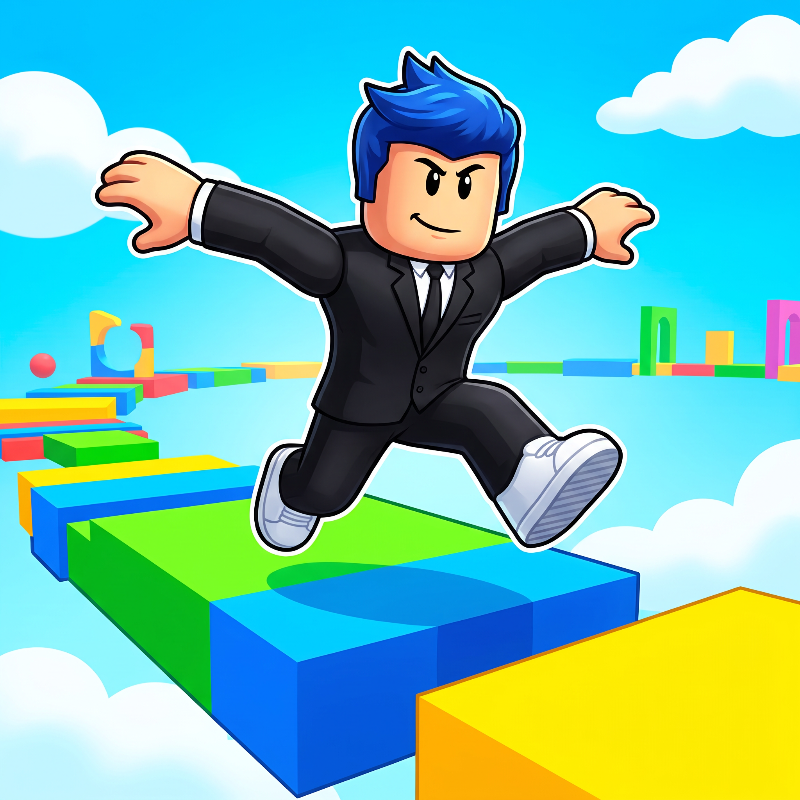
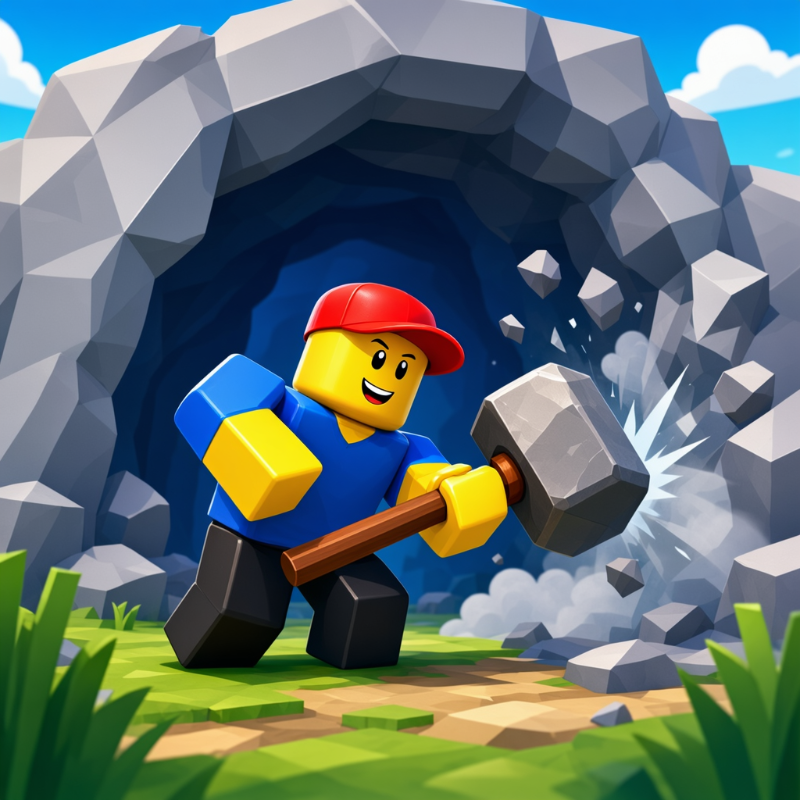
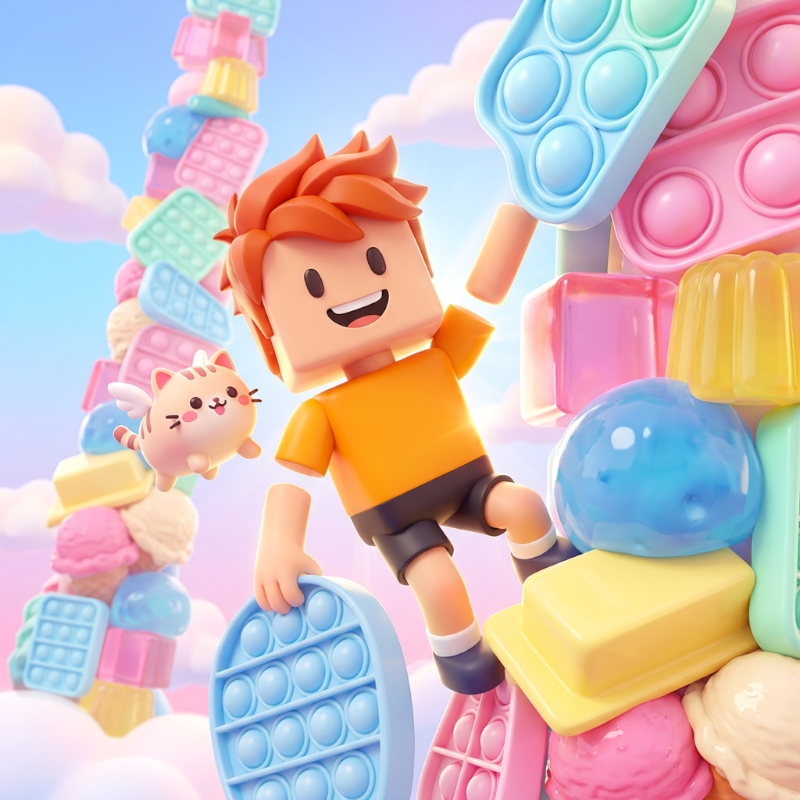
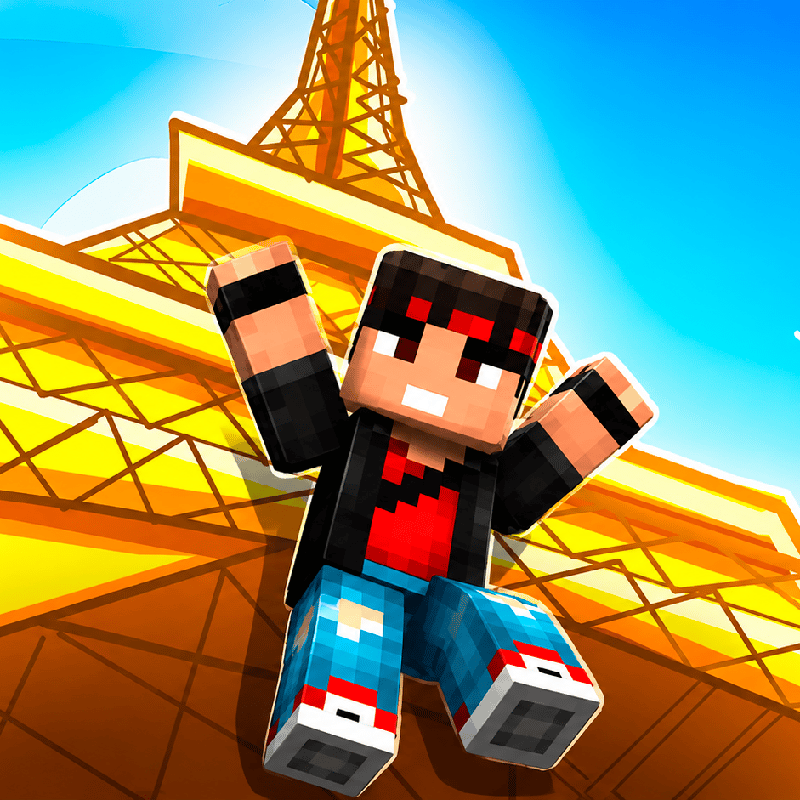
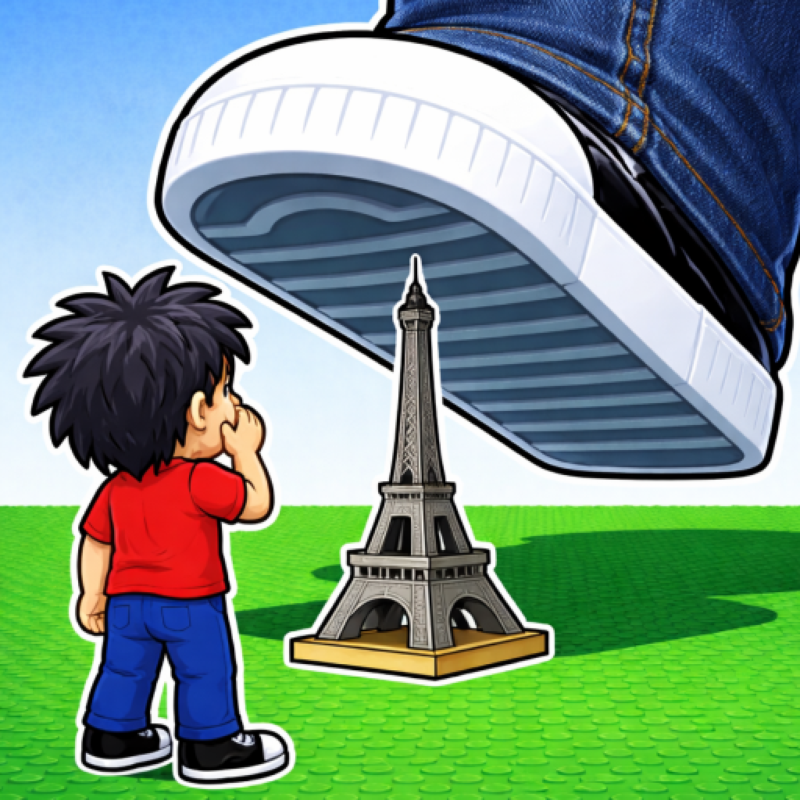
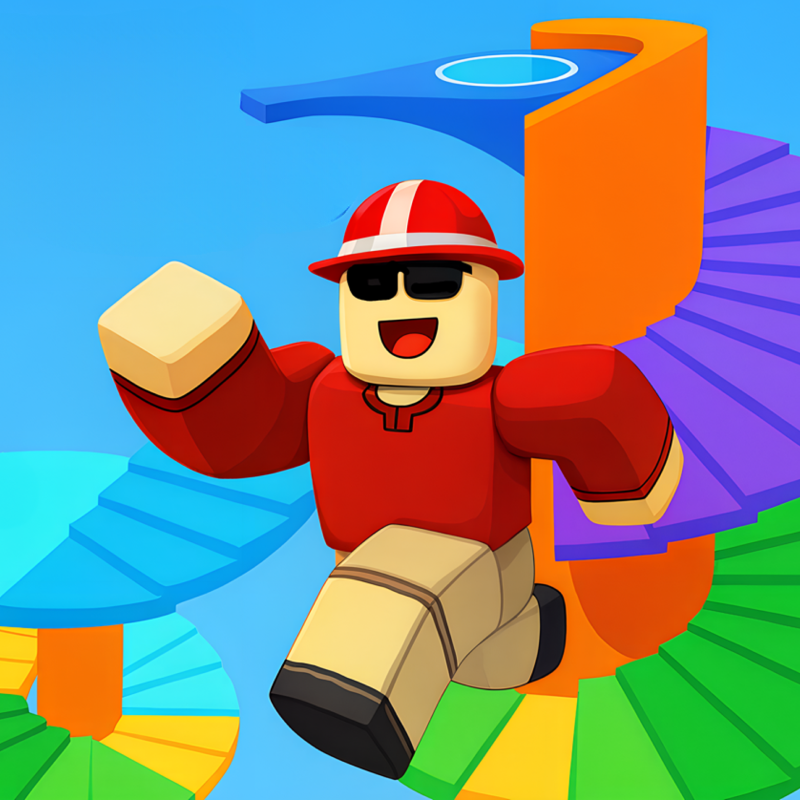
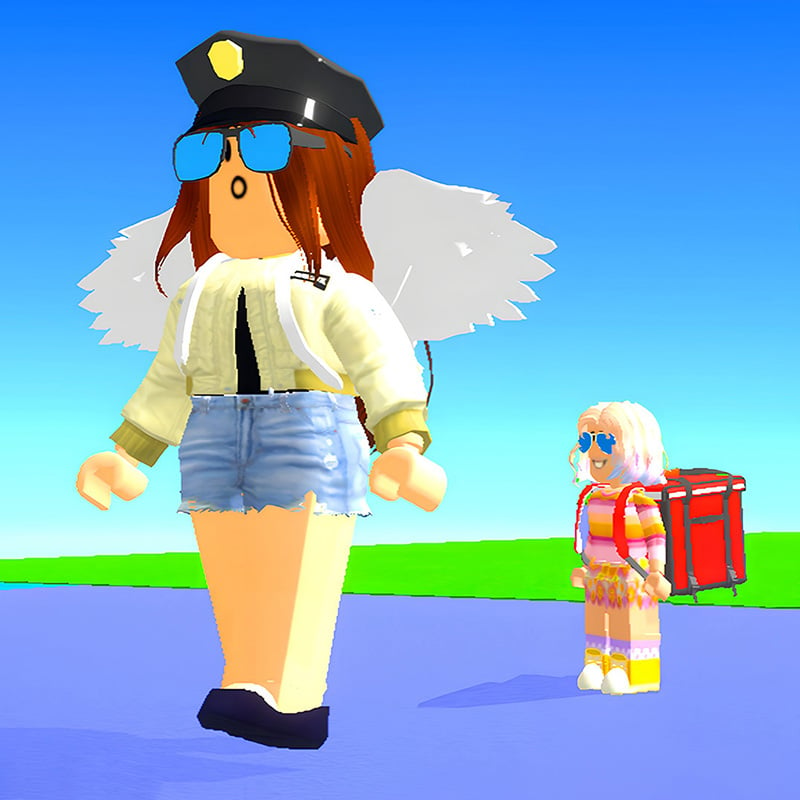
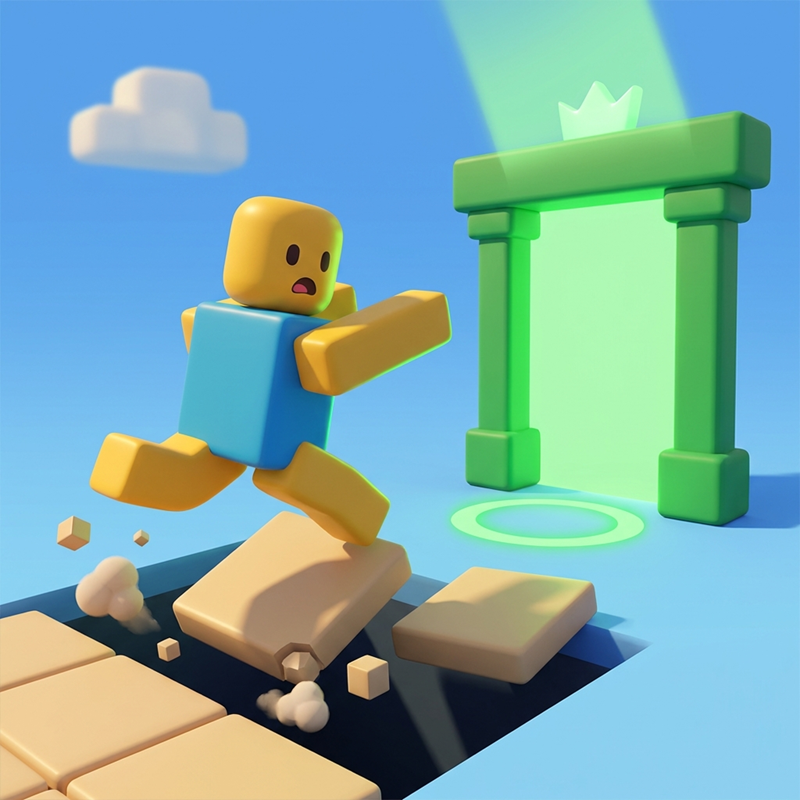
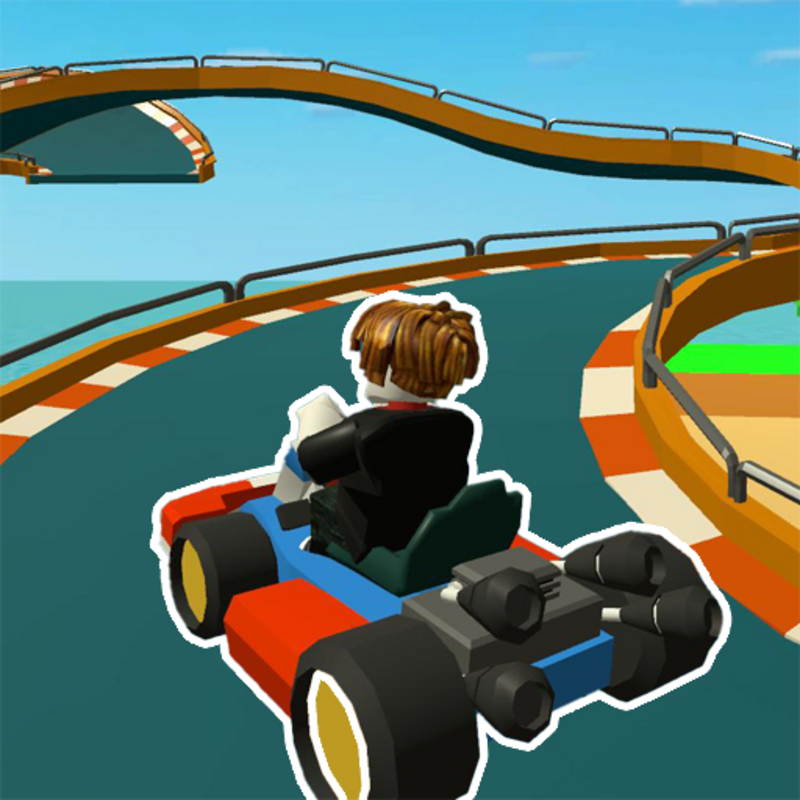
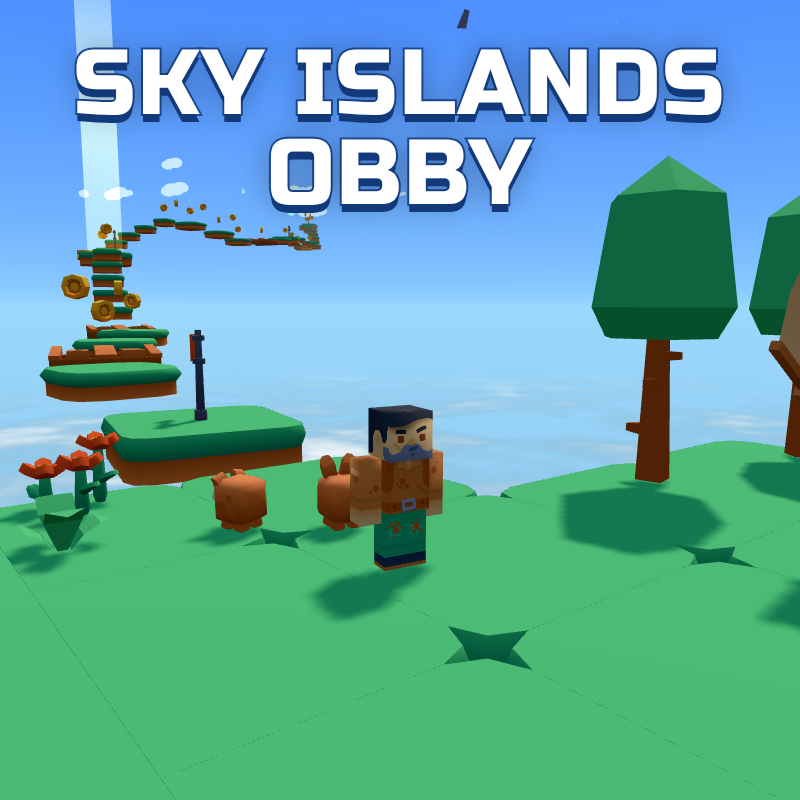
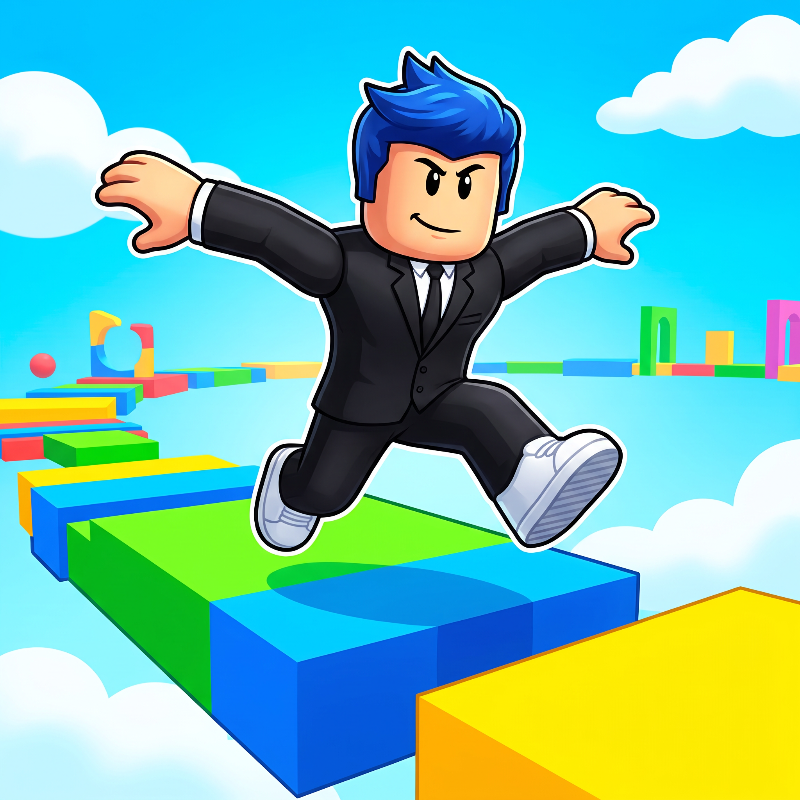
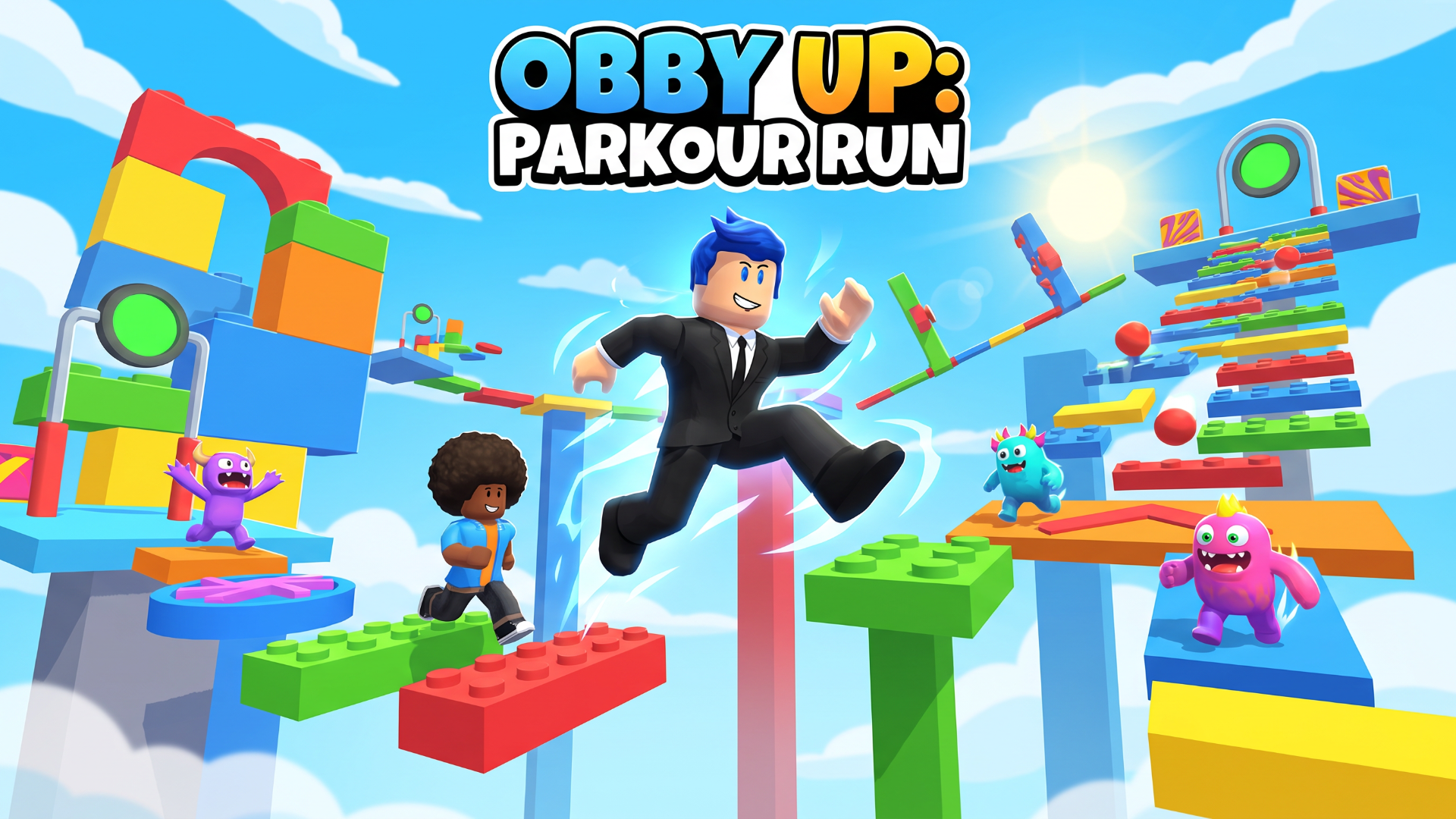
Obby Up: Parkour Run is a colorful 3D platform adventure with a size-changing twist. Run and jump through a towering obstacle course, shrink to squeeze through tight spaces, and grow to tackle bigger obstacles. Reach checkpoints, collect coins, discover side challenges, and customize your runner with outfits and pets. Choose your route, time each jump, and see how high you can climb!
How to play Obby Up: Parkour Run
Reach the top of the obstacle course by crossing platforms and avoiding traps. Activate checkpoints to save your progress, and use the size slider to shrink or grow when the route demands it. Collect coins along the way and explore side challenges. If you fall, return to a checkpoint and try again. Optional rewarded videos can unlock extra boosters, pets, and outfits.
Desktop controls
- WASD or arrow keys: move.
- Space: jump; press again in the air when double jump is available.
- Click and drag the camera area: look around.
- Drag the size slider: shrink or grow.
- E or the on-screen hammer button: strike when the hammer is equipped.
- Escape: pause or resume.
- Use the on-screen buttons to activate boosters and open settings.
Mobile controls
- Drag the left joystick to move.
- Swipe the camera area to look around.
- Tap the jump or hammer button for the current action.
- Drag the size slider to shrink or grow.
- Use the settings button to control music and sound effects.
Play in landscape orientation. Purchases are optional and are offered only when the platform supports them.
Obby Up: Parkour Run controls
- WASD or arrow keys: move
- Space: jump; press again in the air when double jump is available
- Drag the size slider: shrink or grow
- Escape: pause or resume
Obby Up: Parkour Run FAQ
Is Obby Up: Parkour Run free to play?
Yes. Obby Up: Parkour Run is free on Physics Shark, with nothing to download and no account to make. The game has optional in-game purchases, but you never need them to play.
Can I play Obby Up: Parkour Run unblocked at school?
Obby Up: Parkour Run runs in a normal browser tab with no install, so it plays on school Chromebooks and laptops, with nothing to install and no account.
Does Obby Up: Parkour Run work on phones and tablets?
Yes. It works with touch controls on phones and tablets, and with a keyboard and mouse on computers.
Is Obby Up: Parkour Run a Roblox game?
No. Obby Up: Parkour Run is a Roblox-style browser game by an independent developer. It plays a lot like a Roblox obby, but you don't need Roblox or a Roblox account to play it.
Obby Up: Parkour Run is not made by, endorsed by or affiliated with Roblox Corporation. Roblox is a trademark of Roblox Corporation.
- LikedNo votes yet
- Rank#2201 of 2870
- PlaysBe the first!
- UpdatedNovember 2026
Gameplay
About this game
- Controls
- WASD or arrow keysmove
- Spacejump; press again in the air when double jump is available
- Drag the size slidershrink or grow
- Escapepause or resume
- Supported devices
- Desktop, phone and tablet














