 Physics Shark




















Cube Trap
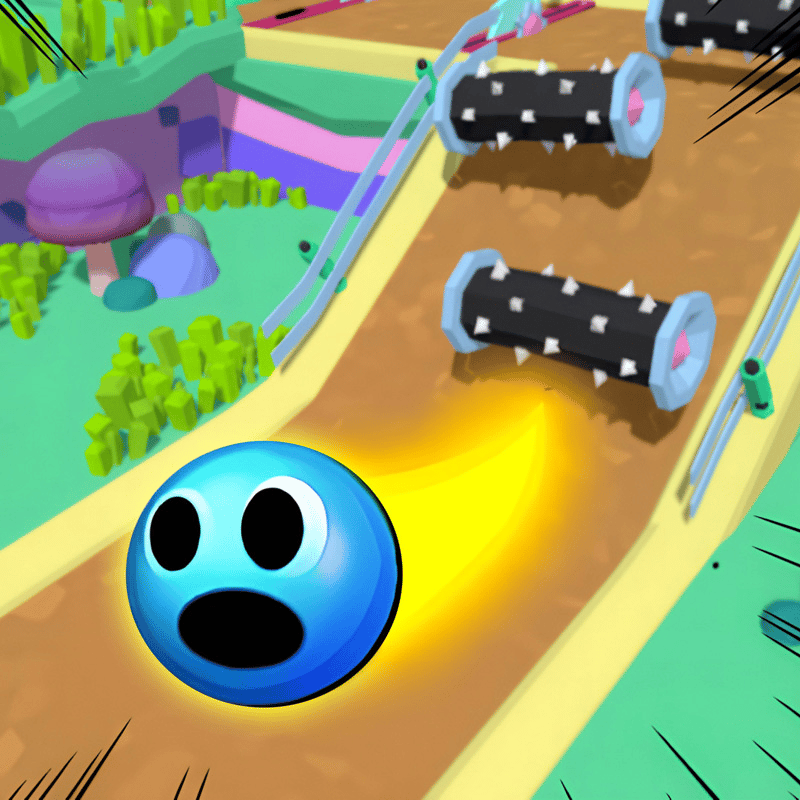
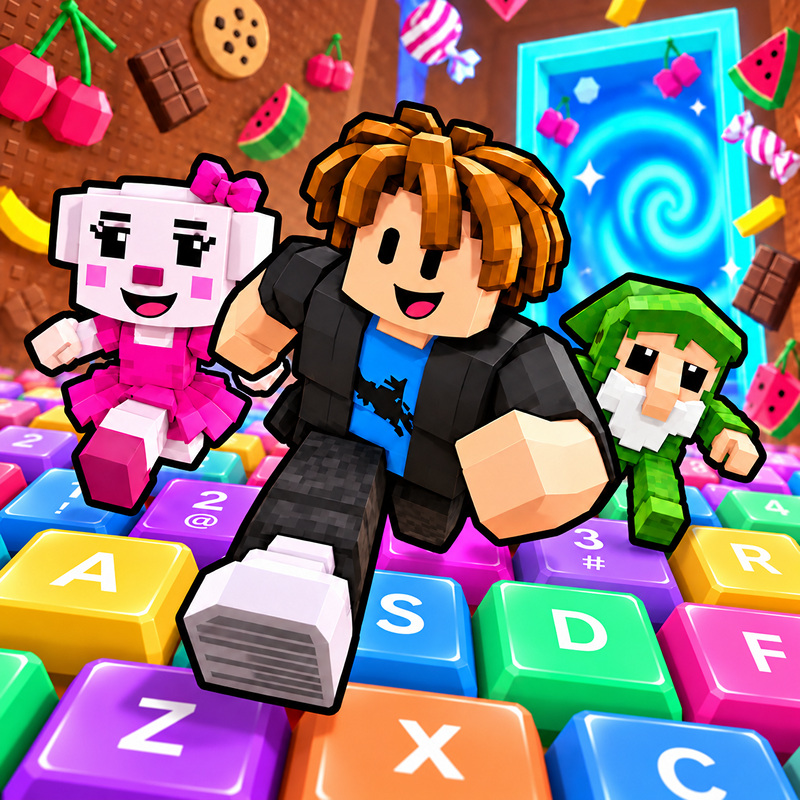
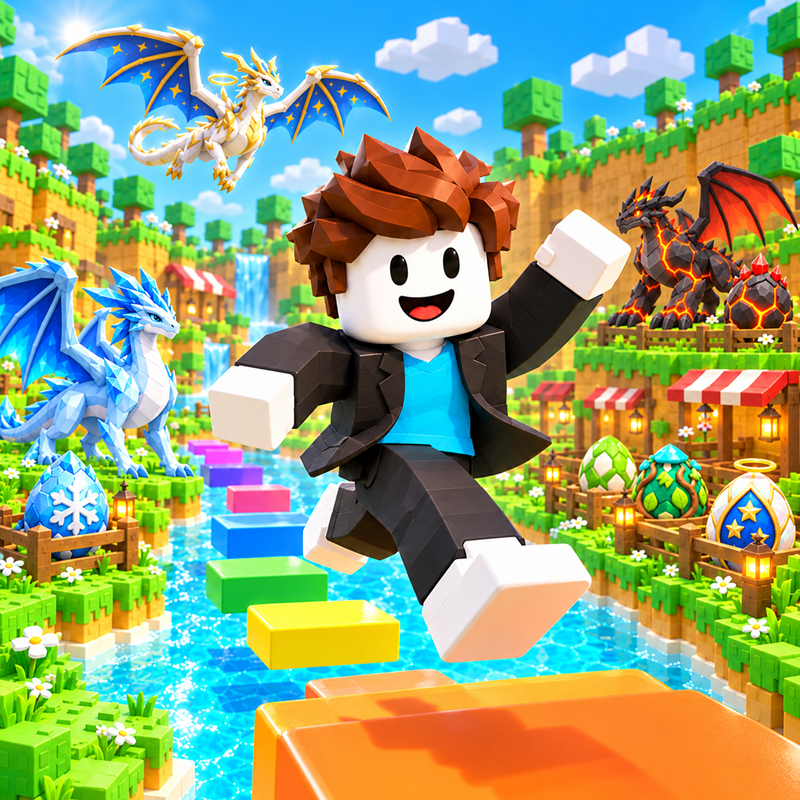
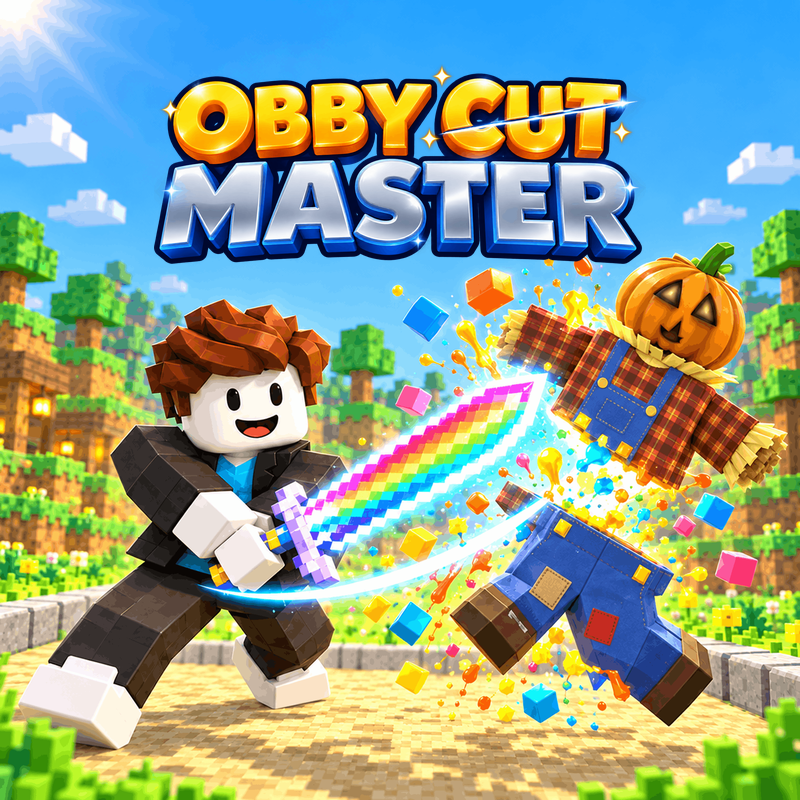
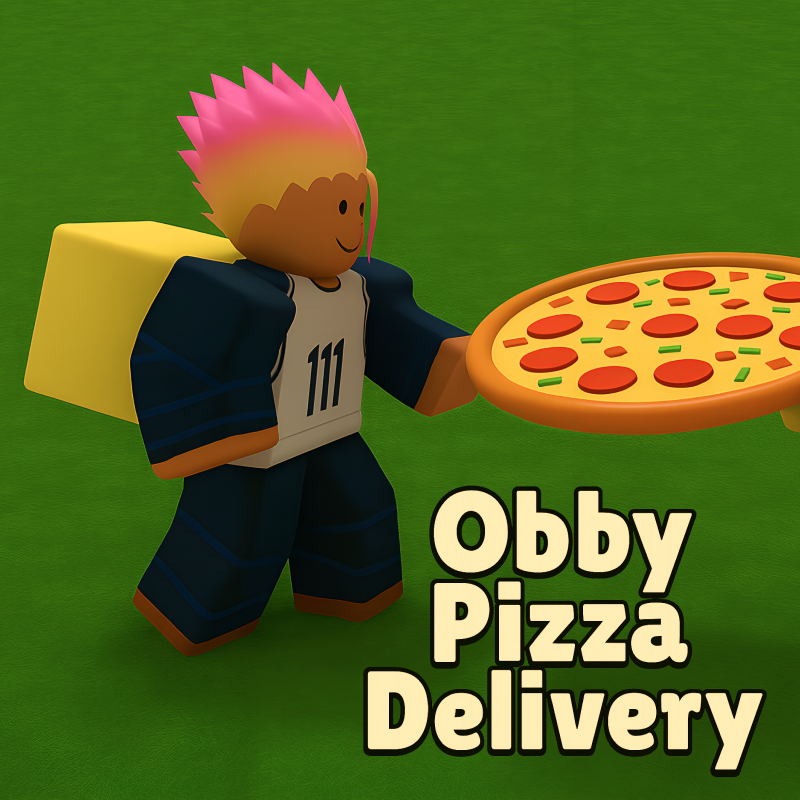
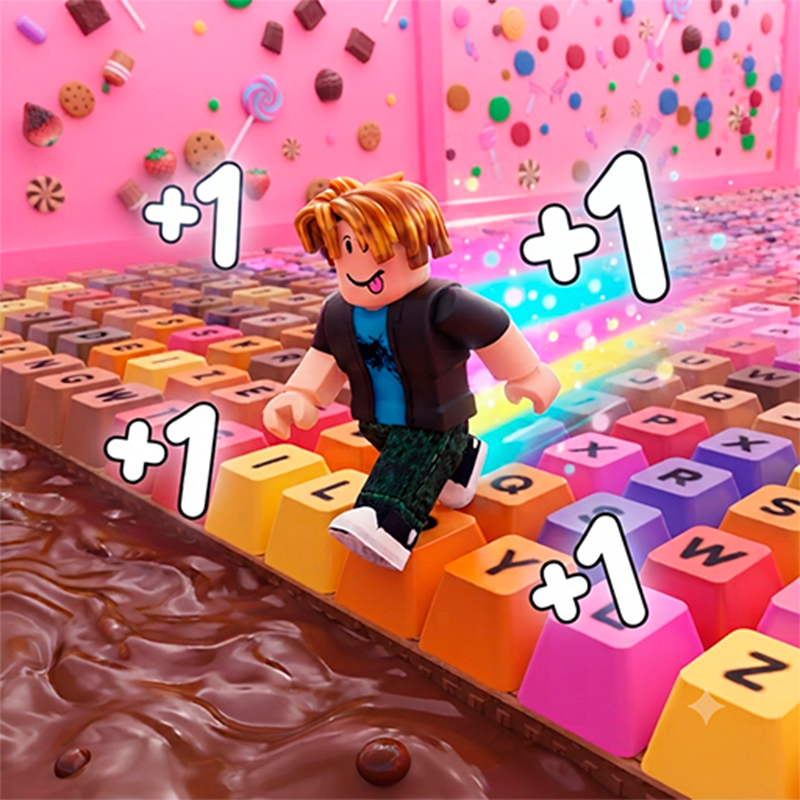
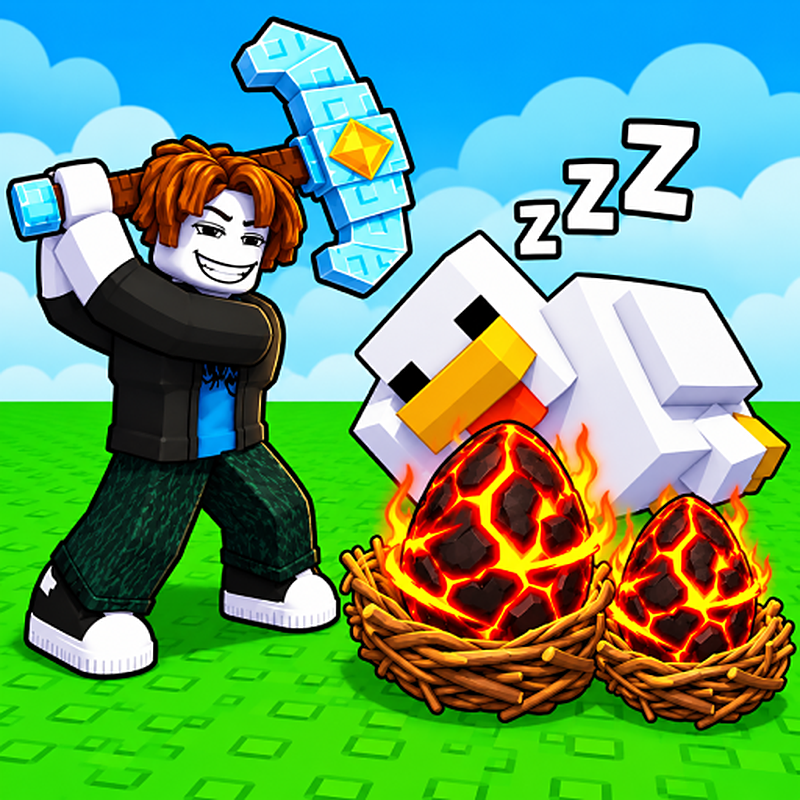
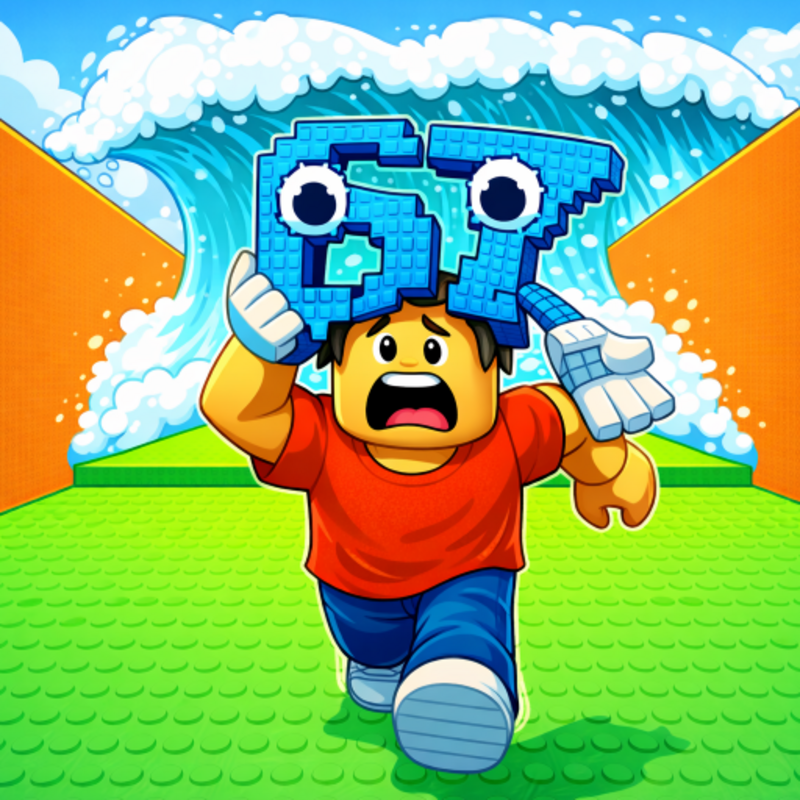
Cube Trap is a Roblox-style obby you can play unblocked right here on Physics Shark.
Show moreShow less
Play Cube Trap unblocked
Cube Trap is a Roblox-style obby you can play unblocked right here on Physics Shark. It runs in your browser with no download, no install and no account, so you can play it on a school Chromebook, a laptop, a phone or a tablet.
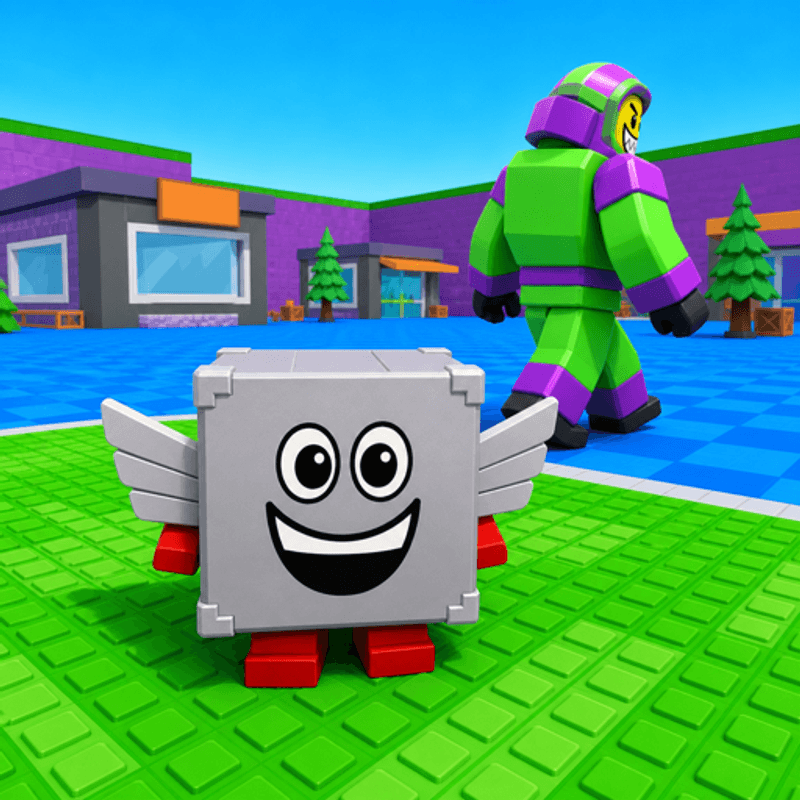
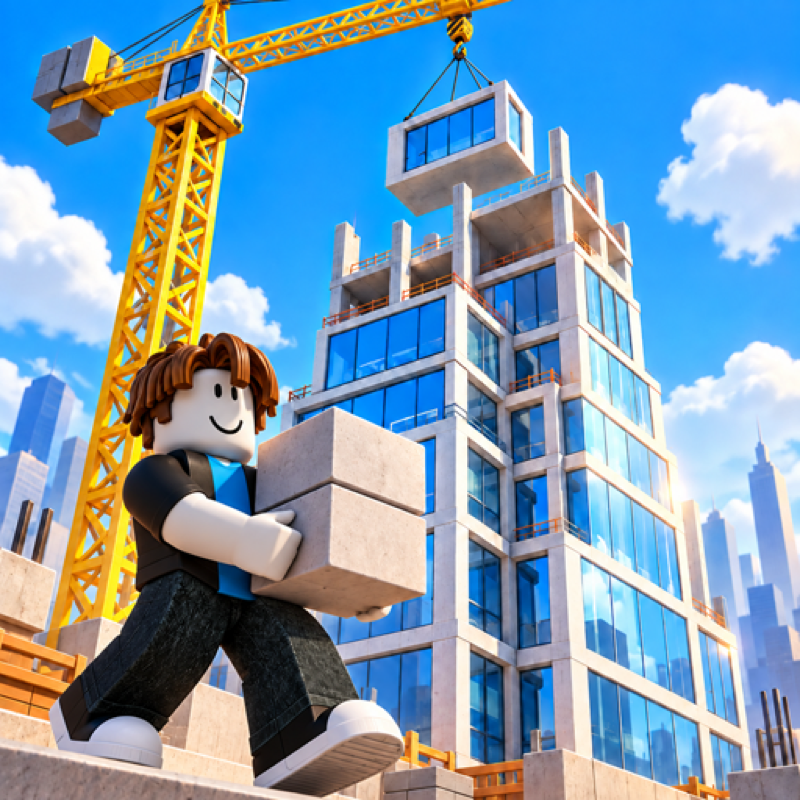
Cube Trap plays like the Roblox games everyone talks about: jump across tricky platforms, dodge traps and reach the next checkpoint. You don't need Roblox, an account or an install, just this page, so it works on school computers where apps are locked down.
What is Cube Trap?
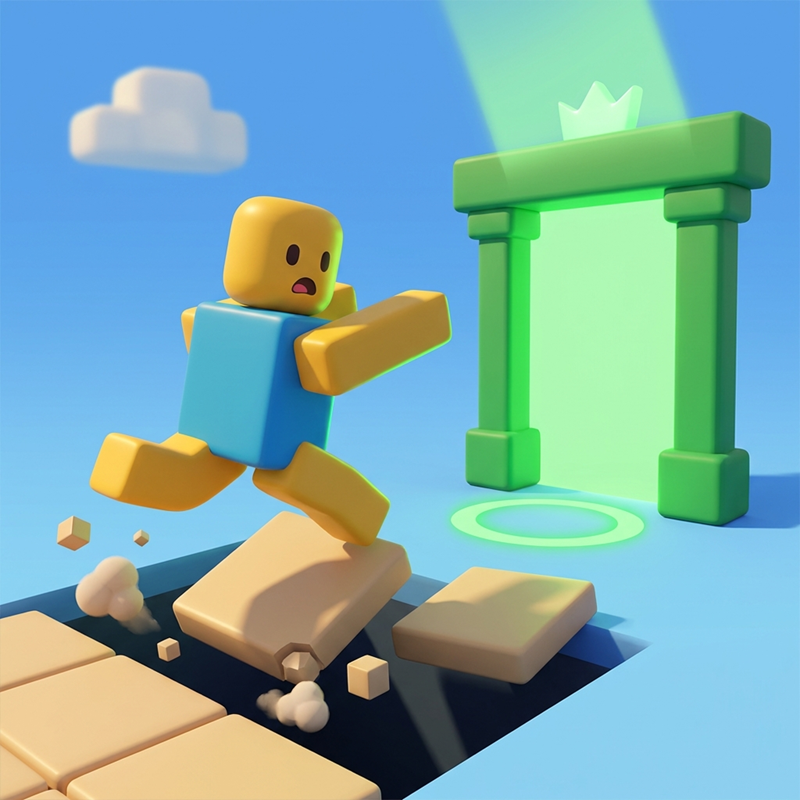
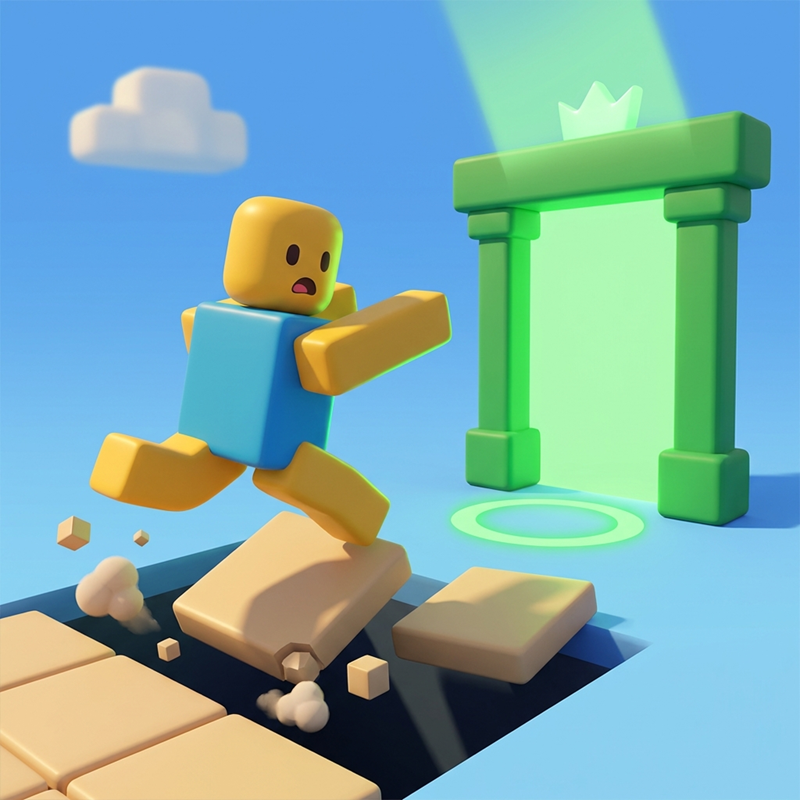
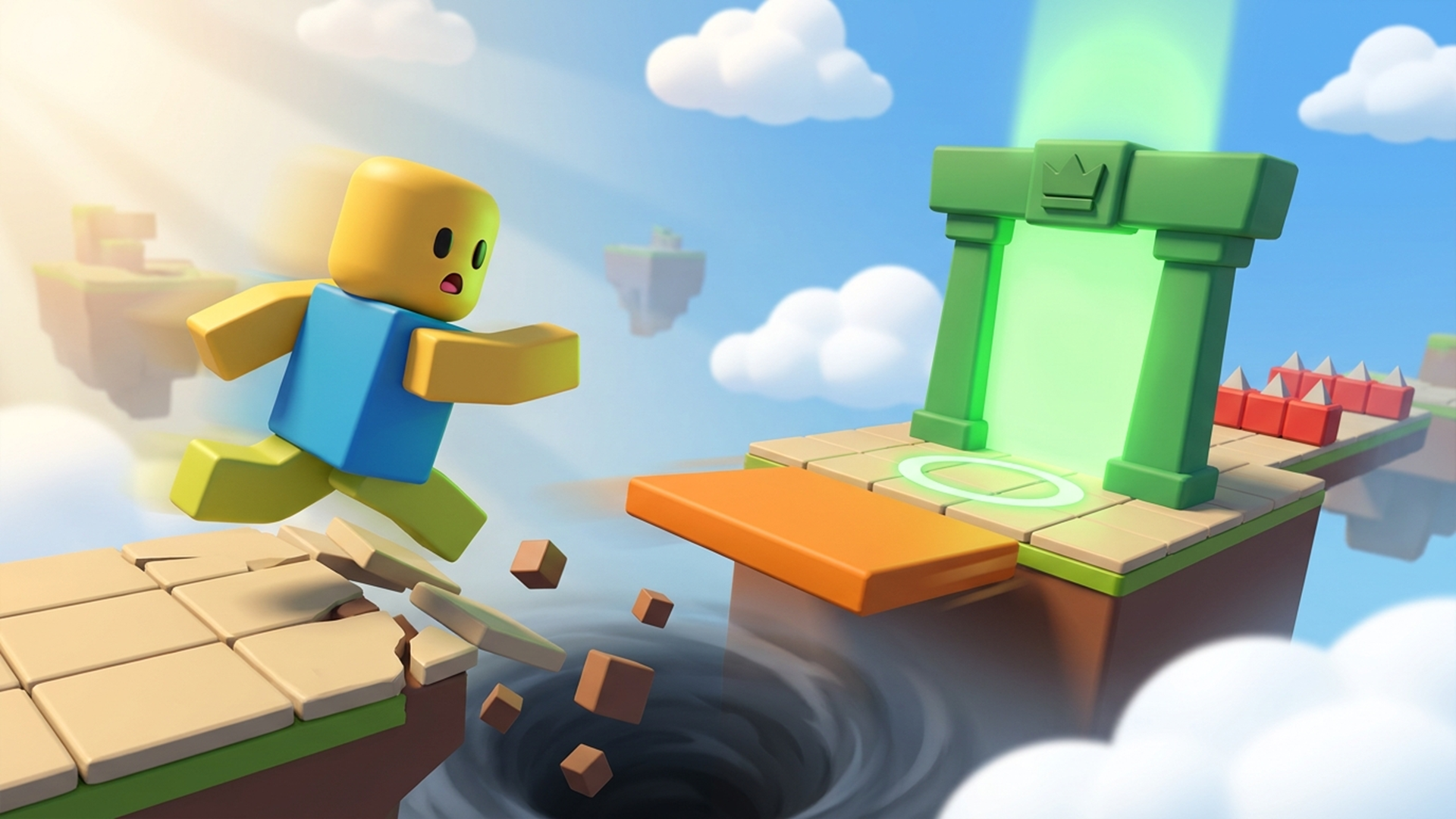
The room looks simple. Five steps to the door you want, level floor, no enemies. You start walking — and the floor drops out from under you.
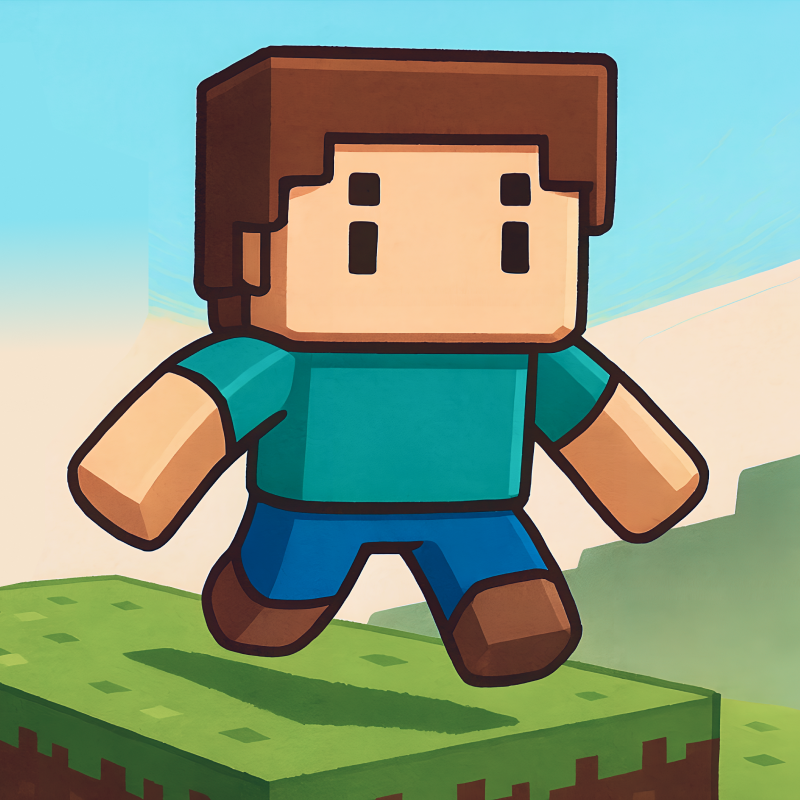
A 3D platformer that lies to your face. The platform slides away at the exact instant you jump. The ceiling comes down the moment you stand still. The controls flip to mirror mode halfway down a corridor. Gravity turns over, and the sky becomes the floor. And the door you were heading for sidesteps two paces and slams shut.
Nothing here is random: every dirty trick fires the same way every single time. The first time it kills you; the second time it doesn't. Death is instant and costs you nothing — the little cube guy bursts into parts and half a second later he's standing at the start again. Losing is impossible. The only thing you can do is fail to catch on.
How to play Cube Trap
The goal is simple: reach the green door. The hard part is that the level will fight you.
PC:
WASD or arrow keys — move
Space — jump (hold longer to jump higher)
Hold mouse button and drag — rotate camera
R — restart level
Esc — pause
Mobile:
Touch the left half of the screen — a joystick appears; drag your finger in the direction you want to go
Button on the right — jump (hold = higher)
Swipe anywhere on the free part of the screen — rotate camera
Cube Trap controls
- WASD or arrow keys: move
- Space: jump (hold longer to jump higher)
- R: restart level
- Esc: pause
Cube Trap FAQ
Is Cube Trap free to play?
Yes. Cube Trap is free on Physics Shark, with nothing to download and no account to make.
Can I play Cube Trap unblocked at school?
Cube Trap runs in a normal browser tab with no install, so it plays on school Chromebooks and laptops, with nothing to install and no account.
Does Cube Trap work on phones and tablets?
Yes. It works with touch controls on phones and tablets, and with a keyboard and mouse on computers.
Is Cube Trap a Roblox game?
No. Cube Trap is a Roblox-style browser game by an independent developer. It plays a lot like a Roblox obby, but you don't need Roblox or a Roblox account to play it.
Cube Trap is not made by, endorsed by or affiliated with Roblox Corporation. Roblox is a trademark of Roblox Corporation.
- LikedNo votes yet
- Rank#2147 of 2870
- PlaysBe the first!
- UpdatedNovember 2026
Gameplay
About this game
- Controls
- WASD or arrow keysmove
- Spacejump (hold longer to jump higher)
- Rrestart level
- Escpause
- Supported devices
- Desktop, phone and tablet














