 Physics Shark











Beam Drive Car Crash Test Simulator
Play Beam Drive Car Crash Test Simulator online for free on Physics Shark. This driving game runs in a normal browser tab, so there's nothing to download and no sign-up, and it works on a school…
Show moreShow less
Play Beam Drive Car Crash Test Simulator unblocked
Play Beam Drive Car Crash Test Simulator online for free on Physics Shark. This driving game runs in a normal browser tab, so there's nothing to download and no sign-up, and it works on a school Chromebook, a laptop, a phone or a tablet.
What is Beam Drive Car Crash Test Simulator?
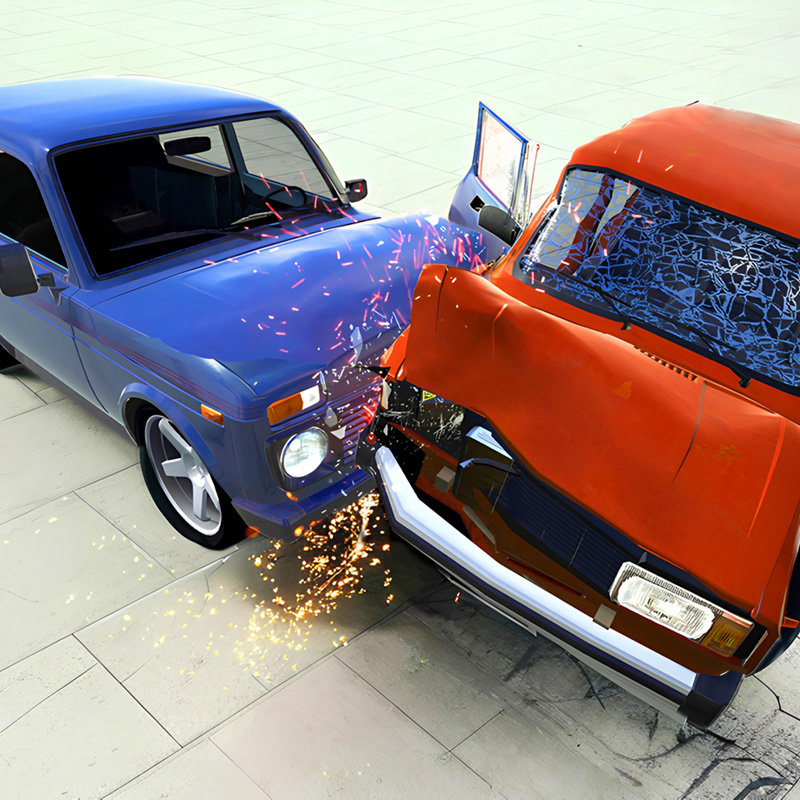
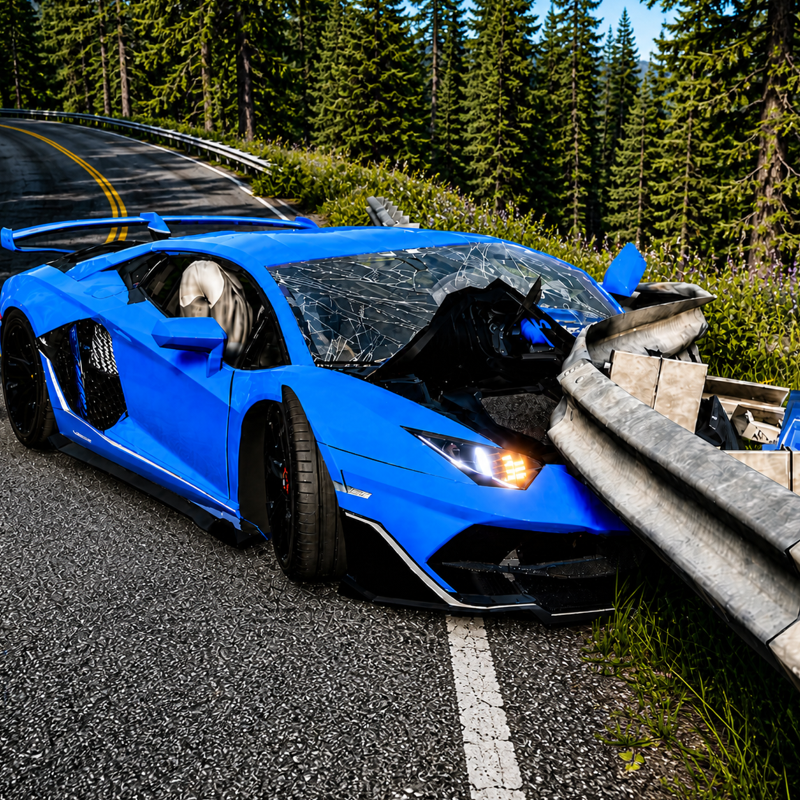
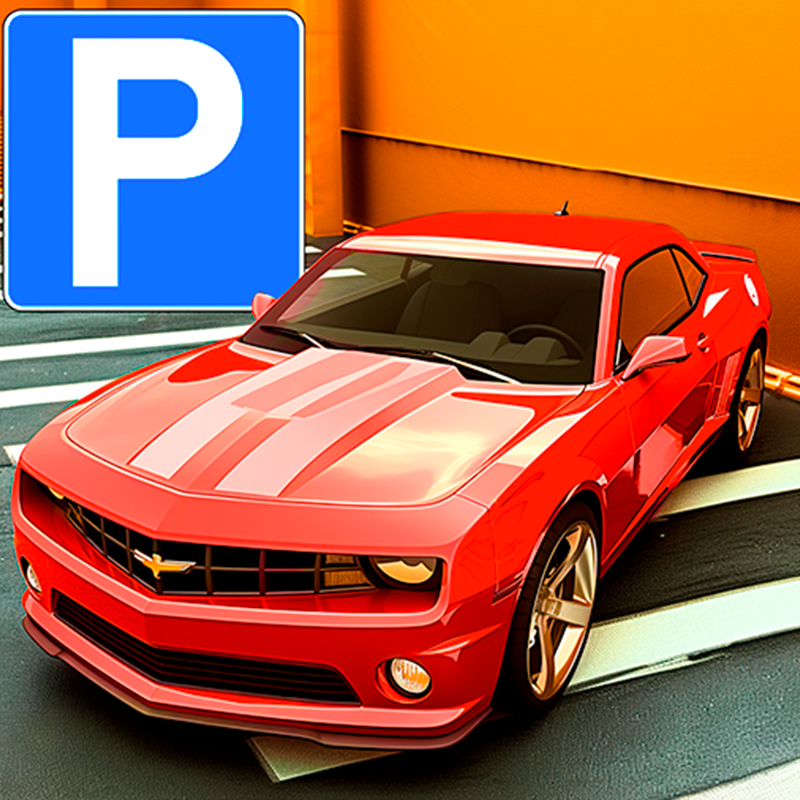
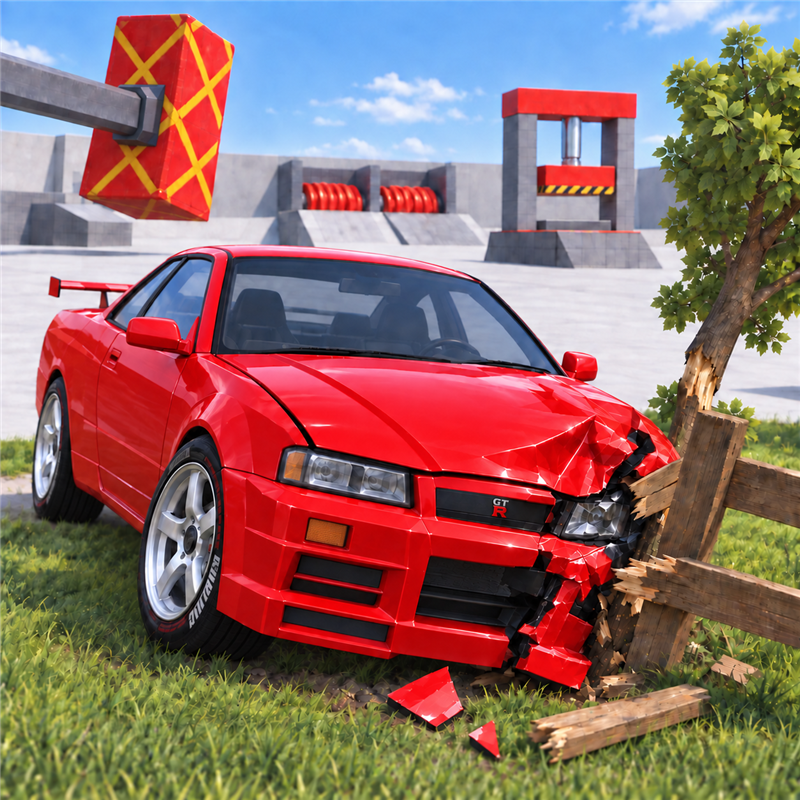
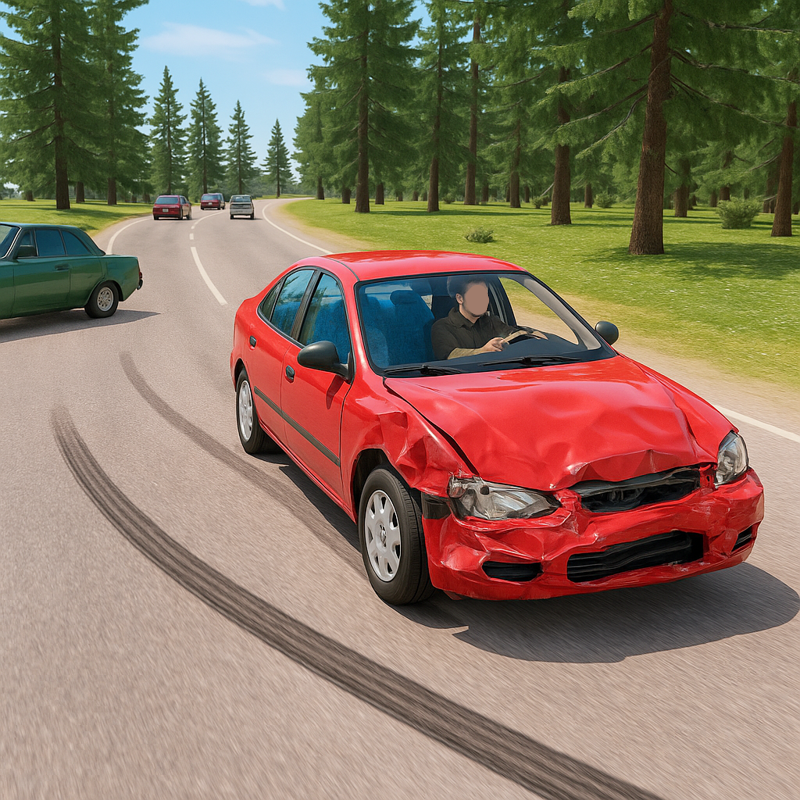
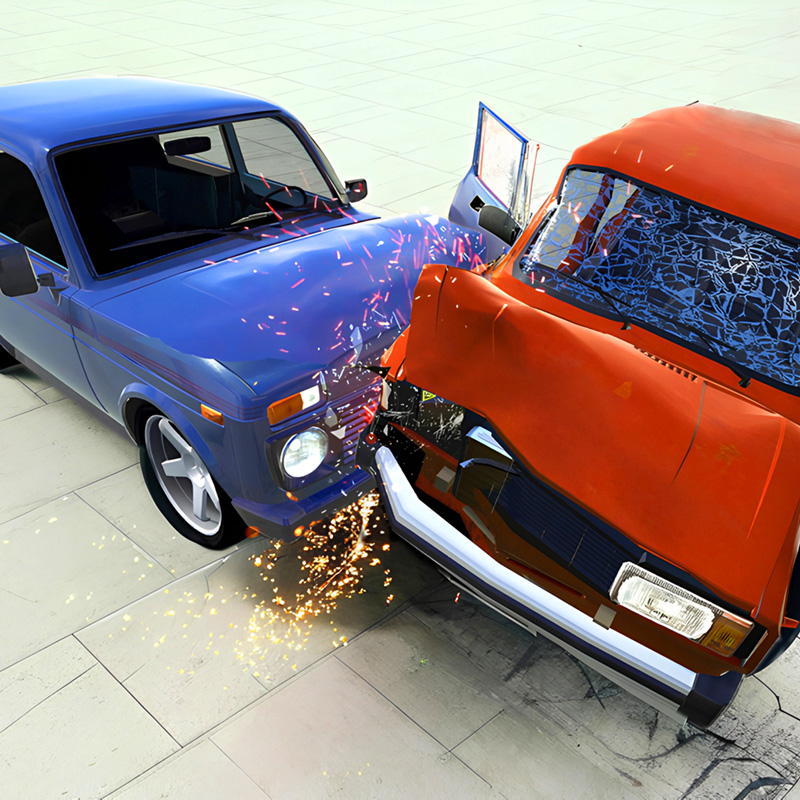
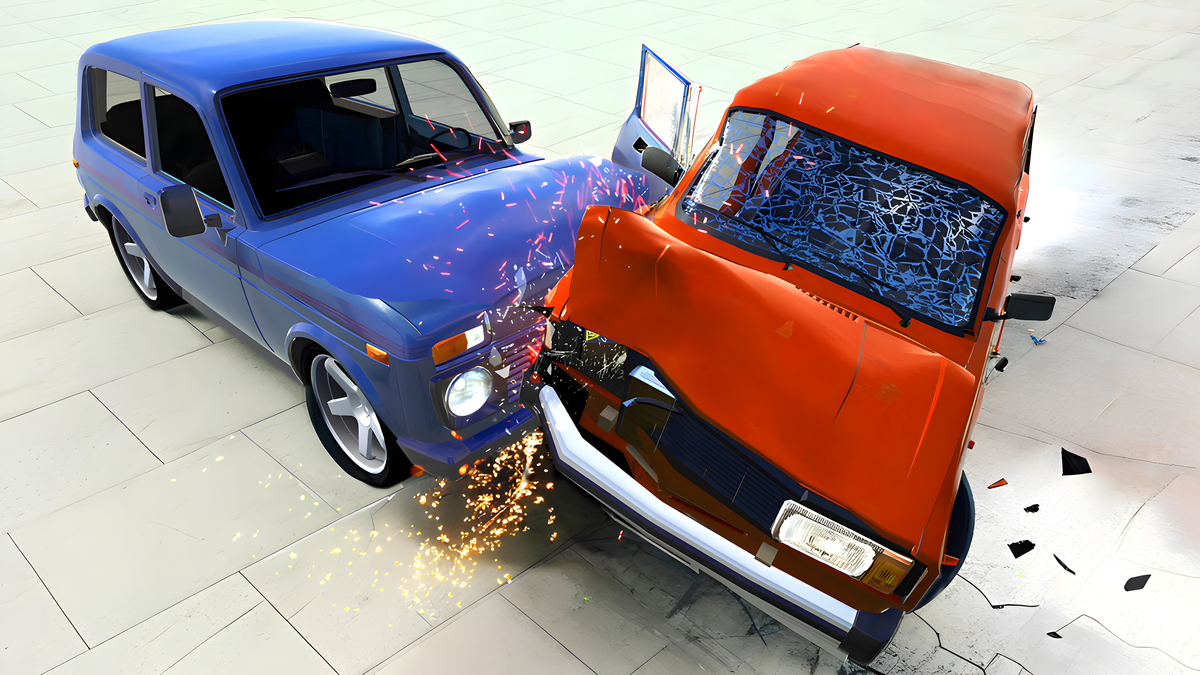
Dive into the exhilarating world of car crashes with the Beam Drive Car Crash Test Simulator. Perfect for those who love realistic car destruction and high-speed racing, this free online game is accessible on both mobile and PC. Prepare for an entertaining experience filled with destruction physics!
Controls:
Desktop: WASD — movement, right mouse button to click buttons, ZX — left and right turn signals. Mouse wheel — zoom in/out camera, left mouse button — rotate camera.
Mobile: Tap the buttons. Left/right buttons, accelerate forward, reverse.
Key Features:
- Realistic controls: The game features highly accurate controls, along with vehicle destructibility. Watch as cars crumple, tear apart, and explode into pieces!
- Create your own levels: If the basic maps aren't enough for you, create your own — you decide what will be on your map and how it will look!
- Choose your car: Pick the car you like and hit the road! Wonder how long your journey will be.
Game Modes:
- Classic mode: A classic mode where you can play on 8 ready-made maps and test the cars!
- Map Editor: A separate large world where you can create your own maps as your heart desires. Come up with your own challenges and obstacles or just create something unique.
Vehicles / Cars:
- Caro: A powerful muscle car. It will impress you with its speed and power. See how it withstands obstacles in its path!
- Flash: The futuristic electric car! Powerful and fast enough. Watch how it takes a hit!
- Syper: A sports car designed specifically for speed. Street racing is its forte, but how will it perform on the map? Find out!
Core Gameplay & Story
Q: What is the goal of the game?
A: Test the cars' durability by completing challenges, or create your own! It's your sandbox where you can play as you wish! Choose a car and go racing on the map! You can complete challenges or immediately destroy your car on the first obstacle! Watch as cars turn into heaps of metal, or try to keep them intact. The choice is yours!
Q: How do you win / what counts as losing?
A: This is your sandbox where you set the rules. Destroy cars and enjoy watching them explode, or try to keep them whole!
Q: What grabs attention in the first minutes?
A: Realistic controls and driving physics allow for realistic scenarios. You can turn on the turn signal, honk, and even get out of the car or drive from a first-person perspective, witnessing all the chaos from inside! A wide selection of maps lets you play out numerous scenarios!
Mechanics & Progression
Q: How many levels are there / is the structure clear?
A: There are 8 maps in the game, each differing in challenges and content. But if that's not enough, you can create your own map in the map editor! You're not limited in possible scenarios!
Q: What unlocks as you play?
A: Unlock new cars and test their durability! See how many challenges they can withstand.
Economy & Customization
Q: Are there skins / customization?
A: Paint the cars in your desired color and see how they perform on the map!
Q: What is available from the start?
A: Most cars in the game are available from the start. Begin your journey with the car you like!
Retention & Engagement
Q: Is sound necessary?
A: Sound is not mandatory, but it can enhance the emotional experience!
Q: Is there onboarding in the game? What does it entail?
A: At the beginning of the game, you'll be taught how to control the car, and from the first seconds, you'll understand what to do!
How to play Beam Drive Car Crash Test Simulator
Driving/Walking/Flying - WASD
Right mouse button - Rotate camera
Space - Handbrake
C - Change camera
B - Look back
H - Horn
J - Hazard lights
Z - Left turn signal
X - Right turn signal
For mobile devices, use the in-game interface.
Beam Drive Car Crash Test Simulator controls
- WASD: Driving/Walking/Flying
- Right mouse button: Rotate camera
- Space: Handbrake
- C: Change camera
- B: Look back
- H: Horn
- J: Hazard lights
- Z: Left turn signal
Beam Drive Car Crash Test Simulator FAQ
Is Beam Drive Car Crash Test Simulator free to play?
Yes. Beam Drive Car Crash Test Simulator is free on Physics Shark, with nothing to download and no account to make.
Can I play Beam Drive Car Crash Test Simulator unblocked at school?
Beam Drive Car Crash Test Simulator runs in a normal browser tab with no install, so it plays on school Chromebooks and laptops, with nothing to install and no account.
Does Beam Drive Car Crash Test Simulator work on phones and tablets?
Yes. It works with touch controls on phones and tablets, and with a keyboard and mouse on computers.
- LikedNo votes yet
- Rank#379 of 2870
- PlaysBe the first!
- UpdatedNovember 2026
Gameplay
About this game
- Controls
- WASDDriving/Walking/Flying
- Right mouse buttonRotate camera
- SpaceHandbrake
- CChange camera
- BLook back
- HHorn
- JHazard lights
- ZLeft turn signal
- XRight turn signal
- Supported devices
- Desktop, phone and tablet
- Genre
- Drivingsimulationcarboyscar crashdestructioncrash
- Games like Beam Drive Car Crash Test Simulator
- Bus Escape: Clear JamAirplane Flight Manager GameCrash Test Simulator 3dDrift Idle Drift Earn UpgradePolice Mom SimulatorDemolition Car - Rope and Hook














