 Physics Shark







Crime and Vice City Police
Play Crime and Vice City Police online for free on Physics Shark. This 3D driving game runs in a normal browser tab, so there's nothing to download and no sign-up, and it works on a school…
Show moreShow less
Play Crime and Vice City Police unblocked
Play Crime and Vice City Police online for free on Physics Shark. This 3D driving game runs in a normal browser tab, so there's nothing to download and no sign-up, and it works on a school Chromebook, a laptop, a phone or a tablet.
What is Crime and Vice City Police?
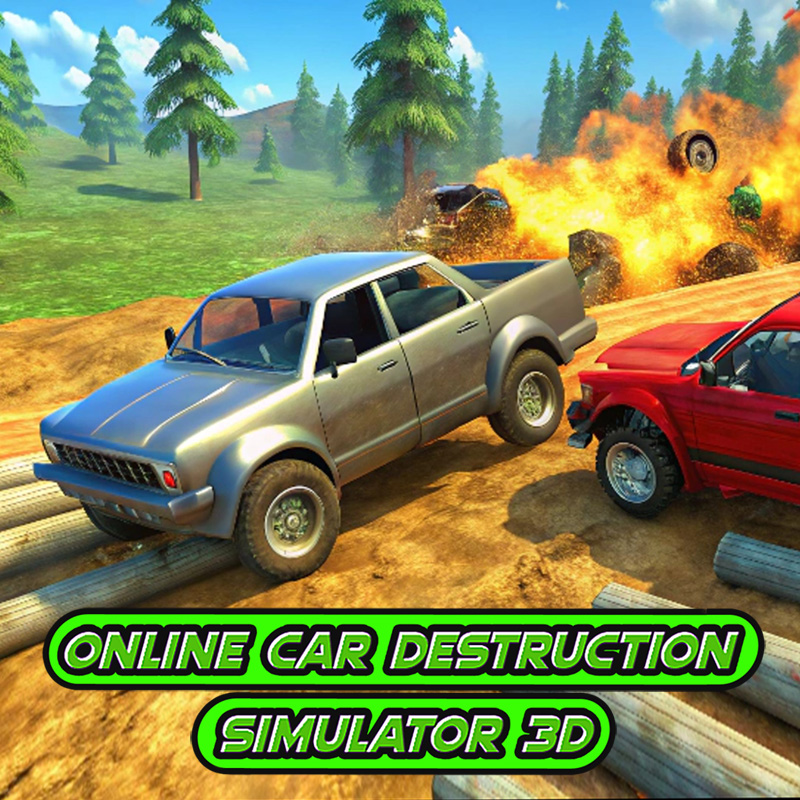
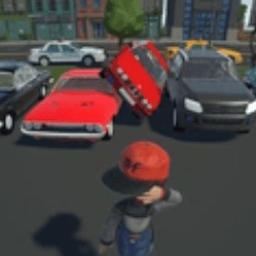
Switch to different cars and drive around the city with a bunch of other cars and the police.
- Many different locations: Urban city, hills, crash test tracks, etc.
- Online Multiplayer!
- Tuning system.
- Destruction of the car.
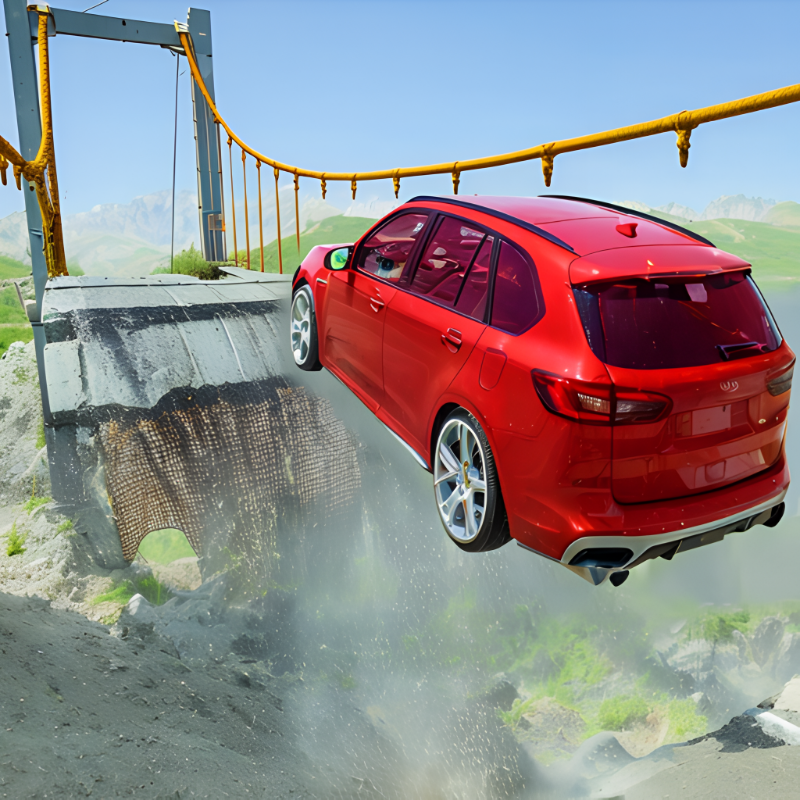
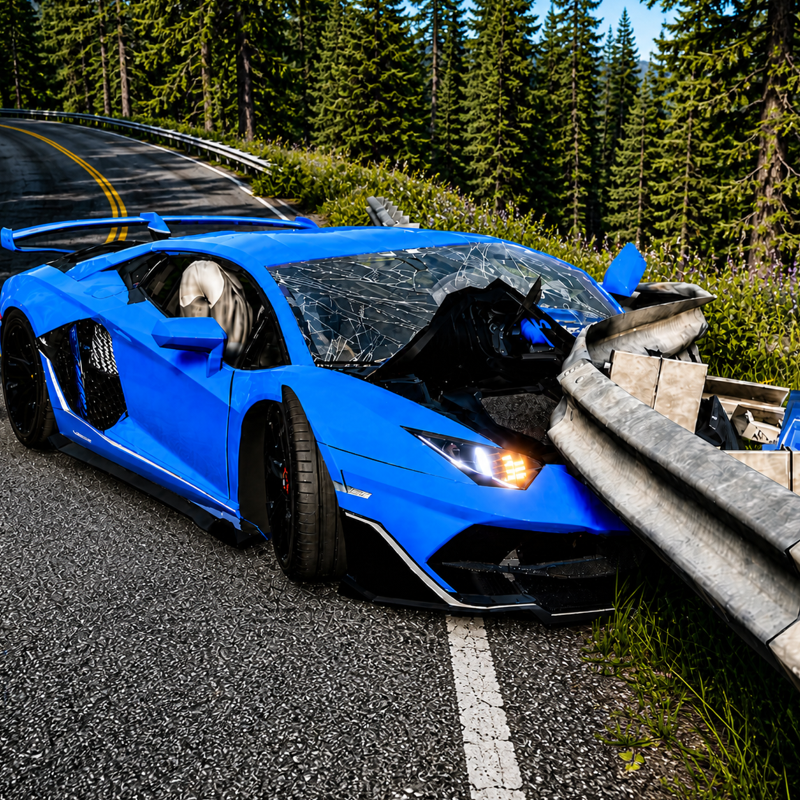
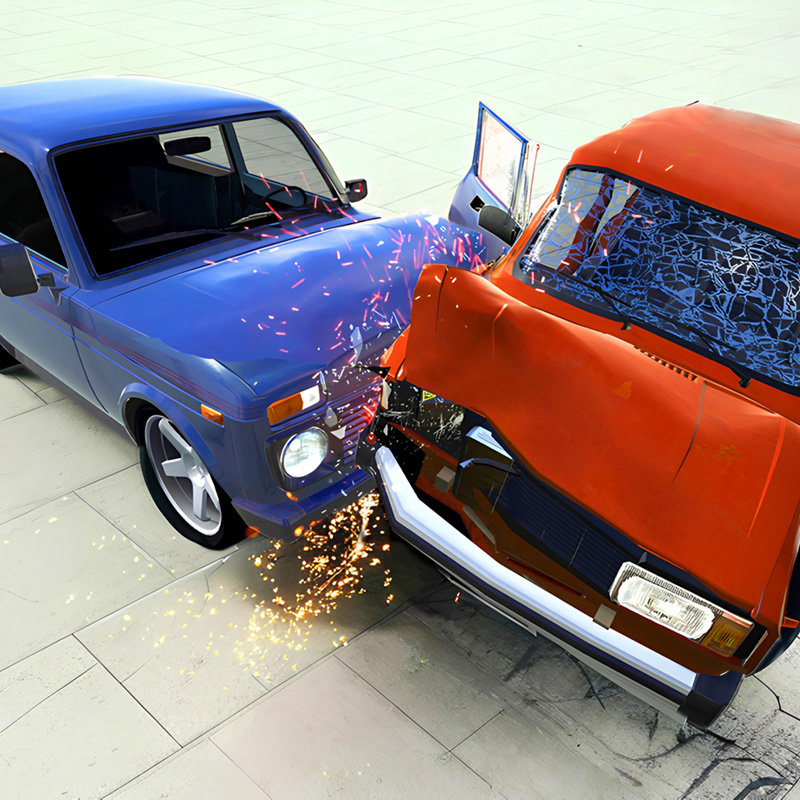
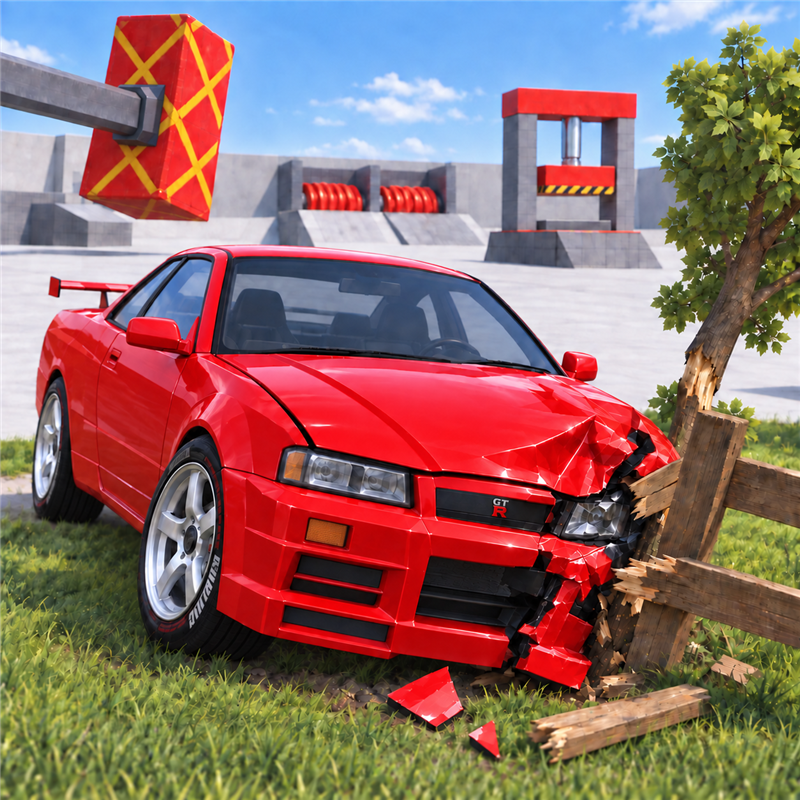
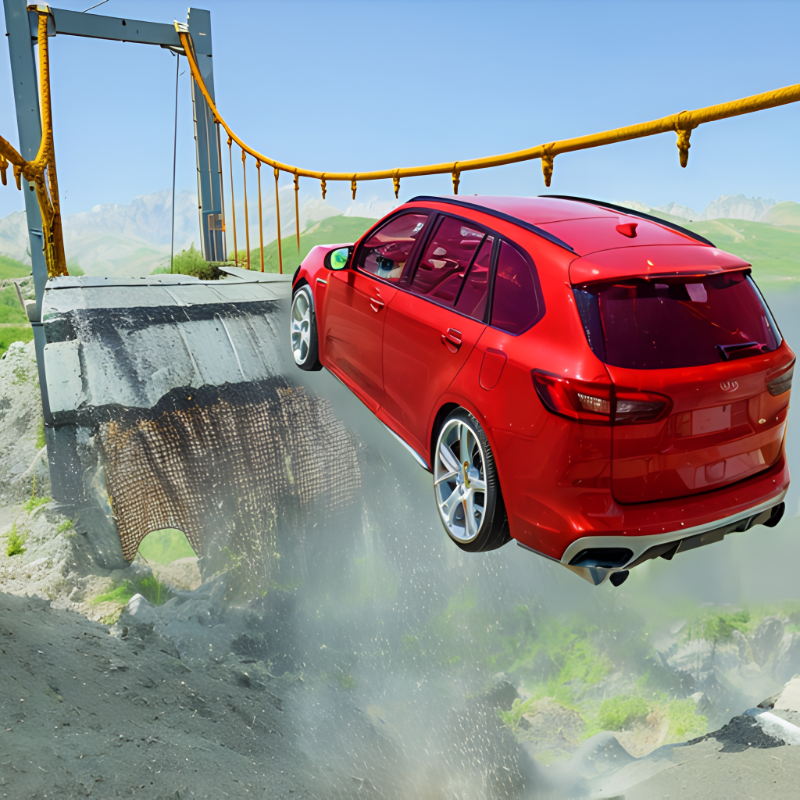
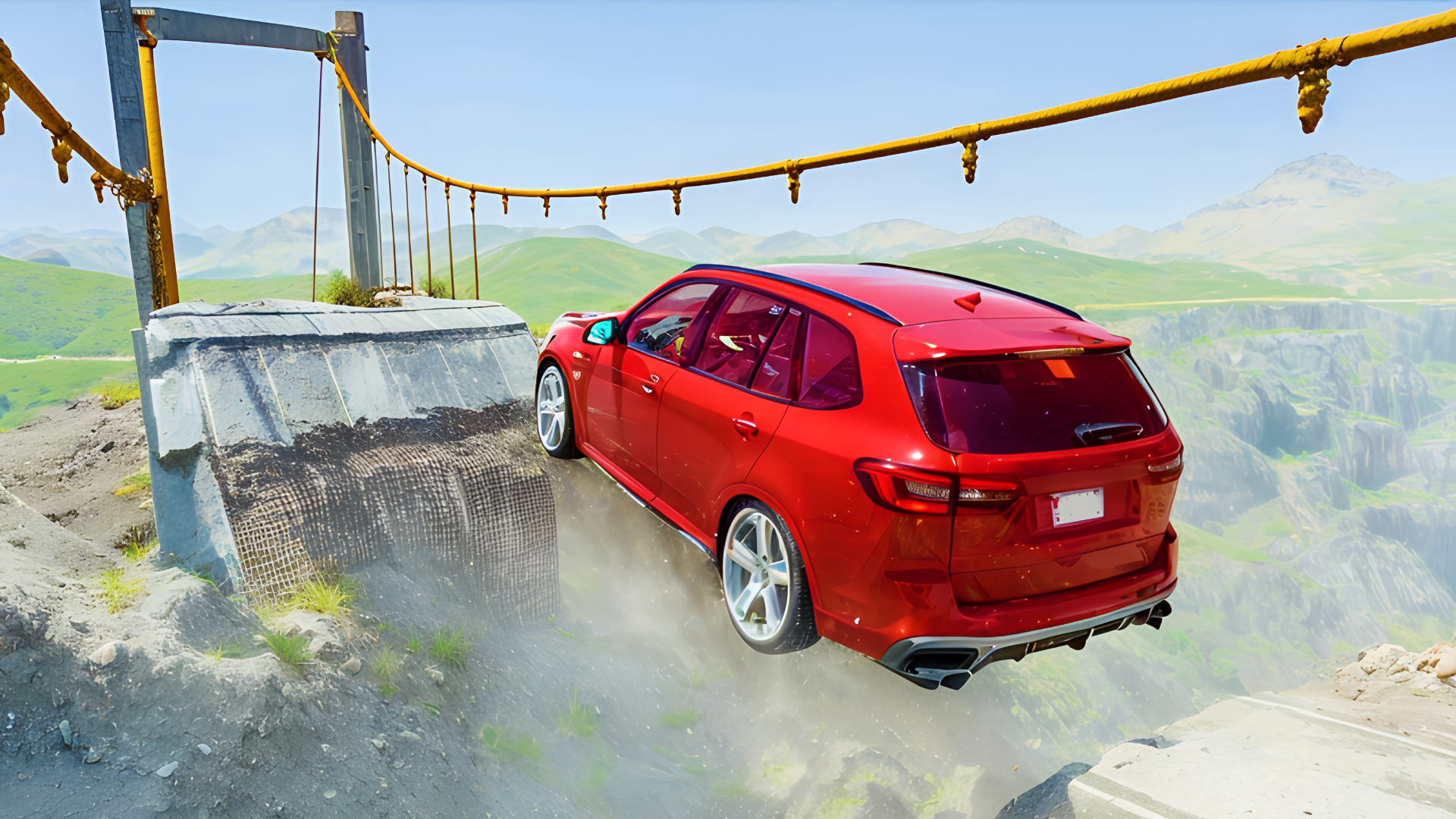
There will be other cars on the city highway that can be broken! Complete deformation of the transport and realistic collisions.
Arrange a crash test of cars and watch their destruction in slow motion. All the destruction of cars has a realistic simulation.
How to play Crime and Vice City Police
Controls:
TAB - pause menu (or Escape)
Moving W (forward), S (backward), A (left), D (right).
Spacebar - handbrake.
Shift - nitro.
C - change camera.
R - reset car.
K - restore car.
B - slow down time.
N - switch car.
For mobile devices, use the game interface.
Crime and Vice City Police controls
- TAB: pause menu (or Escape)
- Spacebar: handbrake
- Shift: nitro
- C: change camera
- R: reset car
- K: restore car
- B: slow down time
- N: switch car
Crime and Vice City Police FAQ
Is Crime and Vice City Police free to play?
Yes. Crime and Vice City Police is free on Physics Shark, with nothing to download and no account to make.
Can I play Crime and Vice City Police unblocked at school?
Crime and Vice City Police runs in a normal browser tab with no install, so it plays on school Chromebooks and laptops, with nothing to install and no account.
Does Crime and Vice City Police work on phones and tablets?
Yes. It works with touch controls on phones and tablets, and with a keyboard and mouse on computers.
- LikedNo votes yet
- Rank#478 of 2870
- PlaysBe the first!
- UpdatedNovember 2026
Gameplay
About this game
- Controls
- TABpause menu (or Escape)
- Spacebarhandbrake
- Shiftnitro
- Cchange camera
- Rreset car
- Krestore car
- Bslow down time
- Nswitch car
- Supported devices
- Desktop, phone and tablet
- Genre
- Drivingcarmultiplayersimulationpolice3dgta














