 Physics Shark









Van Rush!
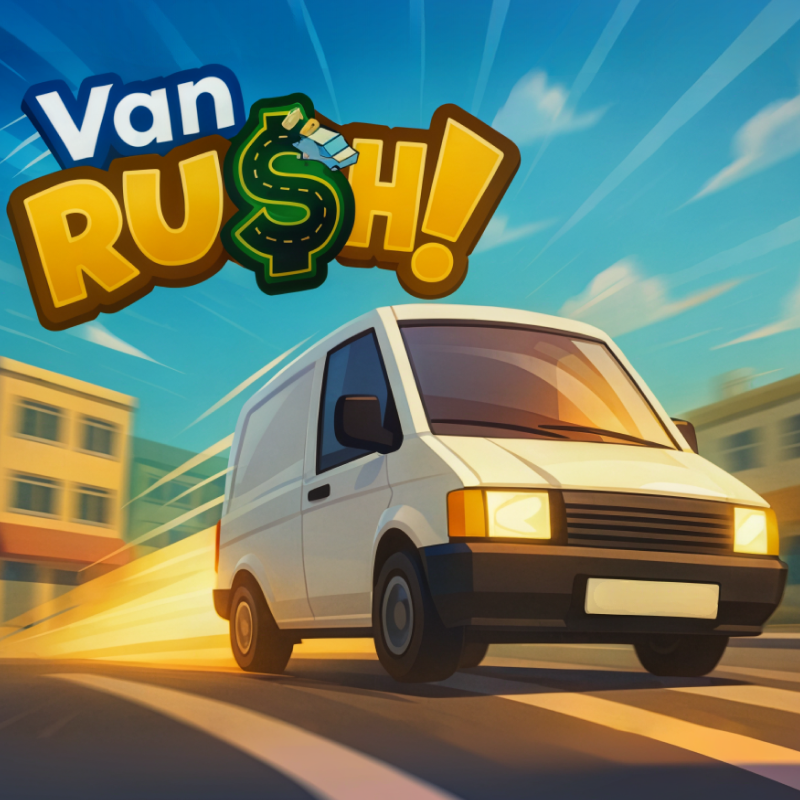
Van Rush! is a driving game you can play unblocked right here on Physics Shark. It runs in your browser with no download, no install and no account, so you can play it on a Chromebook or any computer…
Show moreShow less
Play Van Rush! unblocked
Van Rush! is a driving game you can play unblocked right here on Physics Shark. It runs in your browser with no download, no install and no account, so you can play it on a Chromebook or any computer with a keyboard and mouse.
What is Van Rush!?
🚚Van Rush!📦
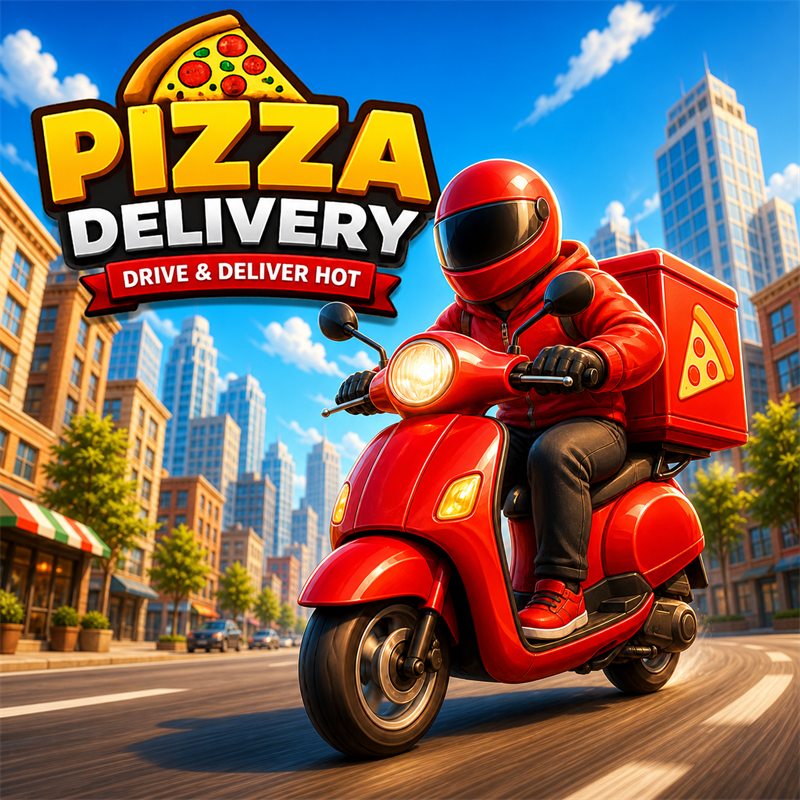
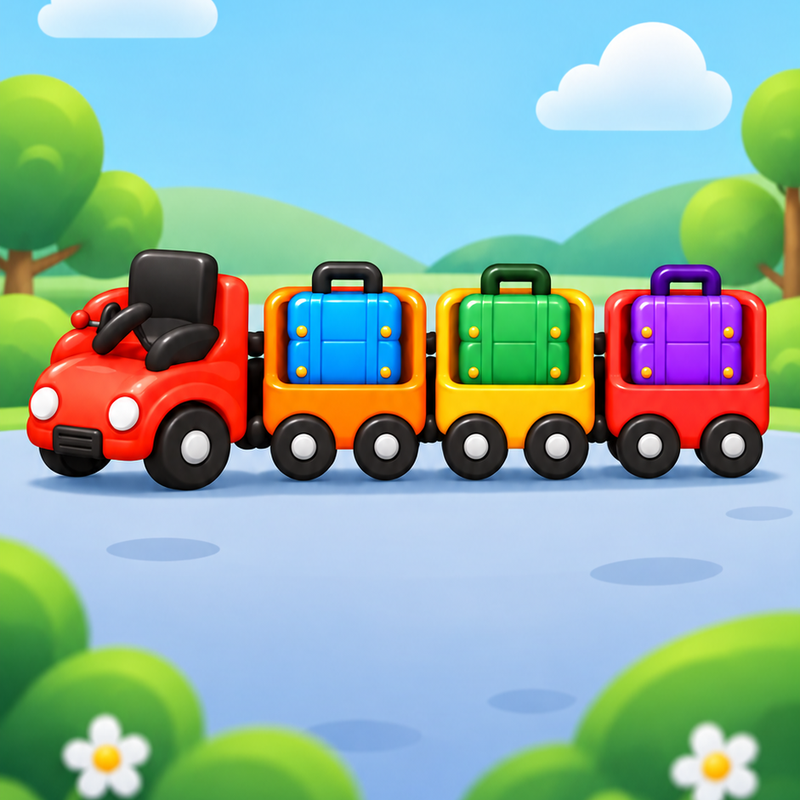
Drive, pass puzzle, deliver deliveries, load packages, earn money and buy offers.
How to play Van Rush!
⚠️Attention⚠️
Recomended to play in fullscreen.
You can change cursor vibility state by pressing "C" it helps to switch fast between selecting order and driving van.
⚠️Tutorial⚠️
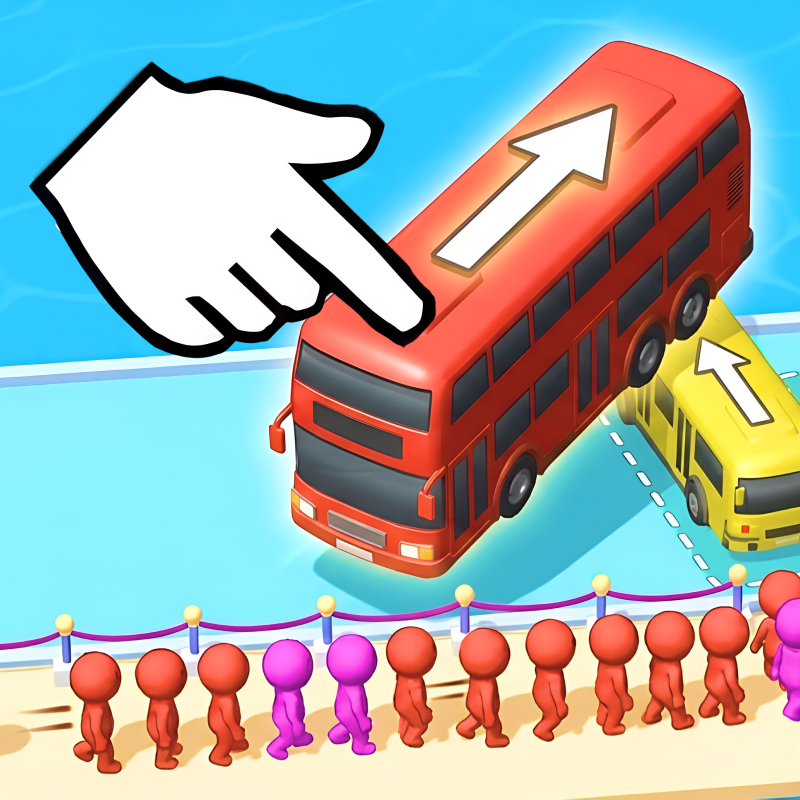
Drive van to the orange platform and wait 3 seconds, after that loading puzzle will open, after finishing puzlle press Finish and deliveries will appear in the deliveries menu, click on the delivery to take. After taking delivery on map will appear green circle that's the place where you need to deliver package, package can be took from the van back.
🎮Controls🎮
W/A/S/D - Movement
W/A/S/D - Car Controls
Space - Brake
E - Take Package
E - Deliver Package
M - Open/Close big map
O - Open/Close offers menu
C - Change Cursor Visibility
Tab - Open/Close Deliveries Menu
P - Pause
Van Rush! controls
- W/A/S/D: Movement
- W/A/S/D: Car Controls
- Space: Brake
- E: Take Package
- E: Deliver Package
- M: Open/Close big map
- O: Open/Close offers menu
- C: Change Cursor Visibility
Van Rush! FAQ
Is Van Rush! free to play?
Yes. Van Rush! is free on Physics Shark, with nothing to download and no account to make. The game has optional in-game purchases, but you never need them to play.
Can I play Van Rush! unblocked at school?
Van Rush! runs in a normal browser tab with no install, so it plays on school Chromebooks and laptops, with nothing to install and no account.
Does Van Rush! work on phones and tablets?
It's made for computers: play it with a keyboard and mouse, for example on a Chromebook.
- LikedNo votes yet
- Rank#2005 of 2870
- PlaysBe the first!
- UpdatedNovember 2026
Gameplay
About this game
- Controls
- W/A/S/DMovement
- W/A/S/DCar Controls
- SpaceBrake
- ETake Package
- EDeliver Package
- MOpen/Close big map
- OOpen/Close offers menu
- CChange Cursor Visibility
- TabOpen/Close Deliveries Menu
- PPause
- Supported devices
- Desktop only: best with a keyboard and mouse
- Genre
- Drivingcardeliverytime managementgam supported














