 Physics Shark










Rocket Rush
Play Rocket Rush online for free on Physics Shark. This 3D driving game runs in a normal browser tab, so there's nothing to download and no sign-up, and it works on a school Chromebook, a laptop, a phone or a tablet.
Show moreShow less
Play Rocket Rush unblocked
Play Rocket Rush online for free on Physics Shark. This 3D driving game runs in a normal browser tab, so there's nothing to download and no sign-up, and it works on a school Chromebook, a laptop, a phone or a tablet.
What is Rocket Rush?
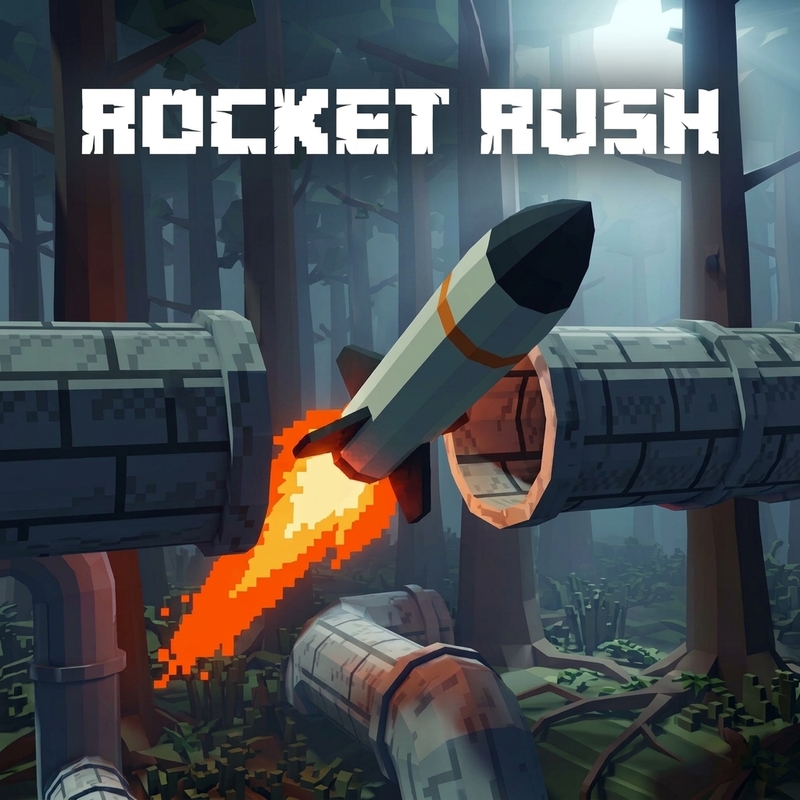
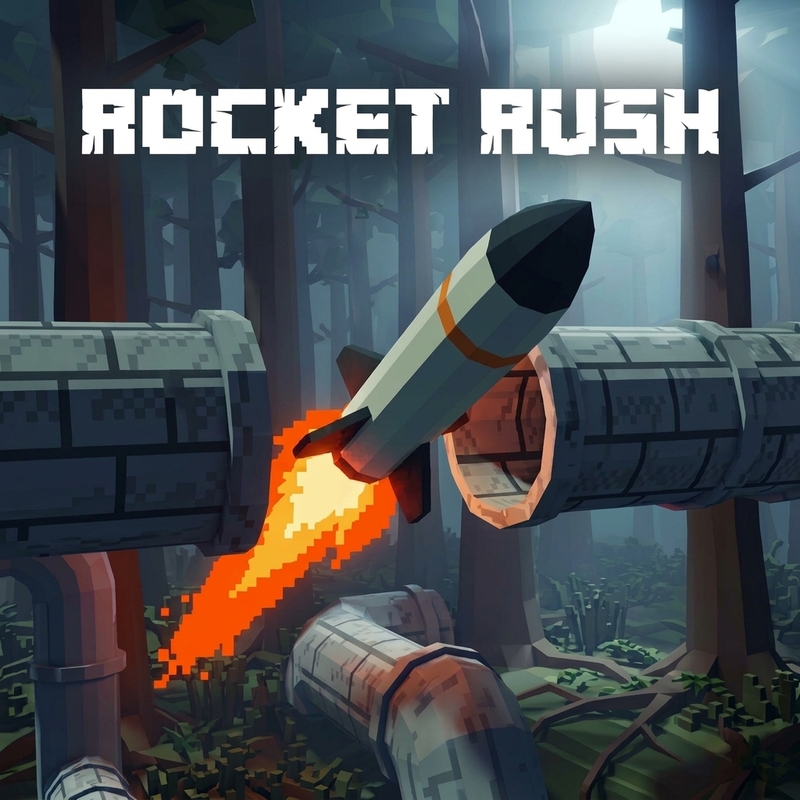
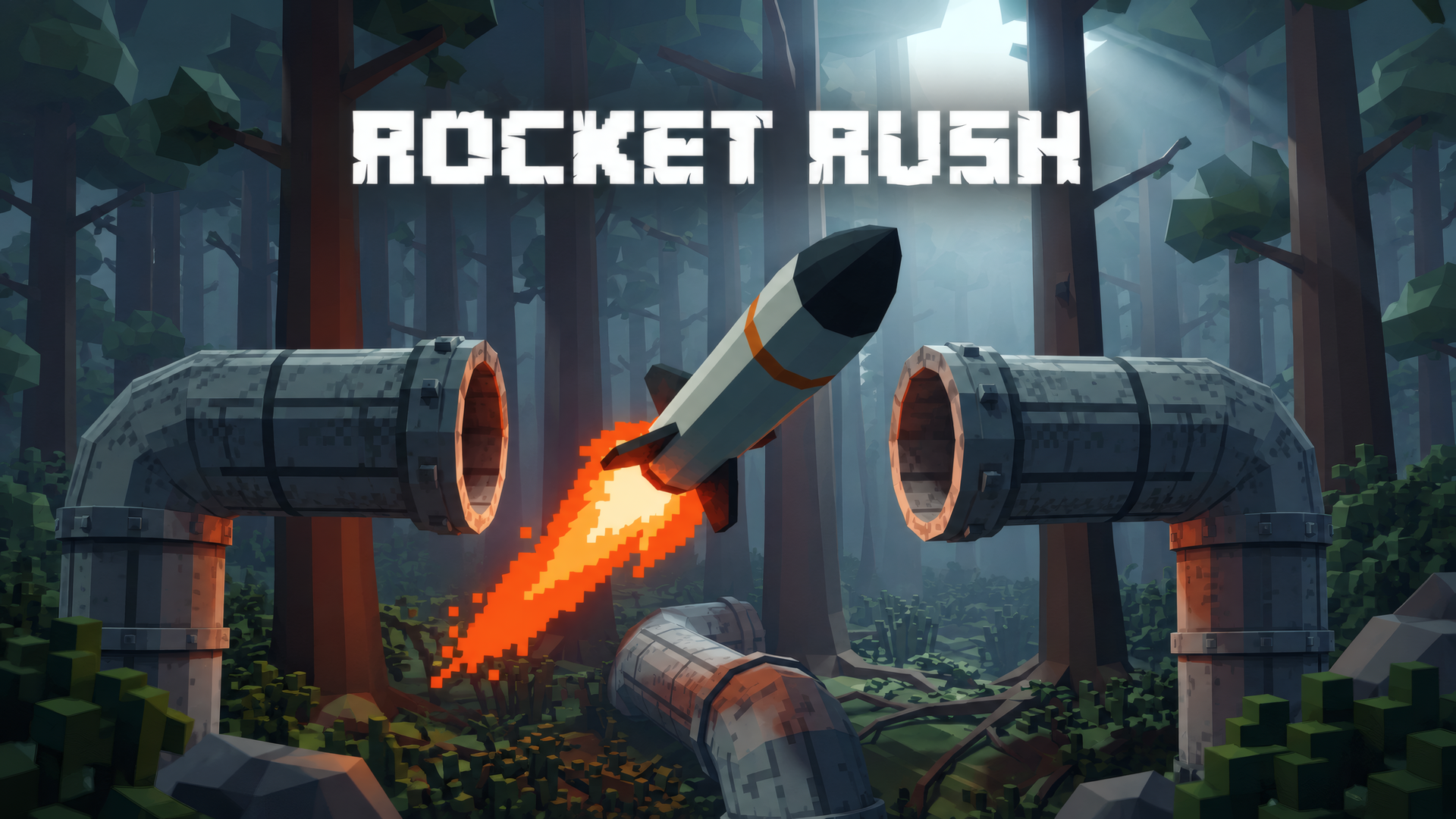
Take control of a rocket in a 3D arcade flying challenge! Navigate 20 handcrafted levels, dodge obstacles, manage your fuel, and hit your target. Fly through forests, buildings, and industrial tunnels, earn stars, and unlock different rockets and equipment to tackle increasingly demanding routes.
How to play Rocket Rush
Guide your rocket to the target before running out of fuel. Avoid obstacles, collect fuel cans, and improve your completion time to earn more stars. Spend earned credits on rockets and equipment.
Keyboard & mouse: Press Enter to launch. Steer with WASD or ZQSD, move the mouse to look around, hold Space to boost, and hold E to use an equipped parachute.
Controller: Steer with the left stick, look around with the right stick, hold RT/R2 to boost, and hold B/Circle to use an equipped parachute. Use A/Cross to confirm menu selections.
Touch: Tap to launch, steer with the on-screen joystick, drag to look around, and hold the boost or parachute buttons.
Rocket Rush controls
- Touch: Tap to launch, steer with the on-screen joystick, drag to look around, and hold the boost or parachute buttons
Rocket Rush FAQ
Is Rocket Rush free to play?
Yes. Rocket Rush is free on Physics Shark, with nothing to download and no account to make.
Can I play Rocket Rush unblocked at school?
Rocket Rush runs in a normal browser tab with no install, so it plays on school Chromebooks and laptops, with nothing to install and no account.
Does Rocket Rush work on phones and tablets?
Yes. It works with touch controls on phones and tablets, and with a keyboard and mouse on computers.
- LikedNo votes yet
- Rank#2713 of 2870
- PlaysBe the first!
- UpdatedNovember 2026
Gameplay
About this game
- Controls
- TouchTap to launch, steer with the on-screen joystick, drag to look around, and hold the boost or parachute buttons
- Supported devices
- Desktop, phone and tablet
- Genre
- Drivingarcadeactionsimulation3dflyingskill














