 Physics Shark









Truck Slam
Truck Slam is a 2-player driving game you can play unblocked right here on Physics Shark.
Show moreShow less
Play Truck Slam unblocked
Truck Slam is a 2-player driving game you can play unblocked right here on Physics Shark. It runs in your browser with no download, no install and no account, so you can play it on a school Chromebook, a laptop, a phone or a tablet.
What is Truck Slam?
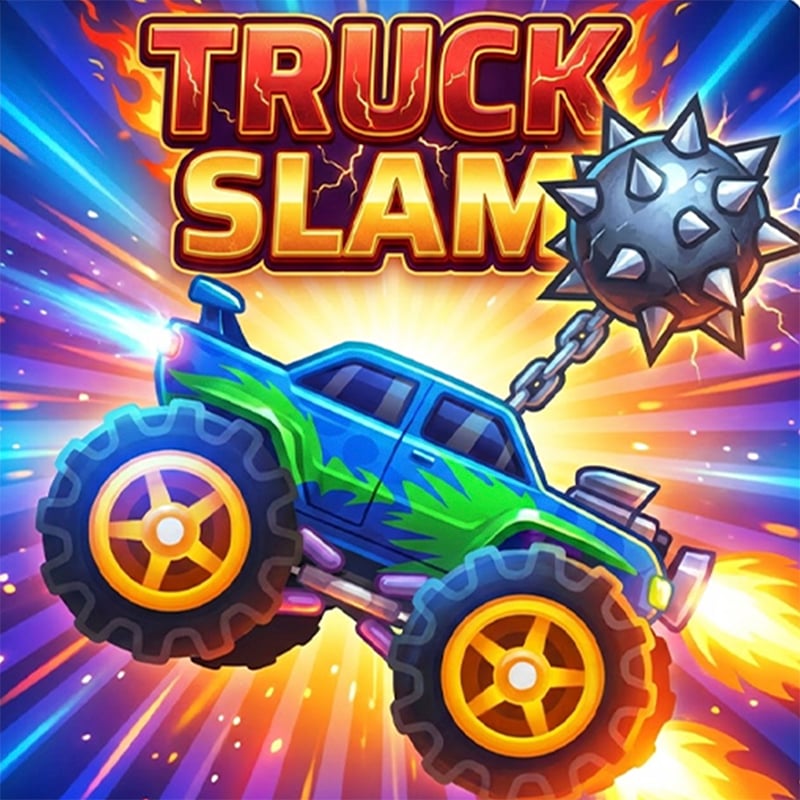
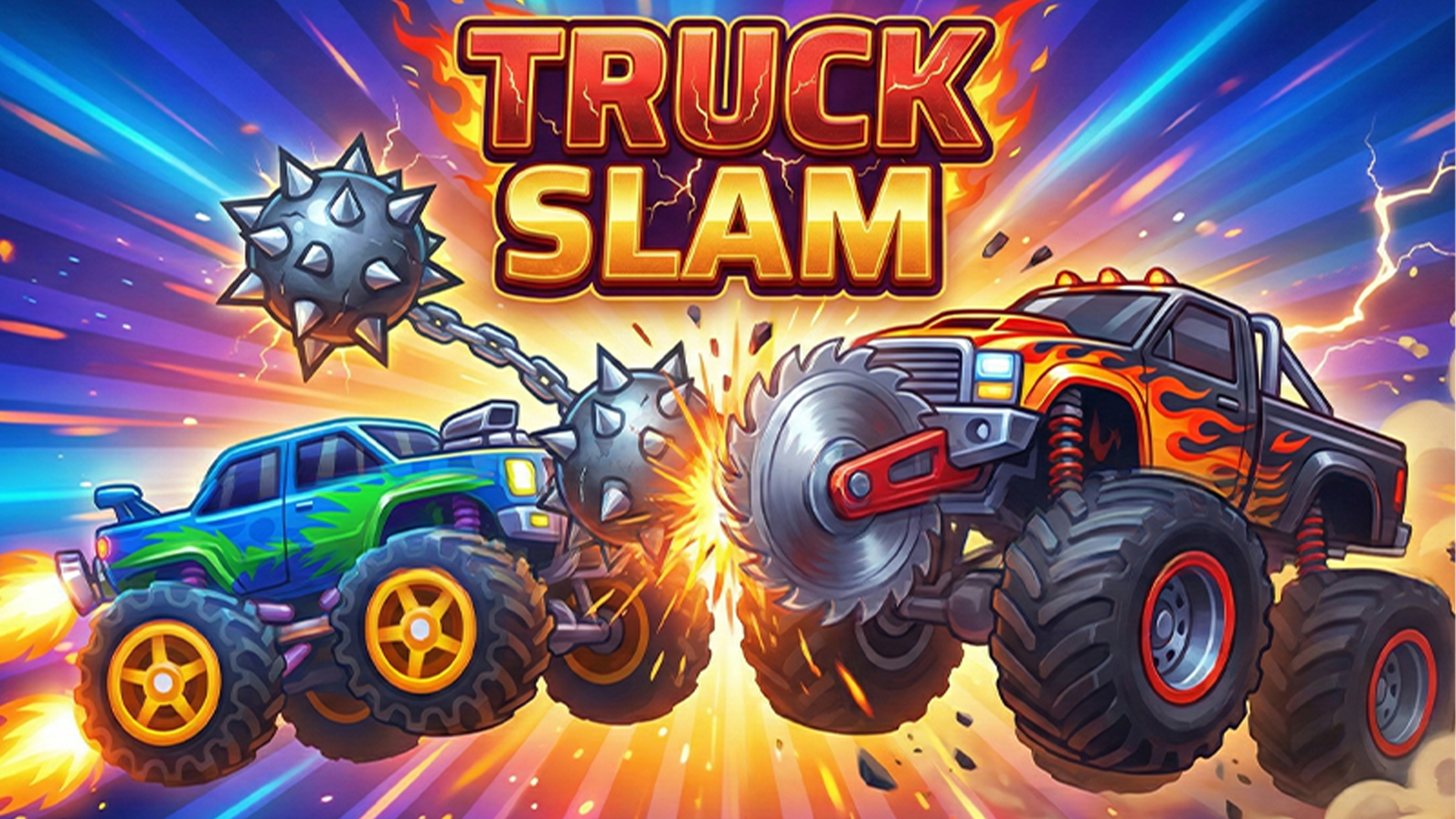
Two monster trucks. Two spinning maces. One survives. Smash enemies in single-player or duel a friend in 2-player mode on the same screen. Win battles, collect cogs, upgrade your wheels, body and mace — and keep slamming.
How to play Truck Slam
Drive your truck into the enemy and swing your mace to crush them — but watch out, they're swinging too.
Desktop — Player 1: A/D move, Q jump, S or Space swing. Player 2 (2-player mode): ←/→ move, ↑ jump, ↓ or Enter swing.
Mobile: on-screen buttons for left, right, jump and swing.
Single-player: clear levels, collect cogs, choose an upgrade after each victory. 2-player: best of the round wins.
Truck Slam controls
- Keyboard / mouse: Player 1: A/D move, Q jump, S or Space swing. Player 2 (2-player mode): ←/→ move, ↑ jump, ↓ or Enter swing
Truck Slam FAQ
Is Truck Slam free to play?
Yes. Truck Slam is free on Physics Shark, with nothing to download and no account to make.
Can I play Truck Slam unblocked at school?
Truck Slam runs in a normal browser tab with no install, so it plays on school Chromebooks and laptops, with nothing to install and no account.
Does Truck Slam work on phones and tablets?
Yes. It works with touch controls on phones and tablets, and with a keyboard and mouse on computers.
- LikedNo votes yet
- Rank#1010 of 2870
- PlaysBe the first!
- UpdatedNovember 2026
Gameplay
About this game
- Controls
- Keyboard / mousePlayer 1: A/D move, Q jump, S or Space swing. Player 2 (2-player mode): ←/→ move, ↑ jump, ↓ or Enter swing
- Supported devices
- Desktop, phone and tablet














