 Physics Shark
















Driverz Ed
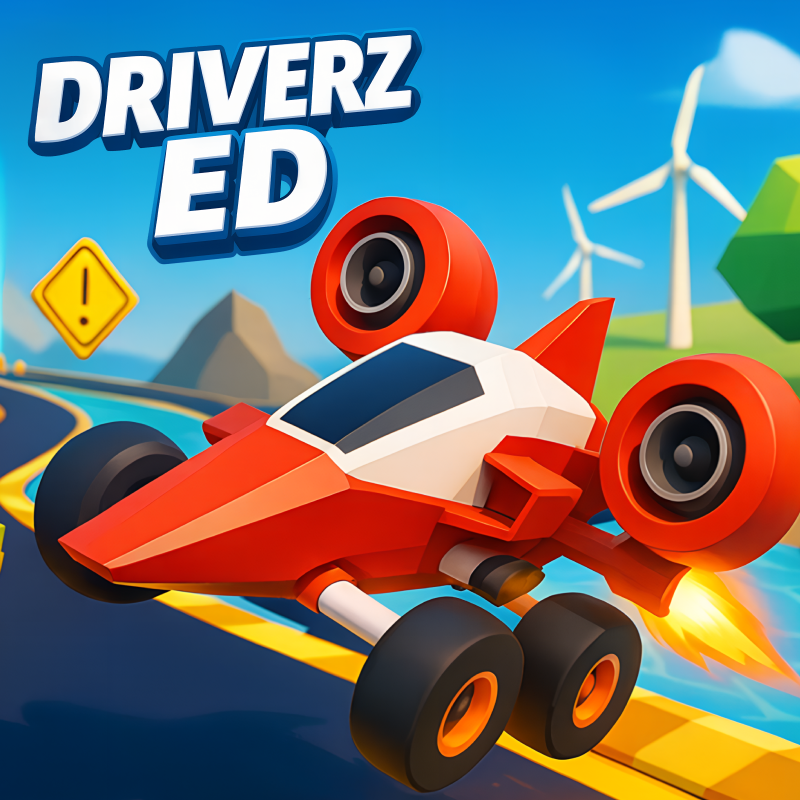
Driverz Ed is a driving game you can play unblocked right here on Physics Shark. It runs in your browser with no download, no install and no account, so you can play it on a school Chromebook, a…
Show moreShow less
Play Driverz Ed unblocked
Driverz Ed is a driving game you can play unblocked right here on Physics Shark. It runs in your browser with no download, no install and no account, so you can play it on a school Chromebook, a laptop, a phone or a tablet.
What is Driverz Ed?
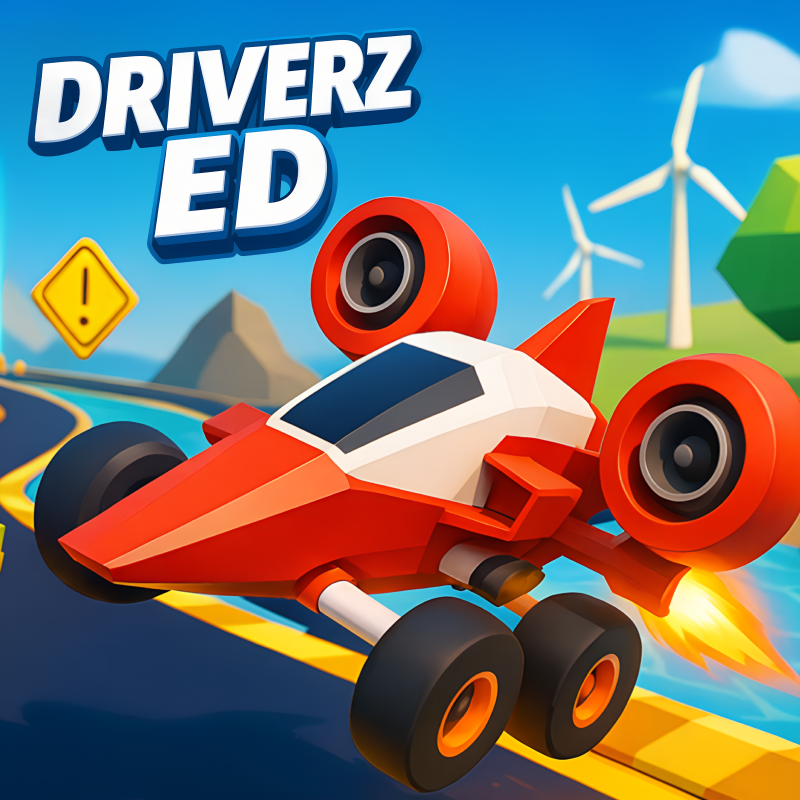
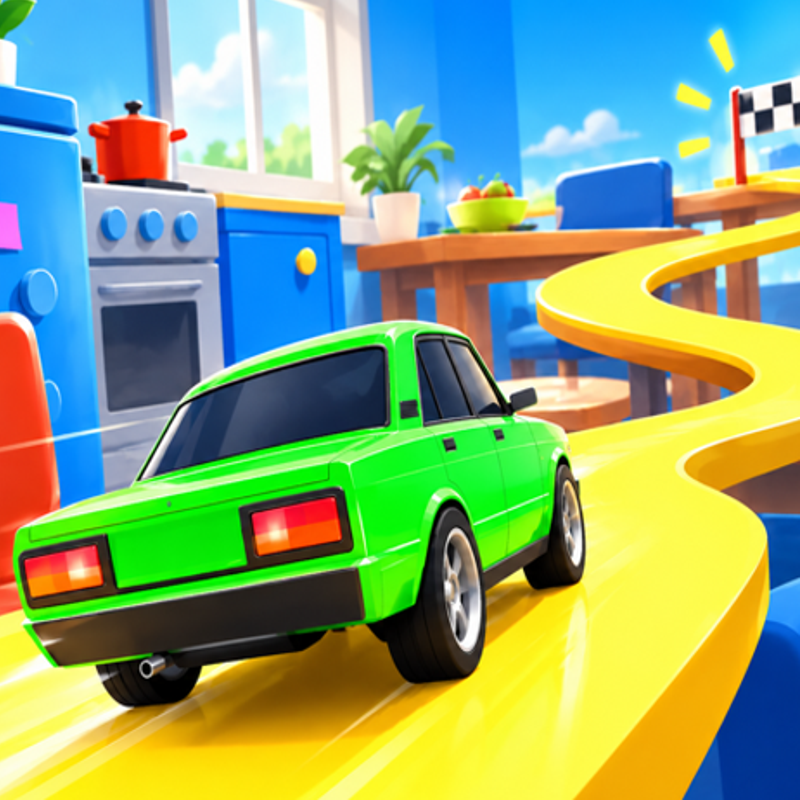
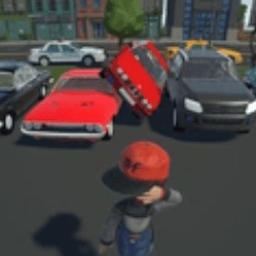
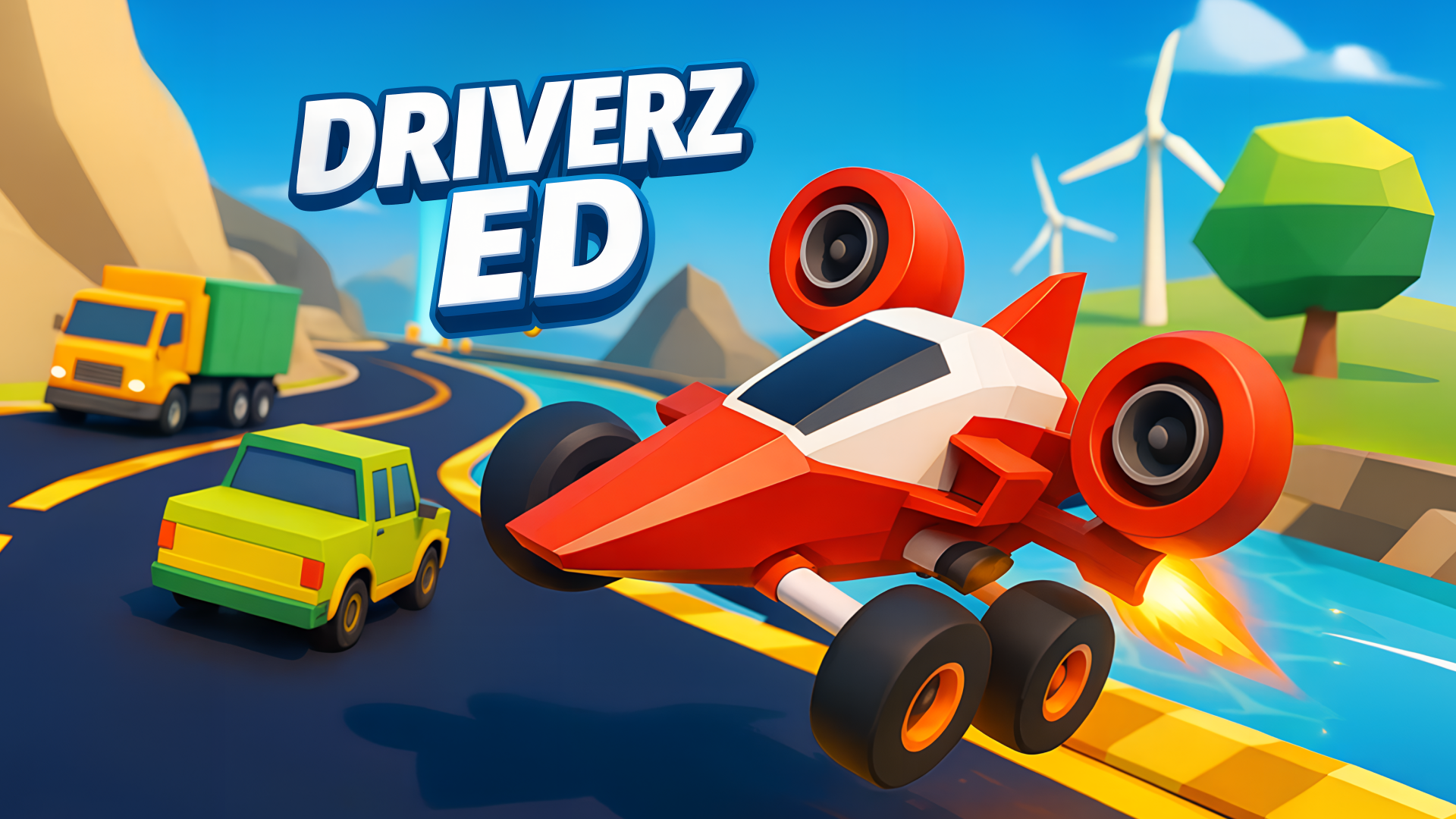
Welcome to Driverz Ed, with your instructor Ed! Explore Ed's beautiful island, completing challenges, or just drive around and try to find all the secrets the Island has to offer!
Find the hidden Puzzle Pieces and unlock every car.
How to play Driverz Ed
Explore the world, find the hidden Puzzle Pieces, unlock every car.
Controls:
WASD to Move
Arrows to Move
Mouse to Control the Camera.
G - Fast Travel to Start of Races
M - Shows all available missions and current records
P - Pause and open settings
Driverz Ed controls
- G: Fast Travel to Start of Races
- M: Shows all available missions and current records
- P: Pause and open settings
Driverz Ed FAQ
Is Driverz Ed free to play?
Yes. Driverz Ed is free on Physics Shark, with nothing to download and no account to make.
Can I play Driverz Ed unblocked at school?
Driverz Ed runs in a normal browser tab with no install, so it plays on school Chromebooks and laptops, with nothing to install and no account.
Does Driverz Ed work on phones and tablets?
Yes. It works with touch controls on phones and tablets, and with a keyboard and mouse on computers.
- LikedNo votes yet
- Rank#2152 of 2870
- PlaysBe the first!
- UpdatedNovember 2026
Gameplay
About this game
- Controls
- GFast Travel to Start of Races
- MShows all available missions and current records
- PPause and open settings
- Supported devices
- Desktop, phone and tablet














