 Physics Shark



































Arrow Parking
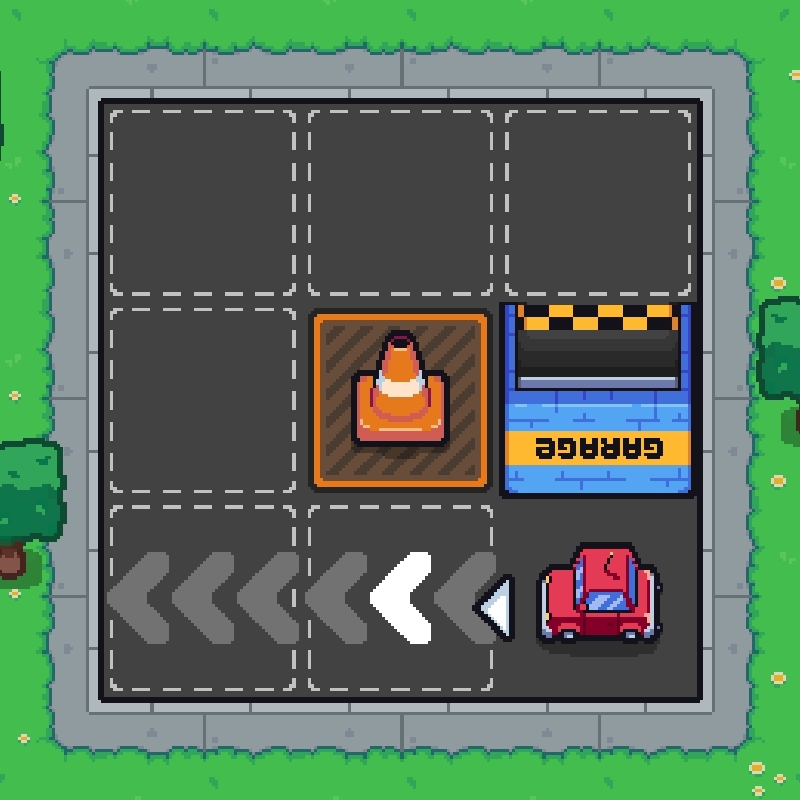
Play Arrow Parking online for free on Physics Shark. This parking game runs in a normal browser tab, so there's nothing to download and no sign-up, and it works on a school Chromebook, a laptop, a phone or a tablet.
Show moreShow less
Play Arrow Parking unblocked
Play Arrow Parking online for free on Physics Shark. This parking game runs in a normal browser tab, so there's nothing to download and no sign-up, and it works on a school Chromebook, a laptop, a phone or a tablet.
What is Arrow Parking?
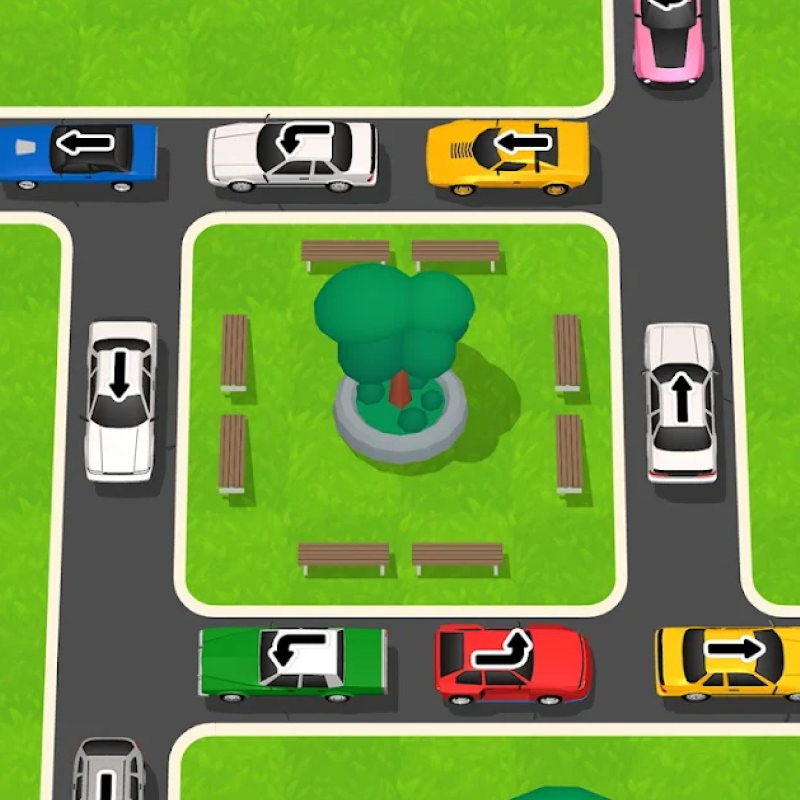
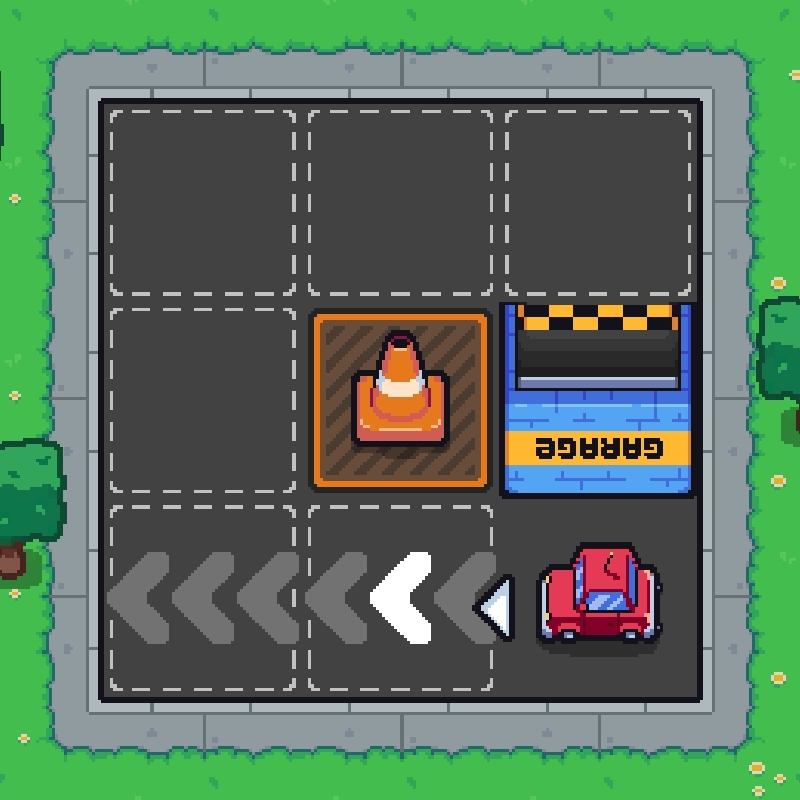
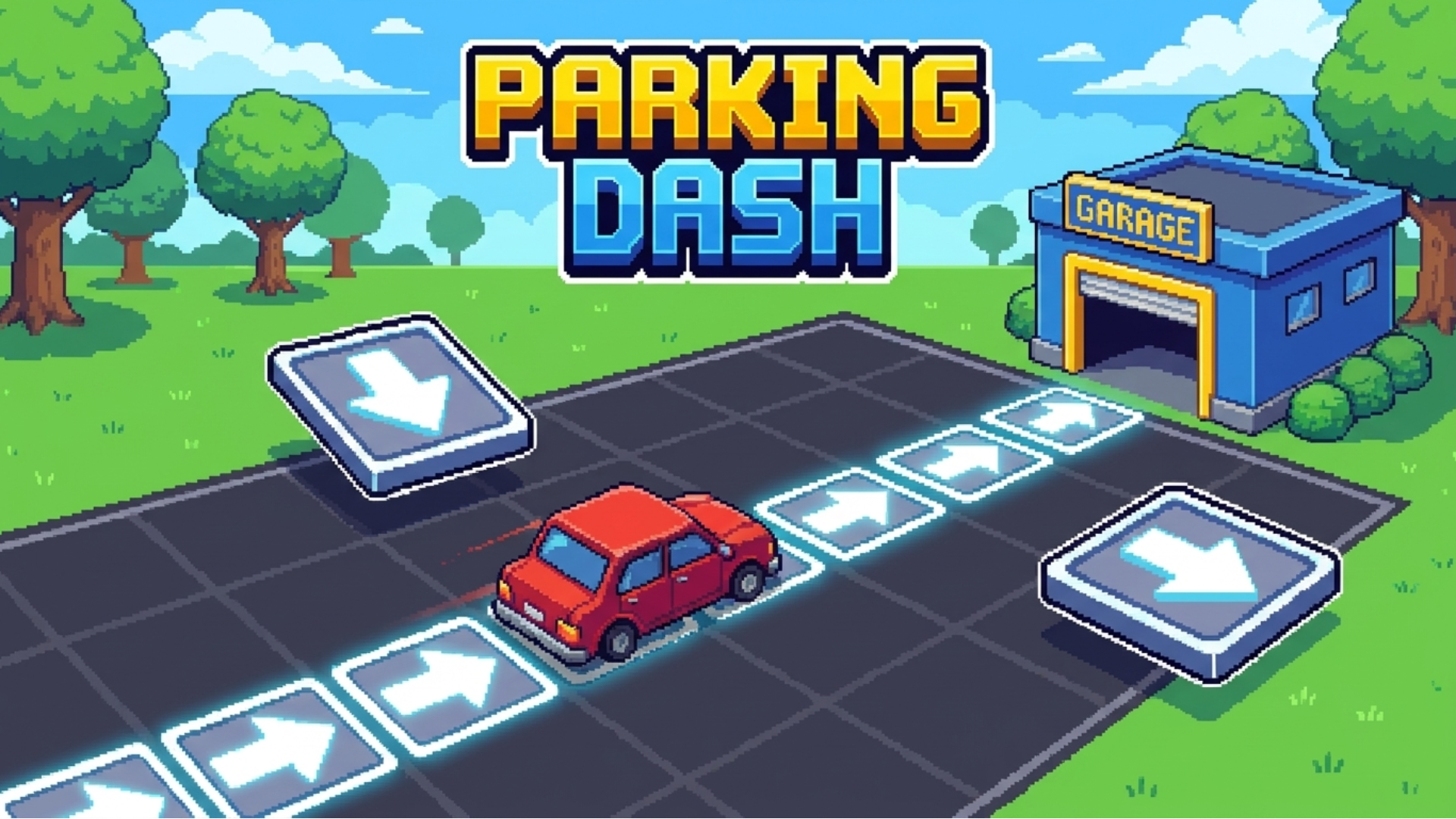
Arrow Parking is a relaxing puzzle game that challenges players to think ahead. Place arrow tiles to create the perfect route, guide the car to the garage, and solve increasingly challenging parking puzzles.
How to play Arrow Parking
Desktop Controls:
- Mouse: Drag and drop arrow tiles onto the board.
Mobile Controls:
- Touch: Drag and drop arrow tiles onto the board.
Arrow Parking controls
- Mouse: Drag and drop arrow tiles onto the board
Arrow Parking FAQ
Is Arrow Parking free to play?
Yes. Arrow Parking is free on Physics Shark, with nothing to download and no account to make.
Can I play Arrow Parking unblocked at school?
Arrow Parking runs in a normal browser tab with no install, so it plays on school Chromebooks and laptops, with nothing to install and no account.
Does Arrow Parking work on phones and tablets?
Yes. It works with touch controls on phones and tablets, and with a keyboard and mouse on computers.
- LikedNo votes yet
- Rank#1211 of 2870
- PlaysBe the first!
- UpdatedNovember 2026
Gameplay
About this game
- Controls
- MouseDrag and drop arrow tiles onto the board
- Supported devices
- Desktop, phone and tablet














