 Physics Shark






Bonecrypt
Play Bonecrypt online for free on Physics Shark. This 3D fighting game runs in a normal browser tab, so there's nothing to download and no sign-up, and it works on a Chromebook or any computer with a keyboard and mouse.
Show moreShow less
Play Bonecrypt unblocked
Play Bonecrypt online for free on Physics Shark. This 3D fighting game runs in a normal browser tab, so there's nothing to download and no sign-up, and it works on a Chromebook or any computer with a keyboard and mouse.
What is Bonecrypt?
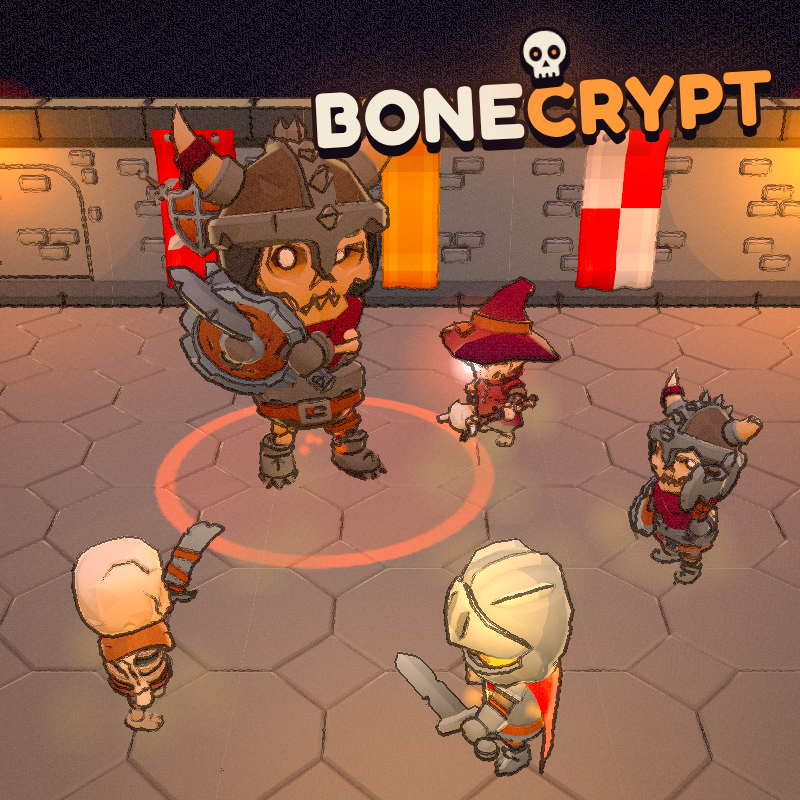
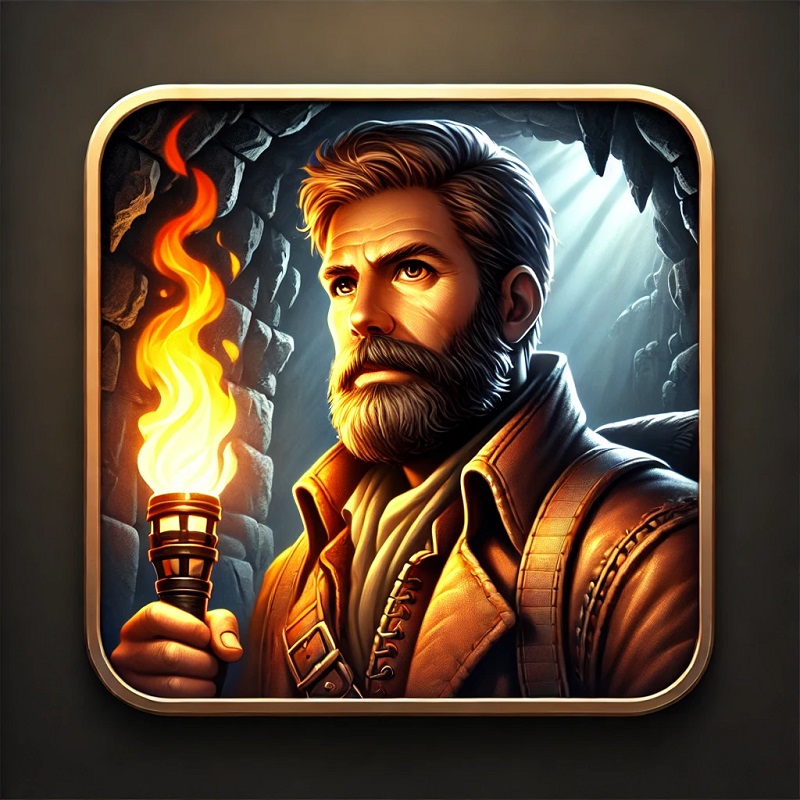
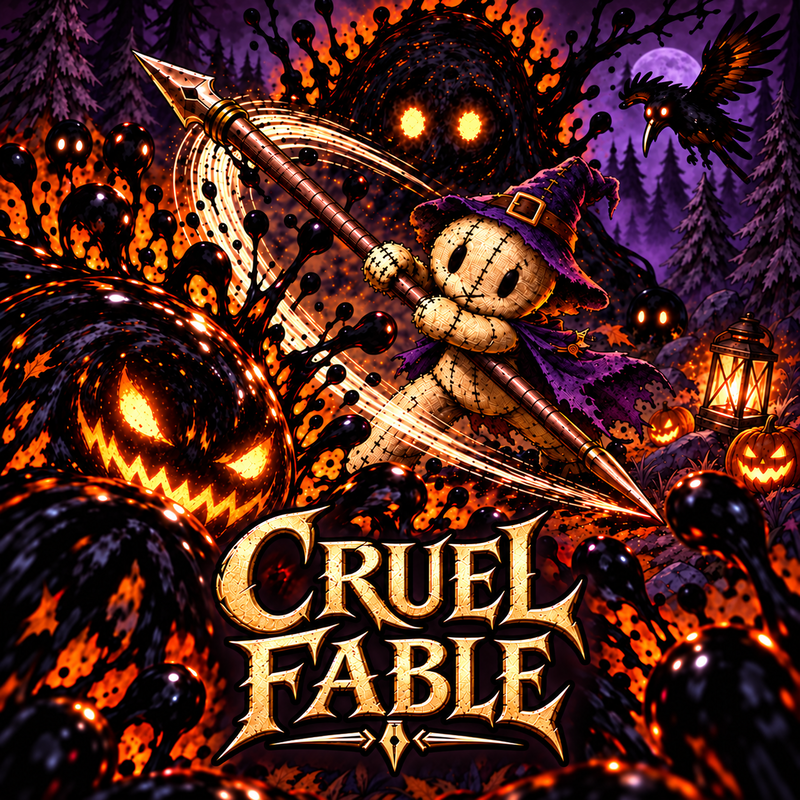
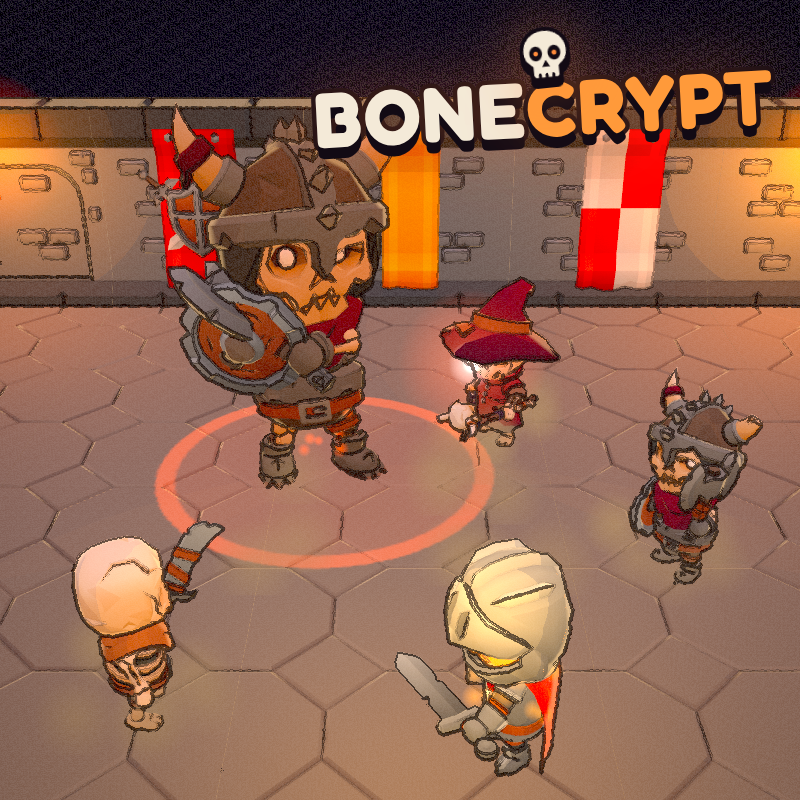
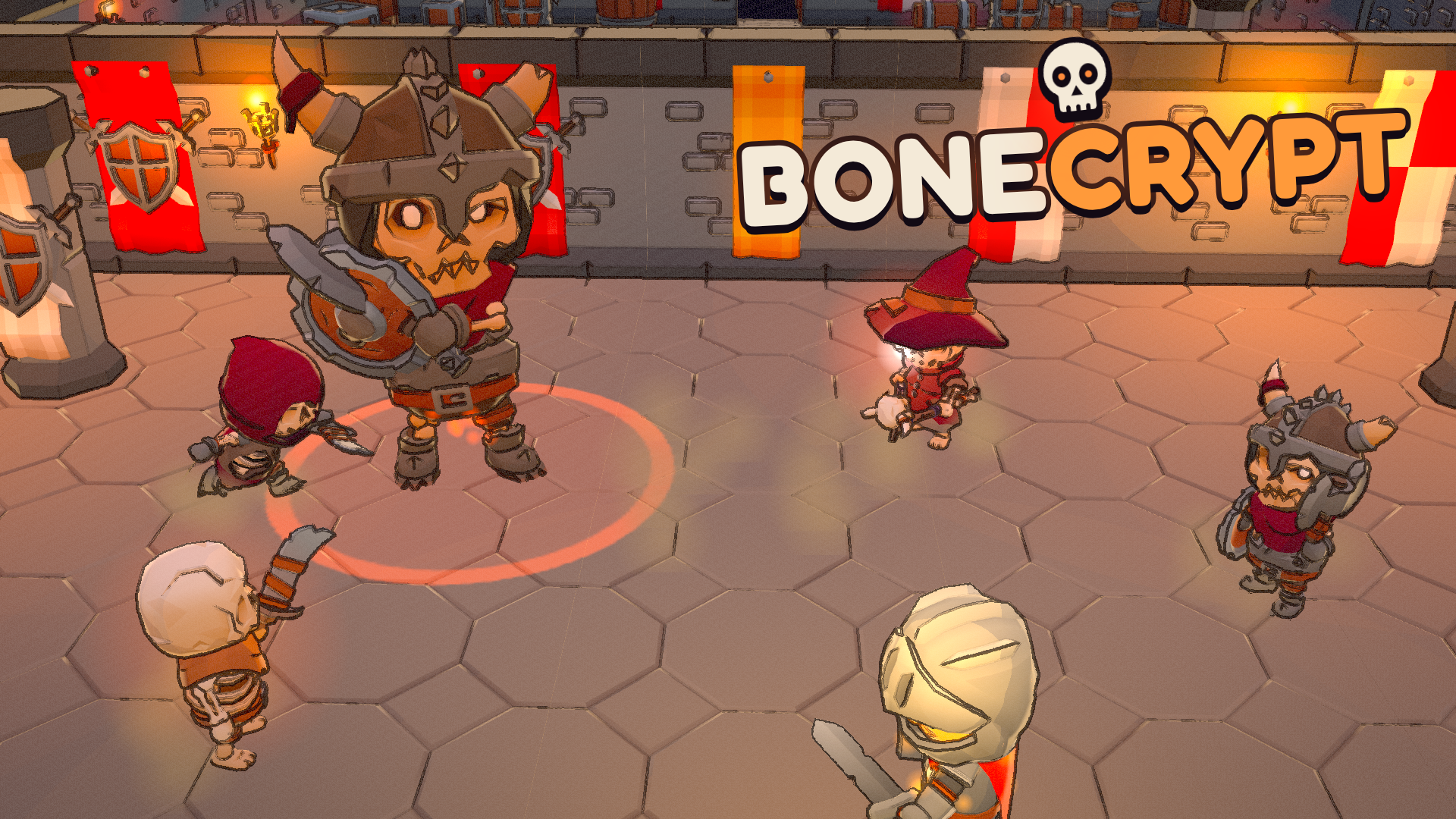
Bonecrypt is a dungeon action roguelite with a hand-drawn ink look. Fight through branching crypt floors full of skeleton warriors, archers, mages, beetles and wraiths. Yellow attacks can be parried for a big counter, red attacks must be dodged. Every run is different, with keys, locked vaults, secret walls, cursed chests and timed trial rooms. Play as a Knight, Ranger or Mage, unlock 9 weapons and 37 blessings, beat 3 bosses across 3 chapters, buy permanent upgrades at camp and try 5 Nightmare difficulty levels.
How to play Bonecrypt
Clear each room, find keys and open the way down to the chapter boss. Defeat all three bosses to win. WASD or Arrows: move. Left mouse or J: attack. Right mouse or K: parry yellow attacks. Space or Shift: dodge red attacks. R: special ability. Q: drink flask. E: interact. P: pause. M or the speaker icon: mute.
Bonecrypt FAQ
Is Bonecrypt free to play?
Yes. Bonecrypt is free on Physics Shark, with nothing to download and no account to make.
Can I play Bonecrypt unblocked at school?
Bonecrypt runs in a normal browser tab with no install, so it plays on school Chromebooks and laptops, with nothing to install and no account.
Does Bonecrypt work on phones and tablets?
It's made for computers: play it with a keyboard and mouse, for example on a Chromebook.
- LikedNo votes yet
- Rank#2536 of 2870
- PlaysBe the first!
- UpdatedNovember 2026
Gameplay
About this game
- Supported devices
- Desktop only: best with a keyboard and mouse














