 Physics Shark













Orbital
Play Orbital online for free on Physics Shark. This survival game runs in a normal browser tab, so there's nothing to download and no sign-up, and it works on a school Chromebook, a laptop, a phone or a tablet.
Show moreShow less
Play Orbital unblocked
Play Orbital online for free on Physics Shark. This survival game runs in a normal browser tab, so there's nothing to download and no sign-up, and it works on a school Chromebook, a laptop, a phone or a tablet.
What is Orbital?
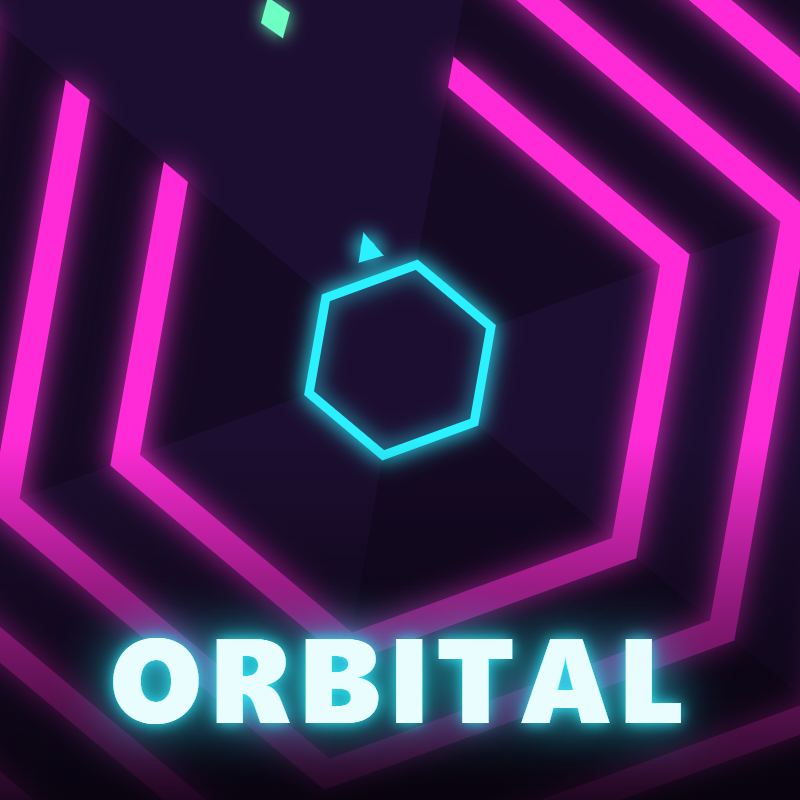
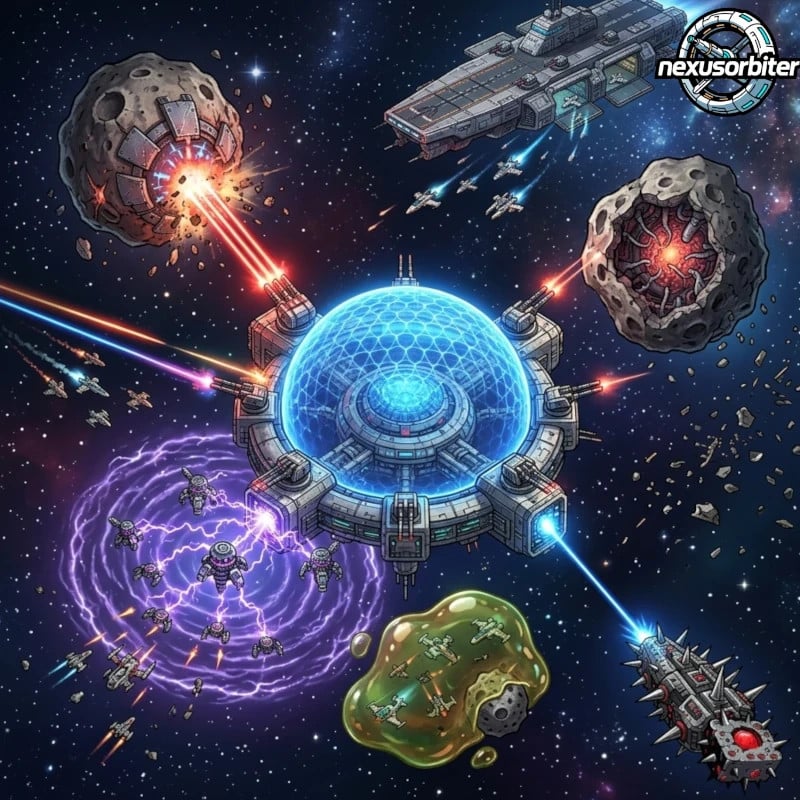
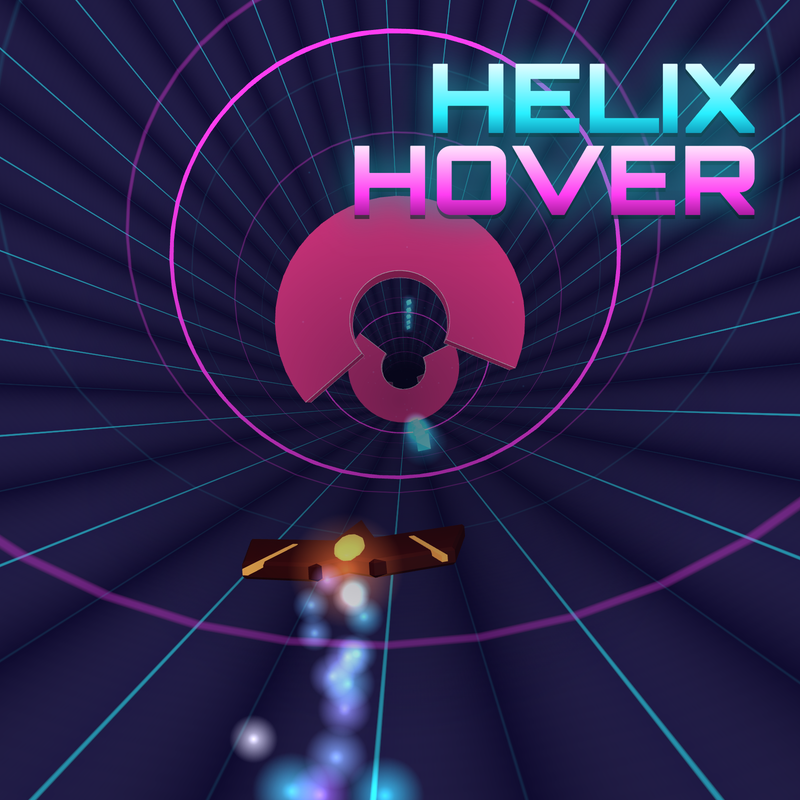
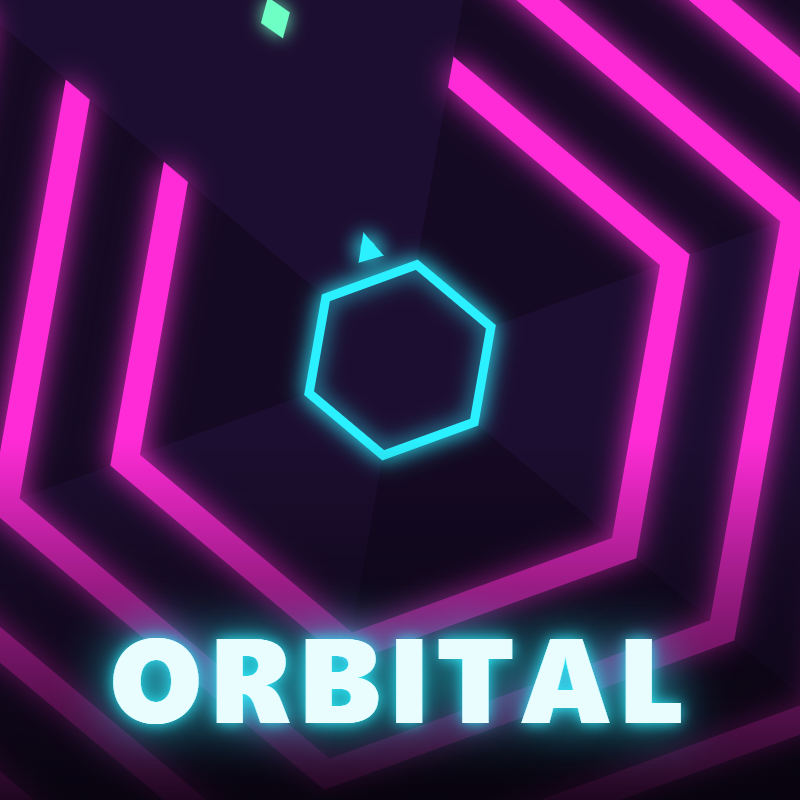
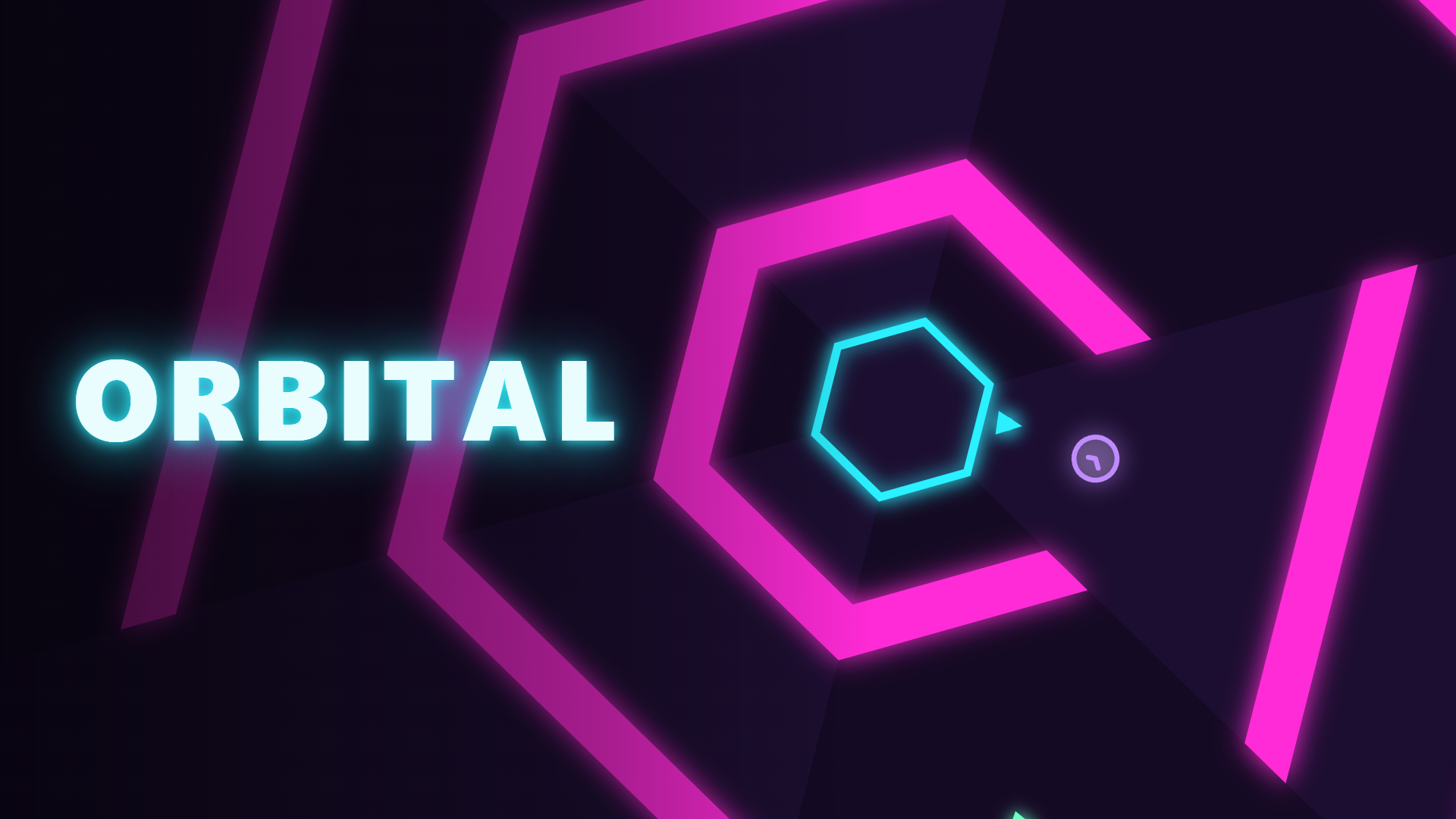
Orbital is a fast reflex game. Rings close in on the glowing core from every side, and you steer a spark around it to slip through the gaps. Crystals appear in the riskiest openings: grab them in a row to build your combo. Survive to earn stars and unlock new worlds, each with its own twist: Neon, Lava and Ice. Spend crystals on upgrades and skins, complete daily missions and open a free chest every day.
How to play Orbital
- Move: Left / Right arrow keys, A / D, or left / right mouse button
- Focus (slow time, after upgrade): Shift
- Mobile: touch and hold the left or right half of the screen; two fingers for focus
- Retry: Space, Menu: Esc, Mute: M
Orbital controls
- Move: Left / Right arrow keys, A / D, or left / right mouse button
- Retry: Space, Menu: Esc, Mute: M
Orbital FAQ
Is Orbital free to play?
Yes. Orbital is free on Physics Shark, with nothing to download and no account to make.
Can I play Orbital unblocked at school?
Orbital runs in a normal browser tab with no install, so it plays on school Chromebooks and laptops, with nothing to install and no account.
Does Orbital work on phones and tablets?
Yes. It works with touch controls on phones and tablets, and with a keyboard and mouse on computers.
- LikedNo votes yet
- Rank#313 of 2870
- PlaysBe the first!
- UpdatedNovember 2026
Gameplay
About this game
- Controls
- MoveLeft / Right arrow keys, A / D, or left / right mouse button
- RetrySpace, Menu: Esc, Mute: M
- Supported devices
- Desktop, phone and tablet














