 Physics Shark
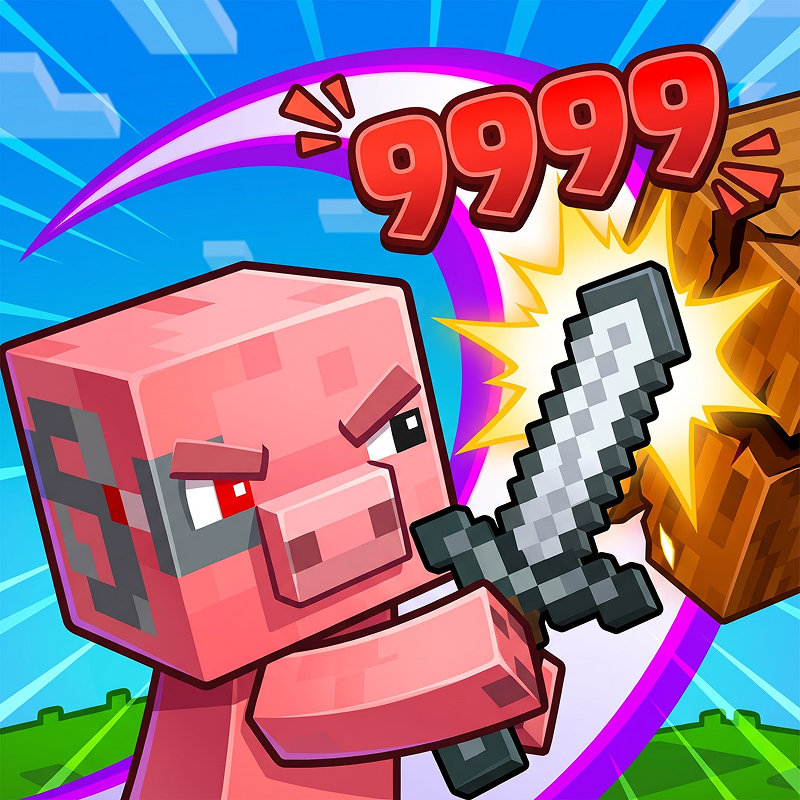




Mine: Block Breaker
Looking for an arcade game you can play at school? Mine: Block Breaker loads straight in your browser on Physics Shark: free, unblocked and nothing to install.
Show moreShow less
Play Mine: Block Breaker unblocked
Looking for an arcade game you can play at school? Mine: Block Breaker loads straight in your browser on Physics Shark: free, unblocked and nothing to install. Play it on a school Chromebook, a laptop, a phone or a tablet.
What is Mine: Block Breaker?
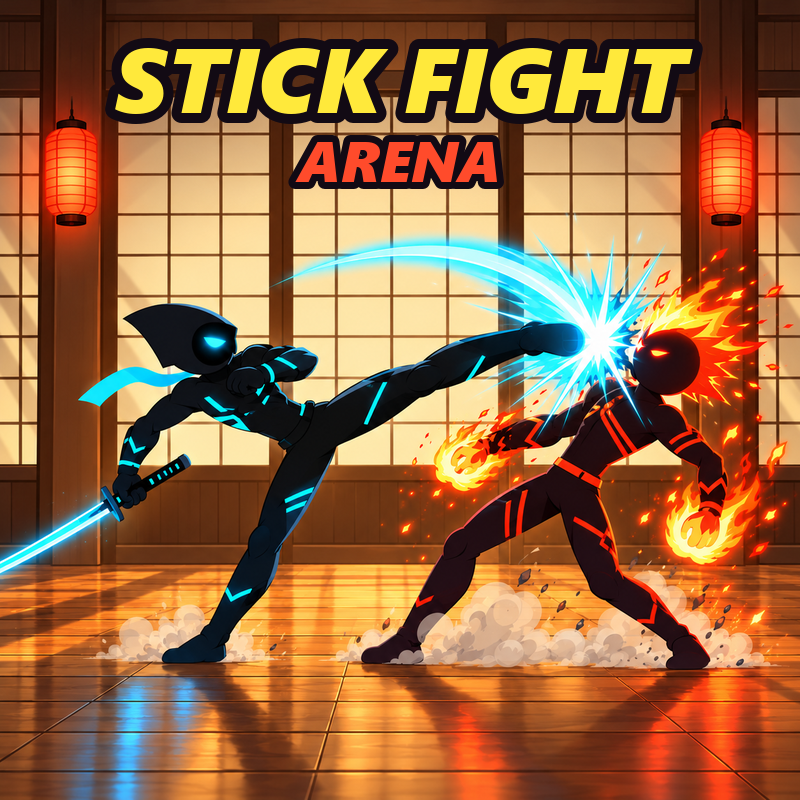
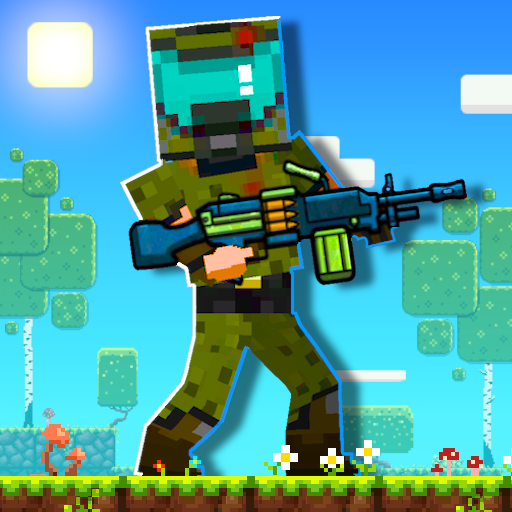
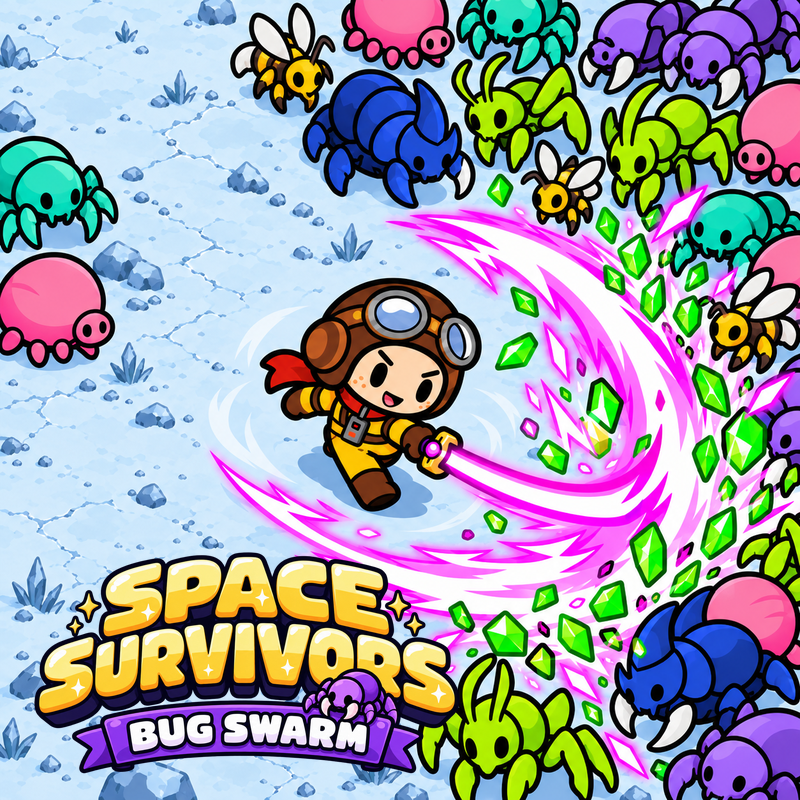
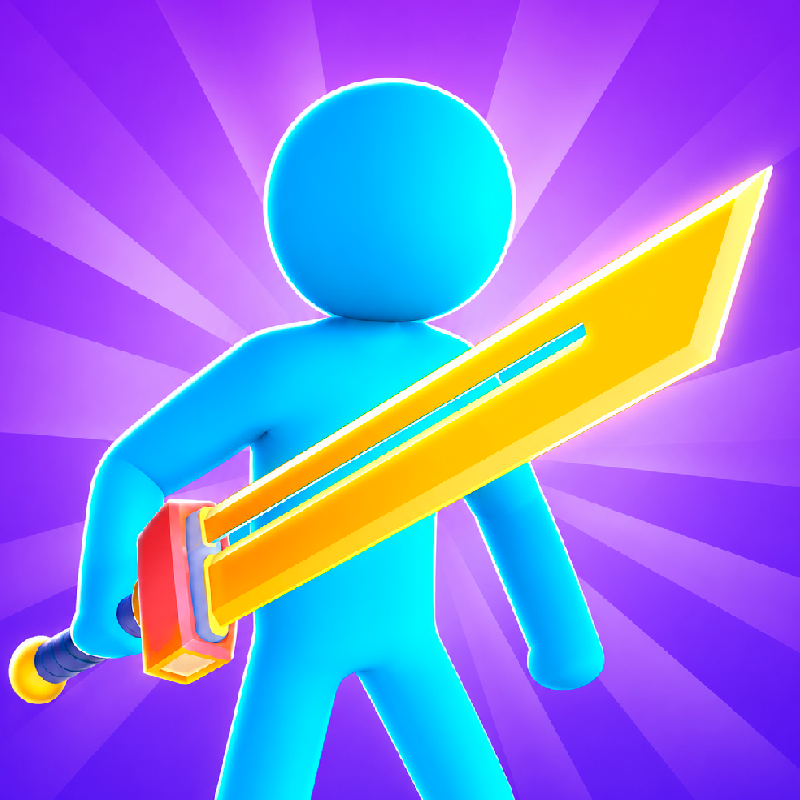
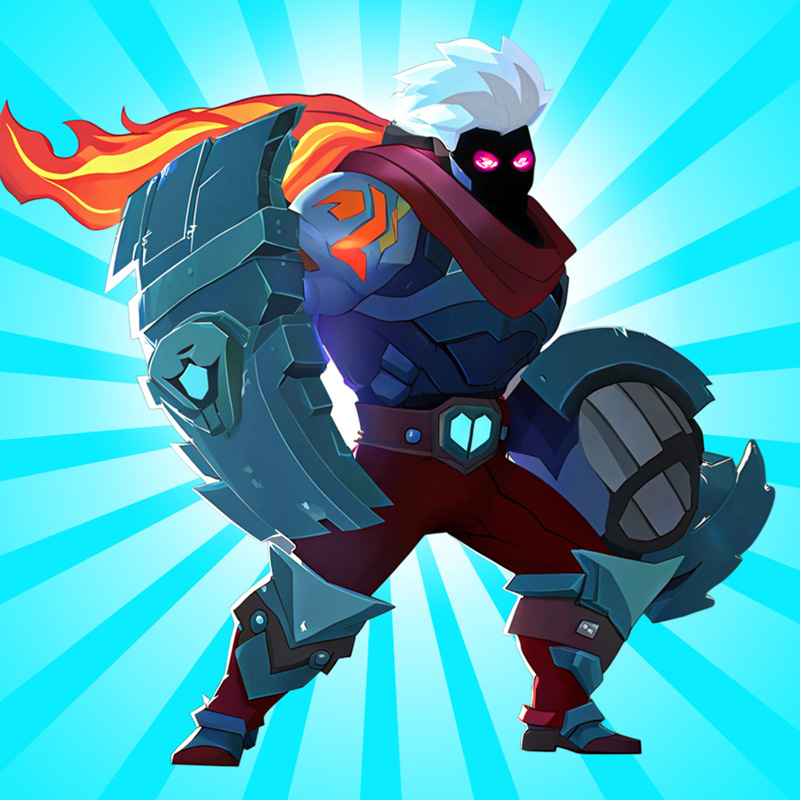
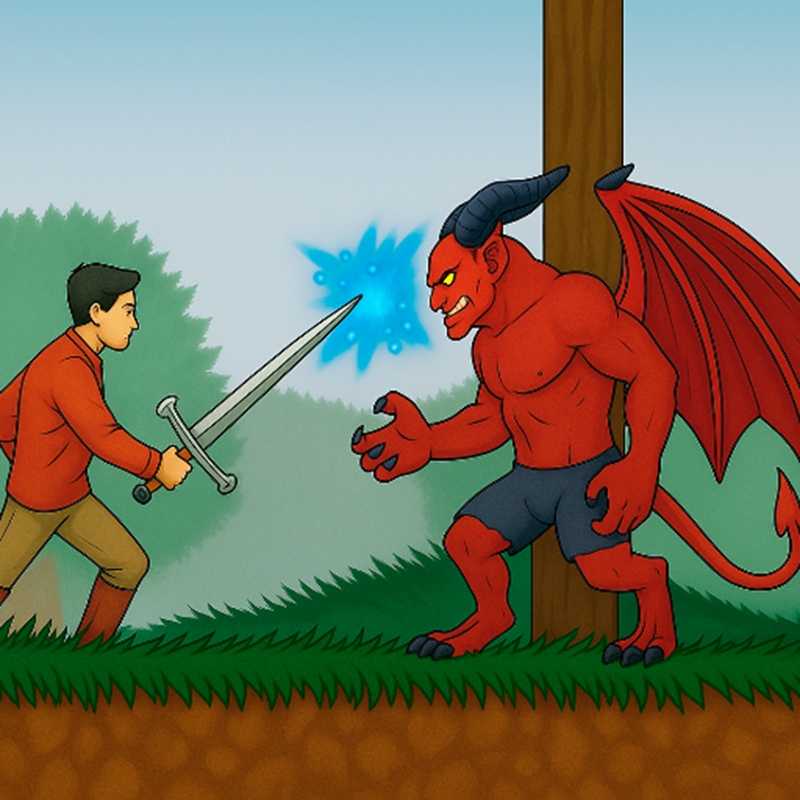
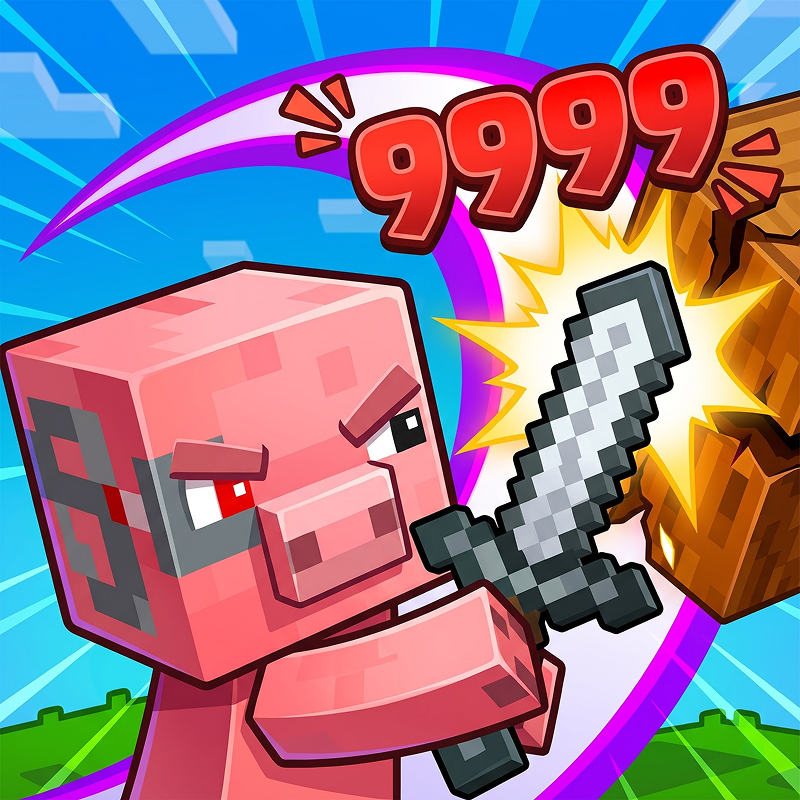
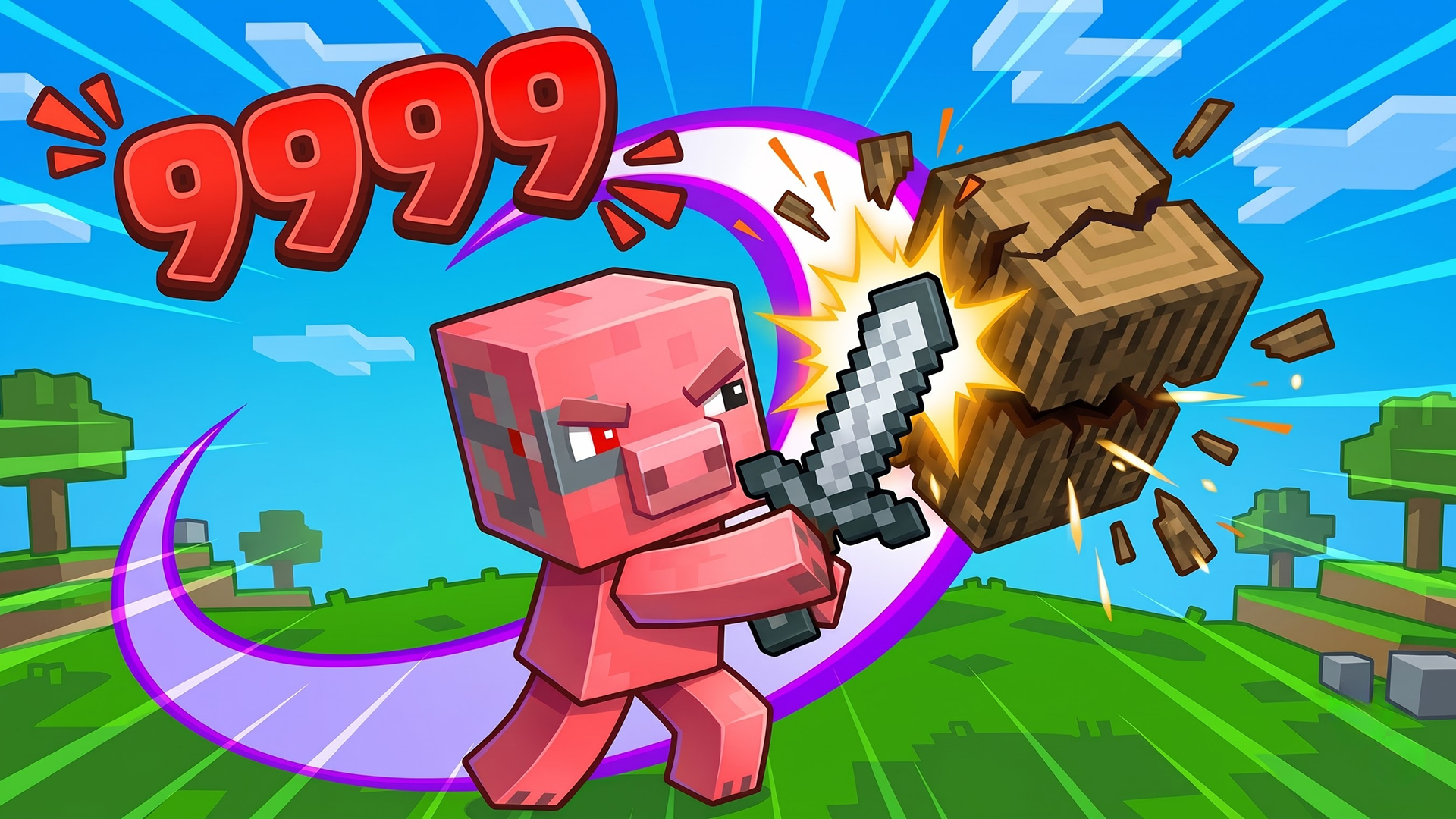
Cracker Hero is a physics-based arcade game where you launch a sword-wielding hero into an arena of breakable blocks and enemies. Aim your shot, bounce across the battlefield, and time your dash while your spinning sword does the fighting. Open chests, collect equipment, choose powerful buffs, and upgrade your hero between runs. Build up your strength and take on increasingly challenging Arena waves.
How to play Mine: Block Breaker
Desktop: Hold the left mouse button on your hero, drag to aim, and release to launch. Click the Dash button for a burst of speed.
Mobile: Touch and drag your hero to aim, then release to launch. Tap the Dash button for a burst of speed.
Click or tap the on-screen buttons to choose buffs, equip items, and purchase upgrades.
Mine: Block Breaker controls
- Keyboard / mouse: Hold the left mouse button on your hero, drag to aim, and release to launch. Click the Dash button for a burst of speed
Mine: Block Breaker FAQ
Is Mine: Block Breaker free to play?
Yes. Mine: Block Breaker is free on Physics Shark, with nothing to download and no account to make.
Can I play Mine: Block Breaker unblocked at school?
Mine: Block Breaker runs in a normal browser tab with no install, so it plays on school Chromebooks and laptops, with nothing to install and no account.
Does Mine: Block Breaker work on phones and tablets?
Yes. It works with touch controls on phones and tablets, and with a keyboard and mouse on computers.
- LikedNo votes yet
- Rank#659 of 2870
- PlaysBe the first!
- UpdatedNovember 2026
Gameplay
About this game
- Controls
- Keyboard / mouseHold the left mouse button on your hero, drag to aim, and release to launch. Click the Dash button for a burst of speed
- Supported devices
- Desktop, phone and tablet














