 Physics Shark





























Lorin Adventure
Play Lorin Adventure online for free on Physics Shark. This RPG runs in a normal browser tab, so there's nothing to download and no sign-up, and it works on a school Chromebook, a laptop, a phone or a tablet.
Show moreShow less
Play Lorin Adventure unblocked
Play Lorin Adventure online for free on Physics Shark. This RPG runs in a normal browser tab, so there's nothing to download and no sign-up, and it works on a school Chromebook, a laptop, a phone or a tablet.
What is Lorin Adventure?
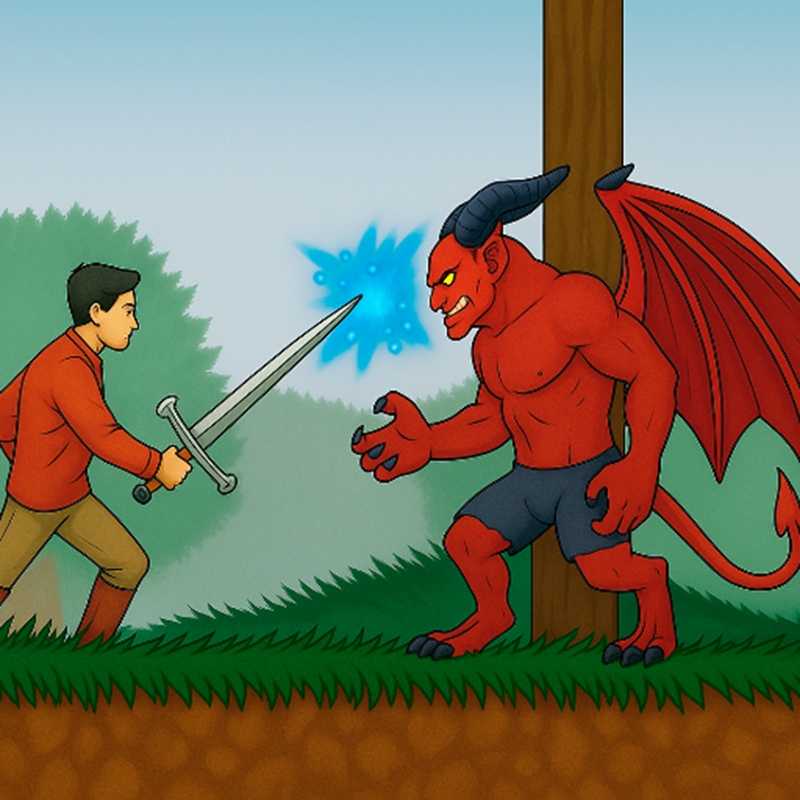
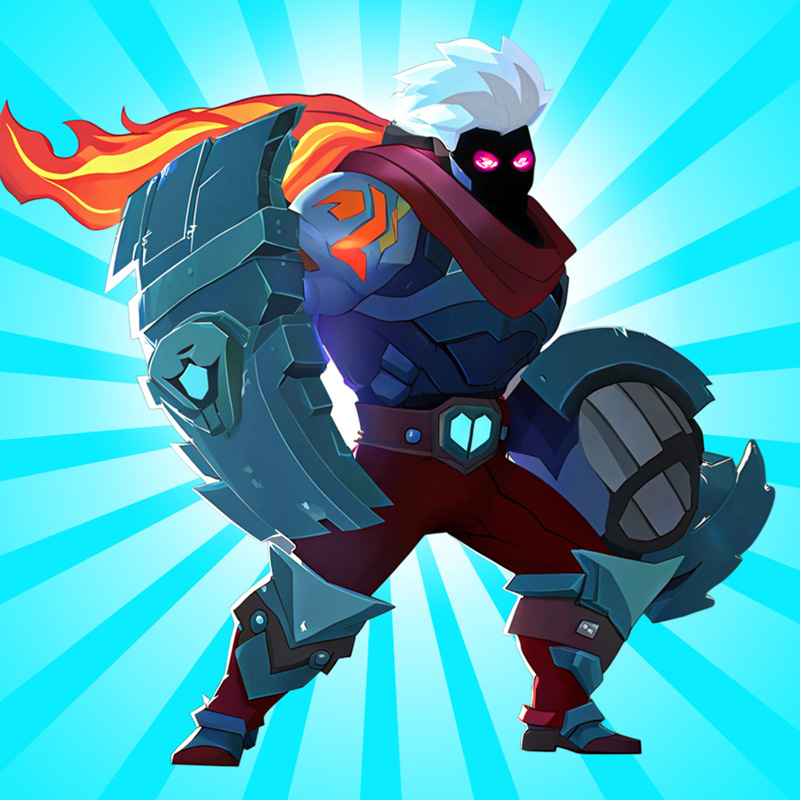
Lorin Adventure is a thrilling action RPG centered around endless combos and engaging hero stories. Players embark on an epic quest to defeat the demon king Chaos and his three demons through simple yet dynamic combo attacks.
Forge and upgrade powerful weapons at the blacksmith, gather diverse armor sets to boost combat stats, and hunt down boss monsters to collect them.
Discover potent artifacts that dramatically alter your adventure, and empower your champions through continuous reinforcement and reincarnation. Enjoy seamless, fast-paced battles and rise as a legendary warrior!
How to play Lorin Adventure
Desktop: Use Left/Right arrows, A/D, or click the on-screen left/right buttons.
Mobile: Tap the left/right on-screen buttons to control and attack.
Lorin Adventure controls
- Keyboard / mouse: Use Left/Right arrows, A/D, or click the on-screen left/right buttons
Lorin Adventure FAQ
Is Lorin Adventure free to play?
Yes. Lorin Adventure is free on Physics Shark, with nothing to download and no account to make.
Can I play Lorin Adventure unblocked at school?
Lorin Adventure runs in a normal browser tab with no install, so it plays on school Chromebooks and laptops, with nothing to install and no account.
Does Lorin Adventure work on phones and tablets?
Yes. It works with touch controls on phones and tablets, and with a keyboard and mouse on computers.
- LikedNo votes yet
- Rank#849 of 2870
- PlaysBe the first!
- UpdatedNovember 2026
Gameplay

About this game
- Controls
- Keyboard / mouseUse Left/Right arrows, A/D, or click the on-screen left/right buttons
- Supported devices
- Desktop, phone and tablet














