 Physics Shark




































Sumo Fury
Looking for a fighting game you can play at school? Sumo Fury loads straight in your browser on Physics Shark: free, unblocked and nothing to install. Play it on a school Chromebook, a laptop, a phone or a tablet.
Show moreShow less
Play Sumo Fury unblocked
Looking for a fighting game you can play at school? Sumo Fury loads straight in your browser on Physics Shark: free, unblocked and nothing to install. Play it on a school Chromebook, a laptop, a phone or a tablet.
What is Sumo Fury?
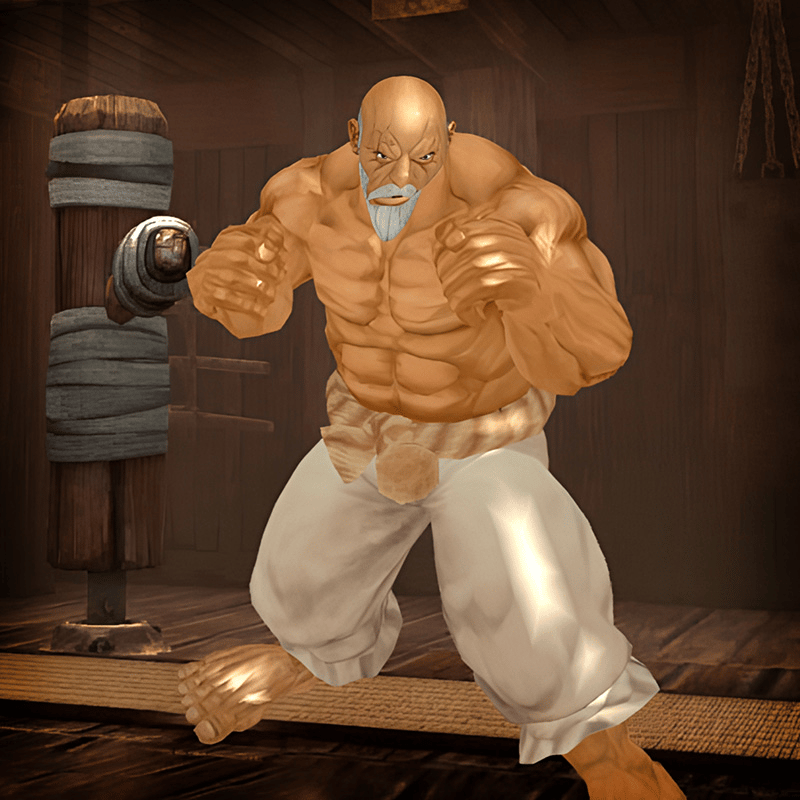
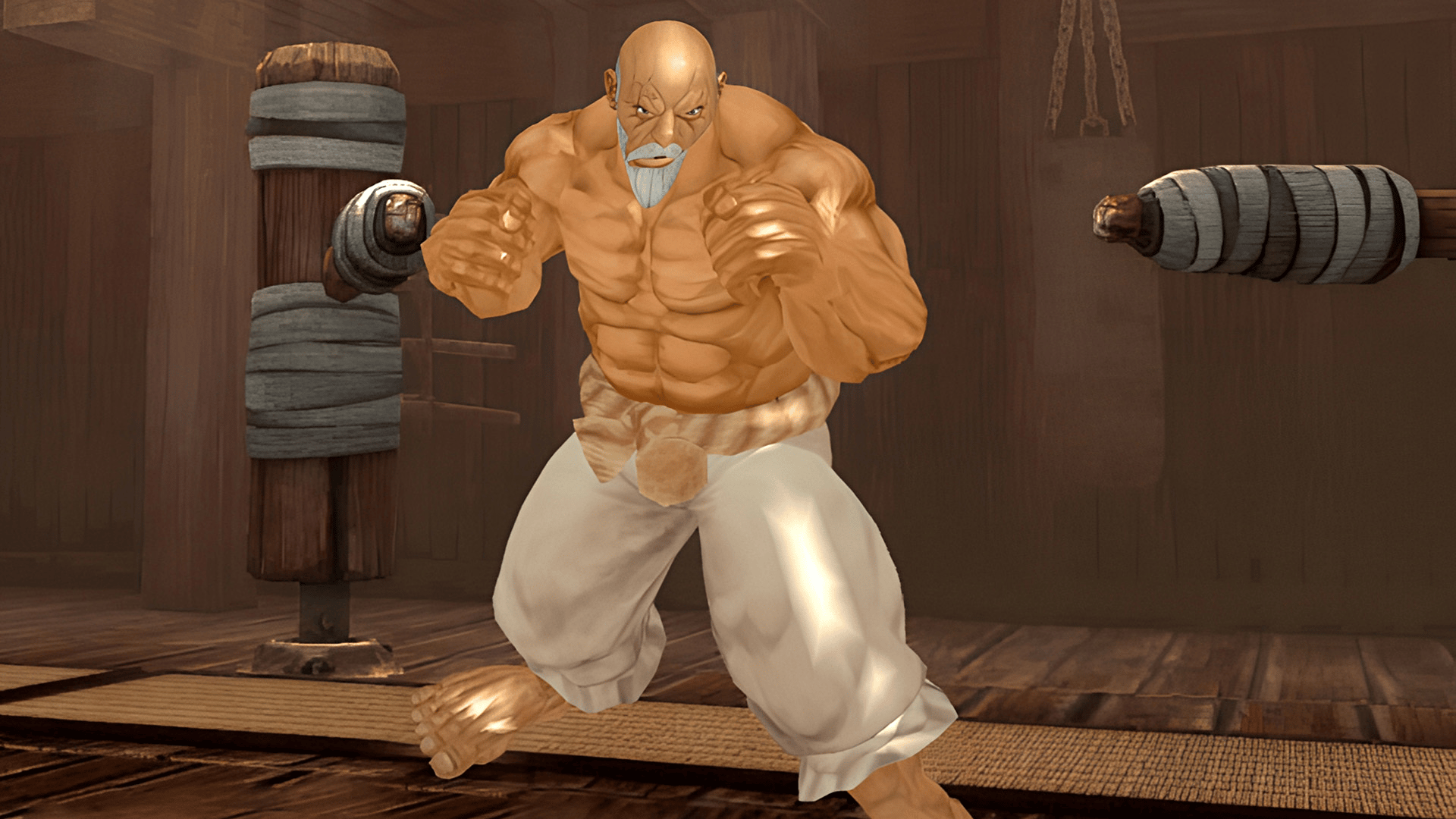
Dive into the thrilling world of Sumo Fury, where you can acquire powerful wrestlers with superior stats and challenge rivals globally. Show your mastery in combat, earn in-game currency through victories, and unlock stronger fighters to dominate the arena. Achieve glory and wealth with each victory, the excitement of Sumo Fury is sure to captivate you!
How to play Sumo Fury
Keyboard Controls:
Movement: Arrow keys (← ↑ → ↓)
Punch: Z
Kick: X
Defend: C
Jump: Spacebar
Mobile Controls:
Movement: Virtual Joystick [Joystick Image]
Actions: Tap corresponding buttons
Sumo Fury controls
- Arrow keys (← ↑ → ↓): Movement
- Z: Punch
- X: Kick
- C: Defend
- Spacebar: Jump
Sumo Fury FAQ
Is Sumo Fury free to play?
Yes. Sumo Fury is free on Physics Shark, with nothing to download and no account to make.
Can I play Sumo Fury unblocked at school?
Sumo Fury runs in a normal browser tab with no install, so it plays on school Chromebooks and laptops, with nothing to install and no account.
Does Sumo Fury work on phones and tablets?
Yes. It works with touch controls on phones and tablets, and with a keyboard and mouse on computers.
- LikedNo votes yet
- Rank#1266 of 2870
- PlaysBe the first!
- UpdatedNovember 2026
Gameplay
About this game
- Controls
- Arrow keys (← ↑ → ↓)Movement
- ZPunch
- XKick
- CDefend
- SpacebarJump
- Supported devices
- Desktop, phone and tablet
- Genre
- Actionfightingwrestlingaction fightingiphonearenacombat














